Sooner or later, every beginner meets the folder of shame. It holds files named report.doc, report_new.doc, report_final.doc and, of course, report_final_v2_REAL.doc. Nobody knows which one is newest. Nobody dares delete the others, just in case.
Programmers had the same problem, only worse, because their files are code that other people also edit. Their answer is version control systems: tools that remember every version of a project, so the folder of shame never happens again.
This guide explains what a version control system is, why it matters, the main types and tools, and the simple daily workflow behind all of them. It is one of the foundations of building software, right next to topics like software architecture, and you do not need any experience to follow along.
What Is Version Control?
Version control is the practice of tracking and managing changes to files over time. A version control system is the software that does this tracking for you.
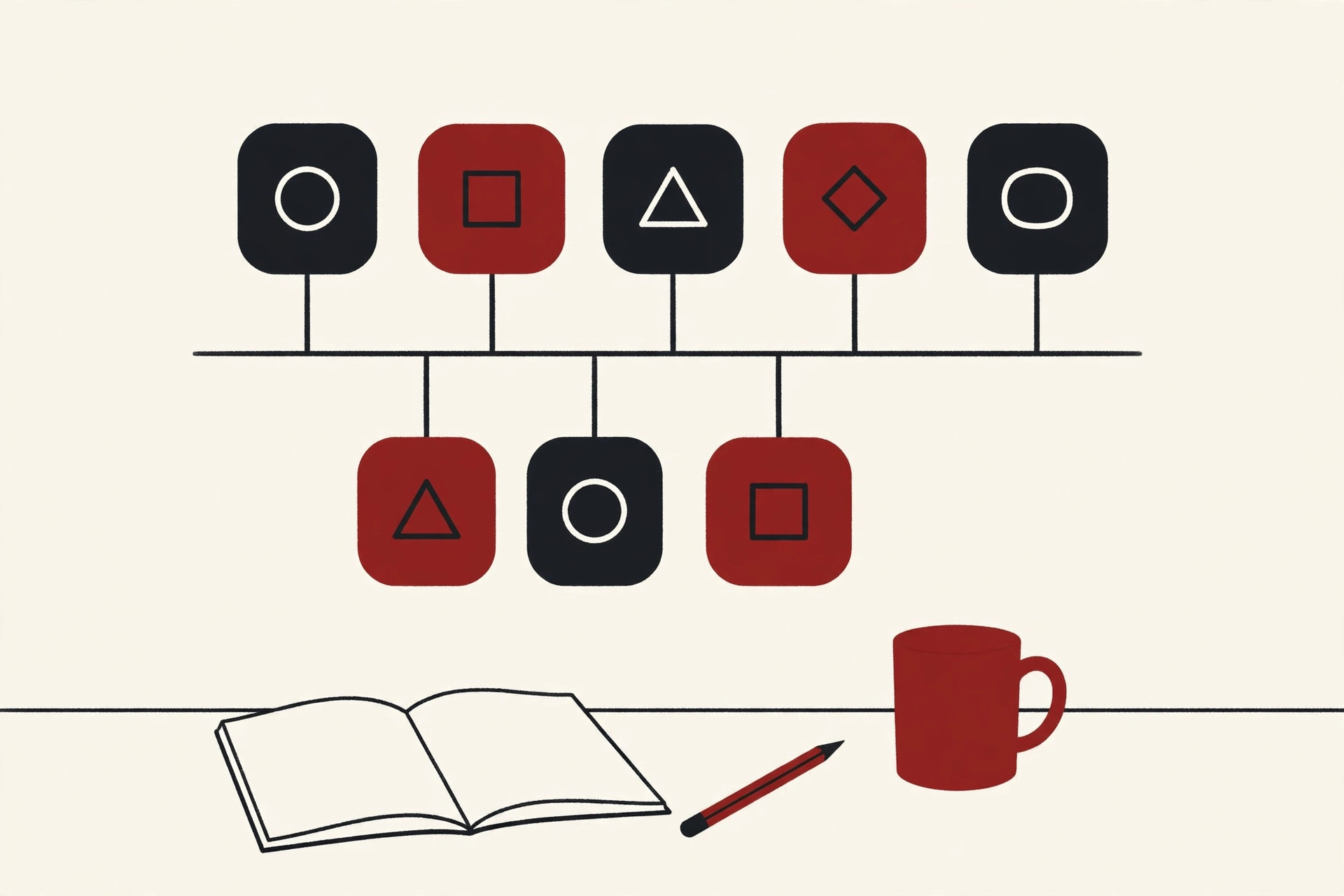
The easiest way to picture it is as a time machine for your project. Every time your work reaches a point worth keeping, you save a snapshot. The system stores that snapshot with a label, the date, your name and a note about what changed. Days or months later, you can look at any old snapshot, compare it with today, or jump back to it completely.
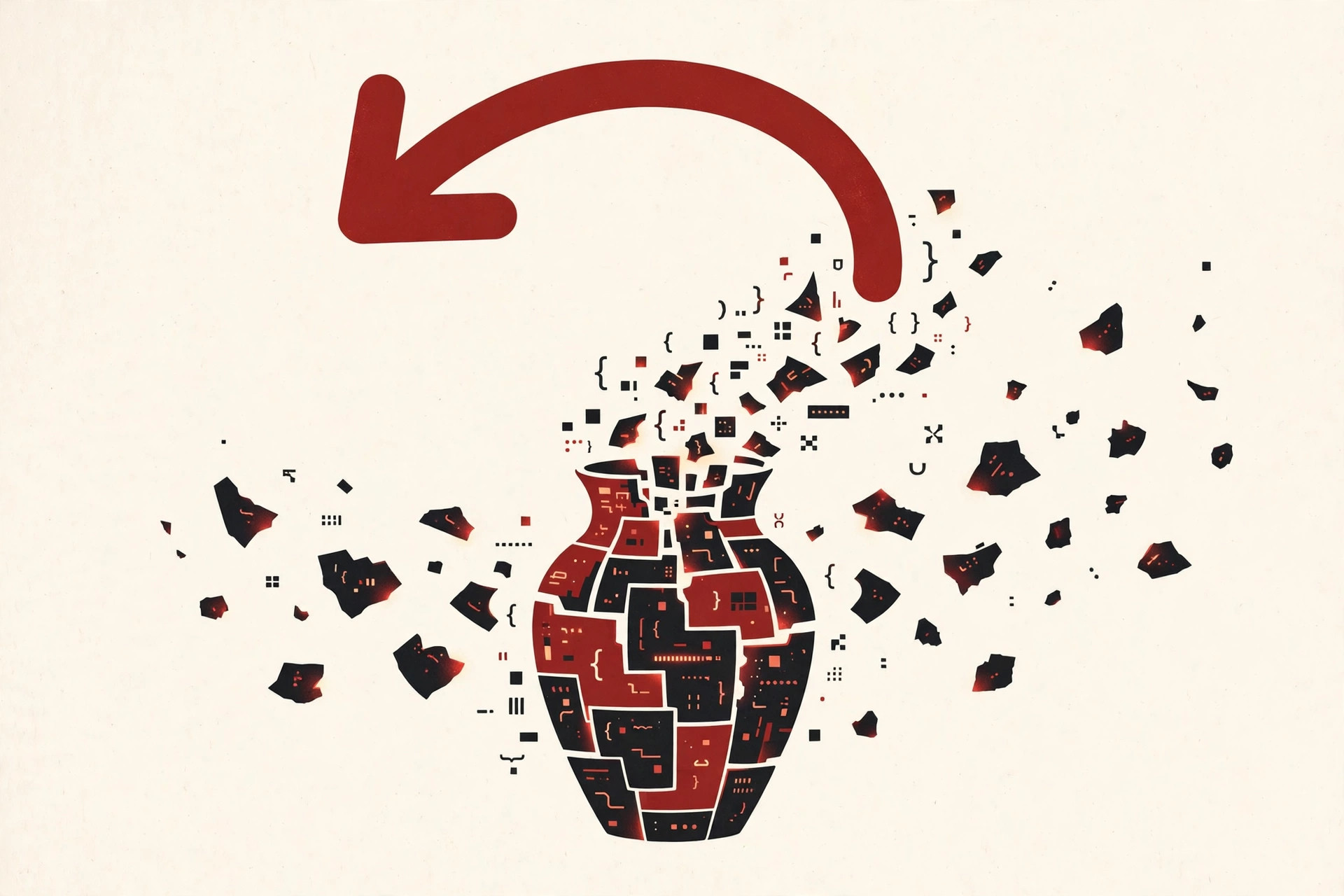
You may also hear the same idea called source control, or source code management. The names differ slightly, but they all point at the same job: keeping a safe, organized history of a project as it changes.
A plain undo button only helps until you close the file. Version control systems keep the full story forever, across every file in the project, for every person working on it.
Why Version Control Matters
It is tempting to think this is just tidy bookkeeping. It is much more than that. Version control quietly protects a project in four big ways.
A real backup. If your laptop dies, your work is not gone, because copies of the project and its history live on other machines and on a shared platform. One broken disk cannot erase months of work.
A full history. Every change is recorded with who made it, when they made it, and a short note about why. When something breaks, you can find the exact change that broke it instead of guessing.
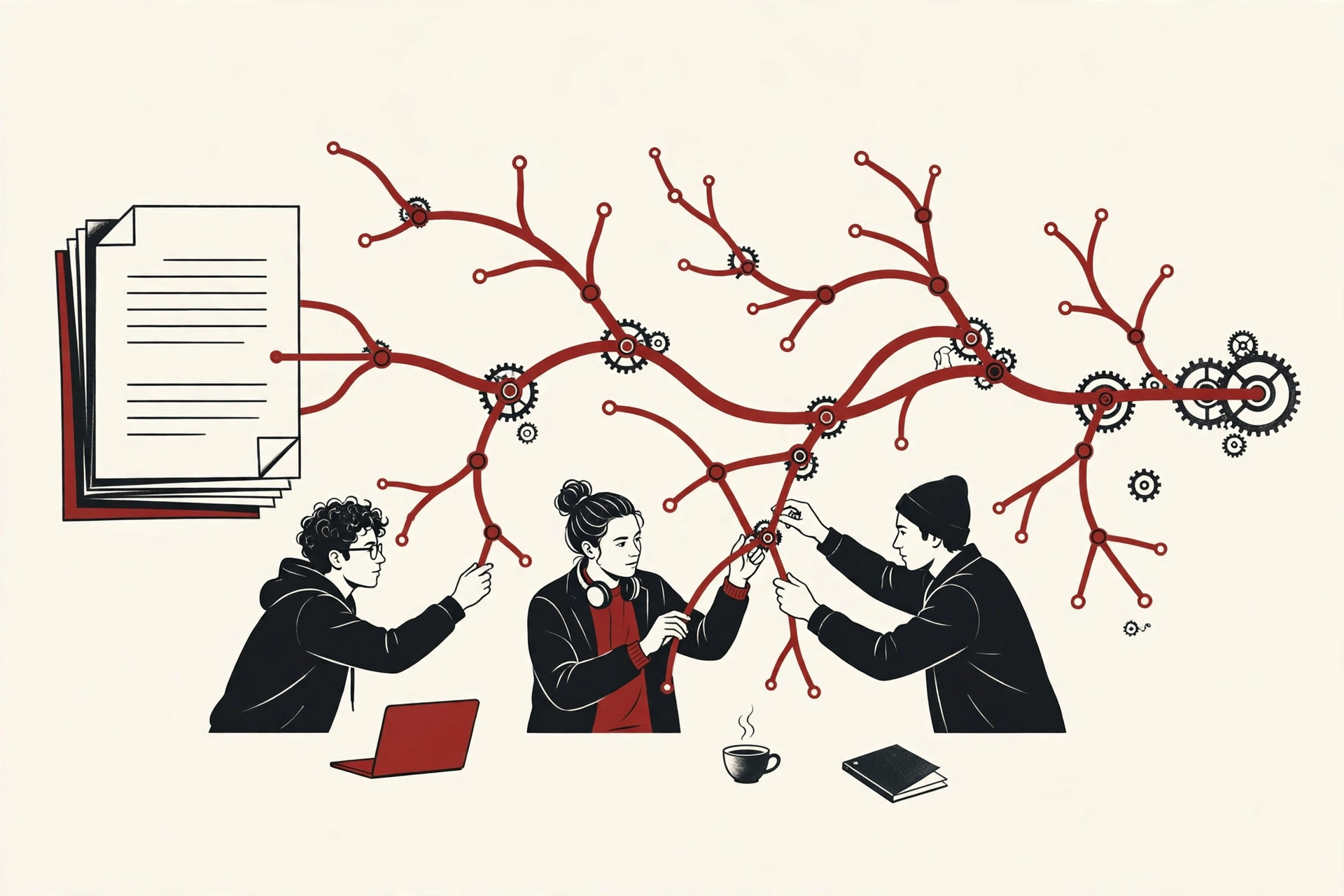
Teamwork without chaos. Ten people can work on the same project at the same time, even on the same file, and the system helps combine their work at the end. No more emailing files back and forth and hoping you edited the latest one.
Safe experiments. You can try a risky idea on a separate branch, a copy of the project that does not affect the main work. If the idea works, you keep it. If it fails, you delete the branch and nothing was harmed.
The 3 Types of Version Control
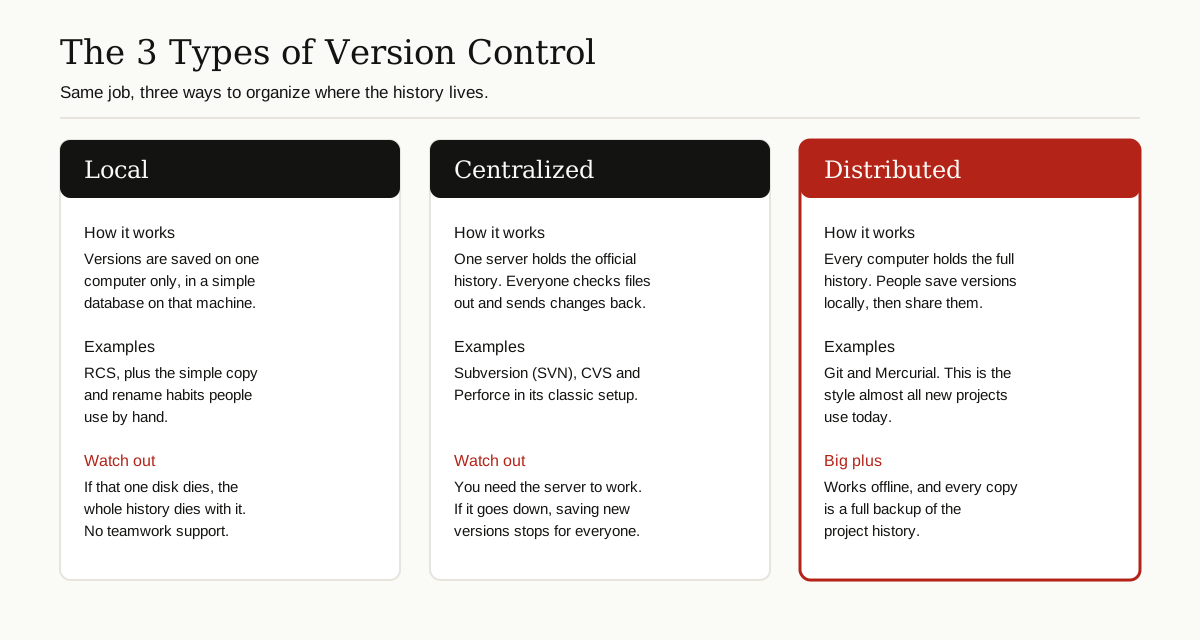
All version control systems fall into three families. The difference is where the project history lives.
Local Version Control
The history lives on one computer only. The oldest tools, like RCS from 1982, worked this way: they kept copies of each file’s older versions in a small database on the same machine. It beats renaming files by hand, but if that one computer fails, everything fails with it, and sharing with a team is nearly impossible.
Centralized Version Control
One server holds the official history, and everyone connects to it. Systems like CVS and Subversion work this way. You check out the files you need, edit them, and send your changes back to the server. It is simple to understand and easy to manage, but you need that server to save new versions, so a dead server or a lost connection stops everyone’s commits.
Distributed Version Control
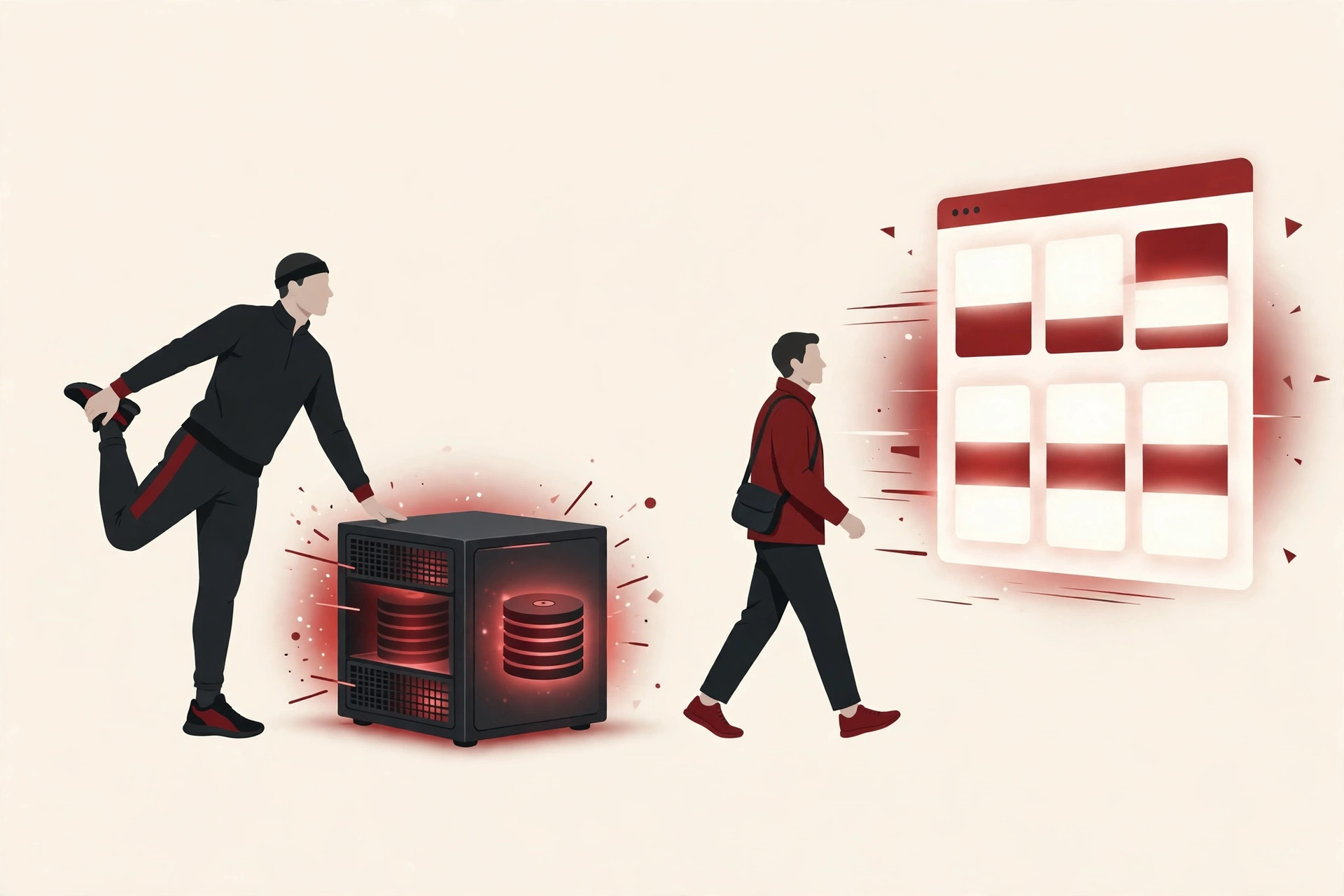
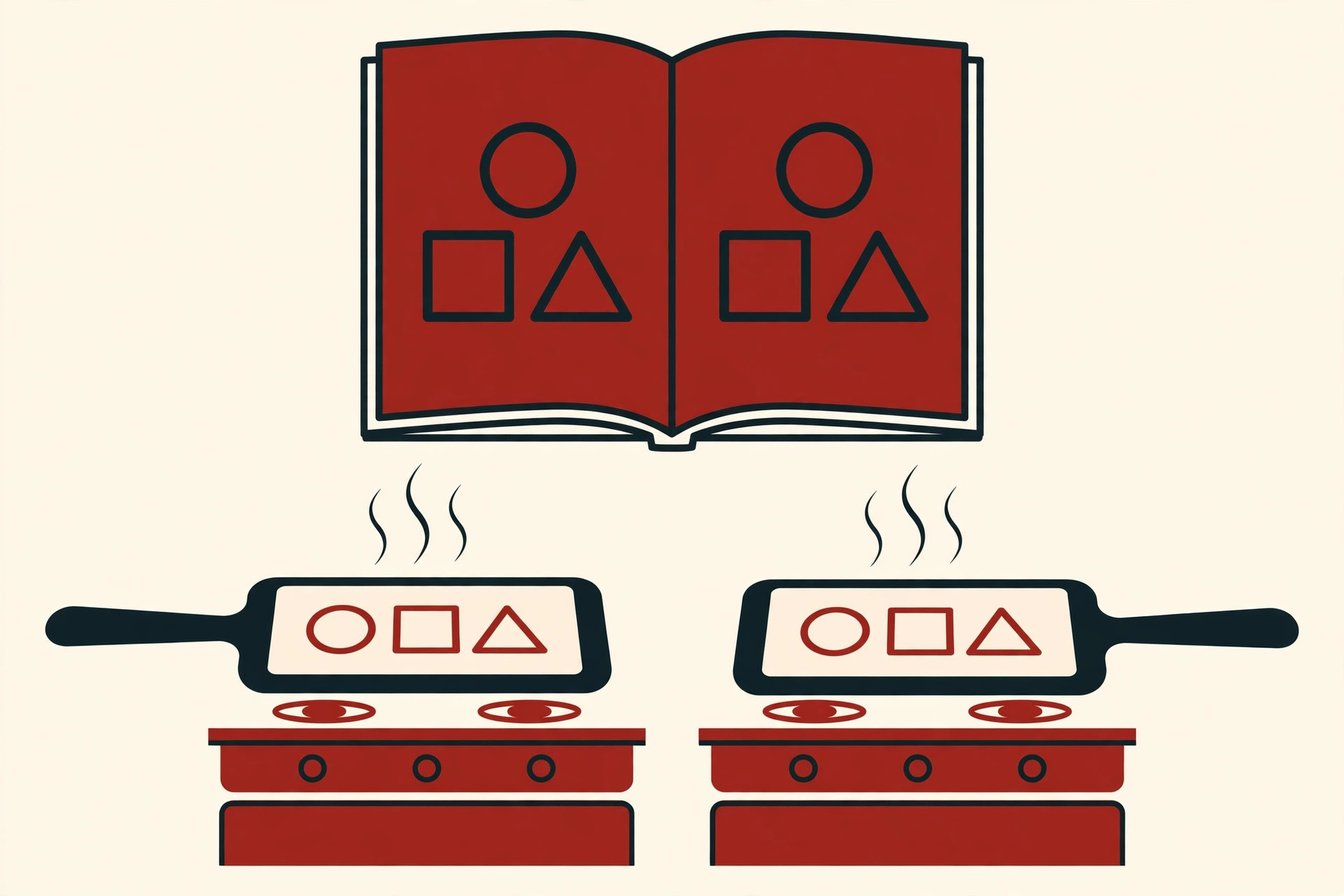
Every computer holds the complete history, not just the latest files. Git and Mercurial work this way. You can save versions on a train with no internet, and sharing is just a matter of sending your snapshots to teammates when you are ready. Because every copy is complete, every copy is also a full backup.
| Type | Where the history lives | Examples | Main weakness |
|---|---|---|---|
| Local | One computer | RCS | Lost if that computer dies |
| Centralized | One server | CVS, Subversion | Work stops if the server is down |
| Distributed | Every computer | Git, Mercurial | A little more to learn at first |
How Version Control Works
The tools differ, but they all share the same handful of ideas. Learn these five, and you understand every version control system on the market.
Repository. The project folder plus its entire recorded history. People shorten it to “repo”. When you start a project, you create a repository, and the system quietly tracks everything inside it from then on.
Commit. Saving a snapshot. A commit bundles your changes with your name, the time, and a short message explaining what you did. Commits are the building blocks of the whole history.
Branch. A separate line of work that splits off from the main line. You build a new feature on its own branch, so the main version stays clean and working while you experiment.
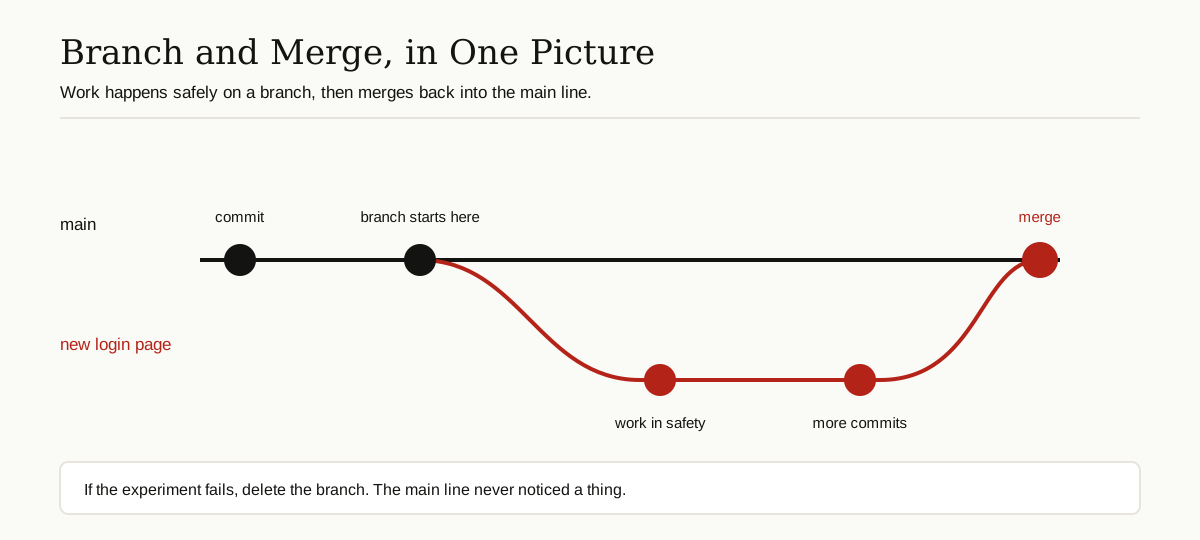
Merge. Combining one branch back into another. The system lines up both sets of changes and joins them. If two people changed the same lines, the system cannot guess which one wins, so it marks a conflict and asks a human to decide. Conflicts sound scary, but they are usually small and quick to fix.
Pull request. A formal request to merge your branch, used on hosting platforms. It shows teammates exactly what you changed, lets them comment and suggest fixes, and only then gets merged. Teams sometimes say “merge request” instead; it is the same idea.
Git and the Other Main Systems
People have built many version control tools over the decades. A short history makes the modern picture much easier to understand.
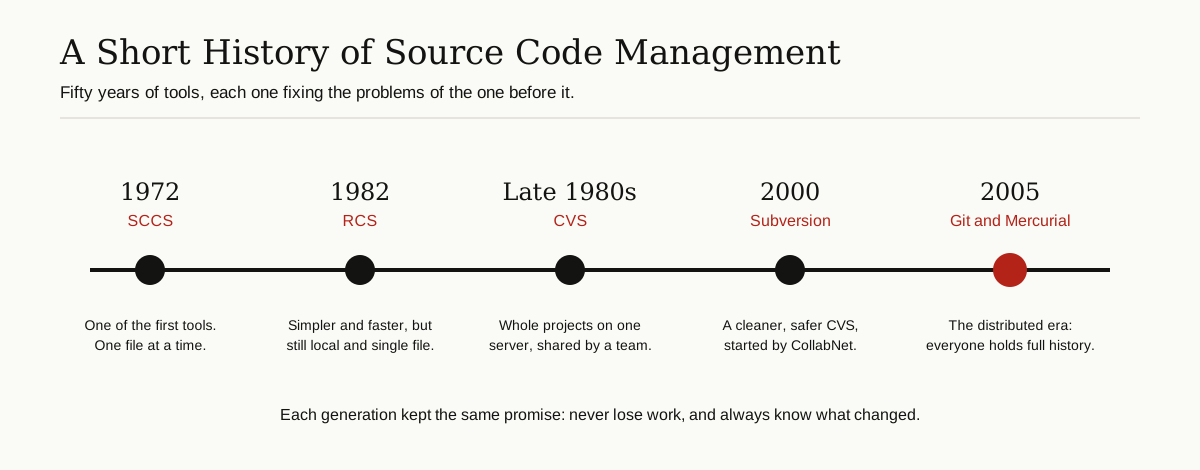
In the early days came SCCS in 1972 and RCS in 1982, both local tools that tracked one file at a time. CVS arrived in the late 1980s and let whole teams share one project on a server. It ruled for years, but it was fragile and slow.
Subversion (SVN) came next. Started by the company CollabNet in 2000 as a cleaner replacement for CVS, it kept the centralized model but made it far more reliable, with simple revision numbers for every change. The Apache Subversion project still maintains it today, and many older company projects still run on it.
Git is the system that changed everything. In 2005, the Linux kernel project lost the free use of its old tool, BitKeeper, so Linus Torvalds, the creator of Linux, built his own replacement in a matter of weeks. He designed Git for speed, for huge projects, and for the distributed style, where nobody depends on one server. The official Pro Git book chapter on version control tells this story in more detail. Git is now the standard: free, open source, and expected almost everywhere.
Mercurial appeared in the same spring of 2005, created by Olivia Mackall, and it is also distributed. As the Mercurial project explains, it aims for a smaller and simpler set of commands, which some developers find easier to learn than Git. It still powers some very large projects.
Perforce is the commercial entry on this list. It follows the centralized model and is known for handling enormous files well, which is why many game studios and film teams use it for art, audio and video assets that Git handles less gracefully.
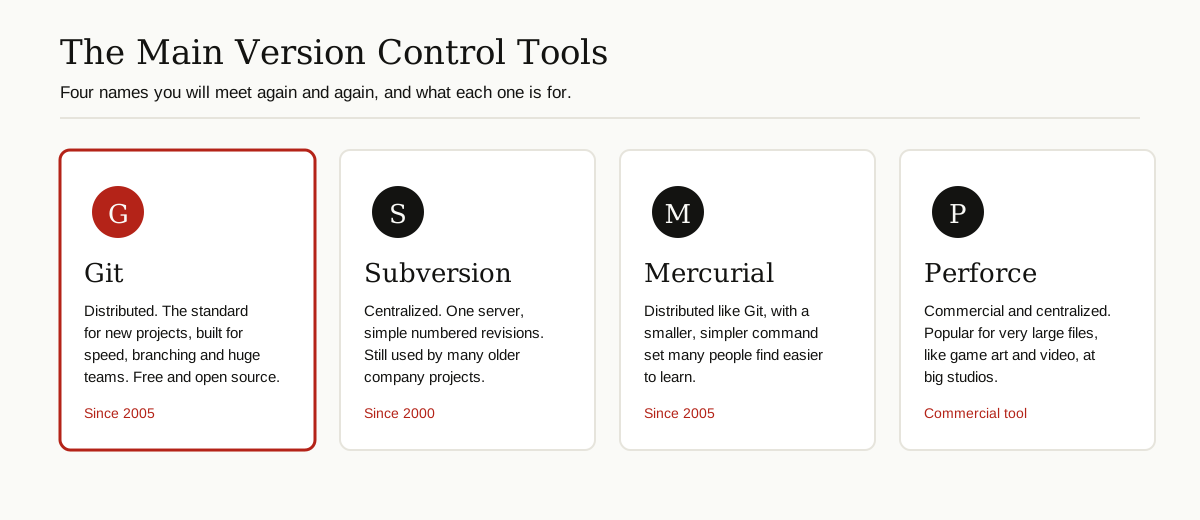
For a beginner today, the honest advice is simple: learn Git first, because it opens the most doors. The other tools are worth knowing about, and you may well meet SVN or Perforce at an older company.
Hosting Platforms: GitHub, GitLab and Bitbucket
Git by itself lives on your computer. Hosting platforms give your repository a home on the internet, plus a website around it for teamwork.
GitHub, launched in 2008, is the biggest of them. It hosts your repos and adds pull requests, code reviews, issue lists, and automation that can test your code every time you push.
GitLab offers a similar package, with strong built-in tools for testing and releasing software. Companies can also run GitLab on their own servers, which some prefer for privacy and control.
Bitbucket, from Atlassian, is popular with teams that already use Atlassian tools like Jira for planning work.
The key point for beginners: the platform is not the version control system. Git does the tracking. The platform stores your work online and organizes how the team reviews and ships it. Many AI coding assistants now plug into these platforms too, reading your repository to help you write and review code.
A Simple Daily Workflow
Tools and platforms aside, the everyday rhythm of version control is short enough to learn in one sitting.
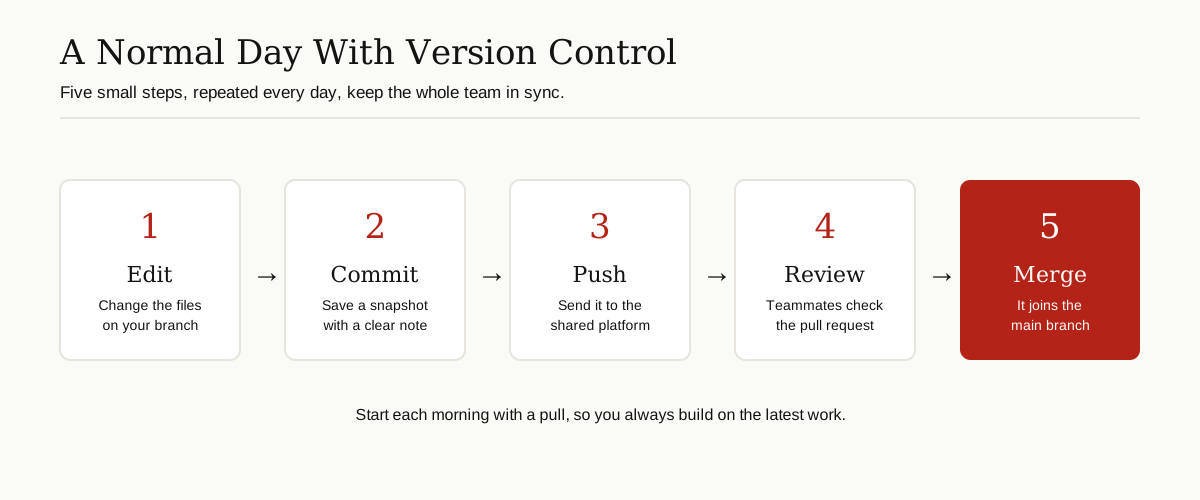
- Pull. Start the day by downloading the latest work from the shared repository, so you build on what is current.
- Branch. Create a branch for the one thing you are about to do, like fixing a login bug.
- Edit and commit. Make small changes, and commit each finished piece with a clear message.
- Push. Send your commits to the hosting platform, where they are backed up and visible.
- Open a pull request. Ask for a review. Teammates read the changes, suggest fixes, and automated software testing basics checks run here too.
- Merge. Once approved, merge the branch into main, then start the loop again with the next task.
That is the whole loop. Everything else in version control is detail built on top of these six steps.
Best Practices That Save You Later
A little discipline makes version control far more useful. These habits matter more than learning fancy commands.
- Commit small and often. Ten small commits tell a clear story. One giant commit hides everything and is painful to undo.
- Write clear messages. “Fix login timeout on slow connections” helps future you. “Stuff” and “changes” help nobody.
- Keep the main branch working. Do unfinished experiments on branches, and merge only code that works.
- Never commit secrets. Passwords, keys and private tokens do not belong in a repository. Once they are in the history, they are hard to remove completely.
- Agree on a simple branching style. Many teams keep one main branch and short-lived feature branches. Simple rules that everyone follows beat clever rules that nobody remembers.
- Pull before you start. Five seconds of pulling in the morning prevents most painful merges in the evening.
Version Control Beyond Code
Nothing about these ideas is limited to programmers. Anyone whose work changes over time can use them.
Writers use version control for books and documentation, keeping every draft without a folder full of final_v2 files. Designers track website layouts and documents, and some teams keep their configuration files and server settings in repositories, so a broken setting can be rolled back like any bad commit. Researchers use it for analysis scripts and papers, so results can be matched to the exact version of the work that produced them.
Even if you never open a tool like Git, you have met the idea: the version history inside Google Docs is a friendly cousin of the same concept, showing who changed what and letting you restore an older draft.
Common Beginner Mistakes
Most beginners trip over the same few things. Knowing them in advance saves real pain.
Working directly on main in a team. One broken commit on the main branch blocks everyone. Branches are cheap; use them.
Saving everything for one giant commit. Big commits are hard to review, hard to merge and hard to undo. Small steps are the whole point.
Writing vague messages. A month later, nobody remembers what “fix” fixed. Your message is a note to the future, so make it a kind one.
Forgetting to pull. Building a day of work on yesterday’s code is the fastest route to a messy conflict. Pull first, then work.
Treating it as only a backup. Version control is also your history book and your teamwork system. The teams that use all three sides of it rarely lose work and rarely step on each other.
Conclusion
Version control systems replace the folder of shame with something far better: a complete, labeled, shared history of your project. You get a real backup, a clear record of every change, teamwork without chaos, and the freedom to experiment without fear.
The families are simple once you see them: local tools keep history on one machine, centralized tools keep it on one server, and distributed tools like Git give everyone the full history. Learn the five core ideas, repository, commit, branch, merge and pull request, and the six-step daily loop, and you already understand how most of the software world works.
Start small. Put one personal project under Git today, commit little and often, and within a week the time machine will feel like the most natural tool you own. You will find more plain English guides like this one in our software development collection.