If you searched for soa os23, you are most likely a student revising service-oriented architecture for an exam, an assignment, or a viva. Students often meet this topic under course codes like OS23 in their syllabus, and the notes they find are usually long, dry, and full of hard words.
This guide fixes that. It covers the complete SOA topic in plain English: what SOA is, why it was invented, its building blocks and layers, how services talk to each other, its main principles, and how it compares with a monolith and with microservices. Read it once, carefully, and you will have the whole topic in your head, including the key points examiners love to ask about.
What SOA Is in Simple Words
SOA stands for service-oriented architecture. It is a style of building software in which a system is not one big program, but a collection of separate services that work together.
A service is a self-contained piece of software that does one clear business job. One service checks whether a student has paid the fees. Another service issues a library book. Another sends an email notice. Each service works on its own, and other programs use it whenever they need that job done.
IBM explains SOA as an architectural style where applications are built from these reusable services, each with a standard way of talking to the others. The important word is standard. A service can be written in any programming language and run on any machine, as long as it follows the agreed way of sending and receiving messages.
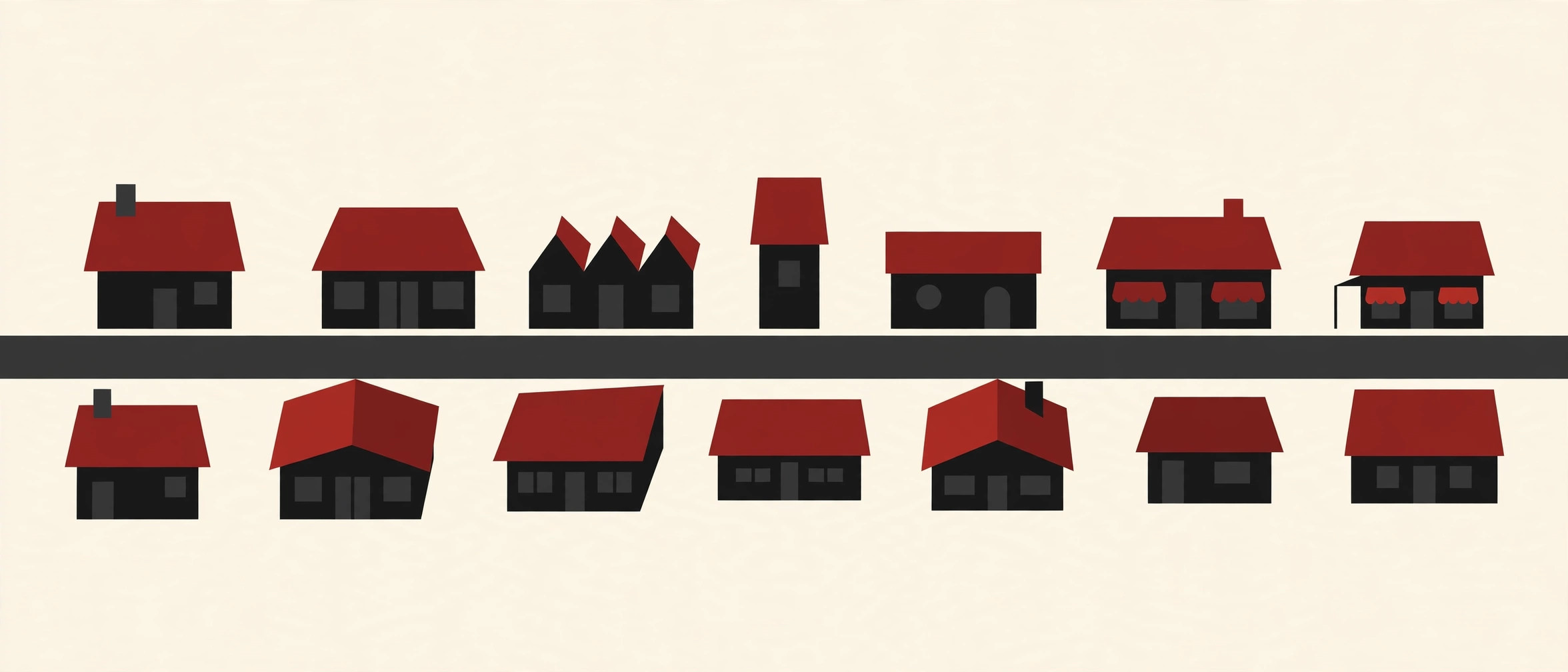
Think of a city. A monolith is like one giant building where the bank, the post office, and the library all share the same rooms, the same staff, and the same wiring. SOA is a city of separate shops on connected streets. Each shop does its own job, keeps its own stock, and can be renovated without closing the whole city.
Why SOA Came: The Problem of Tangled Systems
To understand why SOA appeared, picture a large company in the 1990s. The payroll team bought one software package. The sales team bought another. The warehouse used a third, written in a different language on a different kind of computer. None of them could talk to each other.
Every time the business needed a report that combined data from two systems, programmers wrote custom connecting code. Soon the company had hundreds of these one-off connections, like a plate of spaghetti. Changing one system broke three others, and adding anything new took months.
SOA was the answer to that mess. Instead of custom connections everywhere, each system would offer its useful functions as standard services. Any program could then use those services through clear contracts. The spaghetti slowly turned into an organized network, and old systems could stay in place while new applications were built on top of them.
That is the core promise of SOA, and it is still the first point to write in any exam answer: SOA exists to connect separate systems and reuse business functions instead of rebuilding them again and again.
The Building Blocks of SOA
Five building blocks appear in almost every SOA textbook and reference model. Learn these five and most definitions become easy.
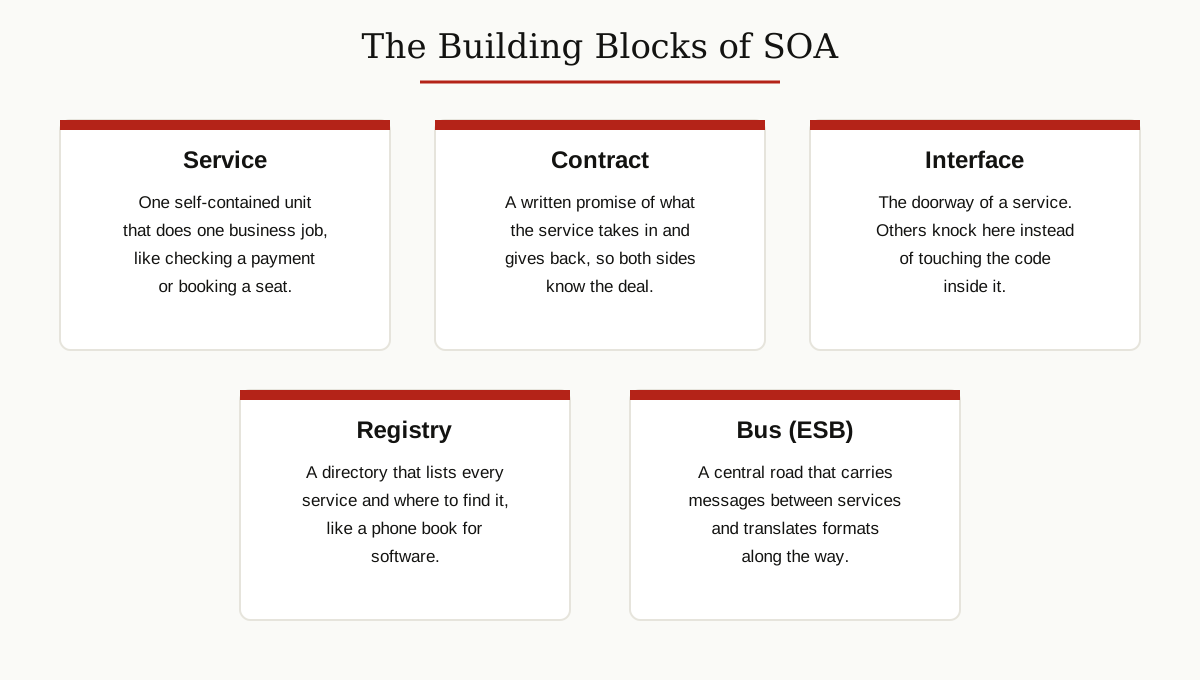
- Service. The basic unit. A service performs one business task, such as verifying a customer or calculating a price, and it hides how it does the job inside.
- Service contract. A written agreement that says what the service accepts, what it returns, and what rules apply. Both sides trust the contract, not the code.
- Interface. The doorway of the service. Other programs call the interface instead of reaching into the service, so the inside can change freely.
- Service registry. A directory that lists available services and where to find them, like a phone book for software.
- Enterprise service bus (ESB). A central channel that carries messages between services, routes them to the right place, and translates between different data formats.
Around these blocks sit two roles. The service provider builds and publishes a service. The service consumer (also called the requester) finds the service and uses it. A single program can be both: it may use the payment service while offering a billing service to others.
The Layers of SOA
Textbooks often describe SOA as a stack of layers. Each layer has one job, and higher layers use the layers below them. Exact layer names vary a little between books, but this five-layer view is the common one.
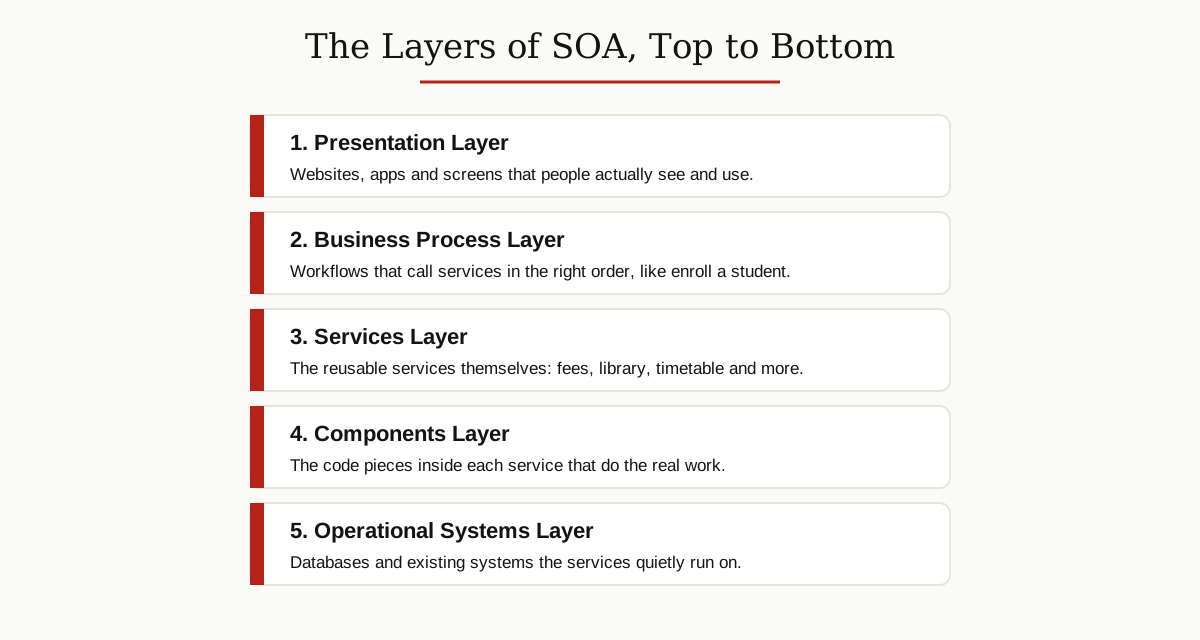
- Presentation layer. The screens people see: websites, mobile apps, and dashboards. This layer never contains business rules. It only shows information and collects input.
- Business process layer. Complete workflows that combine services in the right order. Enrolling a student, for example, is a process that checks eligibility, reserves a seat, and records the admission.
- Services layer. The services themselves, grouped and managed so they can be discovered and reused.
- Components layer. The actual code pieces inside each service that do the work, such as a fee calculator component inside the fees service.
- Operational systems layer. The foundation: databases, existing company systems, and hardware that everything quietly runs on.
A helpful exam tip: if a question asks where business logic lives in SOA, the answer is inside the services and the process layer, never in the presentation layer.
How Services Talk: SOAP, WSDL, UDDI and the ESB
Classic SOA runs on a famous trio of standards, plus one busy middleman. Learn what each one does and you can answer most short questions on this topic.
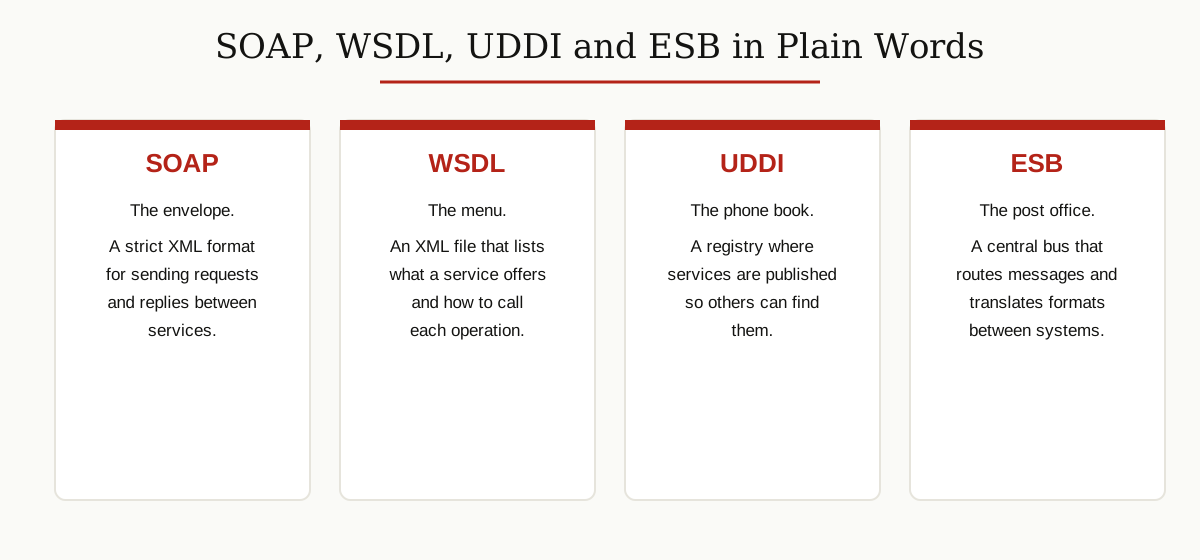
SOAP is the message format. It is a strict set of rules for writing requests and replies in XML, wrapped in an envelope with a header and a body. SOAP messages usually travel over HTTP, the same protocol web browsers use. SOAP is formal and strict, which banks and governments liked, but it is heavier than modern formats.
WSDL (Web Services Description Language) is the description file of a service, also written in XML. It lists the operations the service offers, the data each operation needs, and the address where the service can be reached. If SOAP is the letter, WSDL is the menu that tells you what you can order.
UDDI (Universal Description, Discovery and Integration) is the registry standard. Providers publish their services and WSDL files in a UDDI directory, and consumers search the directory to find a service that fits their need. In practice, public UDDI directories faded away, but private registries inside companies still follow the same idea.
ESB (Enterprise Service Bus) is the central road. Instead of every system connecting to every other system, all of them connect to the bus. The bus delivers messages, converts formats (for example, turning one system’s date style into another’s), and applies security rules. This keeps the services simple, because the bus handles the messy translation work.
Modern systems also use REST APIs and lightweight message brokers, an approach AWS describes in its SOA overview as a natural continuation of the same service idea. But for exams, the SOAP, WSDL, UDDI and ESB set is the answer they expect.
The Main Principles of SOA
Examiners often ask for the principles or characteristics of SOA. These are the classic ones, in plain words.
- Loose coupling. Services depend on contracts, not on each other’s code. You can rewrite the inside of a service completely, and as long as the contract stays the same, nothing else breaks.
- Reusability. A well-built service is used by many applications. The address checking service built for the billing system can also serve the shipping system.
- Standard contracts. Every service publishes a clear, formal contract, usually in WSDL, so any consumer knows exactly how to use it.
- Discoverability. Services are listed in a registry, so teams can find and reuse what already exists instead of building a copy.
- Autonomy. Each service controls its own logic and data. No other program reaches inside it.
- Statelessness. A service does not remember past conversations between calls. Each request carries everything the service needs, which makes services easier to scale and restart.
- Composability. Small services can be combined into bigger processes. Three simple services can together perform one complete business workflow.
If you remember only two, remember loose coupling and reusability. Almost every benefit of SOA flows from those two ideas, and they connect closely to the wider rules of good software architecture and clean API design principles.
A Worked Example: A College System
Examples make SOA easy to remember, so here is the college system from start to finish.
The college has separate services: an admission service, a fees service, a library service, a timetable service, and a notice service that sends emails and messages. Each service was built at a different time, and one of them even runs on an old system. Because all of them publish standard contracts, that does not matter.
Now a new student applies online. The admission process works like a conductor:
- The website (presentation layer) sends the application to the business process layer.
- The process calls the admission service to check the student’s documents and marks.
- It calls the fees service, which creates the first fee challan and later confirms payment through SOAP messages described in WSDL.
- Once the fees are confirmed, the process calls the library service to create the student’s library account.
- It calls the timetable service to place the student in the right classes.
- Finally, the notice service emails the student a welcome message with login details.
Notice what happened: nobody rebuilt the fees system or the library system. The college built one new process on top of existing services. That is SOA in action, and this kind of reuse across departments is exactly what enterprise application integration tries to achieve.
SOA vs Monolith vs Microservices
This comparison is one of the most common exam and interview questions on the topic, and it is a natural extension of software architecture as a whole. Microsoft’s architecture styles guide places these styles side by side, and the table below sums up the differences in plain words.
| Point | Monolith | SOA | Microservices |
|---|---|---|---|
| Structure | One single program | Shared business services | Many tiny services |
| Service size | Not split at all | Medium to large | Very small, one narrow job |
| Communication | Inside one process | Often through a central ESB | Direct calls or light messaging |
| Data | One shared database | Often shared databases | Each service owns its data |
| Deployment | Whole app at once | Service by service | Each service fully independent |
| Main strength | Simple to start | Reuse across the company | Independent scaling and teams |
| Main weakness | Hard to change as it grows | Complex and costly bus setup | Hard to manage so many pieces |
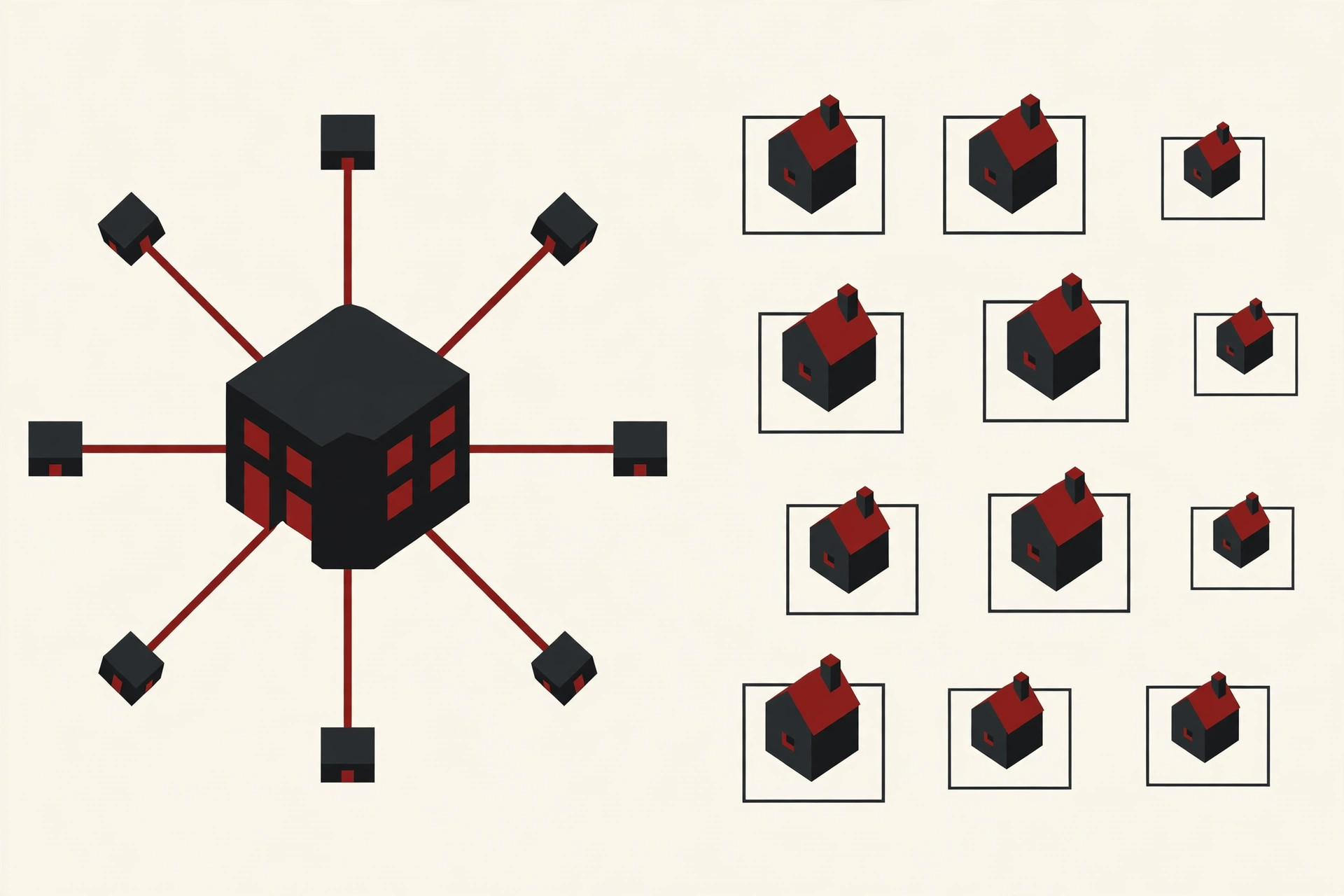
The short version: a monolith keeps everything in one box. SOA splits the box into shared company services connected by a smart central bus. Microservices split the box into many small, independent services and avoid the central bus. SOA came first, in the early 2000s, and microservices grew later by keeping SOA’s service idea while removing its heavy parts.
Advantages and Disadvantages
No architecture is perfect, and a balanced answer always scores better than one-sided praise.
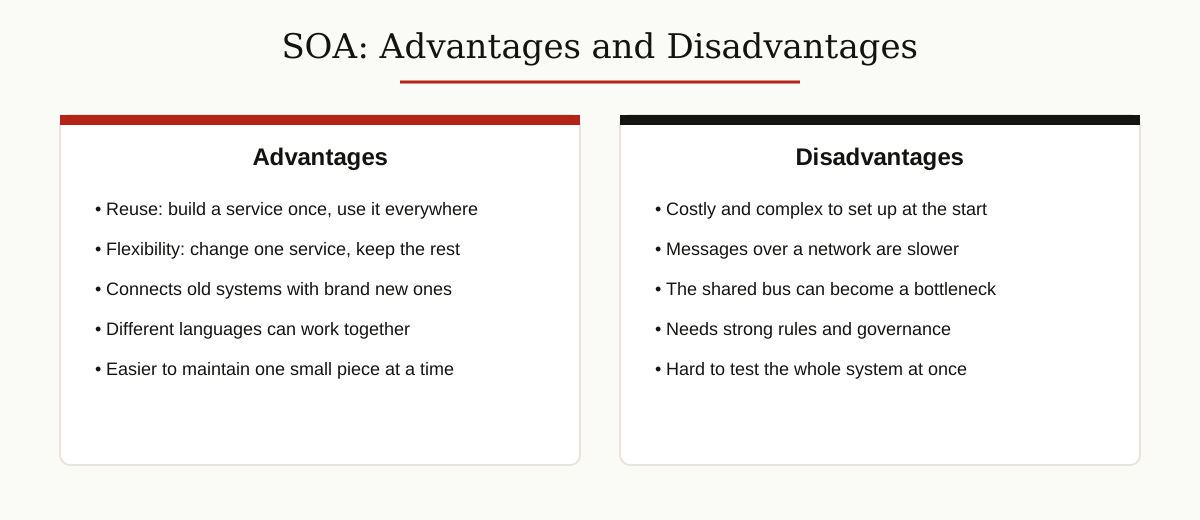
Advantages
- Reuse saves time and money. Build the payment service once and let five applications use it.
- Old and new systems work together. A 20-year-old system can offer services to a brand new mobile app.
- Language freedom. Services only share messages, so a Java service and a .NET service can cooperate happily.
- Easier maintenance. Fixing one small service is safer than opening up one giant program.
- Flexibility for the business. New products can be assembled from existing services, like snapping blocks together.
Disadvantages
- High starting cost. Setting up registries, contracts, and an ESB takes time, money, and skilled people.
- Slower performance. Every call travels over a network in XML format, which is slower than calls inside one program.
- A risky center. If the ESB fails or gets overloaded, many services suffer at once.
- Governance burden. Someone must control who publishes services and how they change, or the registry turns into chaos.
- Complex testing. Testing one service is easy, but testing a full process across ten services is genuinely hard.
Key Points to Remember
Use this section for last-minute revision before a test. These are the lines that answer the most common soa os23 questions.
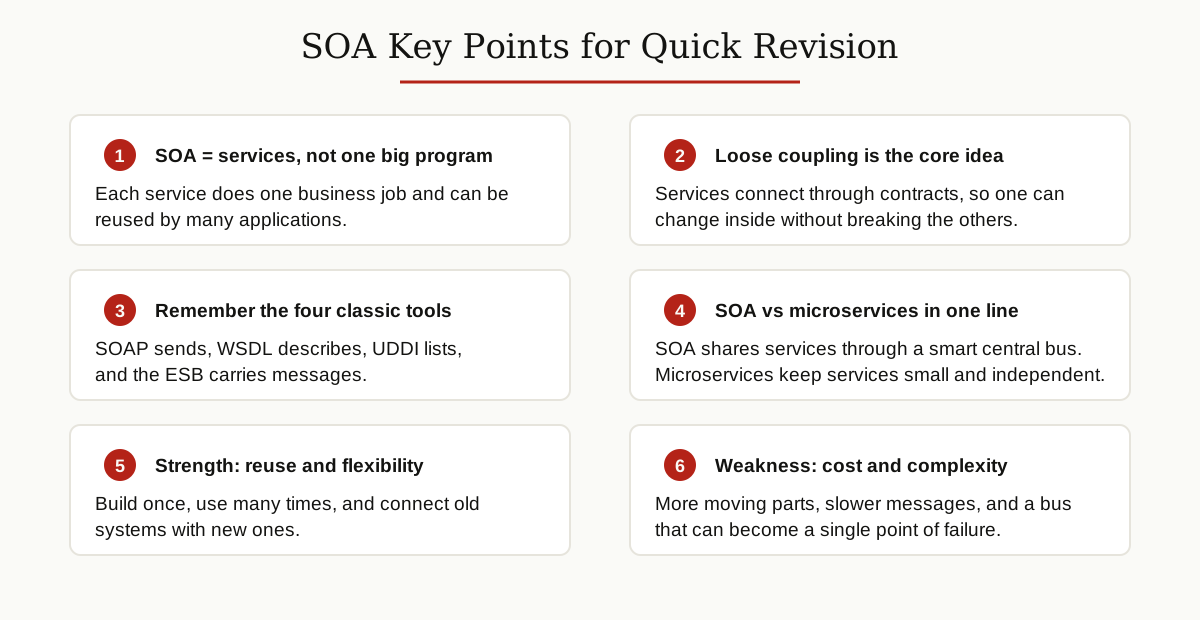
- SOA is an architecture style that builds systems from reusable, loosely coupled services.
- A service is a self-contained unit that does one business job and hides its internal code.
- The service contract is the promise between provider and consumer. Both sides depend on it, not on each other’s code.
- SOAP sends the messages, WSDL describes the service, UDDI lists services in a registry, and the ESB carries and translates messages.
- The main principles are loose coupling, reusability, standard contracts, discoverability, autonomy, statelessness, and composability.
- SOA layers run from presentation at the top to operational systems at the bottom.
- SOA differs from microservices in service size, sharing, and the central bus. SOA shares services company-wide through an ESB, while microservices stay small and independent.
- The biggest benefits are reuse and flexibility. The biggest costs are complexity, setup expense, and performance overhead.
- SOA is part of the wider software development story: it was the bridge between tangled monoliths and modern cloud systems.
Conclusion
SOA, service-oriented architecture, is a simple idea with a big effect: stop building one giant program for every need, and instead build services once, describe them with clear contracts, and reuse them everywhere. That is the answer behind almost every soa os23 question, whether it asks about layers, SOAP and WSDL, or the difference between SOA and microservices.
Learn the building blocks, remember the four classic tools, and keep one example in your pocket, like the college system above. With those ready, you can handle both the short definitions and the long comparison answers with confidence.