Every day, a hospital radiology department handles a small flood of work. Doctors order X-rays, CT scans and MRIs. Patients arrive, wait, and get scanned. Radiologists study the images and write up what they see. Results have to travel back to the right doctor, fast, and nothing can afford to get lost along the way.
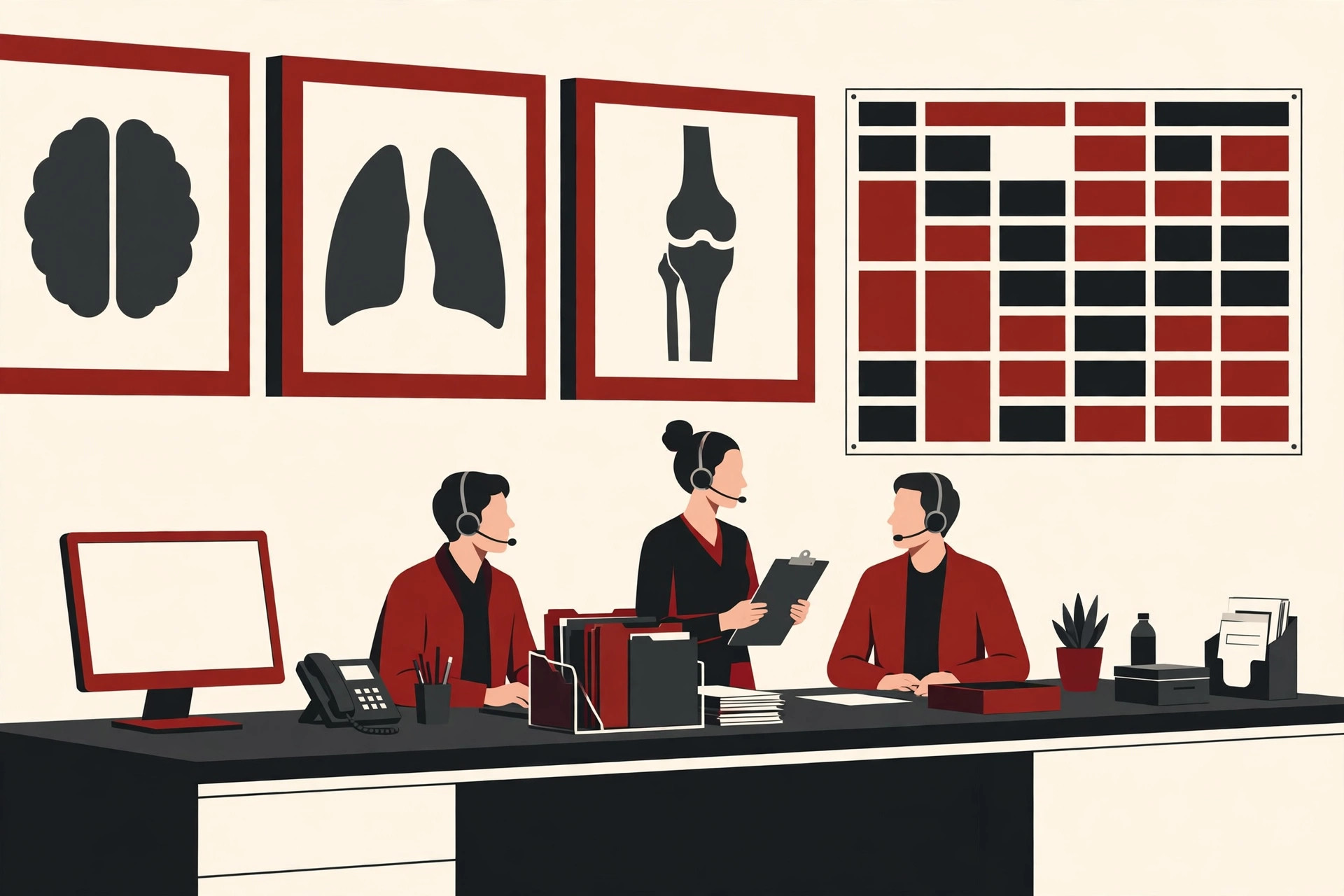
A radiology information system is the software that keeps this whole process organized. Often shortened to RIS, it is the control center for the daily work of an imaging department. It tracks who the patient is, what scan was ordered, when it will happen, and whether the report has been written and sent.
This guide explains what a radiology information system does, how a scan moves through one step by step, and how it differs from two systems it works with closely: PACS and the EHR. We will also look at the honest benefits and the real challenges, in plain words.
What Is a Radiology Information System?
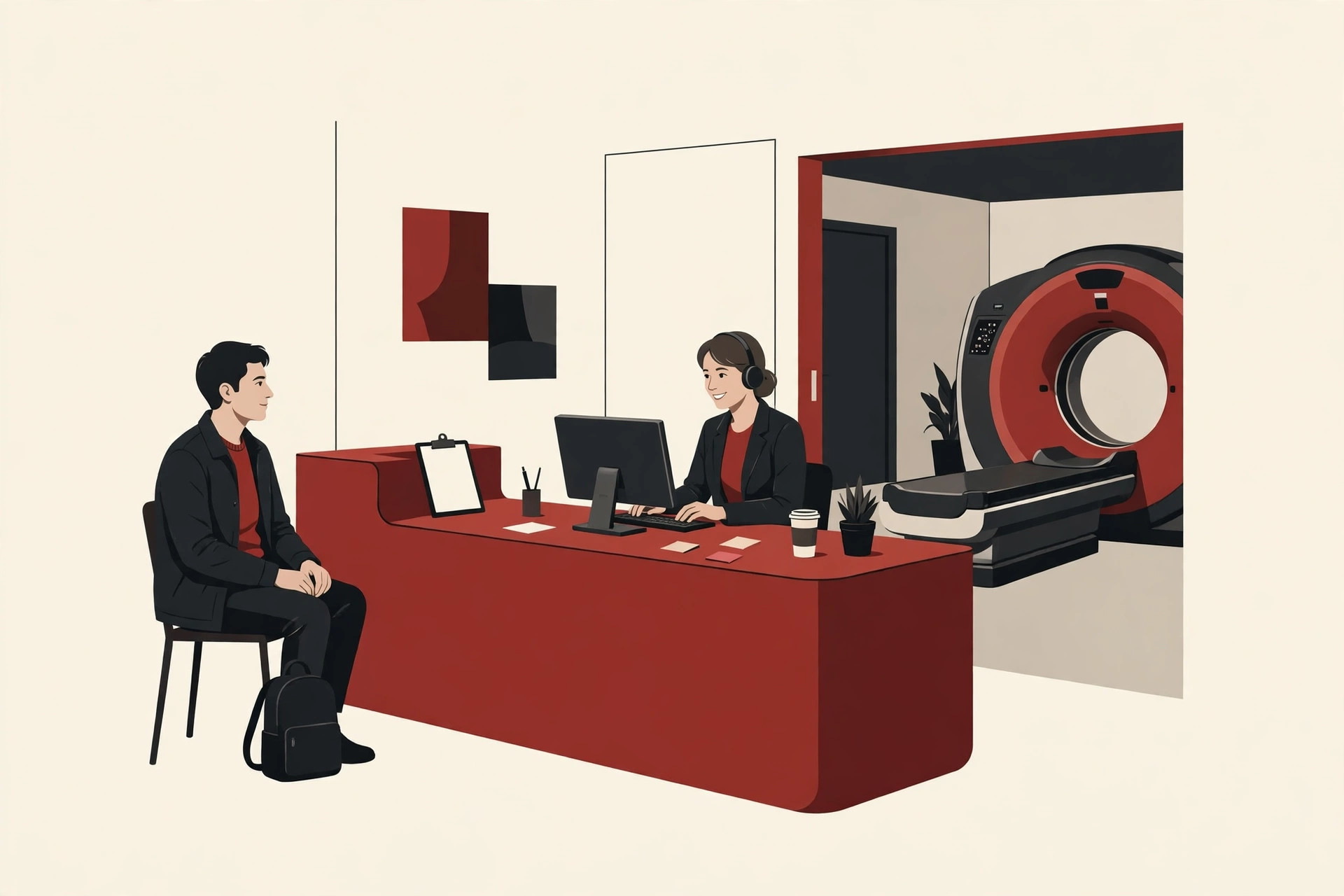
A radiology information system is a software system built for one department: radiology, the part of the hospital that takes medical images. Wikipedia’s overview of radiological information systems describes it as the core system for the electronic management of imaging departments, covering scheduling, tracking, reporting, results distribution and billing.
Here is a simple way to picture it. If the imaging department were an airport, the RIS would be the operations desk. It does not fly the planes. The scanners do the imaging work. But the desk knows every booking, every arrival and every departure, and it makes sure each traveler gets where they need to go.
The Society for Imaging Informatics in Medicine gives a matching definition: an RIS is a computer system a radiology department uses to store, manage, retrieve and distribute clinical and administrative information, from patient registration to report delivery. Staff often just call the whole setup the RIS system.
Not long ago, most of this ran on paper and film. Orders arrived on slips, schedules lived in big desk diaries, and reports were typed, printed and carried around the building. If a film jacket went missing, the exam effectively went missing with it. The RIS replaced that fragile chain with one shared, searchable record.
One point confuses many people at first: an RIS does not mainly store the scan pictures themselves. It stores the information around the pictures, the orders, appointments, status updates and written reports. The pictures live in a partner system called PACS, which we will explain below.
What an RIS Does Day to Day
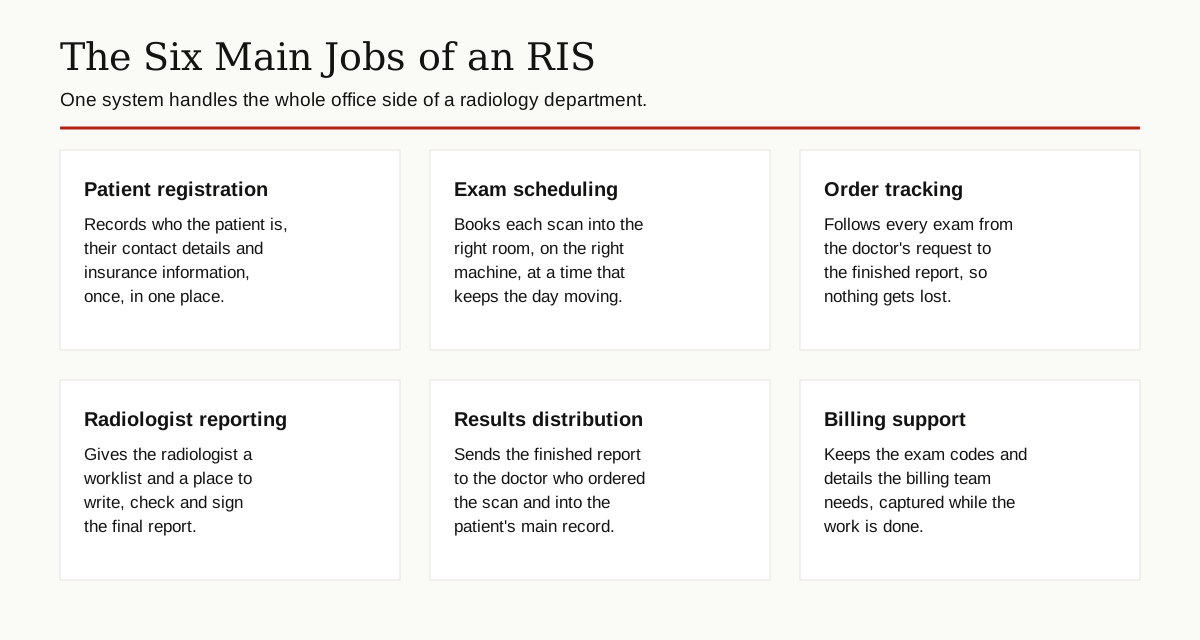
Break the job down, and a radiology information system handles six main tasks.
Patient registration. When a patient is referred for a scan, the front desk records their name, contact details, insurance information and the reason for the exam. Entered once, this record follows the patient through the whole visit.
Exam scheduling. The system books the scan into a time slot, matching the patient with the right room and the right machine. A CT scanner and an ultrasound machine are not interchangeable, and the schedule has to respect that.
Ordering and tracking. The doctor’s order enters the system, and from that moment the exam has a status: scheduled, arrived, in progress, completed, reported. Staff can see at a glance where every patient stands, instead of chasing paper forms down a hallway.
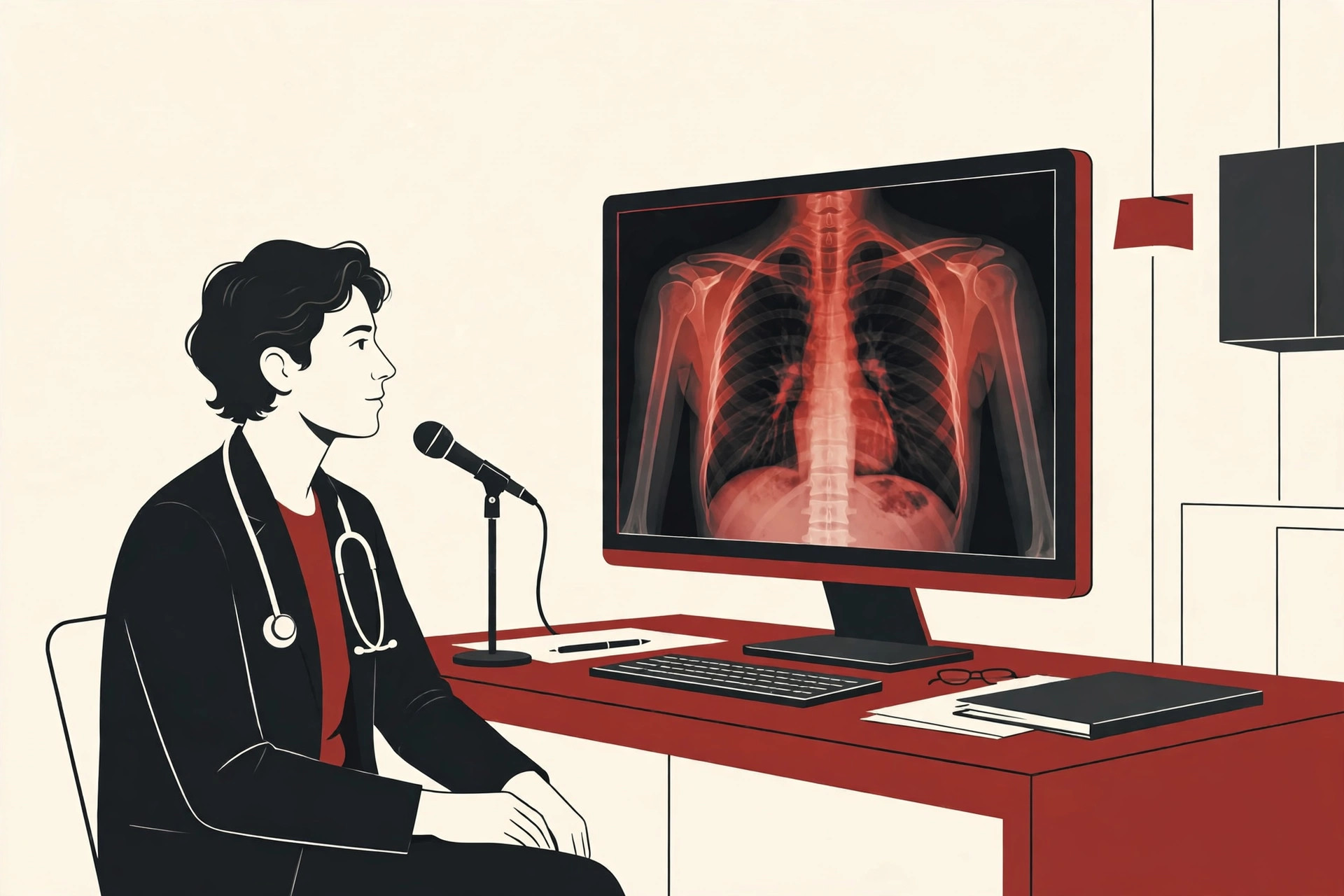
Radiologist reporting. After the scan, the images land on a radiologist’s worklist. The radiologist, the doctor who specializes in reading medical images, studies them and writes the report inside the RIS, often by dictating into voice recognition software. Then they check it and sign it.
Results distribution. The signed report is sent to the doctor who ordered the scan and filed into the patient’s main health record, so the care team sees the findings quickly.
Billing support. Every exam carries codes that describe what was done. The RIS captures those details as the work happens, which gives the billing team clean information instead of a guessing game at the end of the month.
The Radiology Information System Workflow, Step by Step
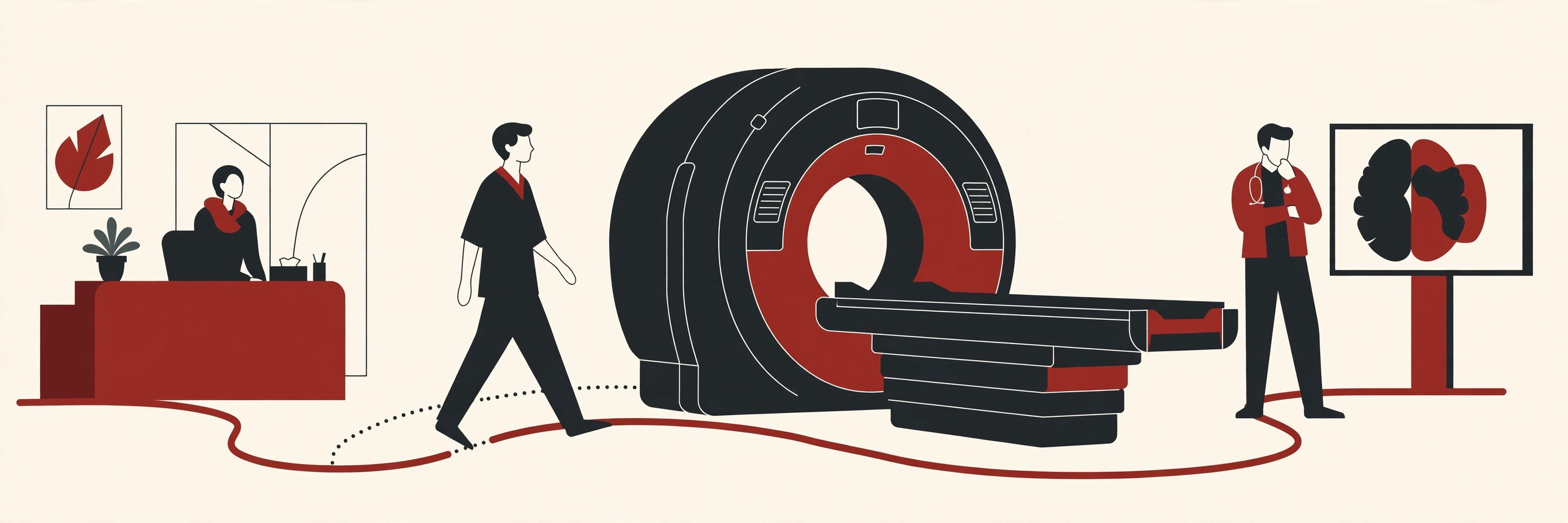
Now let us follow one patient through the full radiology information system workflow. Imagine a patient named Sarah, whose doctor wants a CT scan of her abdomen to check on ongoing stomach pain.
Step 1: The order. Sarah’s doctor enters the request, either directly in the hospital’s record system, which passes it to the RIS, or in the RIS itself. The order says who the patient is, what scan is needed and why.
Step 2: Scheduling. The front desk sees the order in the RIS and books Sarah into an open CT slot. She gets an appointment time and any preparation instructions, such as not eating for a few hours before the scan. The system also gives the exam its own tracking number, often called an accession number, which ties the order, the images and the report together.
Step 3: Check in. On the day, Sarah arrives and checks in. The desk confirms her identity and marks her as arrived. The scanning team can now see her on their worklist, in the right order.
Step 4: The scan. A technologist calls Sarah in and performs the CT scan. The scanner sends the images to the PACS archive, and the exam is marked complete in the RIS.
Step 5: The report. The study appears on a radiologist’s reading list, with Sarah’s details and the reason for the exam attached. The radiologist opens the images from PACS, studies them, and writes the report in the RIS. Many departments add a safety step here: urgent or unexpected findings are flagged so they reach the doctor quickly, not quietly.
Step 6: Results go back. Once signed, the report travels to Sarah’s doctor and into her main health record. Her doctor can now plan the next step in her care, and the billing team has the completed exam details it needs.
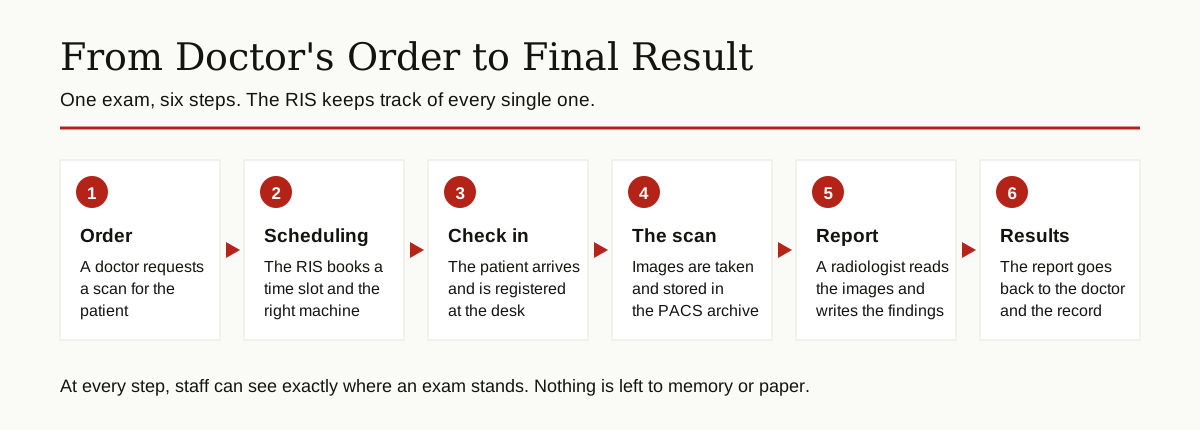
Notice what the RIS did in this story: it never took a picture, and it never read one. It coordinated everything around the pictures, which is exactly its job.
RIS vs PACS vs EHR: What Is the Difference?
Three systems share the work in a modern imaging department, and their names get mixed up constantly. Here is the clean difference.
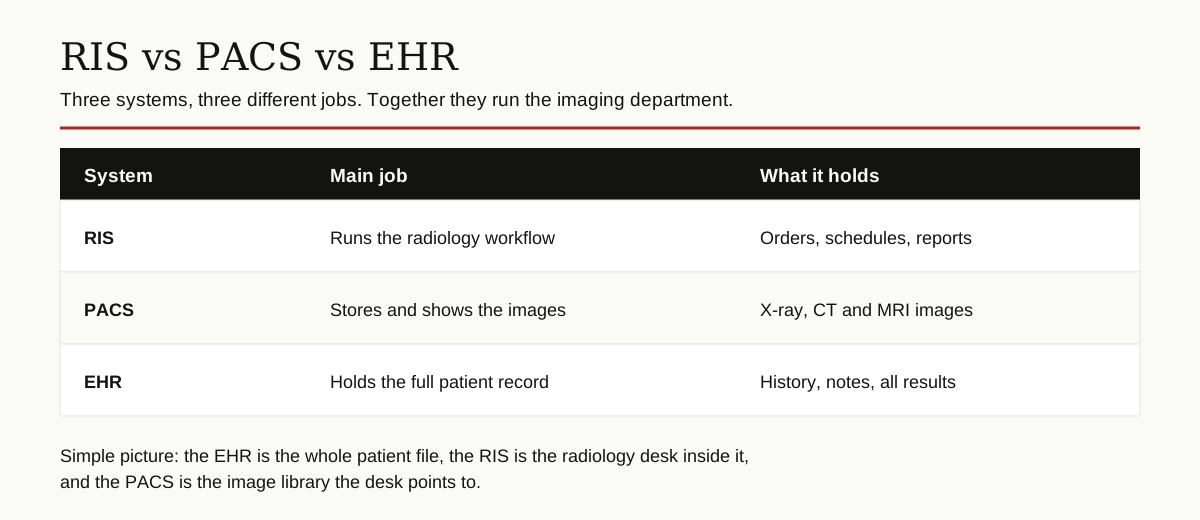
RIS: the workflow manager. The radiology information system runs the process. Orders, scheduling, tracking and reports live here. Think words and organization.
PACS: the image library. PACS stands for picture archiving and communication system. It stores the actual images, the X-rays, CT slices and MRI scans, and delivers them to screens wherever a doctor needs to see them. Research published through PubMed Central shows the difference this made in practice: once images became available electronically at the point of care, clinicians who had rarely viewed them began reviewing them as a normal part of treatment.
EHR: the whole record. The EHR, or electronic health record, is the patient’s complete file for the entire hospital or health system: history, medicines, lab results, notes and, yes, radiology reports. An EMR is a close cousin of the same idea, usually describing the record kept inside one practice. The RIS is a specialist that covers one department deeply; the EHR covers everything broadly.
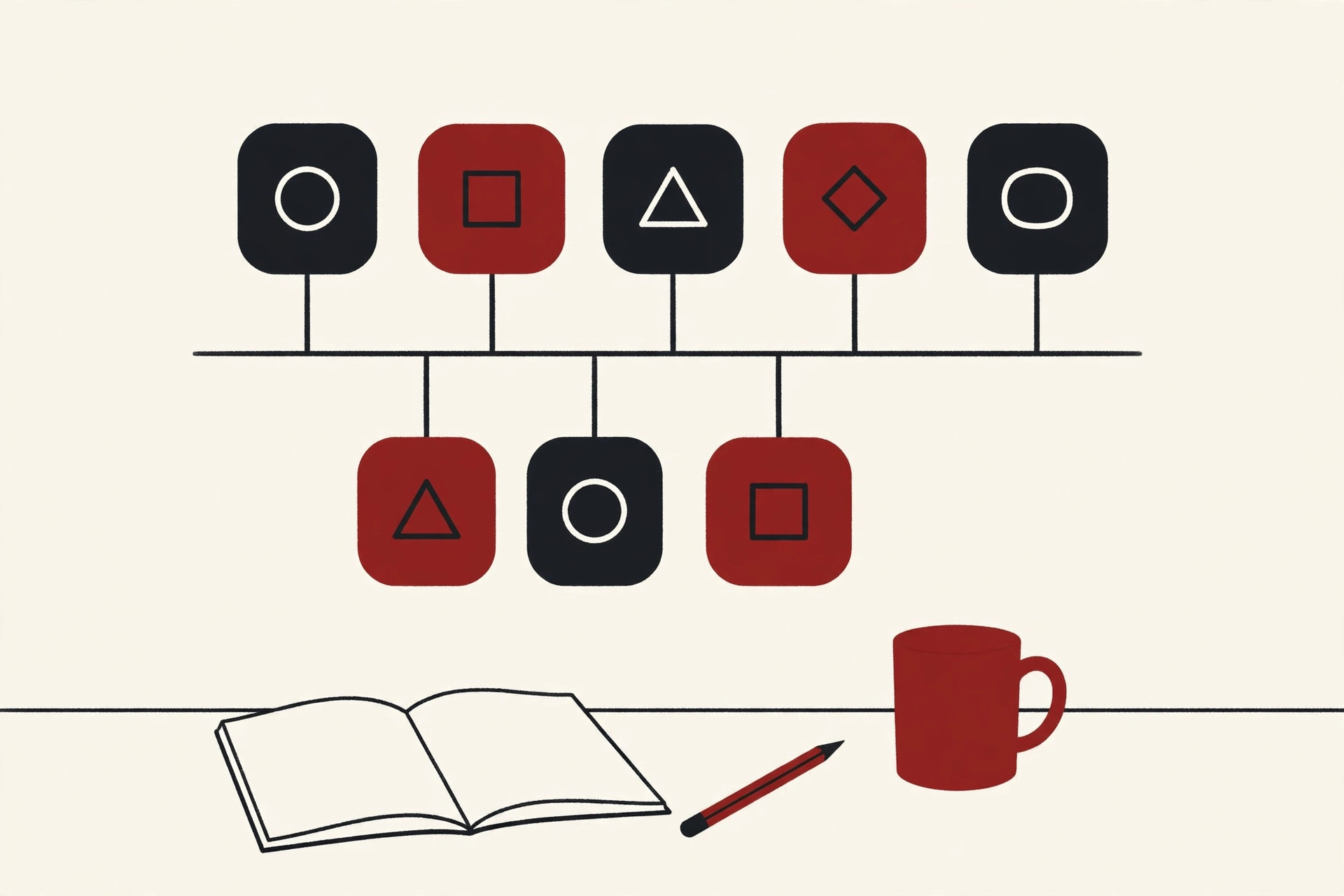
A memory hook: the EHR is the whole filing cabinet, the RIS is one well run drawer for imaging, and the PACS is the photo album stored next to it.
Modern imaging software is also starting to help with the reading itself. Computer tools can flag studies that look urgent so they move up the worklist. If that side of imaging interests you, our guide to computer vision applications shows what this technology can do today.
HL7 and DICOM: The Languages These Systems Speak
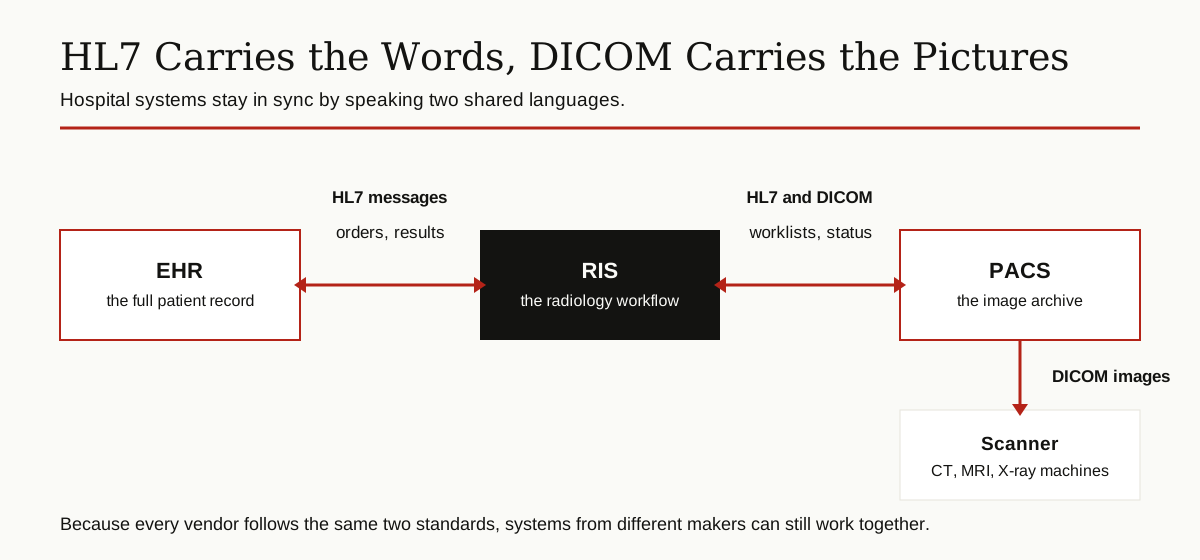
For these systems to cooperate, they need shared languages, the way people need a common tongue. Healthcare software uses two famous ones.
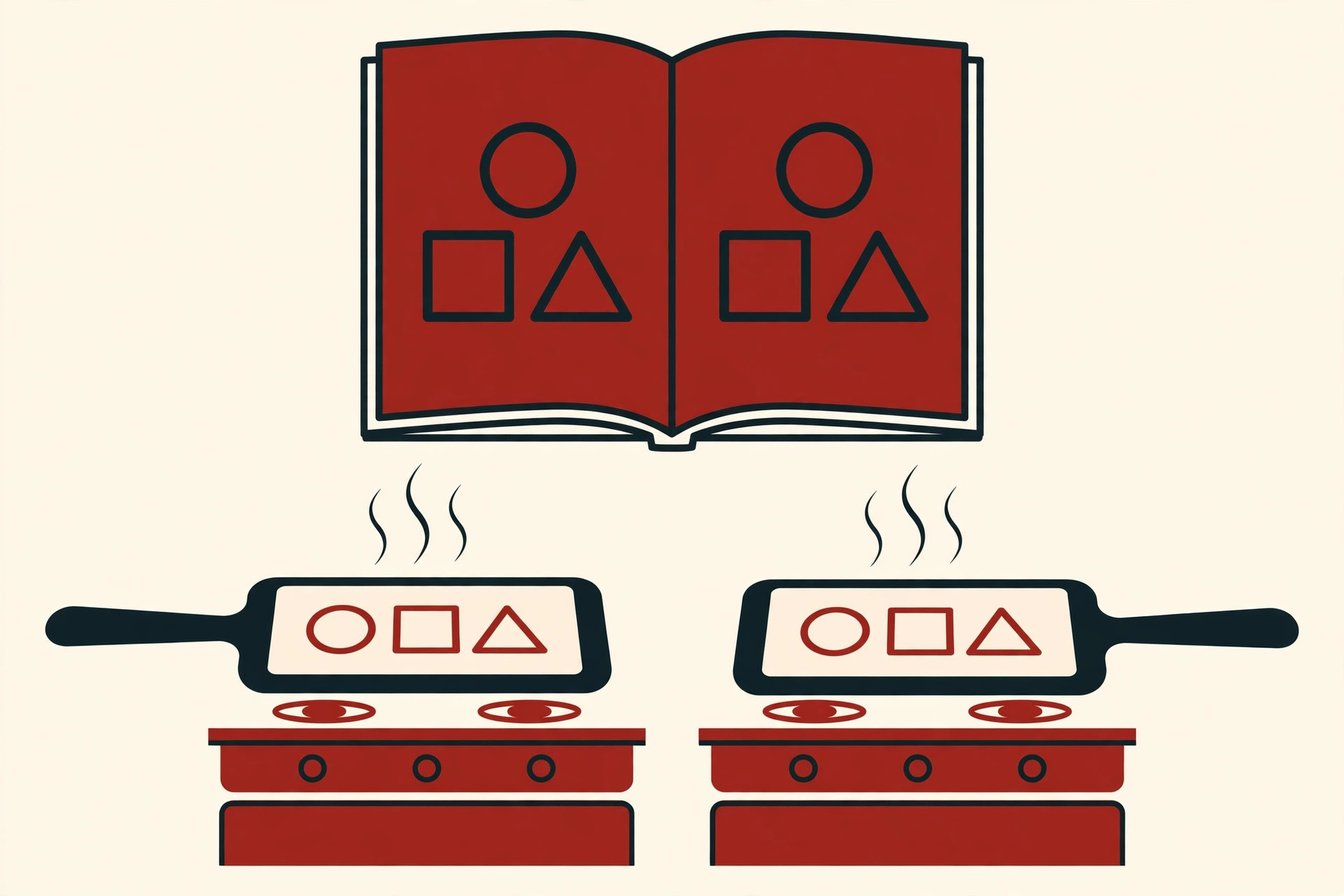
HL7 carries the words. HL7, short for Health Level Seven, is a set of rules for exchanging text based information between hospital systems: patient details, orders, appointment updates and finished reports. When the EHR sends a scan order to the RIS, or the RIS sends back the signed report, that conversation usually happens in HL7 messages.
DICOM carries the pictures. DICOM, short for Digital Imaging and Communications in Medicine, is the standard format for medical images. Scanners create DICOM files, PACS stores them, and viewing software opens them, no matter which company made each piece.
Getting separate systems from separate vendors to act like one is a classic problem in software architecture, and radiology solves it with these two standards. The result is one distributed system spread across the hospital: several programs, built by different companies, behaving like a single team. The RIS also sends the scanner a worklist, a DICOM based list of who is booked and for what, so the technologist picks the right patient instead of typing names by hand.
The Benefits of a Good RIS
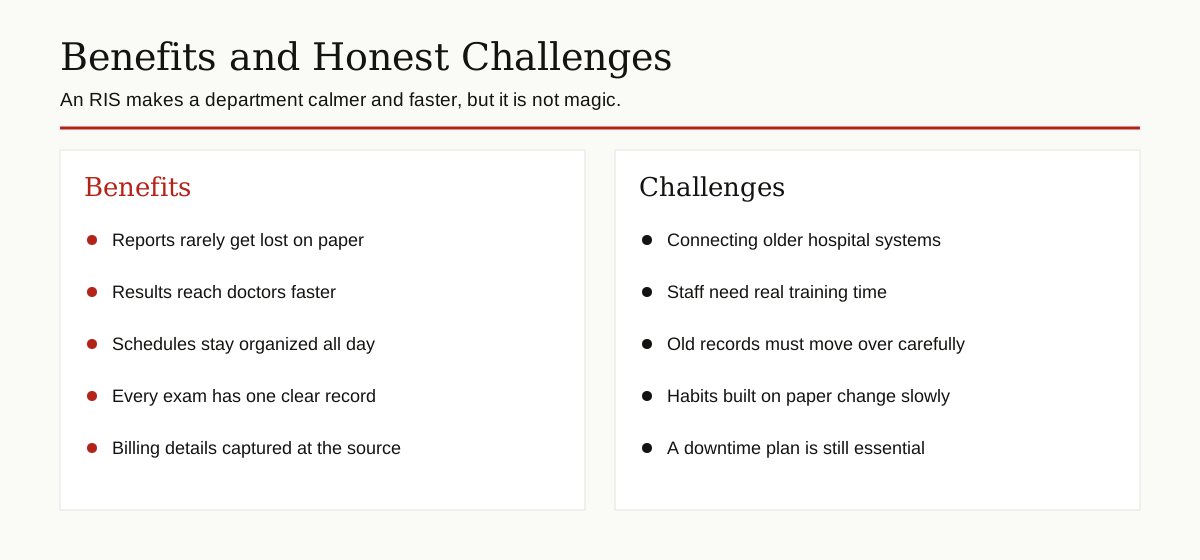
Why do hospitals invest in a radiology information system? The honest benefits are about calm and reliability more than flash.
Fewer lost reports. Paper reports can sit in the wrong tray for days. In an RIS, every exam has a status, and managers can see which reports have been waiting too long.
Faster results. The doctor who ordered the scan gets the report as soon as it is signed, not when a courier or a fax machine gets around to it. Faster answers mean treatment can start sooner.
A schedule that holds together. Double bookings and empty scanner slots are expensive mistakes. The system sees every room and machine at once.
One record per exam. Registration details entered once flow into the order, the worklist, the report and the bill, which cuts down on typing errors.
Clear accountability. The system logs who did what and when, which helps when a result needs tracing or a complaint needs checking.
The Honest Challenges
An RIS is not a magic fix, and a fair guide should say so.
Connecting old systems. Hospitals run software of many ages. Making a new RIS talk to a ten year old billing system can take serious interface work.
Training takes time. Front desk staff, technologists and radiologists all have to learn new habits. A department that rushes this ends up with workarounds and frustration.
Moving the records. Years of patient history have to be transferred carefully. A mistake in patient identity data is not a small mistake in a hospital.
New habits, old comfort. Paper felt simple to many teams. The first weeks with a new system often feel slower before they feel faster.
What Makes a Good RIS?
A good radiology information system is boring in the best way. It loads fast, it rarely goes down, and its screens match the order in which staff actually work. It connects cleanly to the hospital’s EHR and PACS, using the standards described above instead of fragile custom tricks. And when something urgent appears, like a critical finding on a scan, it can push that result to the right doctor with a clear alert instead of leaving it sitting in a queue. Hospitals judge these systems less on long feature lists and more on this daily reliability.
The Bottom Line
Almost everyone in the imaging chain touches the RIS: front desk staff register and schedule, technologists work from its lists, radiologists report inside it, and referring doctors receive results through it. Patients feel it too, as shorter waits and quicker answers.
To sum up: a radiology information system is the organizational brain of an imaging department. It registers patients, books exams, tracks every step, carries the report from the radiologist to the ordering doctor, and keeps billing honest. The pictures belong to PACS, the full patient story belongs to the EHR, and the RIS makes sure the three never lose track of each other.
For more guides like this one, browse the software development category.