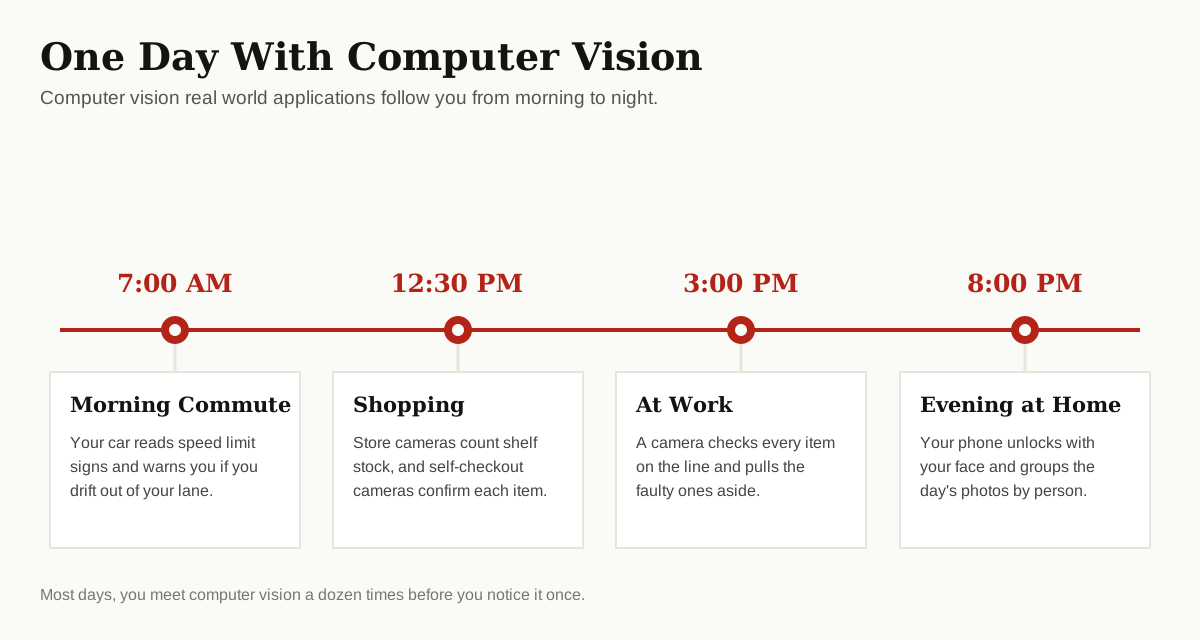
You already used computer vision this morning, probably twice. When your phone unlocked after one glance at your face, that was it. When your photo app grouped last weekend’s pictures by person, that was it too.
Computer vision is the field of AI that teaches computers to understand pictures and video. In plain words, it gives machines a sense of sight, so they can spot objects, read text and notice changes, much like a person does.
This matters because the modern world runs on images. Hospitals take millions of scans every year. Stores watch miles of shelf space. Cities record endless hours of traffic video. No team of people could look at all of it, but software can, and it never gets tired, bored or distracted.
Below, we walk through 12 proven computer vision applications, grouped by area, from hospital scans to farm fields. You will also see how the technology works in four simple steps, what it does well, and where it still struggles. By the end, you will start noticing these systems everywhere, because once you know they exist, they are hard to unsee.
How Computer Vision Works, in 4 Simple Steps
Every vision system, from a phone camera to a factory inspector, follows the same basic path.
Step 1: Capture the Image
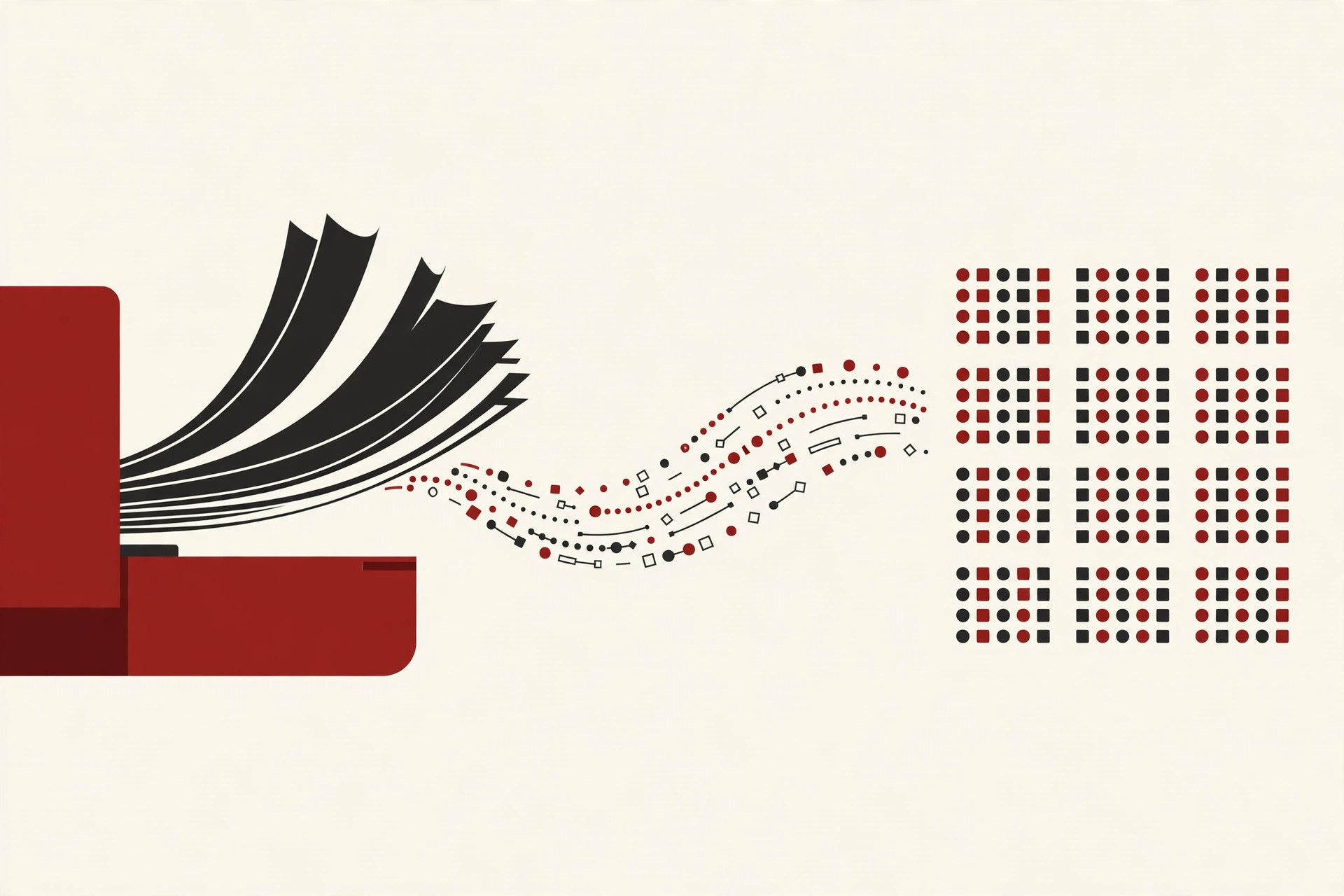
A camera, scanner or sensor takes a photo or records video. The image becomes a grid of tiny dots called pixels, each one stored as numbers for brightness and color. To the computer, a picture of your dog is really just a very large table of numbers.
Step 2: Clean and Prepare
Raw photos are messy. Light changes, angles differ and backgrounds get in the way. So the software first tidies the image: it adjusts brightness, cuts out the part that matters and resizes everything to a standard shape. This step sounds dull, but it makes the next one far more accurate.
Step 3: Find the Patterns
Now the system looks for patterns it learned during training. Most modern systems use neural networks, trained on millions of labeled examples until they can pick out edges, shapes, faces and objects on their own. These networks are the same kind of machine learning models used across AI, just tuned for pictures instead of text or numbers.
Step 4: Decide and Act
Finally, the system makes a call and does something with it: unlock the phone, flag the scan, count the product or sound the alert. Good systems also report how sure they are, so a person can step in when the answer looks shaky.
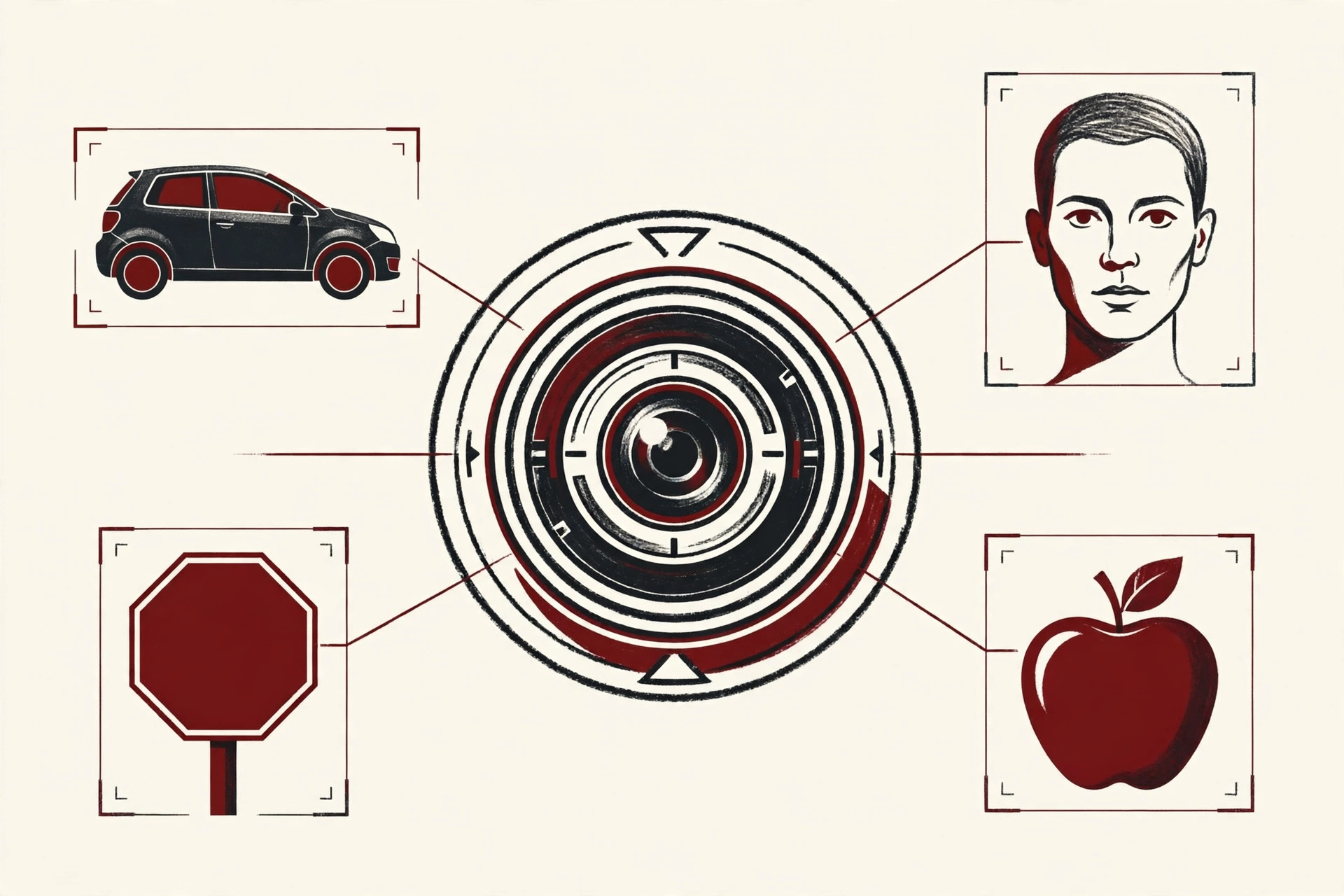
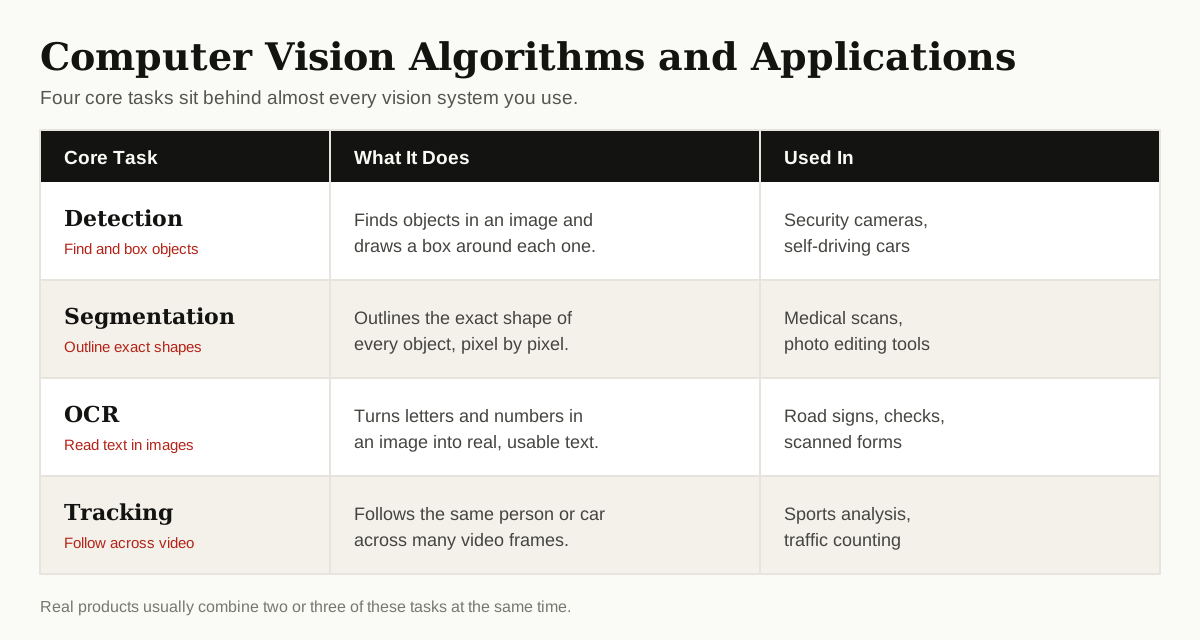
Under the hood, almost every system mixes four core jobs: detection, segmentation, OCR and tracking. Google’s own Vision AI tools are built around the same ideas, which shows how standard they have become. These four jobs power nearly all computer vision applications, in any industry.
12 Computer Vision Applications Changing Daily Life
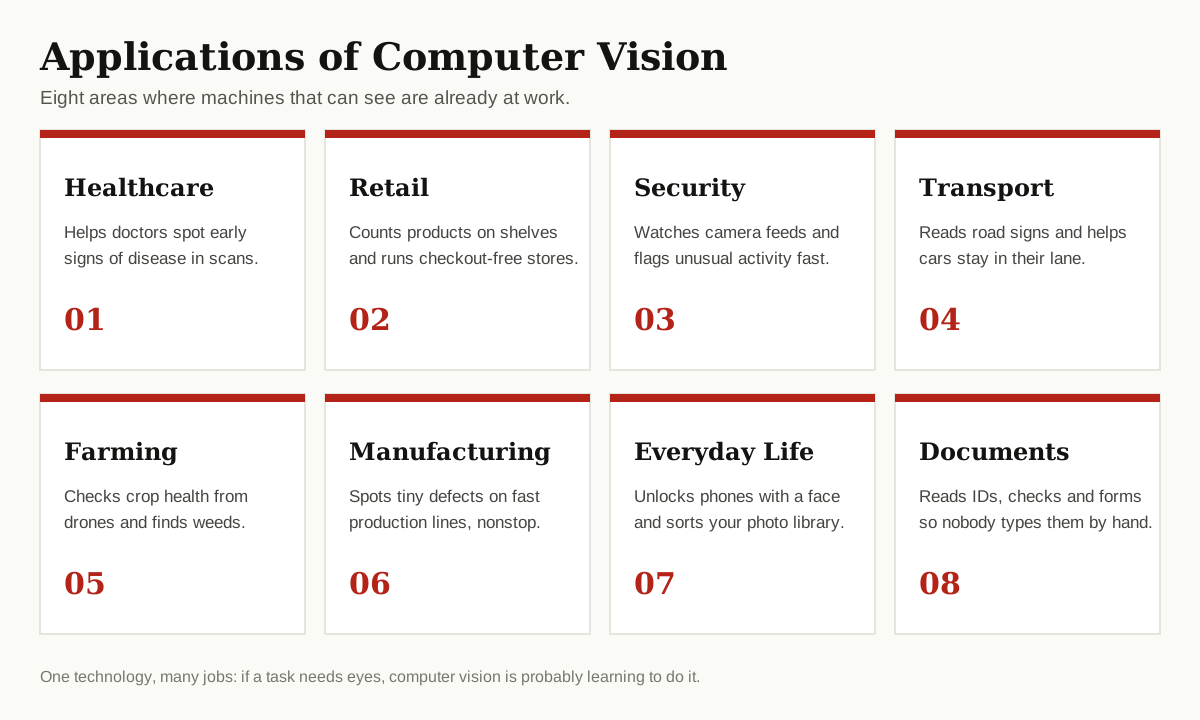
The list below groups the leading applications of computer vision by area, so you can jump to the part of life you care about most. Some are huge industry systems. Others are small phone features you stopped noticing years ago.
Healthcare
1. Reading Medical Scans
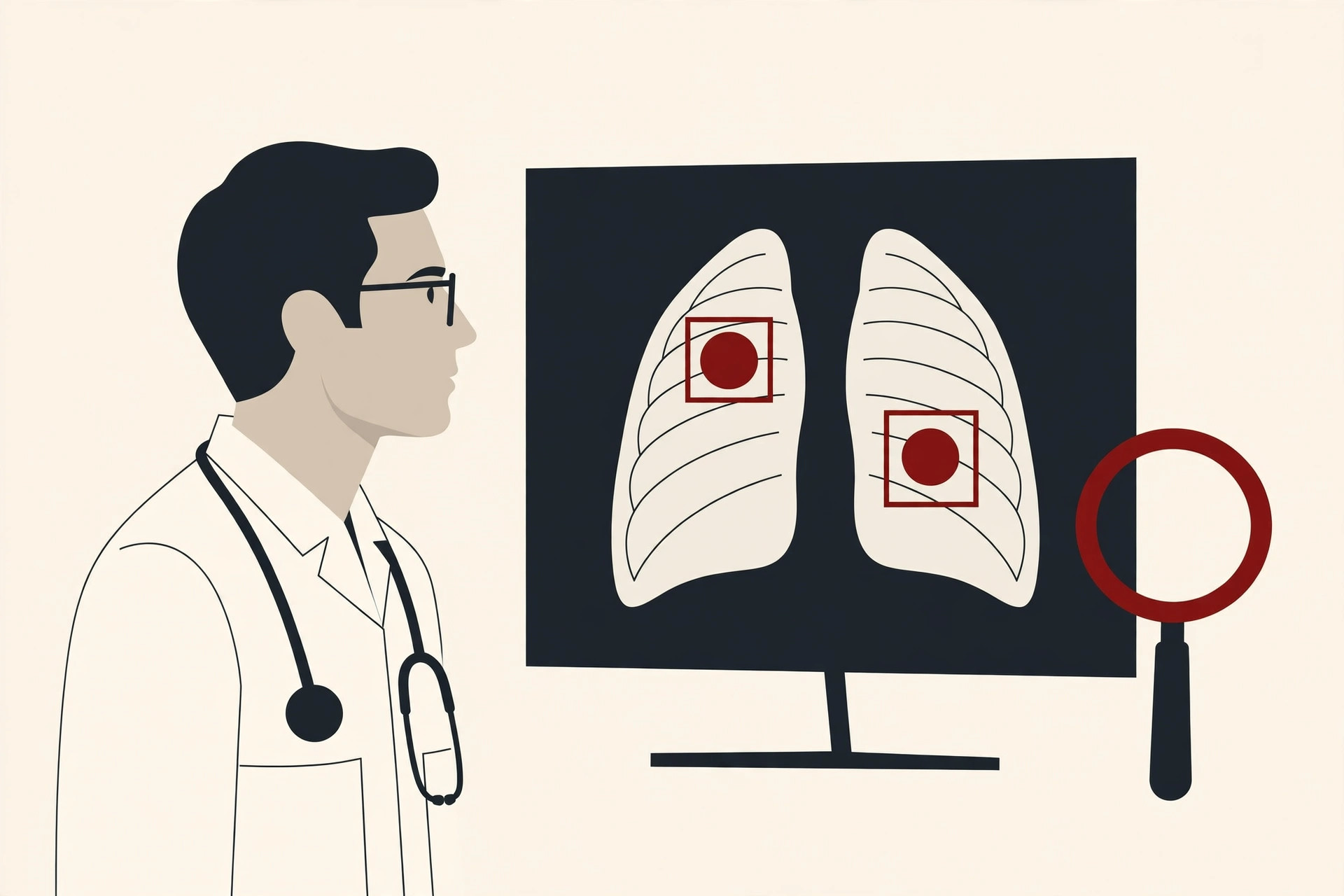
Doctors use vision software to scan X-rays, CT scans and eye images for early signs of trouble, such as lung spots, hidden bleeding or diabetes damage in the eye. The software marks the areas that look unusual, and the doctor reviews them first. It does not replace the doctor. It works like a tireless second pair of eyes that checks every image, even at 3 in the morning, and never rushes.
2. Spotting Skin Problems Early
A phone photo can now give a first check of a mole or a rash. The app compares the spot with thousands of known images and flags the ones that look risky, so people book a doctor sooner instead of waiting and worrying. These tools are careful to say they are a first step, not a diagnosis. Still, they push many people to get checked in time, and that early warning saves lives.
Retail
3. Counting Shelf Stock Automatically
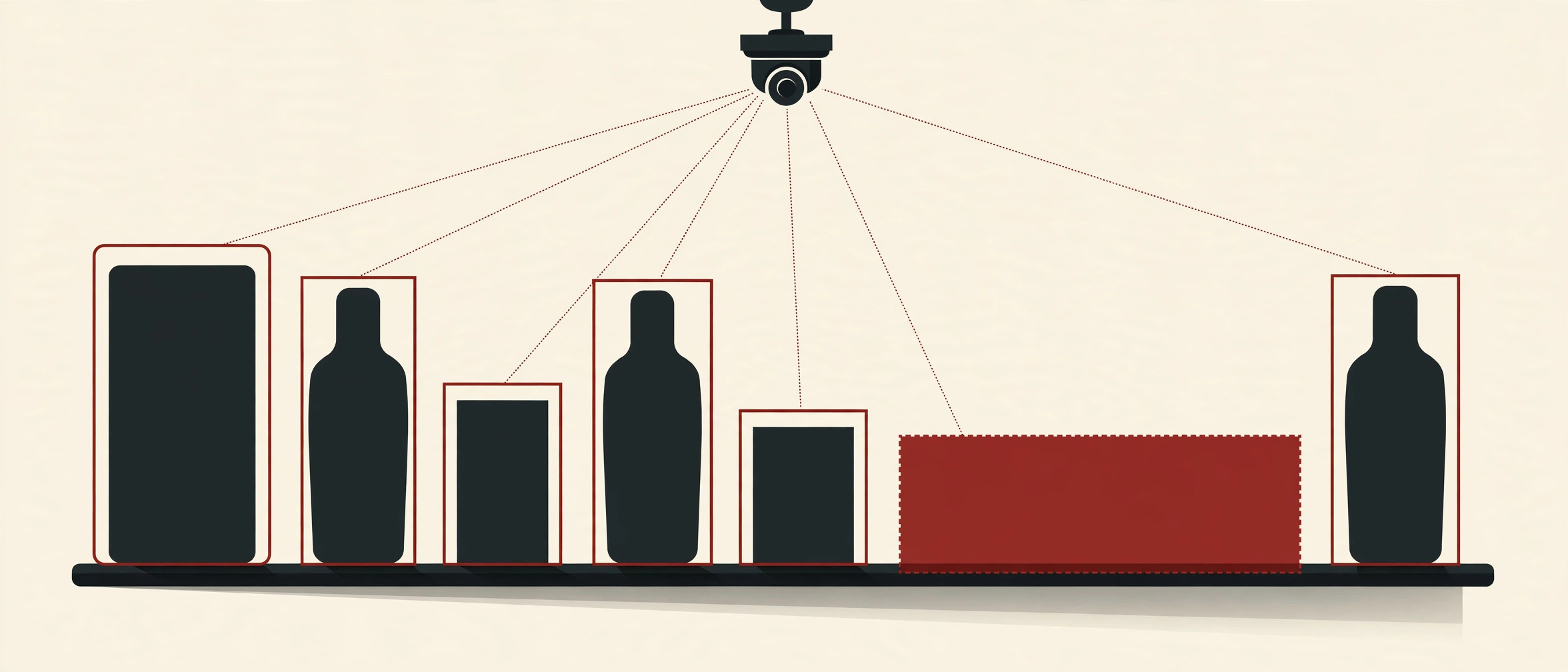
Cameras above the aisles watch the shelves all day. When a product runs low or lands in the wrong spot, the system alerts staff before shoppers find an empty gap. Large chains also send shelf-scanning robots down the aisles at night. This is one of the fastest growing computer vision retail applications, because empty shelves cost stores real money every single day.
4. Checkout-Free Stores
In checkout-free stores, ceiling cameras follow what you pick up and what you put back. When you walk out, the store charges your account for what you kept. No lines, no scanning, no waiting. Smaller shops use a lighter version at self-checkout, where a camera checks that the item you scanned matches the item in your hand, which quietly cuts both honest mistakes and theft.
Security and Safety
5. Watching Cameras So People Do Not Have To
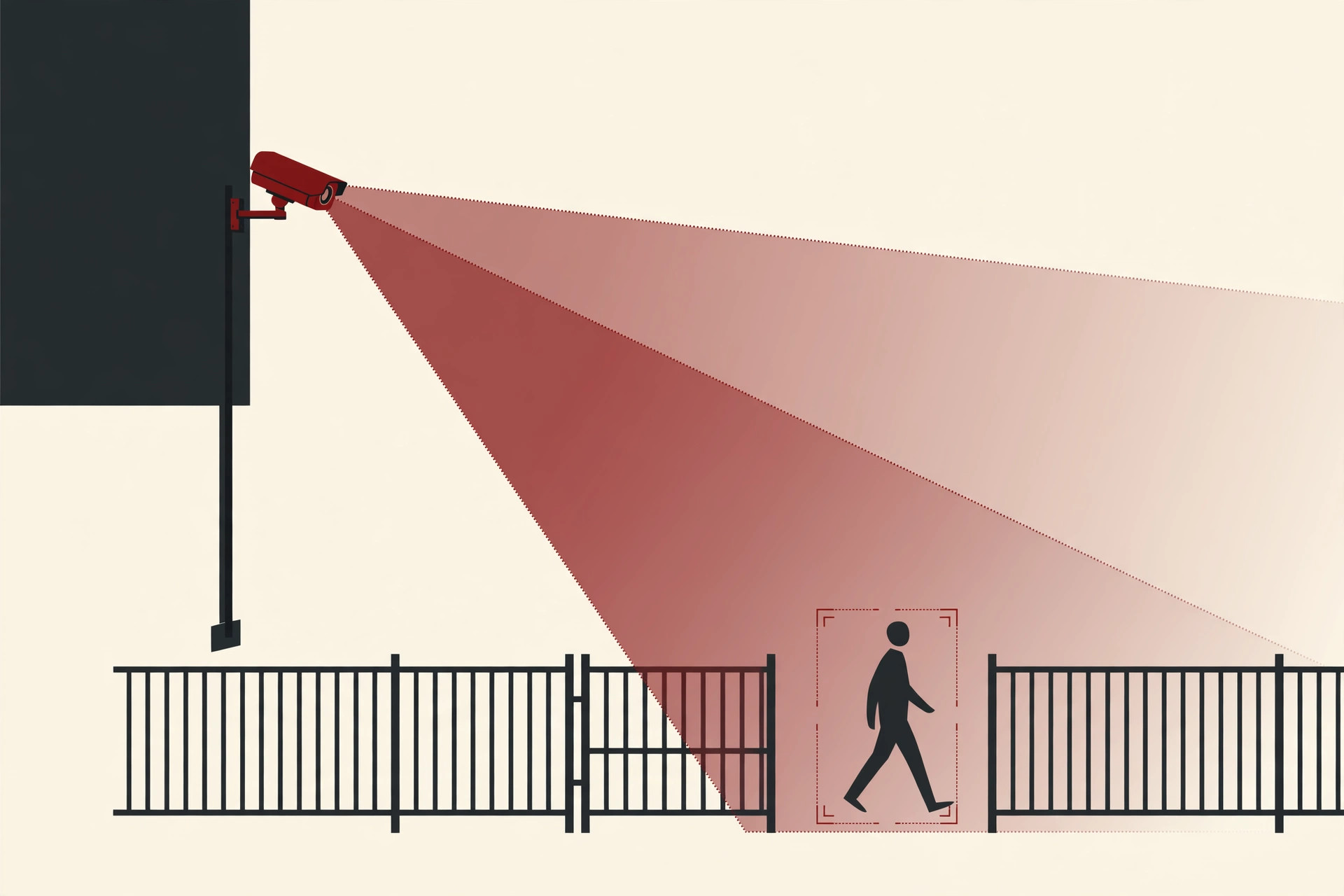
One guard cannot watch forty camera feeds at once, but software can. It flags movement in a closed area, a bag left behind, or a crowd forming where it should not, and a human checks the alert. Of all computer vision security applications, this quiet monitoring role is the most common, because it turns hours of dull video into a short list of moments that actually matter.
6. Checking Workers and Workplaces
In warehouses and factories, cameras check that workers wear helmets, vests and gloves in the zones where they are required. The system can also spot a spill on the floor, or a forklift driving too close to people on foot. Managers get an alert in seconds, not after an accident report lands on a desk. Used well, this prevents injuries. Used badly, it can feel like spying, which is why the honest limits section below matters.
Transport
7. Driver Assistance and Safer Roads
Your car uses cameras to read speed limit signs, watch the lane lines and spot the vehicle ahead getting too close. These features warn you, or even brake for you, in a split second. City traffic cameras do similar work at a bigger scale: counting vehicles, reading plates at tolls and spotting accidents so help arrives faster. Full self-driving is still a work in progress, but this everyday assistance already prevents real crashes.
8. Easier Parking and Tolls
Parking garages now read your plate at the gate, lift the barrier and charge you when you leave, with no paper ticket to lose. Highway tolls work the same way at full speed. Behind the scenes, the system reads the plate, matches it to an account and keeps a photo as proof. It is a small change, but it removed one of the most annoying stops in daily driving.
Farming
9. Checking Crops From the Sky
Drones fly over fields and photograph the crops row by row. The software spots dry patches, disease and pest damage days before a person walking the field would notice, because stressed plants change color in ways cameras catch early. Farmers then water or treat only the areas that need it, which saves money and cuts chemical use. On the ground, smart sprayers use the same idea to hit the weeds and miss the crop.
Manufacturing
10. Catching Defects on the Line
On a fast production line, products move far too quickly for human eyes to check every single one. Cameras inspect each item for cracks, wrong labels, missing parts and bad seals, and faulty pieces are pushed aside in a fraction of a second. Car plants, food factories and phone makers all rely on this. The result is fewer broken products reaching customers, and far less waste thrown away at the end of the line.
Everyday Life
11. Face Unlock and Photo Sorting
The most personal of all computer vision applications sits in your pocket. Your phone compares your face with a stored map of it and unlocks only for you. The same idea sorts your photo library by person, finds every picture of your dog, and lets you search words like beach or birthday without tagging anything by hand. The history of computer vision stretches back to the 1960s, yet what once needed a research lab now runs on a small chip in your phone.
12. Visual Search and Reading the World
Point your camera at a plant, a shoe or a landmark, and apps can name it, then show where to buy it or what to know about it. Point it at a menu in another language, and the translation appears right on your screen. For people with low vision, these tools read signs, labels and paper money out loud. It is easy to forget how new this is. Ten years ago, it felt like magic.
Here is the full list at a glance:
| Area | Example | Main benefit |
|---|---|---|
| Healthcare | Scan review support | Earlier treatment |
| Retail | Shelf cameras | Fewer empty shelves |
| Transport | Lane and sign reading | Fewer crashes |
| Farming | Drone crop checks | Less water and chemicals |
| Manufacturing | Defect inspection | Less waste |
| Security | Camera alerts | Faster response |
The Biggest Benefits
Why are companies in every industry adding cameras that think? Four reasons come up again and again:
- Speed: Software reviews an image in a fraction of a second, far faster than any person.
- Scale: One system can watch thousands of cameras or millions of photos at the same time.
- Consistency: It applies the same standard at 9 in the morning and at 3 at night.
- Early warnings: It spots small changes, like a growing spot on a scan, before they turn into big problems.
Put together, computer vision applications save time, cut boring work and catch things that tired human eyes would miss. That is why the technology keeps spreading into new areas, and why the IBM overview of computer vision now treats it as a basic business tool, not a lab experiment.
Honest Limits You Should Know
Even the best computer vision applications share some weak spots, and it is worth being clear about them.
Lighting and image quality. These systems learn from photos, so bad light, glare, rain or a dirty lens can throw them off. A face unlock that works at noon may fail in a dark room. A camera that reads plates in sunshine may miss them in thick fog.
Bias in training data. A system learns from the examples it was shown. If most training photos came from one group of people, or one type of road, the system works best for them and worse for everyone else. This has caused real problems in face recognition, and serious builders now test on wide, mixed data sets.
Privacy. A camera that can find a lost child can also follow ordinary people who did nothing wrong. Where the video goes, how long it is kept and who can see it are not technical questions. They are rules that companies and governments must set, explain and respect.
Confidence without understanding. The software matches patterns. It does not truly understand a scene the way you do, so it can sound very sure and still be wrong. That is why the best systems keep a human in charge of the final call, especially in health and safety.
What Is Coming Next
The next wave is about understanding video, not just single photos. Newer systems can describe what is happening in a scene, answer questions about it, and connect what they see with what they read. If you want the background, our guide to what is a neural network explains the brain-like models behind this jump.
Cameras are also getting smarter at the source. Small chips now run vision models inside the camera itself, which means faster answers and less video sent to the cloud, a real win for privacy. Prices keep falling too, so tools that only big chains could afford are reaching small shops, clinics and farms.
Expect ai computer vision applications to feel less like separate products, and more like a quiet feature built into everything that has a lens.
Conclusion
From hospital scans to checkout-free stores, computer vision applications have moved out of the lab and into ordinary life. They work by capturing an image, cleaning it, finding patterns and acting on what they find, and the best of them keep a human in charge of the final decision.
The technology is not flawless. Light, bias and privacy are real limits that deserve honest handling. But used with care, it saves time, prevents accidents and catches problems early.
Want to go deeper? Start with our beginner guide to machine learning algorithms, browse the rest of the AI, ML and Data Science category, and keep your eyes open. You will be surprised how often you spot these systems now.