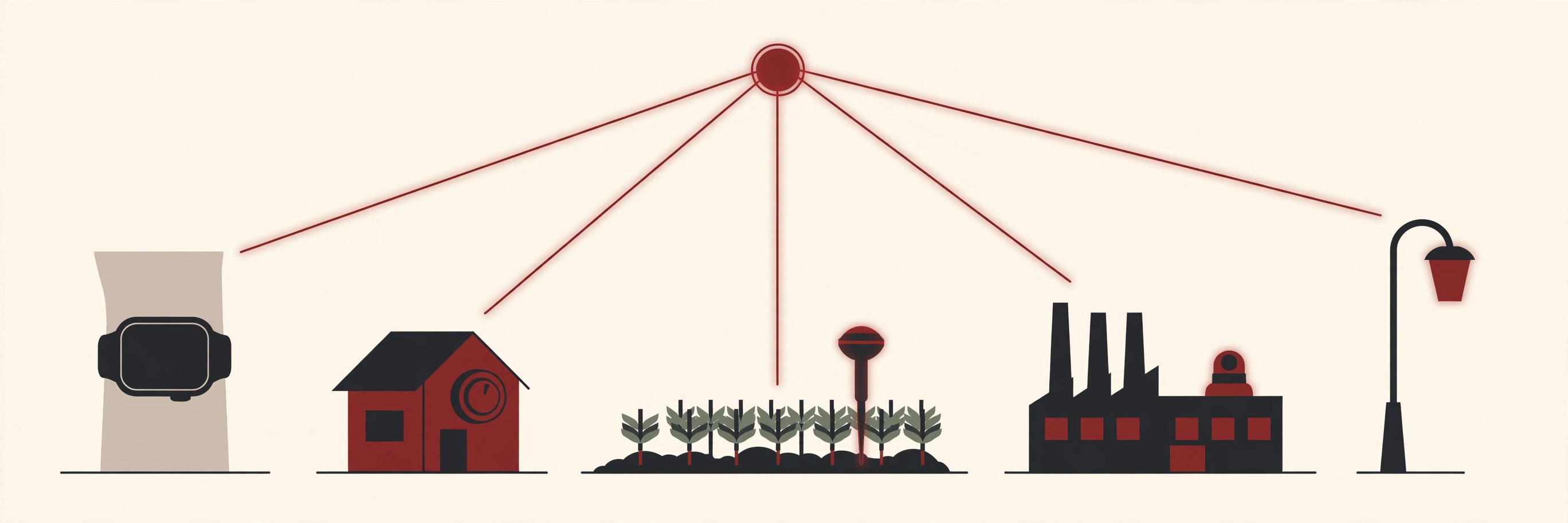
You probably own several internet of things examples already, even if you have never used the term. A thermostat that warms the house before you get home. A watch that counts your steps and watches your sleep. A doorbell that shows you a live picture of your front step while you are at work.
The Internet of Things, or IoT for short, is simply the idea of giving everyday objects a connection. Once an object can sense what is happening around it and report back, it stops being a dumb object and starts being a helpful one.
This guide walks through the clearest internet of things examples area by area: home, health, cities, farms, factories and shops. By the end, you will start spotting them everywhere.
What Is the Internet of Things, in Simple Words?
The Internet of Things means everyday objects with sensors, a connection, and software that collects data and acts on it.
IBM describes the Internet of Things as a network of physical devices, vehicles, appliances and other objects that have sensors, software and network connectivity built in, so they can collect and share data. In plain words: the object notices something, sends the news over the internet, and software decides what to do about it.
That is the whole idea. A thing plus a sensor plus a connection becomes a thing that can report, learn and react. Everything else in this article is just that pattern wearing different clothes.
It also helps to know what IoT is not. A normal remote control talks to your TV with a simple beam of light and forgets everything instantly. An IoT device keeps records, shares them, and can be checked or controlled from far away. That memory and that two way conversation are what make it “smart,” not the gadget itself.
What Makes Something IoT? The Four Parts
Almost every example in this guide is built from the same four parts.
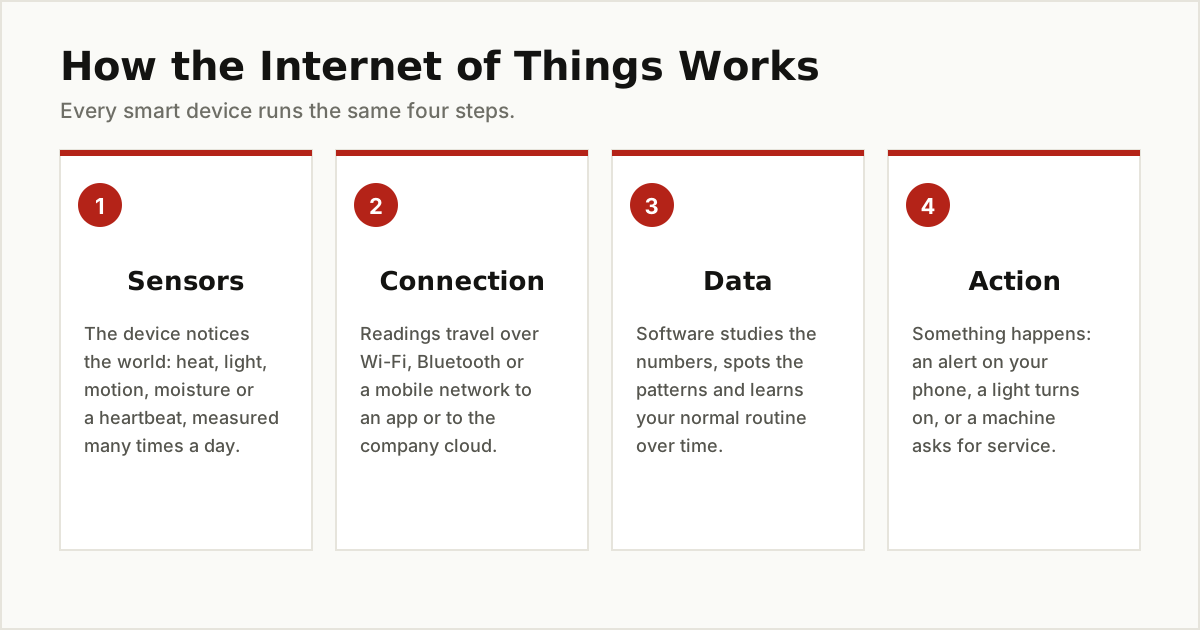
- Sensors. The device measures something: temperature, motion, light, moisture, steps, or a heartbeat.
- Connection. The readings travel over Wi-Fi, Bluetooth or a mobile network to an app or to the company’s cloud computers.
- Data. Software studies the numbers, looks for patterns, and often learns your routine over time.
- Action. Something happens. You get an alert, a light turns on, a valve opens, or a machine asks for service before it breaks.
Watch the four parts work together in one small story. A smart thermostat’s sensor notices the room cooling down (sensors). It sends the reading over Wi-Fi to the maker’s cloud (connection). The software compares it with the pattern it learned from your evenings and sees you usually come home at six (data). So at half past five, it switches the heating on (action). You did nothing, and the house is warm when you walk in.
Behind the scenes there is real computing going on. Most of these devices are run by a tiny, cheap computer chip built for one job, and our guide to what a microcontroller is explains how those chips work.
This flood of small messages also needs serious plumbing at the other end. Cloud platforms such as Amazon’s AWS IoT Core exist to receive device data securely, process it, and trigger actions based on it.
Internet of Things Examples at Home
Home is where IoT became normal, because the benefits are easy to feel.
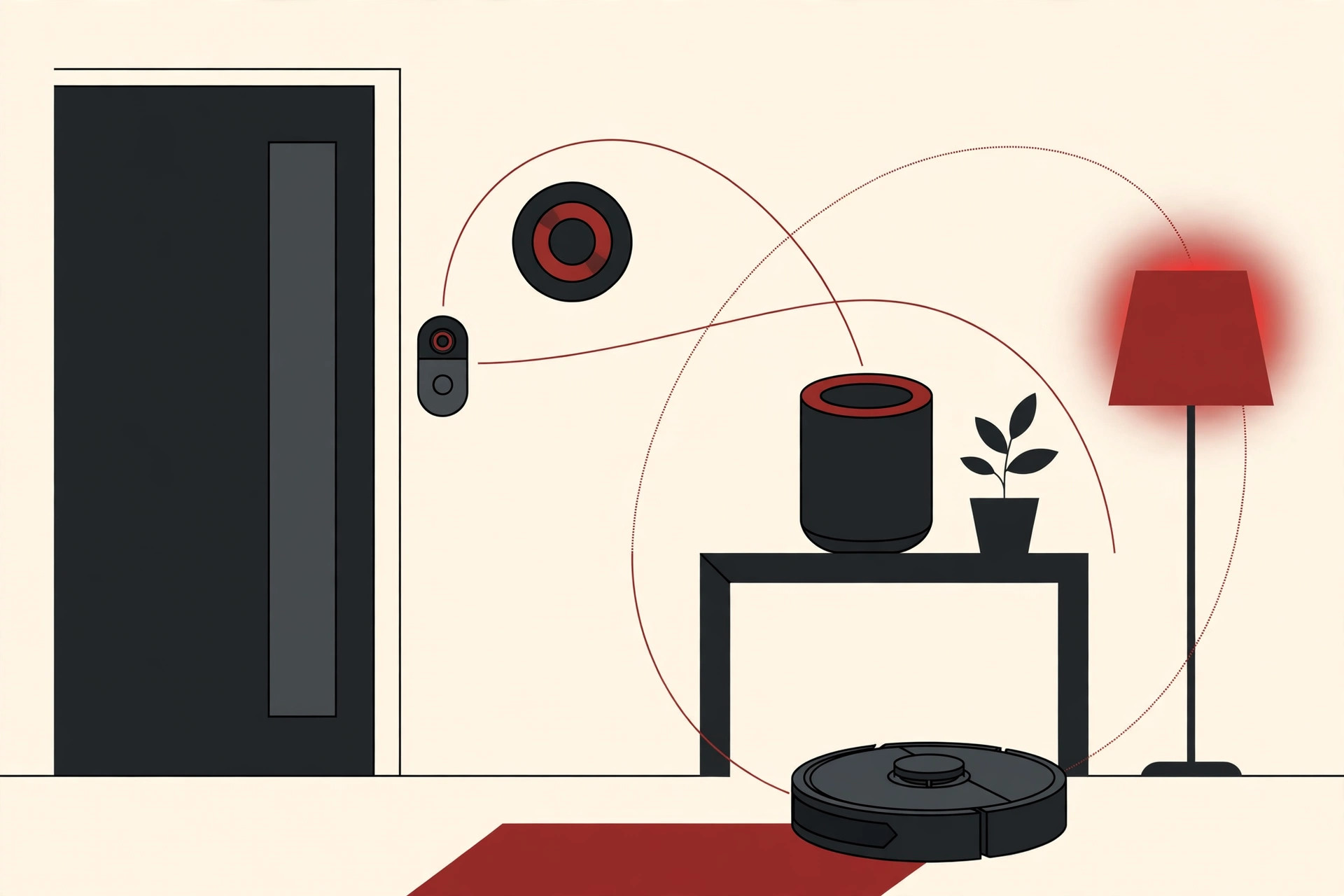
- Smart thermostat. It learns when you wake up, when you leave, and when you come home, then adjusts the heating and cooling on its own. Google’s Nest thermostat made this idea famous, and it is still the example most people picture first.
- Video doorbell. A small camera and motion sensor at your door. When someone walks up, your phone buzzes and shows you live video, wherever you are.
- Smart speaker. It listens for your voice and answers questions, plays music, and acts as the remote control for your other smart devices.
- Robot vacuum. It maps your rooms with sensors, cleans on a schedule, avoids the stairs, and drives itself back to its charger.
- Smart lights and plugs. Bulbs and plugs you can switch, dim or schedule from an app, which can also make a lamp behave like someone is home when you are away.
- Smart locks and leak sensors. A lock you can open for a guest from your phone, and a small sensor under the sink or water heater that shouts the moment it feels water where water should never be.
Most homes run these through one app or one voice assistant, which is why the gadgets feel like a single system instead of a pile of separate purchases. Start with one device that solves one real annoyance, and the rest of the smart home tends to follow slowly.
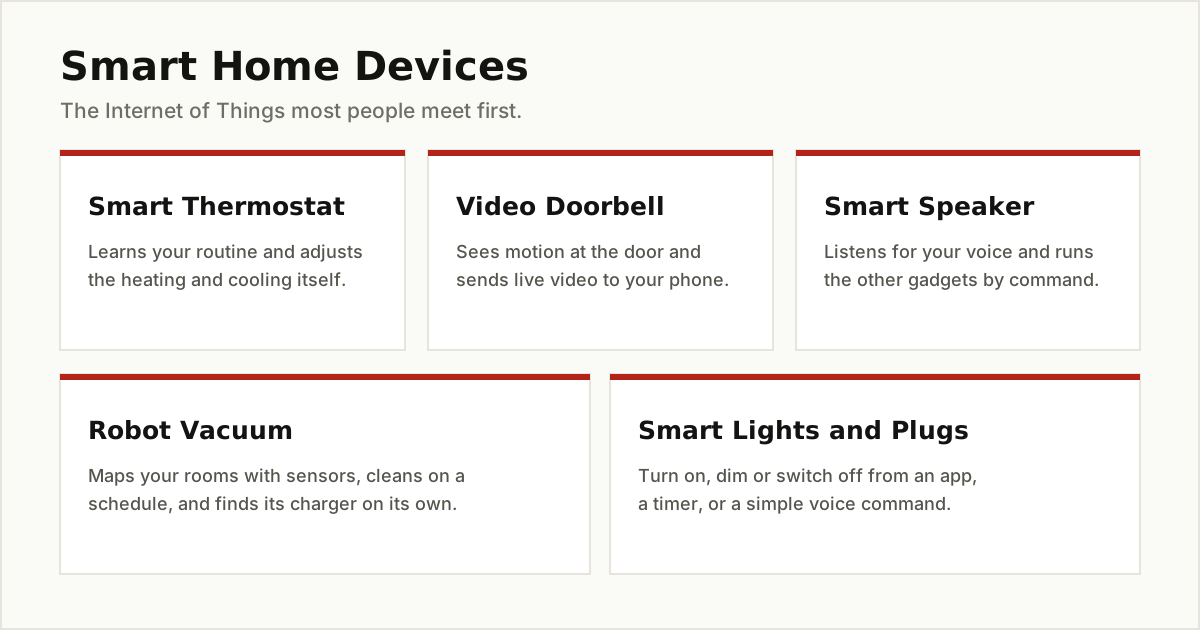
None of these gadgets is magic. Each one is just the four parts above, arranged around your house.
Internet of Things Examples in Healthcare
Health devices are the most personal internet of things examples, because the thing being measured is you.
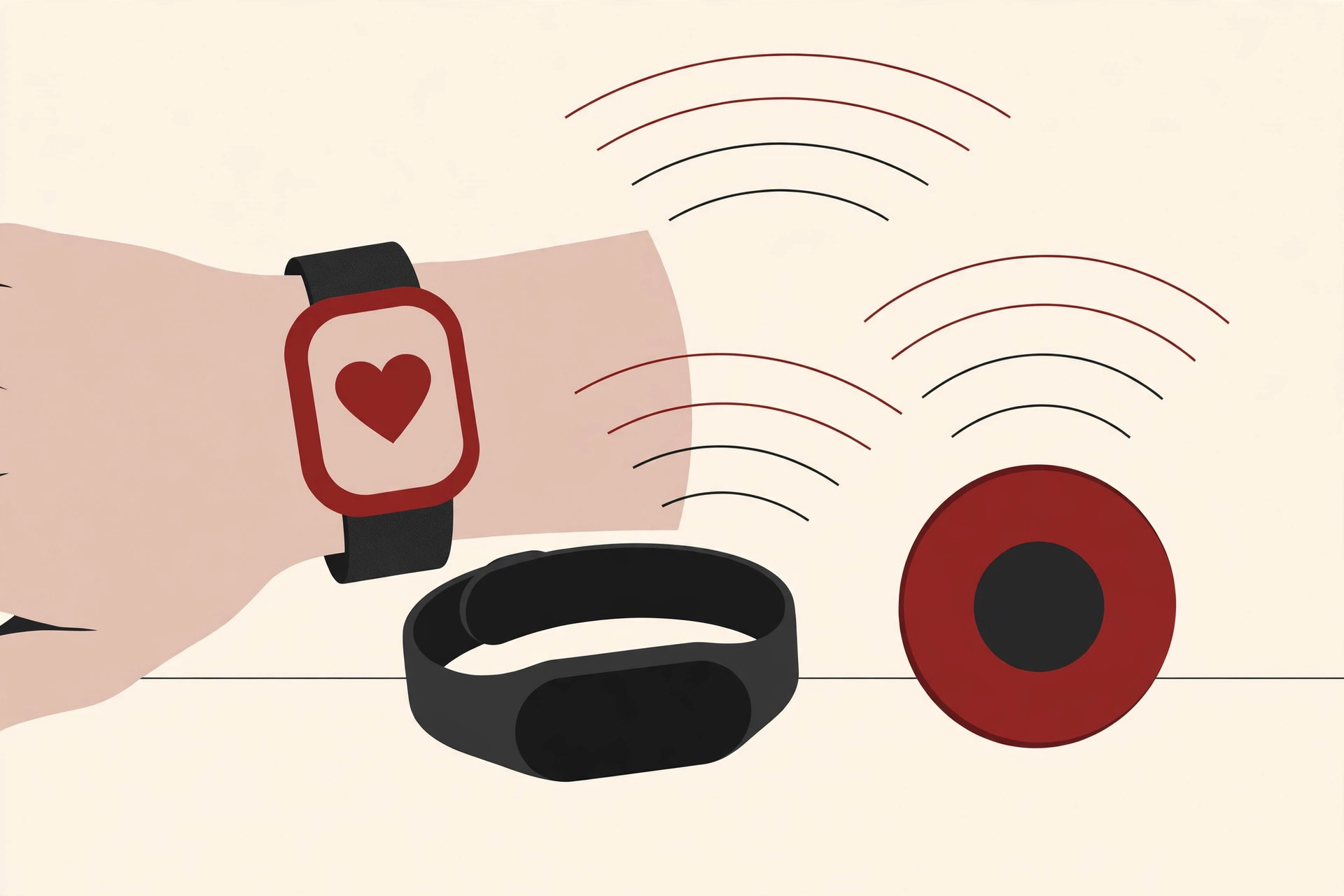
- Fitness bands and smartwatches. They count steps, measure heart rate, and track sleep, then turn the numbers into simple charts in an app. Many people use them as an early nudge to move more and rest better.
- Connected glucose monitors. People with diabetes use small wearable sensors that read blood sugar through the day and share the readings with an app. Used together with a doctor’s guidance, they make a hard condition easier to watch and manage.
- Remote patient monitoring. Hospitals and clinics increasingly use connected devices to keep an eye on patients at home, so a nurse can spot a worrying change early instead of at the next appointment.
- Fall detectors and medicine reminders. Wrist pendants and watches that notice a hard fall and call for help are a lifeline for older people living alone. At the simpler end, connected pill boxes beep and light up when a dose is due, and quietly log whether it was taken.
A fair warning: a watch is not a doctor. These devices are helpful measuring tools, and anything that worries you still belongs in a conversation with a medical professional.
Internet of Things Examples in Cities and Utilities
Cities run on things you rarely notice, and connecting them quietly saves money and time.
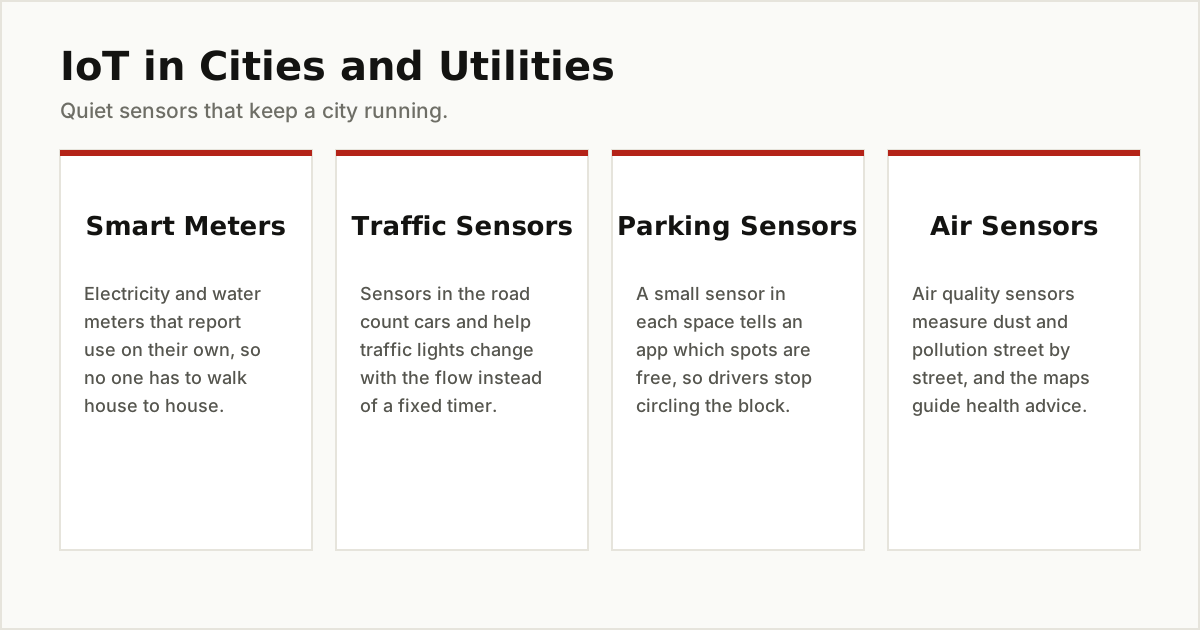
- Smart meters. Electricity and water meters that report your usage by themselves. No more estimated bills or a reader walking from house to house, and the utility can spot a leak or a fault faster.
- Traffic and parking sensors. Sensors buried in roads count vehicles and help traffic lights respond to real flow. Parking sensors report which spaces are free, so apps can guide drivers straight to one.
- Air quality sensors. Small stations measure dust and pollution street by street. The results feed the air quality maps and health advice many cities now publish.
- Smart street lights and bins. Street lights that brighten when someone walks by and dim on empty roads save power all night. Even rubbish bins join in: a sensor inside reports when a bin is nearly full, so collection trucks visit the bins that need it instead of driving a fixed route.
Internet of Things Examples on Farms
Farming looks old fashioned from the road, but modern farms are full of sensors.
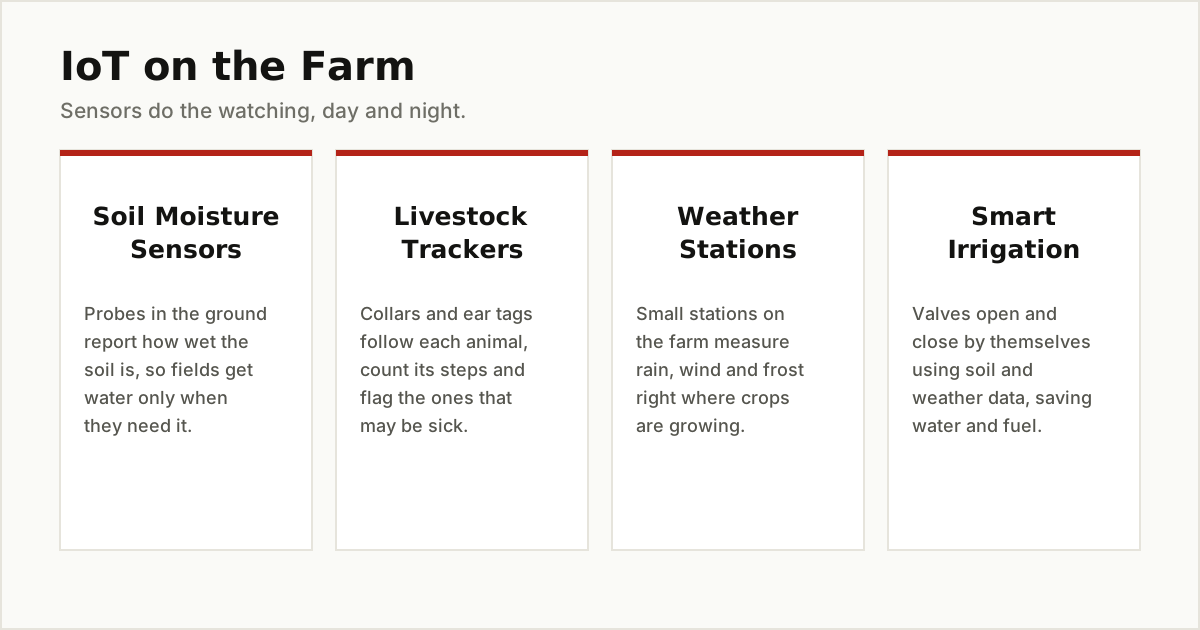
- Soil moisture sensors. Probes pushed into the ground report how wet the soil is at root level. The farmer waters only when and where the crop actually needs it, saving water and fuel.
- Livestock trackers. Collars and ear tags follow each animal’s location and movement. A cow that suddenly moves much less than usual may be sick, and the farmer hears about it early.
- Weather stations and smart irrigation. Small on farm stations measure rain, wind and frost risk in the exact field, and connected valves can open and close watering lines by themselves using that data.
- Greenhouse controls and crop drones. Inside greenhouses, connected systems watch temperature and humidity and open vents or mist the air before plants suffer. Above the fields, camera drones give farmers an early look at dry patches and struggling rows that are hard to see from the ground.
Internet of Things Examples in Factories and Work
In industry, IoT is often called the Industrial Internet of Things, or IIoT. The idea is the same, but the things are machines instead of lamps.
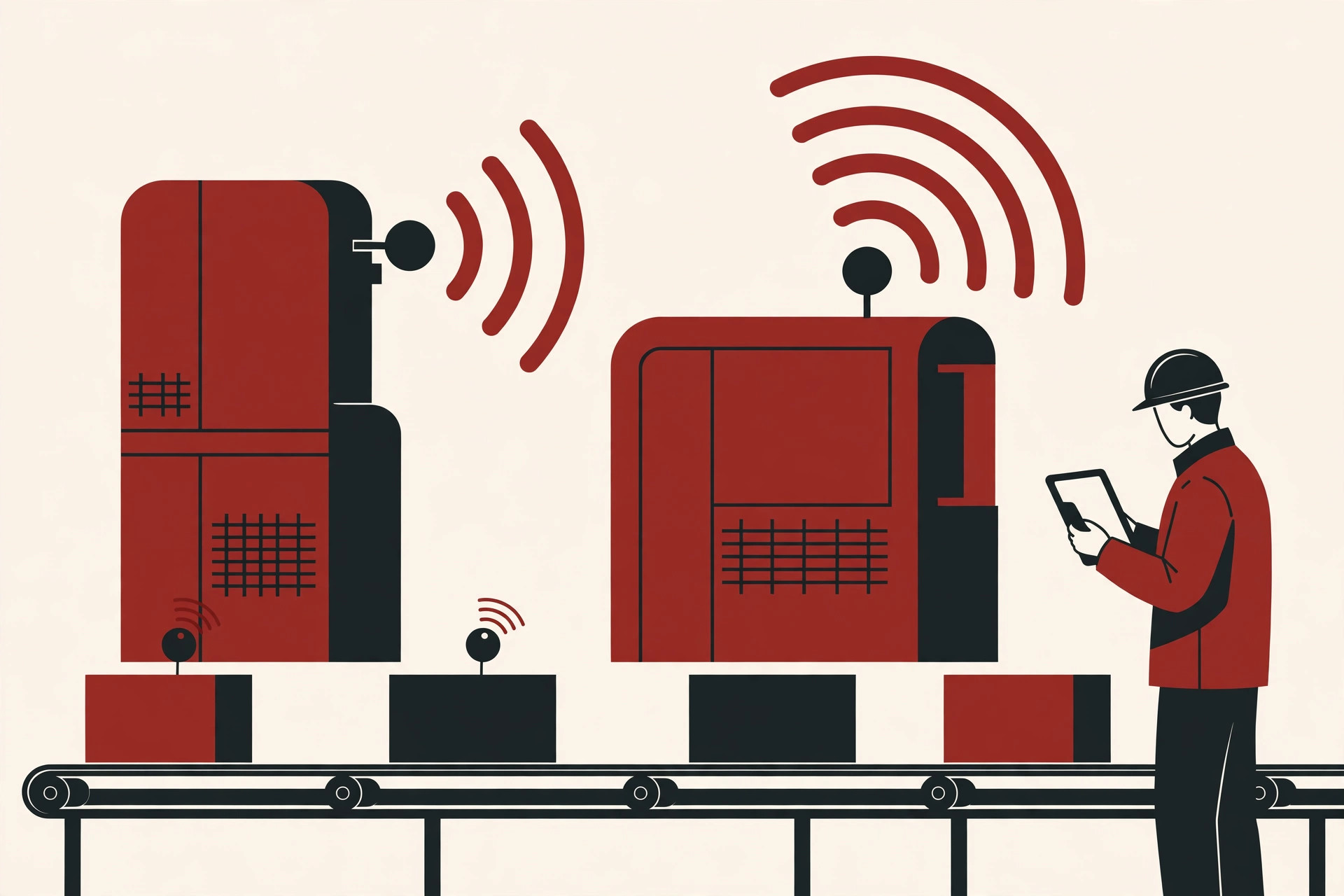
- Machine health monitoring. Sensors listen to a machine’s vibration, heat and sound. The US standards agency NIST describes exactly this: connected sensors watch the vibration levels of factory equipment and alert managers when a machine starts behaving oddly, before it breaks down.
- Asset tracking tags. Small tags on tools, pallets and machines report where things are, so workers stop losing time hunting for equipment.
- Warehouse scanners and connected shelves. Stock counts update themselves as goods move, which means fewer surprise shortages and fewer shelves holding the wrong products.
- Predictive maintenance. This is the pattern behind the vibration sensors, and it is the benefit factory owners praise most. Instead of fixing machines on a fixed calendar, or waiting for a breakdown in the middle of a busy shift, the data warns the team days ahead, and the repair happens at a calm, planned moment.
Internet of Things Examples in Shops and Deliveries
The last group works quietly in the background of everyday shopping.
Retailers use sensors and smart shelves to track what is in stock and what is running low, and some stores now experiment with cameras and shelf sensors that notice what shoppers pick up, so checkout gets faster. Delivery companies go further. A small temperature logger riding inside a food or medicine shipment records the temperature for the whole trip. If the cooling failed on the way, the data shows it, and the spoiled goods never reach the shelf. It is a simple idea that protects both the shop and you.
The same tracking follows parcels home. A courier’s scanner updates your delivery step by step, and a tracker on a valuable package can report its location the whole way, which is why “where is my order” is a question your phone can now answer honestly.
The Honest Downsides, and Three Safety Habits
Connected things are useful, but they are not free of problems, and you deserve the honest list.
- Weak security on cheap devices. Some low cost gadgets ship with simple default passwords and software that is never fixed. A forgotten camera on your network can become a stranger’s doorway in.
- Privacy questions. A device that listens, watches or tracks your location collects personal data. A camera bought to watch a pet also sees your family, and a speaker keeps snippets of what it hears. It is worth asking what a gadget records, where the data goes, who can see it, and whether you can delete it.
- Dead servers. Many smart devices depend on the maker’s cloud. If the company shuts down or ends support, a gadget you paid for can quietly stop working, even though the hardware is fine.
The good news is that the same basic hygiene from our guide to computer virus prevention covers most of the risk here too.
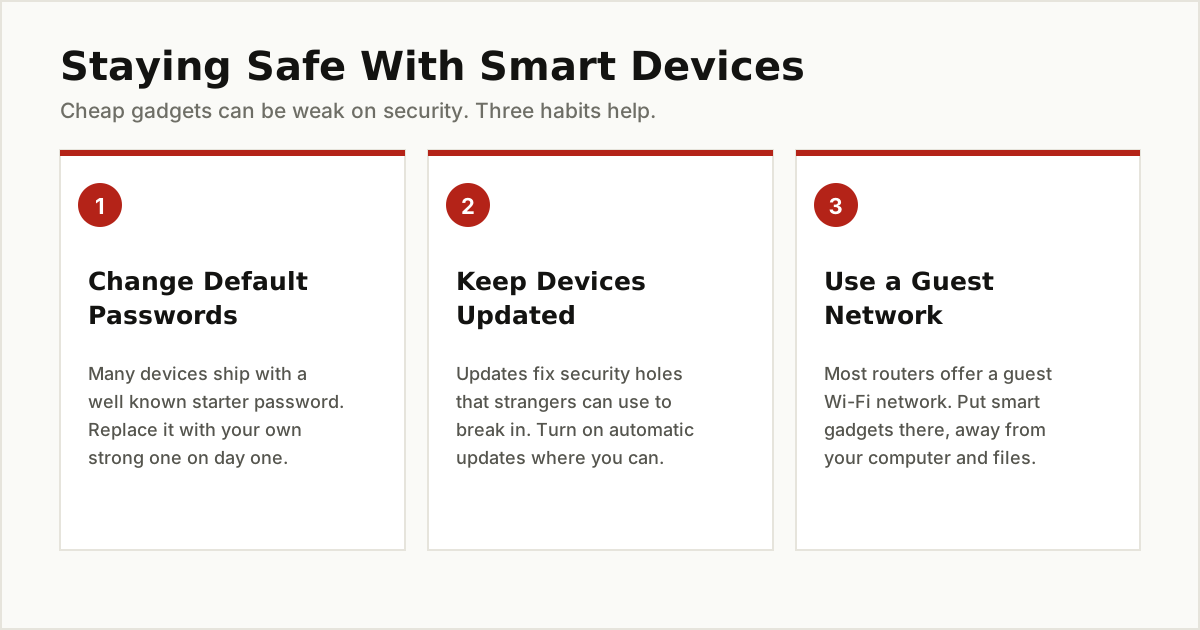
- Change default passwords. Every new device gets your own strong password on day one.
- Keep devices updated. Updates fix security holes. Turn on automatic updates where the option exists.
- Use a guest network. Most home routers offer a guest Wi-Fi network. Putting smart gadgets on it keeps them away from your computer and your files.
The Bottom Line
Internet of things examples are not a future idea. They are the thermostat on your wall, the watch on your wrist, the meter outside your house, the sensor in a farmer’s field and the tag on a factory machine. All of them follow the same simple pattern: sense, connect, study the data, and act.
Once you see the pattern, you cannot unsee it, and you will judge new gadgets better too. Does it sense something useful? Does it act on what it learns? Is it safe and supported? Ask those three questions and you understand IoT better than most marketing does.
Connected objects are only one piece of a bigger shift in how technology enters everyday work. Our look at augmented reality in accounting shows a very different technology arriving in a very traditional job. Or keep browsing our other Emerging Tech guides, where we explain new technology in the same plain English, one honest answer at a time.