You used a microcontroller before you finished breakfast. One timed your microwave. Another checked the temperature inside your fridge. A third sat quietly in your TV remote, waiting for a button press. By the time you start your car, a whole team of them wakes up to help manage the engine, the brakes, and the safety systems.
A microcontroller may be the most common computer on Earth, and also the least visible. It is a complete little computer squeezed onto a single chip, built to do one dedicated job well, quietly, for years. This guide explains what a microcontroller is, what lives inside it, how it differs from the processor in your laptop, and which famous chips you are most likely to meet first.
What Is a Microcontroller?
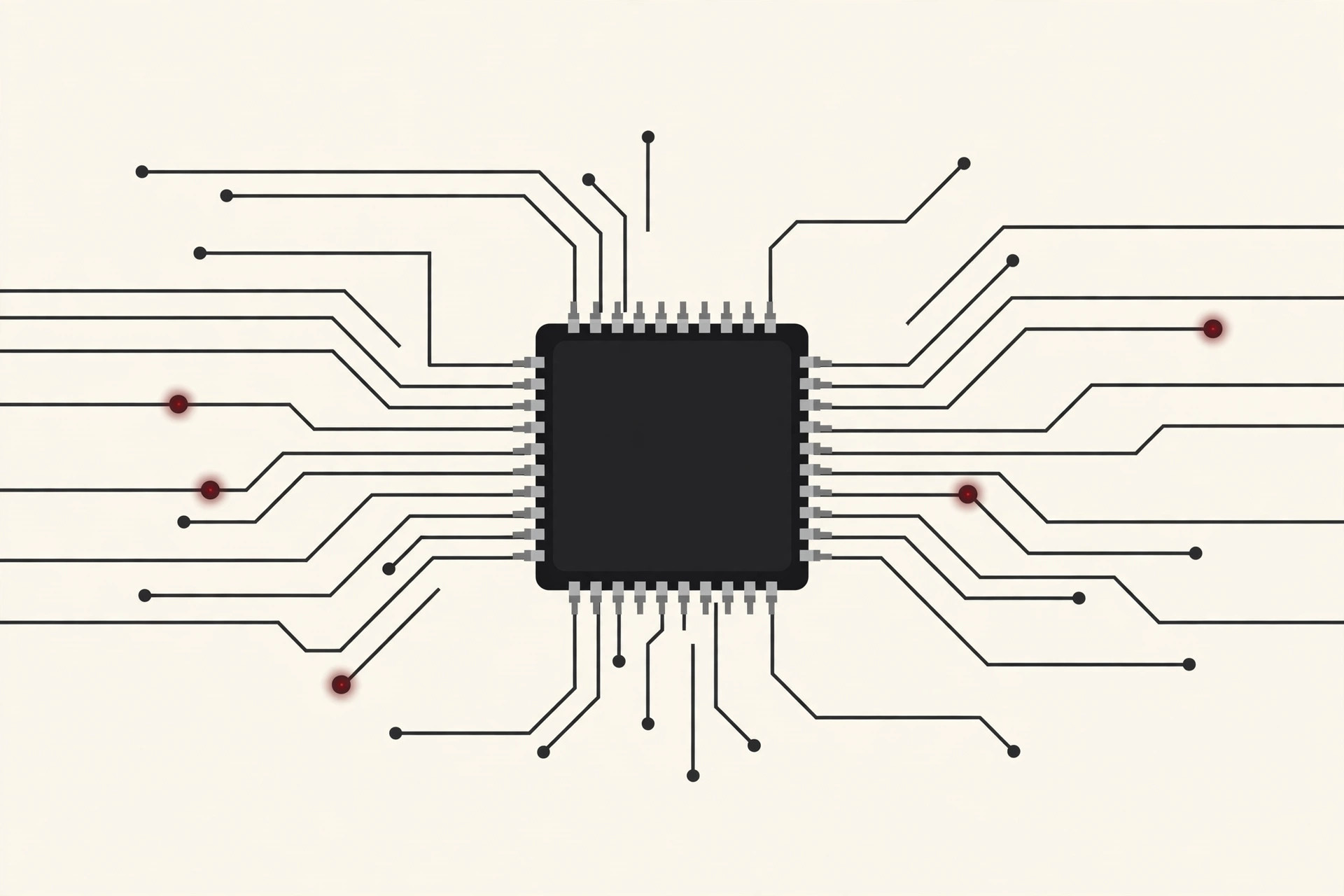
So, what is a microcontroller? In short, it is a complete computer on a single chip. Inside one small black square you get the three things a normal computer keeps on separate parts: a processor (the thinking part), memory (for storing the program and its data), and input and output connections (for sensing the world and controlling it).
That all-in-one design is the whole point. A microcontroller does not run apps, browse the web, or juggle ten tasks at once. It runs one program, written for one job, and it runs that same program every single time the power comes on. The chip inside a washing machine spends its entire life filling, spinning, and draining. It never needs to do anything else, so it never gets distracted.
Engineers call this kind of computing embedded, because the computer is embedded inside a bigger product. You bought a washing machine, not a computer. The microcontroller is simply in there, doing its job where nobody sees it.

Where You Already Use Them Every Day
Once you start looking, microcontrollers are everywhere. A typical home is full of them:
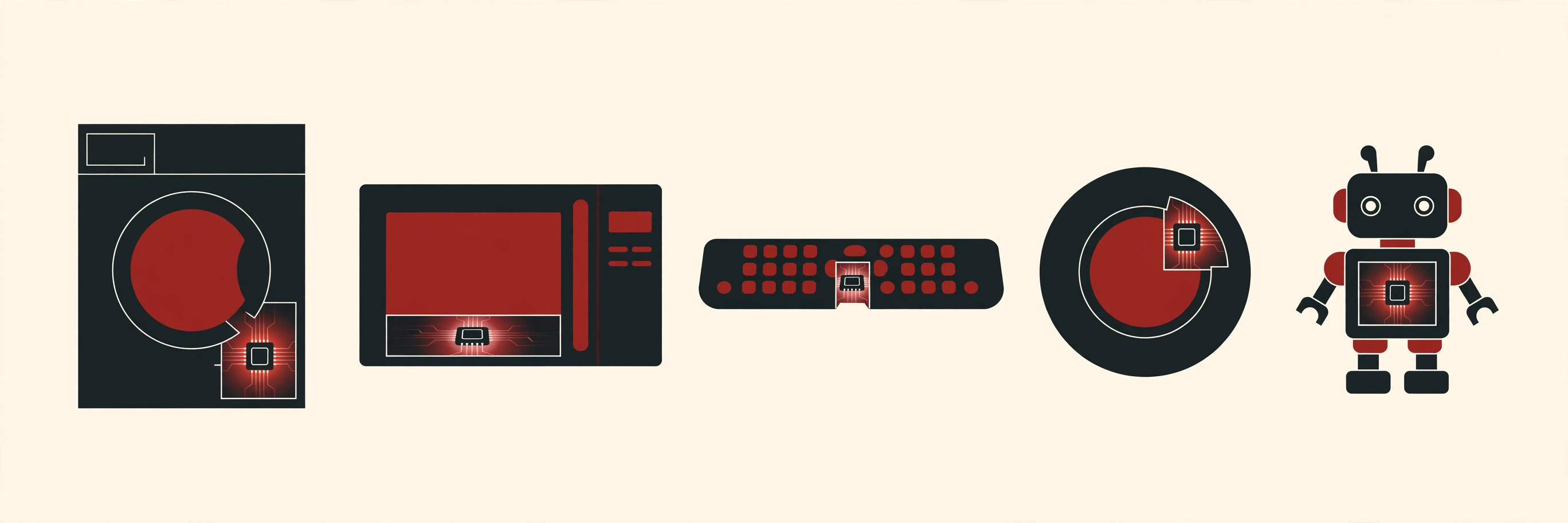
- Washing machine: one chip reads the water level and temperature, turns the motor, times each cycle, and watches the door lock.
- Microwave: a chip reads the keypad, counts down the cooking time, and controls the beeper that announces your food.
- TV remote: a tiny chip wakes up when you press a button, sends a coded flash of infrared light, and goes straight back to sleep. That frugal habit is why remote batteries last so long.
- Car: a modern car does not have one microcontroller. It has a whole team of them, looking after the engine, the dashboard, the windows, the lights, and the airbags.
- Thermostat: one chip reads the room temperature, compares it with your setting, and switches the heating or cooling on and off.
- Toys and tools: talking toys, coffee makers, electric toothbrushes, and cordless drills all follow the same pattern: one chip, one job.
Give one of these chips an internet connection and it joins the Internet of Things, the world of smart plugs, doorbells, and sensors that quietly report back to your phone.
Inside a Microcontroller: The Parts That Matter
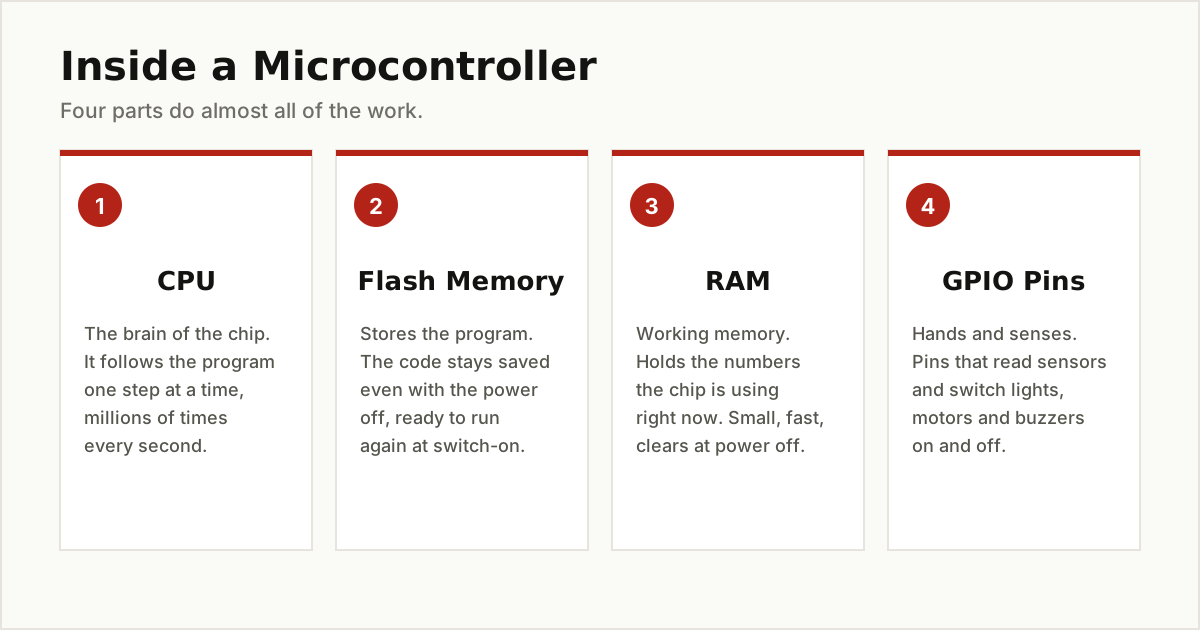
You do not need an engineering degree to understand what is inside the chip. Four parts do almost all of the work.
The CPU: The Brain
The CPU (central processing unit) is the part that thinks. It follows the program instructions one step at a time: read a sensor, compare a number, switch a pin on, wait, repeat. Even a slow microcontroller CPU can do this millions of times per second, which is far more than a washing machine will ever ask of it.
Flash Memory: Where the Program Lives
Flash memory stores the program itself. Its key talent is holding on to data with the power off, so the chip wakes up already knowing its job. When people say they are flashing a board, they simply mean they are writing a new program into this memory.
RAM: The Working Desk
RAM is the chip’s short-term memory, a small fast space for the numbers it is using right now, like the current temperature or a timer count. It clears completely when the power goes, which is fine, because the program in flash rebuilds everything at startup. Some chips, like the one in the Arduino Uno, add a third small memory called EEPROM, which keeps a few settings safe between restarts.
GPIO Pins: The Hands and Senses
GPIO stands for general-purpose input/output, and these metal pins are how the chip touches the real world. As inputs, they read buttons, light sensors, and temperature sensors. As outputs, they light LEDs, spin motors, and sound buzzers. If the CPU is the brain and the memory is the mind, the GPIO pins are the hands and the senses.
Most chips also carry a few helpful extras, such as timers for precise waiting and a part called an ADC that turns real-world signals like heat and light into numbers the CPU can work with.
How a Microcontroller Gets Its Instructions
A microcontroller leaves the factory essentially blank. It gets its instructions in a simple ceremony that hobbyists repeat every day:
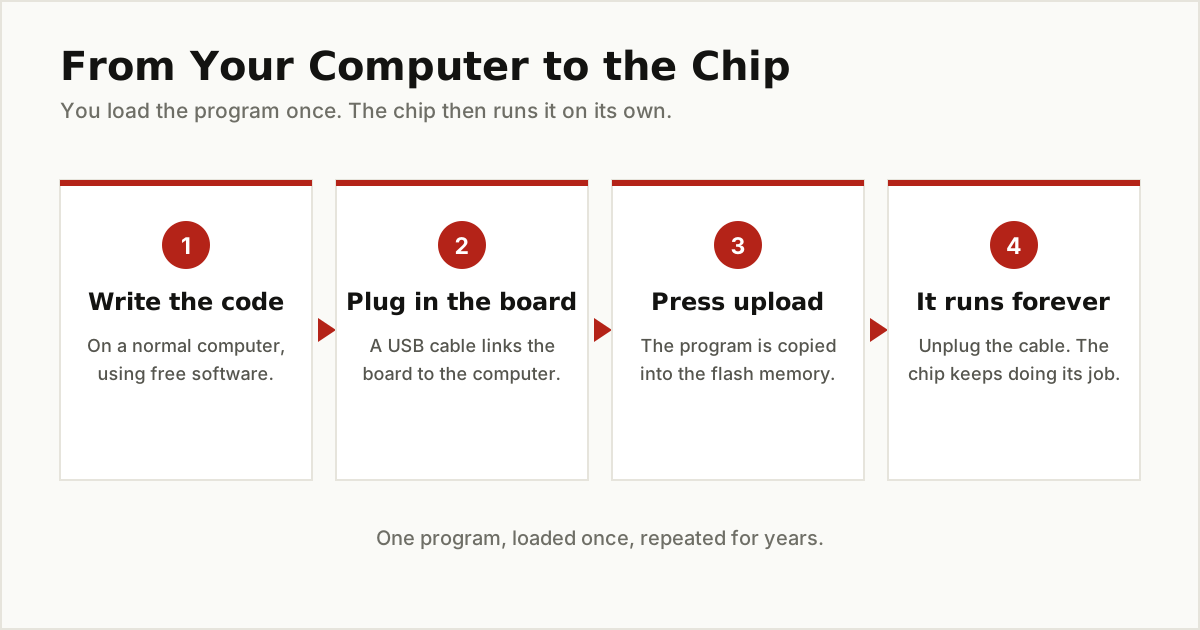
- Someone writes the program on a normal computer, in free software, using a language like C, C++, or beginner friendly MicroPython.
- The board is plugged in with a USB cable. Beginner boards carry a small helper program, called a bootloader, whose only job is to receive new code. Arduino notes that the Uno chip comes with one already loaded.
- The program is uploaded into the flash memory, replacing whatever was there before.
- The chip runs it forever. Unplug the cable, move the board anywhere, and it still wakes up and does its one job.
After that, daily life inside the chip is a loop with no end: sense something, decide, act, wait a moment, and start again. There is usually no screen, no app store, and no operating system asking for attention. That simplicity is exactly why these chips are so reliable.
Microcontroller vs Microprocessor
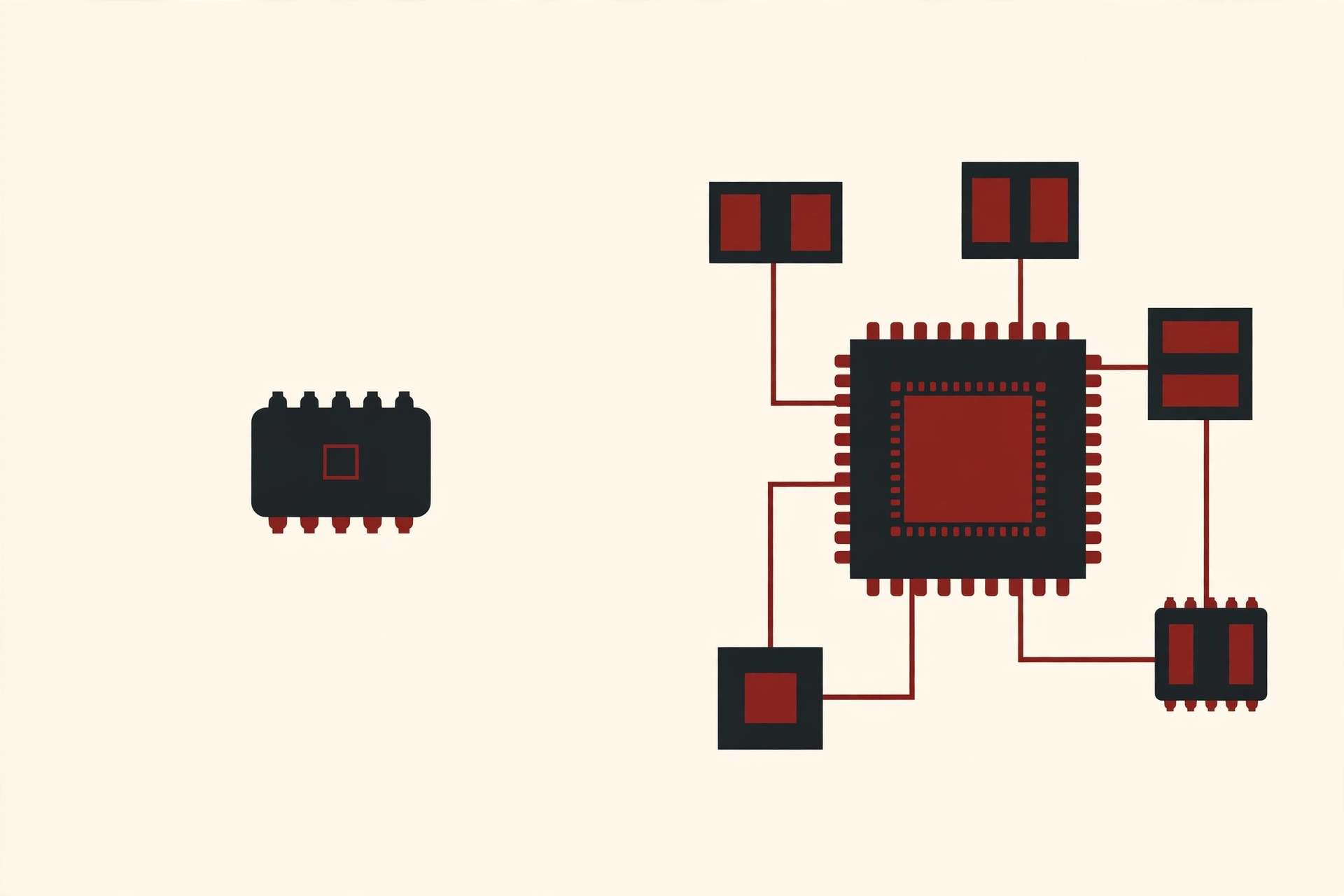
These two words cause endless confusion, so here is the clean difference. A microprocessor is only the brain. On its own it can do nothing: it needs separate memory chips, storage, and support parts around it before it becomes a working computer. The processor in your laptop or phone is a microprocessor, and the large board it sits on exists to feed and support it.
A microcontroller is the brain with everything else already built in. Memory, timers, and input and output pins live on the same chip, so it can start work almost alone.
| Question | Microcontroller | Microprocessor |
|---|---|---|
| What is on the chip? | Processor, memory, and connections | Processor only |
| Main job | One dedicated task | Many tasks at once |
| Needs extra parts? | Very few | Memory, storage, and support chips |
| Power use | Very low, can sip battery power | Much higher |
| Typical cost | Often just a few dollars | Much more |
| Found in | Appliances, remotes, cars, toys | Laptops, phones, desktops |
Neither one is better. They are answers to different questions. A laptop must run any program you throw at it, so it needs a powerful, flexible microprocessor. A microwave must do one thing perfectly for a decade, so it needs a cheap, calm microcontroller.
The Specs That Matter, in Plain Words
When you shop for a microcontroller board, four specs decide whether it fits your project. All four are simpler than they sound.
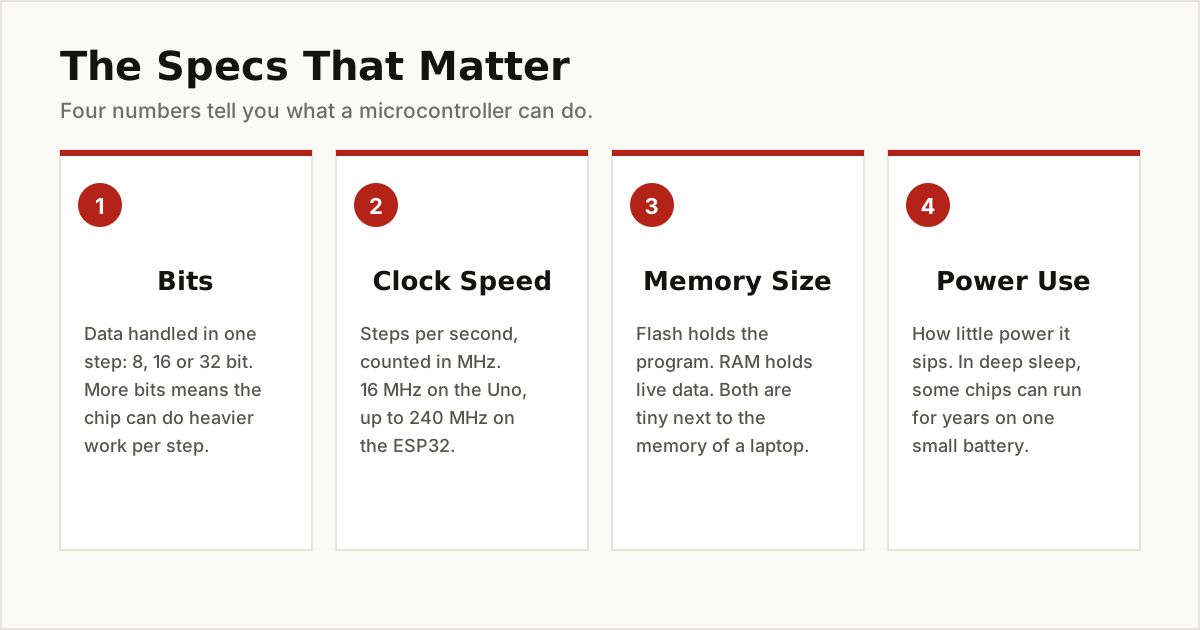
- Bits: how much data the CPU handles in one step. Chips come in 8-bit, 16-bit, and 32-bit flavors. More bits means heavier math per step. An 8-bit chip is plenty for a thermostat; a 32-bit chip handles audio, graphics, and wireless work.
- Clock speed: how many steps the CPU takes per second, measured in megahertz (MHz), or millions of steps per second. Your laptop measures the same thing in billions. For most control jobs, even 16 MHz is generous.
- Memory size: flash decides how big your program can be, and RAM decides how much live data it can juggle. Both are measured in kilobytes here, not the gigabytes your laptop brags about, and for one fixed job that is usually enough.
- Power use: how little electricity the chip can survive on. Many microcontrollers have deep sleep modes where they sip so little power that a sensor can run for years on one small battery, waking only to check if anything changed.
3 Famous Microcontrollers You Will Meet
Thousands of microcontrollers exist, but three names come up again and again. If you learn what each one is for, you understand the whole family tree.
ATmega328P: The Classic Teacher
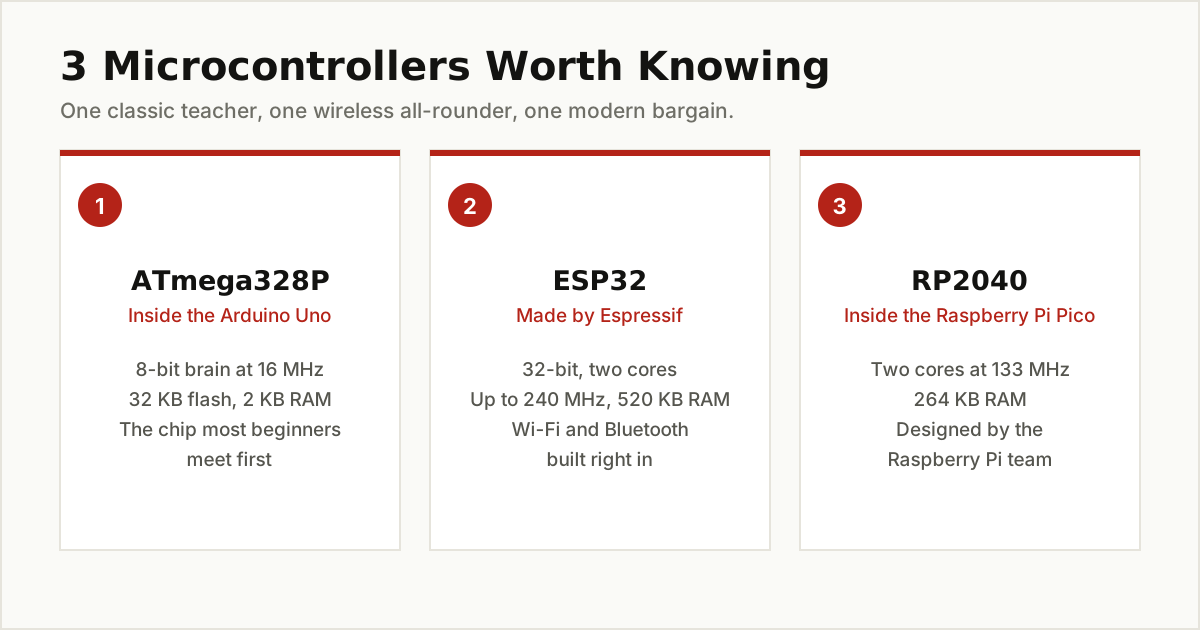
The chip inside the classic Arduino Uno is the ATmega328P. Arduino’s own store describes the Uno as a microcontroller board based on this chip, running at 16 MHz with 32 KB of flash memory, 2 KB of RAM, and 1 KB of EEPROM. Next to a laptop those numbers look almost comically small. Yet this modest chip has taught a generation of beginners how electronics and code fit together, and it still runs countless thermostats, instruments, and small robots.
ESP32: The Wireless All-Rounder
The ESP32, made by Espressif, is a 32-bit chip with two processor cores running at up to 240 MHz and 520 KB of RAM. It became famous for one simple reason: Espressif builds Wi-Fi and Bluetooth right into the chip, alongside a long list of pins and sensors. When a smart plug, a weather station, or a door sensor connects to your home network with no extra radio parts, there is a good chance an ESP32 or one of its smaller siblings is doing the work.
RP2040: The Modern Bargain
The RP2040 is the chip inside the Raspberry Pi Pico. Designed by the Raspberry Pi team itself, it packs two processor cores running at up to 133 MHz and 264 KB of RAM, and you can check every detail in Raspberry Pi’s official RP2040 documentation. Raspberry Pi offers both a C and C++ toolkit for professionals and a polished version of MicroPython for beginners, which is why the Pico shows up everywhere from classroom kits to custom keyboards.
One Short Word With Two Meanings: MCU
Here is a trap for the curious. In computing, MCU almost always means microcontroller. But read about video meetings and the same three letters mean something entirely different: there, an MCU is a multipoint control unit, the hardworking server that blends many callers into one video call. Same letters, completely different box. The context always gives it away: if the talk is about chips and circuits, it is the microcontroller; if it is about cameras and conferences, it is the other one.
How Beginners Get Started
Starting is cheaper and friendlier than most people expect. You do not need an electronics degree, a lab, or a big budget.
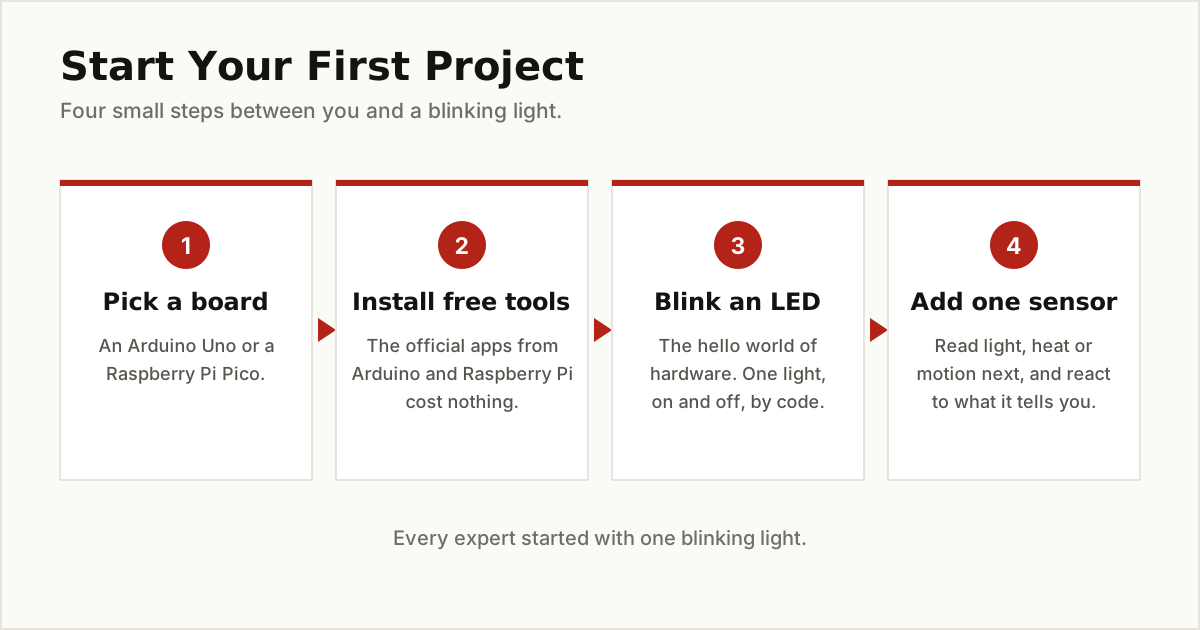
Pick a beginner board, either an Arduino Uno or a Raspberry Pi Pico. Both are small, sturdy, and surrounded by huge communities that have already answered almost every beginner question in public. Install the free official software for your board, plug in a USB cable, and run the traditional first project: making one small light blink on and off under your control. It feels minor. It is not. That blinking light proves you can write instructions and make the physical world obey them.
From there, add one sensor at a time. Read the light in the room. Feel the temperature. Detect motion. Every impressive gadget you own is just those small steps, stacked patiently.
The Bottom Line
So what is a microcontroller, in one sentence? It is a complete computer on a single chip with a processor, memory, and connections built in, created to do one job and do it reliably for years. You already trust dozens of them with your laundry, your food, your car, and your comfort. Learn the difference between a microcontroller and a microprocessor, meet the ATmega328P, ESP32, and RP2040, and the invisible computer world around you suddenly makes sense.
If the tiny end of computing excites you, the opposite extreme is worth a look as well: our roundup of the latest breakthroughs in quantum computing covers machines that are enormous, delicate, and experimental. Or keep browsing our other Emerging Tech guides, where we explain new technology in the same plain English, one honest answer at a time.