Picture the worst Monday morning in modern office life. You open your laptop, click on a document you need, and it will not open. None of them will. The file names look strange, your photos and spreadsheets are all there but useless, and sitting in the middle of the screen is a note: your files have been locked, and the only way back is to pay strangers a large amount of money in cryptocurrency.
That is ransomware, and it has shut down hospitals, city governments, schools, fuel pipelines and thousands of ordinary businesses. The good news is that ransomware is not magic. It follows a pattern, it gets in through a small number of doors, and a few unglamorous habits defeat most of it. This guide answers the question “what is ransomware” in plain English, shows how an attack actually unfolds, and explains what to do before and after one hits.
What Is Ransomware?
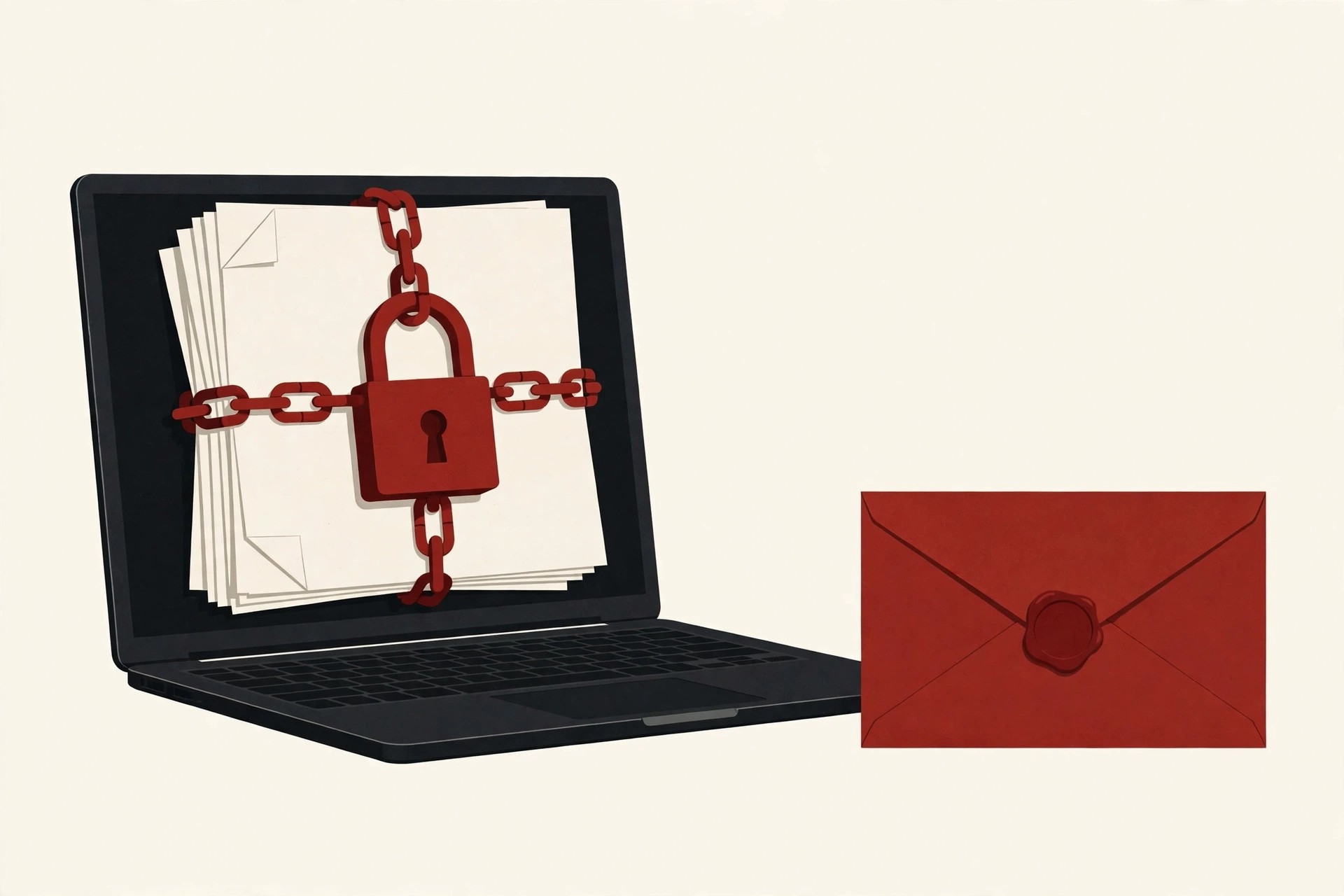
What is ransomware, in plain words? It is a type of malicious software, or malware, that locks you out of your own files or computer and demands a payment, the ransom, to let you back in.
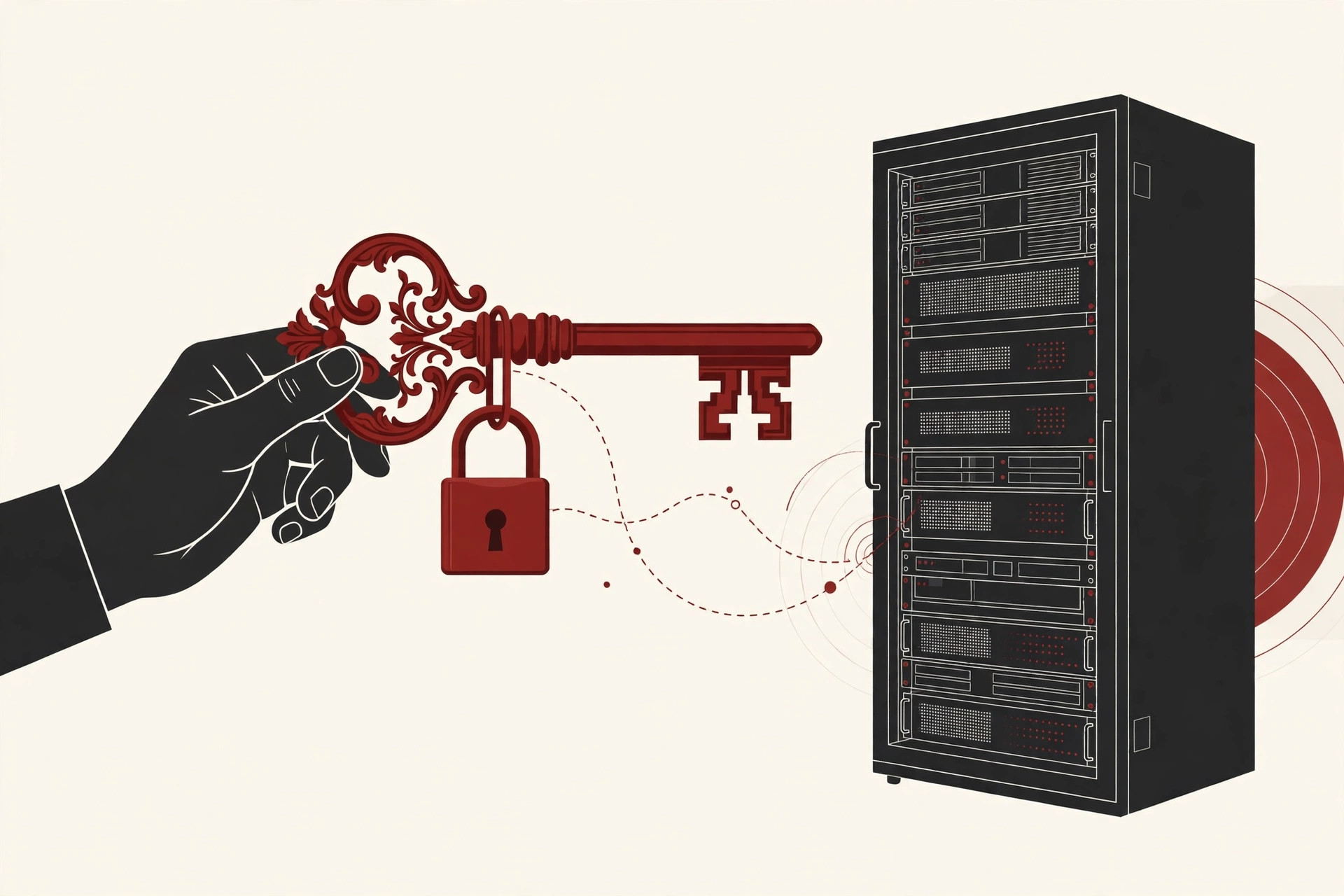
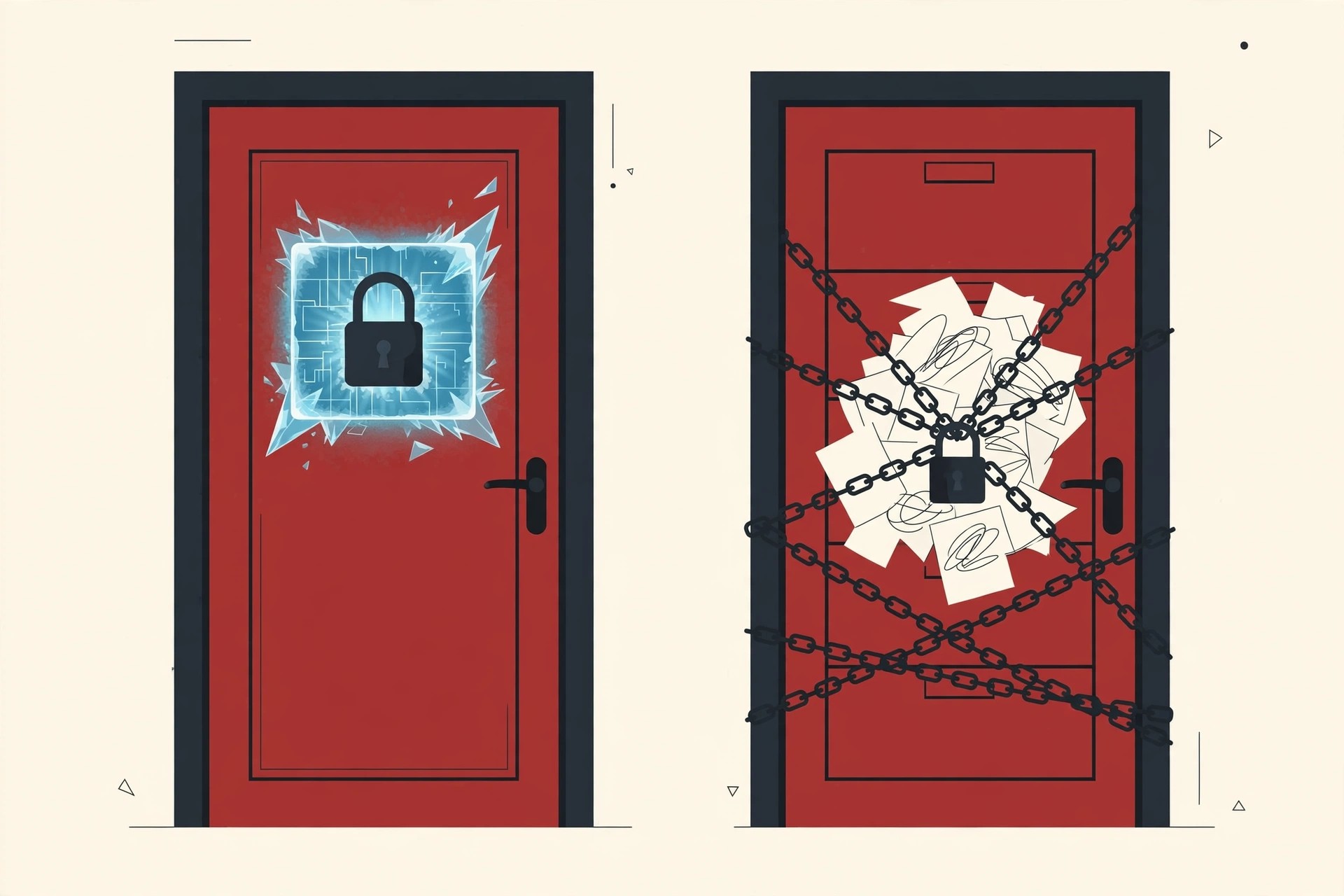
Most modern ransomware works by encrypting your files. Encryption scrambles a file so it can only be read with a secret key, like sealing a letter inside a safe that only one key opens. The attackers keep that key. Your documents, photos and databases are still sitting on your machine, but they are gibberish until the key is used on them.
Encryption itself is not the villain. The same idea protects your bank account and your private messages every day, and our guide to public key infrastructure explains how those keys normally keep you safe. Ransomware is what happens when criminals aim that protection at you and hold the only key hostage.

The Two Main Types of Ransomware
- Crypto ransomware encrypts your files so you cannot open them. This is the common and dangerous kind, and the one this guide mostly describes.
- Locker ransomware does not scramble your files. Instead it locks your screen or device so you cannot use it at all, and shows the ransom demand there.
Locker ransomware is easier to escape and has become less common. Crypto ransomware is the real business model, and modern gangs have added a second threat on top of it, called double extortion, which we will get to shortly.
How Ransomware Gets In
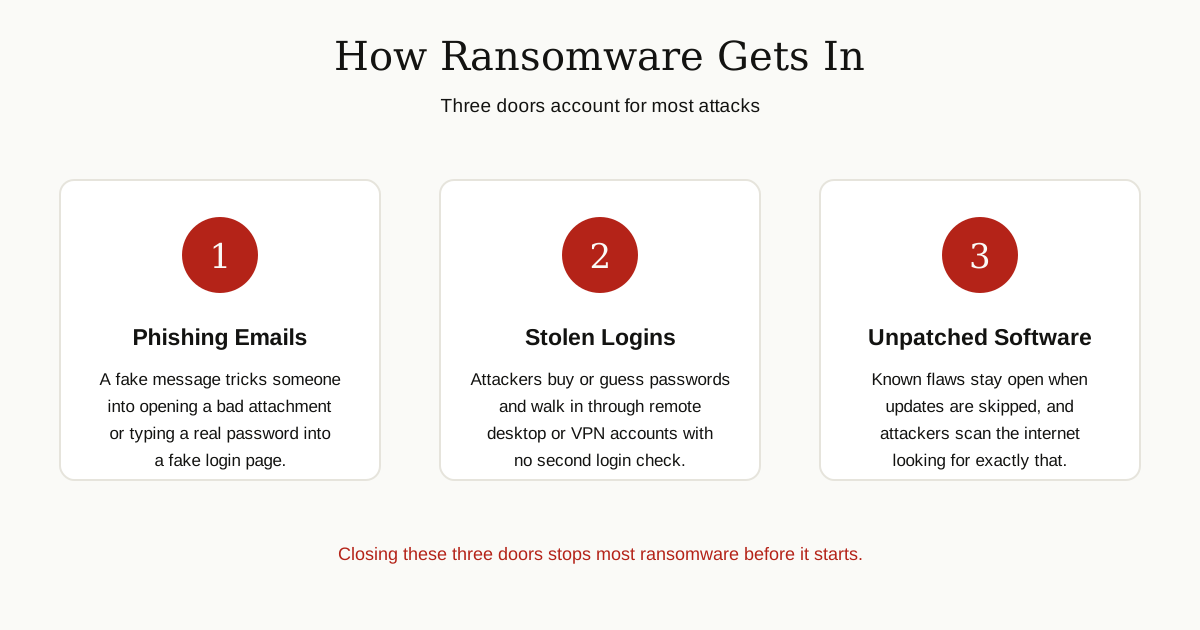
Ransomware rarely breaks down a strong door. It walks through a weak one. Security agencies like CISA see the same entry routes again and again.
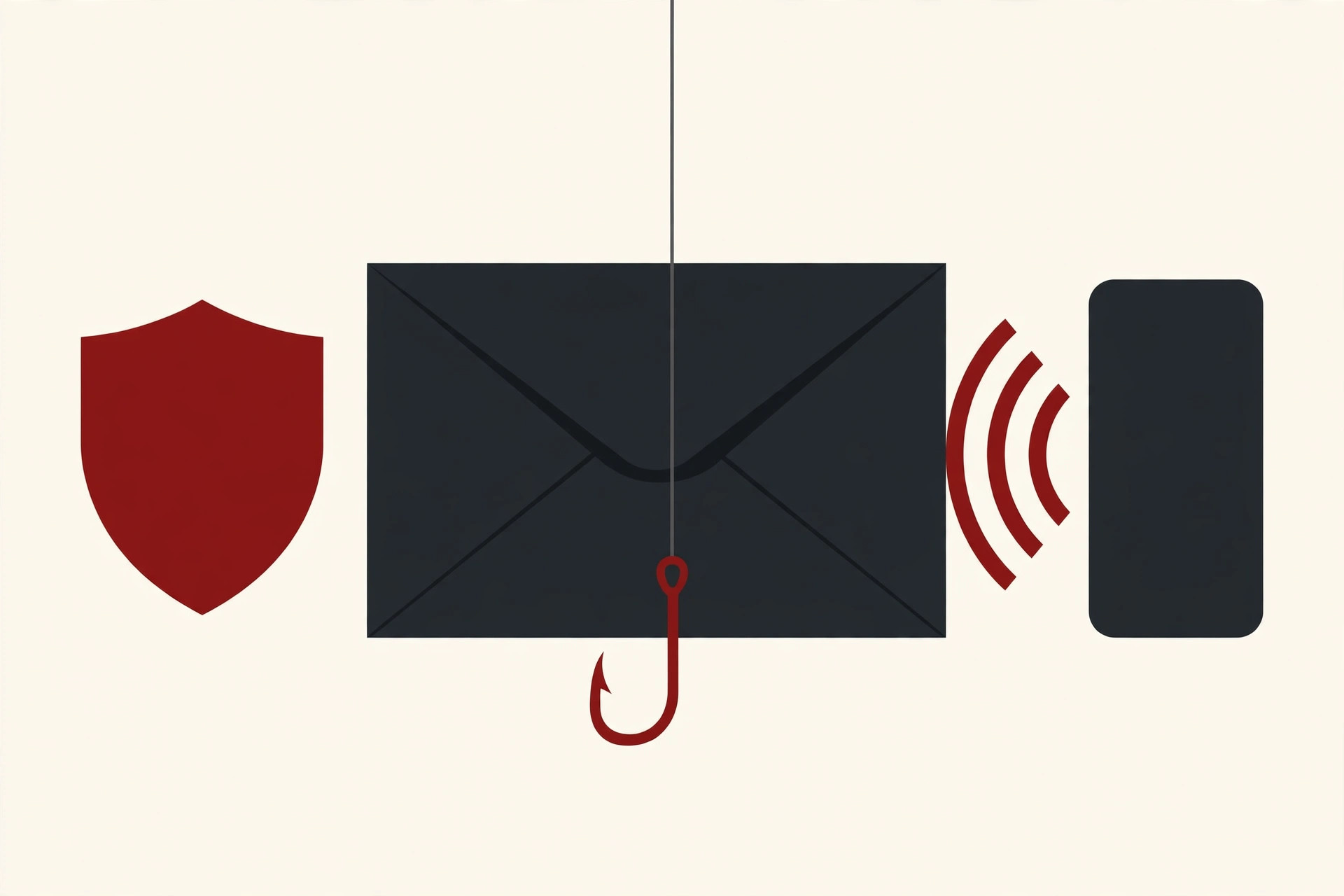
Phishing emails are the classic route. A message pretends to be an invoice, a delivery notice or a note from your boss. Open the attachment or follow the link, and the trap closes. Some phishing pages simply steal your password by imitating a login screen. Our guide to computer virus prevention covers the everyday habits that stop most of these tricks.
Stolen remote access logins are the second big door. Many companies let staff connect to office systems from home through remote desktop tools or a VPN. If that account has a weak or reused password and no second login check, attackers can buy the password from other criminals or guess it, and simply log in like an employee.
Unpatched software is the third. When a flaw is found in popular software, the maker releases a fix, called a patch. Computers that skip the fix stay open to anyone who knows the flaw, and attackers scan the internet constantly looking for them.
How an Attack Unfolds, Step by Step
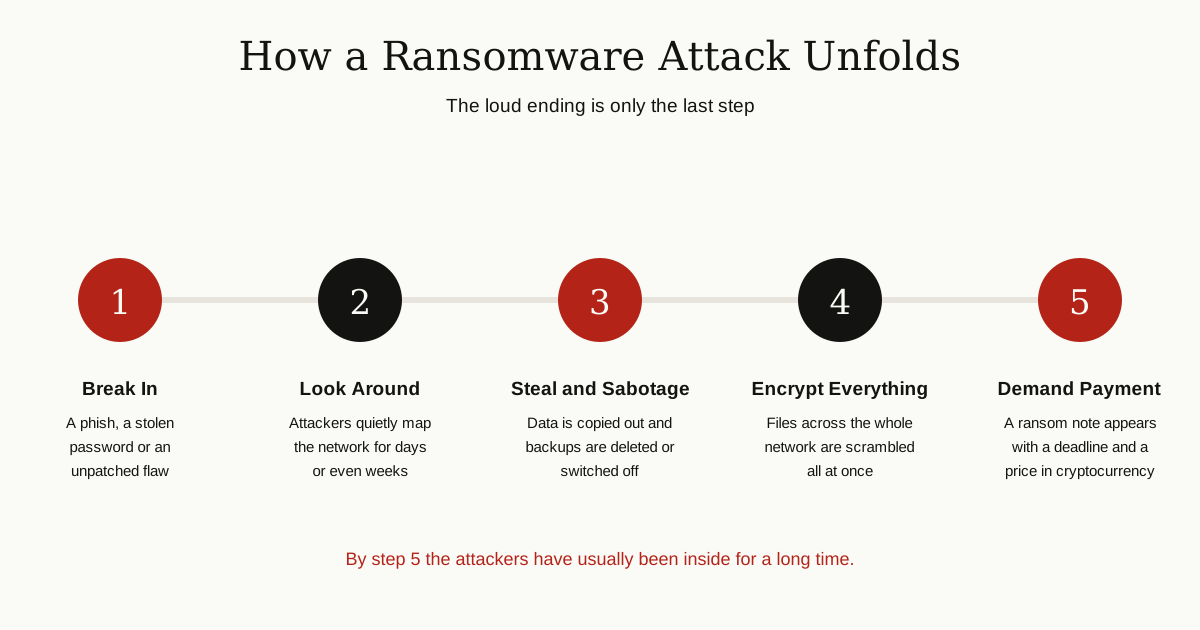
The ransom note makes it look like everything happens at once. In reality, a serious attack unfolds in quiet steps, often over days or weeks.
- The break in. The attackers get their first foothold through one of the doors above.
- The quiet look around. They explore the network, learn where the valuable files and servers are, and collect passwords that open more doors. Nothing looks wrong yet.
- The theft and sabotage. Before locking anything, modern gangs copy valuable data out to their own servers. They also hunt for the victim’s backups and delete or disable them, so recovery will be painful.
- The big freeze. At a chosen moment, often outside working hours when fewer people are watching, the ransomware runs everywhere at once and encrypts files across the network.
- The demand. Screens fill with ransom notes. The price is usually in cryptocurrency such as Bitcoin, and a countdown clock adds pressure: pay soon, or the price rises and the stolen data gets published.
Double Extortion: Two Threats at Once
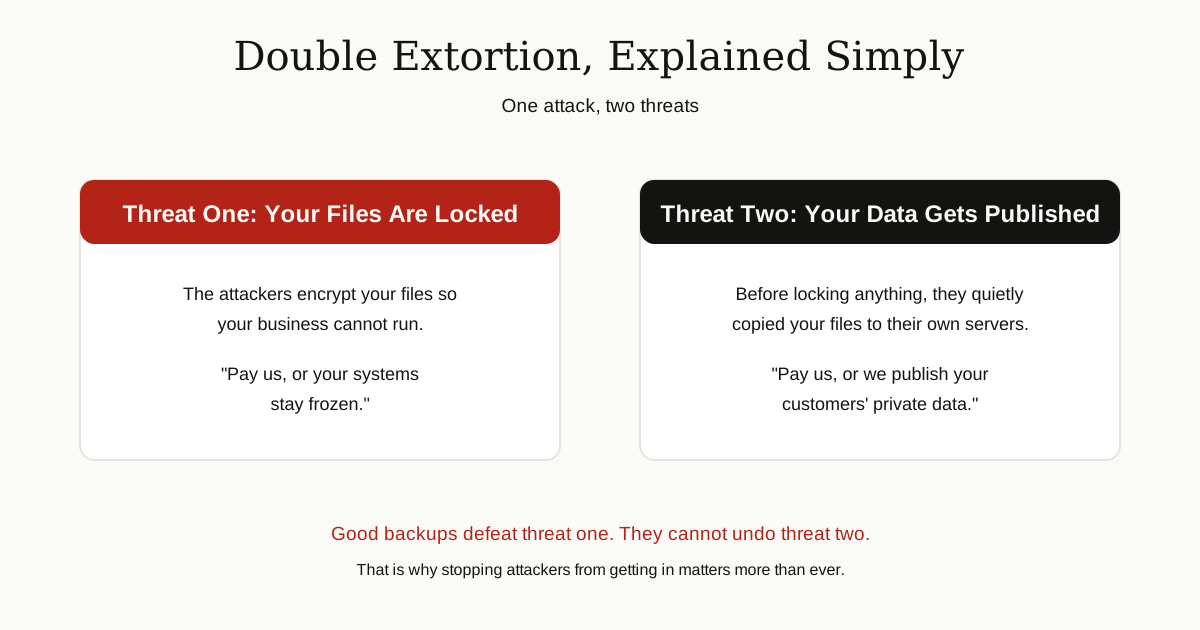
Double extortion is the twist that changed the game. Because the attackers stole a copy of your data before encrypting it, they can threaten you twice.
The first threat is the classic one: pay, or your files stay locked. The second is newer: pay, or we publish your stolen data for the world to see. Gangs run leak websites where they post the files of victims who refuse, which can mean customer records, contracts and private emails out in the open.
This matters because good backups, the classic answer to ransomware, only defeat the first threat. You can restore your systems from backup and keep working, but you cannot unpublish stolen data. That is why preventing the break in itself has become just as important as preparing to recover.
Two Attacks the World Remembers
WannaCry, 2017: The Worm That Would Not Wait
In May 2017, a ransomware strain called WannaCry spread around the world in hours. It used a flaw in older Windows networking software to jump from computer to computer by itself, like a worm, with no human help. Microsoft had released a fix for that flaw about two months earlier, but huge numbers of machines had never installed it.
WannaCry infected more than 200,000 computers in around 150 countries. In England, hospitals in the National Health Service were hit hard: appointments and operations were cancelled, and staff fell back on paper and phones. The outbreak slowed when a security researcher noticed a strange unregistered web address hidden in the code, registered it himself, and accidentally switched the spread off. WannaCry remains the clearest lesson ever taught about installing updates.
Colonial Pipeline, 2021: One Password, No Second Check
In May 2021, the DarkSide gang broke into Colonial Pipeline, the company that carries fuel to much of the eastern United States. According to the investigations that followed, the attackers got in through an old, unused VPN account whose password had been compromised. The account had no multi factor authentication, the second login check that stops a stolen password from being enough on its own.
The gang stole about 100 gigabytes of company data, then the ransomware hit. Colonial shut down its pipeline to contain the attack, fuel stations across the Southeast ran dry as drivers panicked, and the company paid a ransom of 75 bitcoin, worth about 4.4 million dollars at the time. Even then, the decryption tool the gang provided was so slow that the company relied heavily on its own backups to get running again. A month later, the US Department of Justice announced it had recovered most of the bitcoin, about 2.3 million dollars worth by then. You can read the full timeline in the Colonial Pipeline ransomware attack record. One missing login check caused all of it.
Should You Pay the Ransom?
It is tempting. Your business is stopped, the clock is ticking, and paying feels like the fastest way back. Official guidance is clear, though, and it is worth hearing before you are ever in that chair.
The FBI and CISA do not encourage paying a ransom to criminal actors. Their reasons are practical, not moral lectures. Payment does not guarantee your files will be recovered. Some victims pay and get a broken tool, a partial recovery, or nothing at all. Payment funds criminal groups and encourages them to attack more organizations. And paying quietly marks you as a victim who pays, which can invite a second attack later. Colonial Pipeline paid within hours and still ended up restoring from backups.
Whatever a victim decides, the FBI and CISA urge you to report the attack promptly, to the FBI through its Internet Crime Complaint Center at IC3, to a local FBI field office, or to CISA. Reports help investigators connect attacks, warn the next targets, and sometimes recover money, as the Colonial case showed.
How to Protect Yourself and Your Business
You cannot make ransomware impossible. You can make it unlikely, and make it survivable. CISA’s guide to protecting against ransomware and its #StopRansomware guidance keep coming back to the same short list.
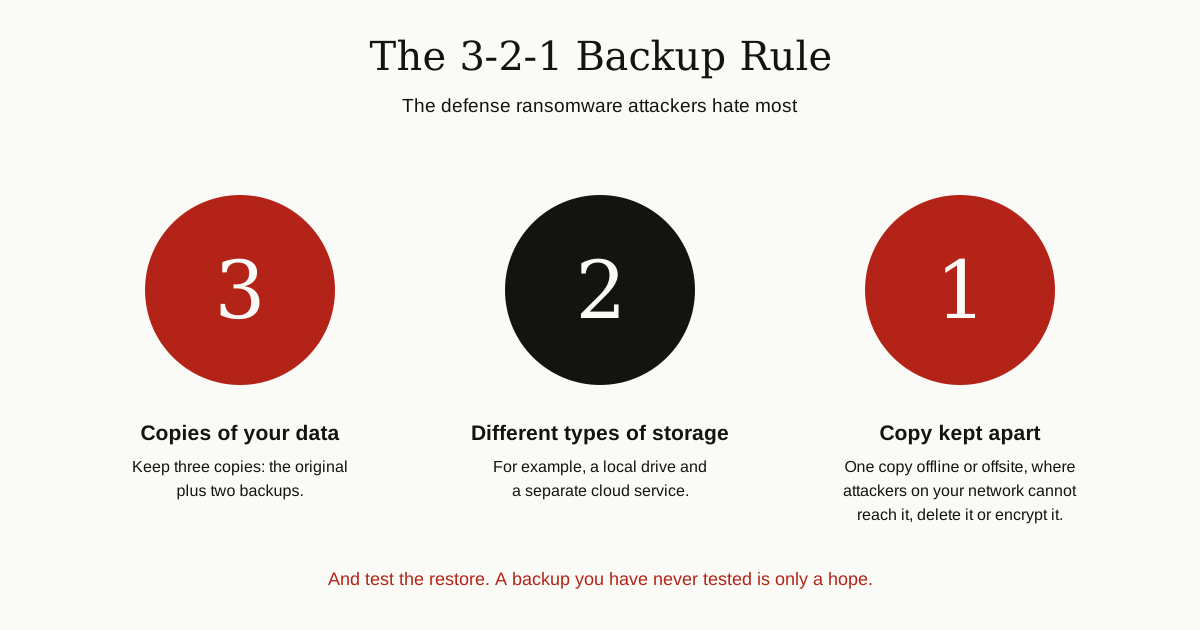
Keep backups attackers cannot reach. This is the strongest defense of all. Follow the 3-2-1 rule: three copies of your data, on two different types of storage, with one copy kept offline or somewhere separate that a network attacker cannot touch. Attackers go out of their way to delete backups they can reach, so that separated copy is the one that saves you. Just as important, test restoring from your backups now and then. A backup that fails on the day you need it is not a backup.
Install updates quickly. WannaCry spread through a flaw that already had a fix. Turn on automatic updates for your operating system, browser and apps, and treat updates for internet facing systems, like VPN and remote access tools, as urgent.
Use multi factor authentication. MFA means a second proof it is you, usually a code or approval on your phone, on top of your password. Put it on email, VPN and remote access first. It would very likely have stopped the Colonial Pipeline attack at the door.
Slow down on email. Most ransomware journeys begin with one click. Check the real sender address, be suspicious of surprise attachments and invoices, and never enter your password on a page an email sent you to. When in doubt, go to the service directly and log in there.
Keep security software on and updated. Your antivirus quietly blocks a great deal of trouble in the background. On Windows, the process doing much of that work is the one our guide to the antimalware service executable explains, so you can recognize it and leave it running.
Give accounts only the access they need. If an everyday account cannot reach the backups or install software, then a stolen everyday account does far less damage. Keep separate admin accounts for admin jobs, and split important systems into separate parts of the network where you can, so one break in does not become every system at once.
If It Happens: Your First Hours
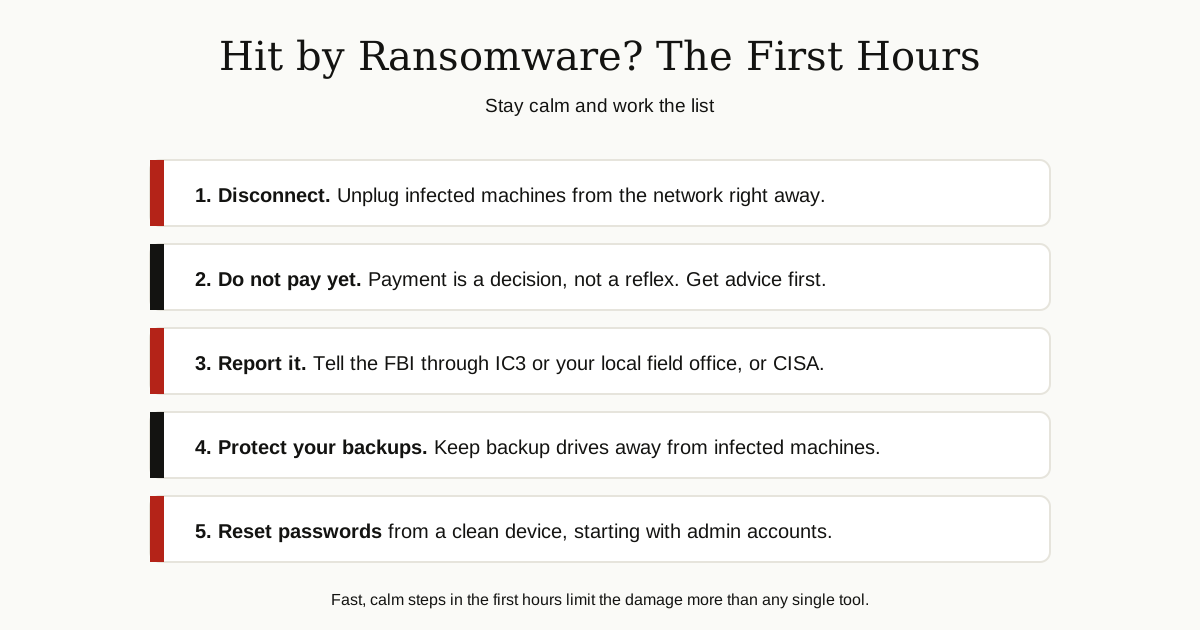
If you ever find that note on your screen, the first hours matter more than the first days. Guidance from agencies like the UK National Cyber Security Centre follows the same calm pattern.
- Disconnect fast. Unplug infected computers from the network, wired and wireless, so the ransomware cannot spread further. Do not plug backup drives into an infected machine.
- Do not rush to pay. Payment is a decision to make with advice, not a reflex. Talk to law enforcement and, for a business, your insurer and legal counsel first.
- Report it. Contact the FBI through IC3 or your local field office, or CISA in the United States. Reporting early genuinely helps, including with recovery options you may not know about.
- Save the evidence. Photograph the ransom note, note the time you found it, and keep logs if you can. Investigators will ask.
- Reset passwords from a clean device. Start with admin and remote access accounts, and assume the attackers saw the old ones.
- Rebuild before you restore. Wipe and reinstall infected systems, check that your backups are clean, and only then restore data onto the clean machines. Restoring onto an infected system just locks you out twice.
The Bottom Line
So, what is ransomware at its core? It is a hostage scheme run by software: lock the files, steal a copy for extra pressure, and charge for the key. The gangs behind it rely on three weak doors, phishing emails, stolen logins without a second check, and software that never got its updates. Close those doors, keep one backup copy truly out of reach, and you have beaten most of what makes ransomware profitable. And if it ever hits anyway, disconnect, report, and rebuild calmly. Panic is the only response that helps the attackers.
For more guides like this one, browse the cybersecurity and networking category.