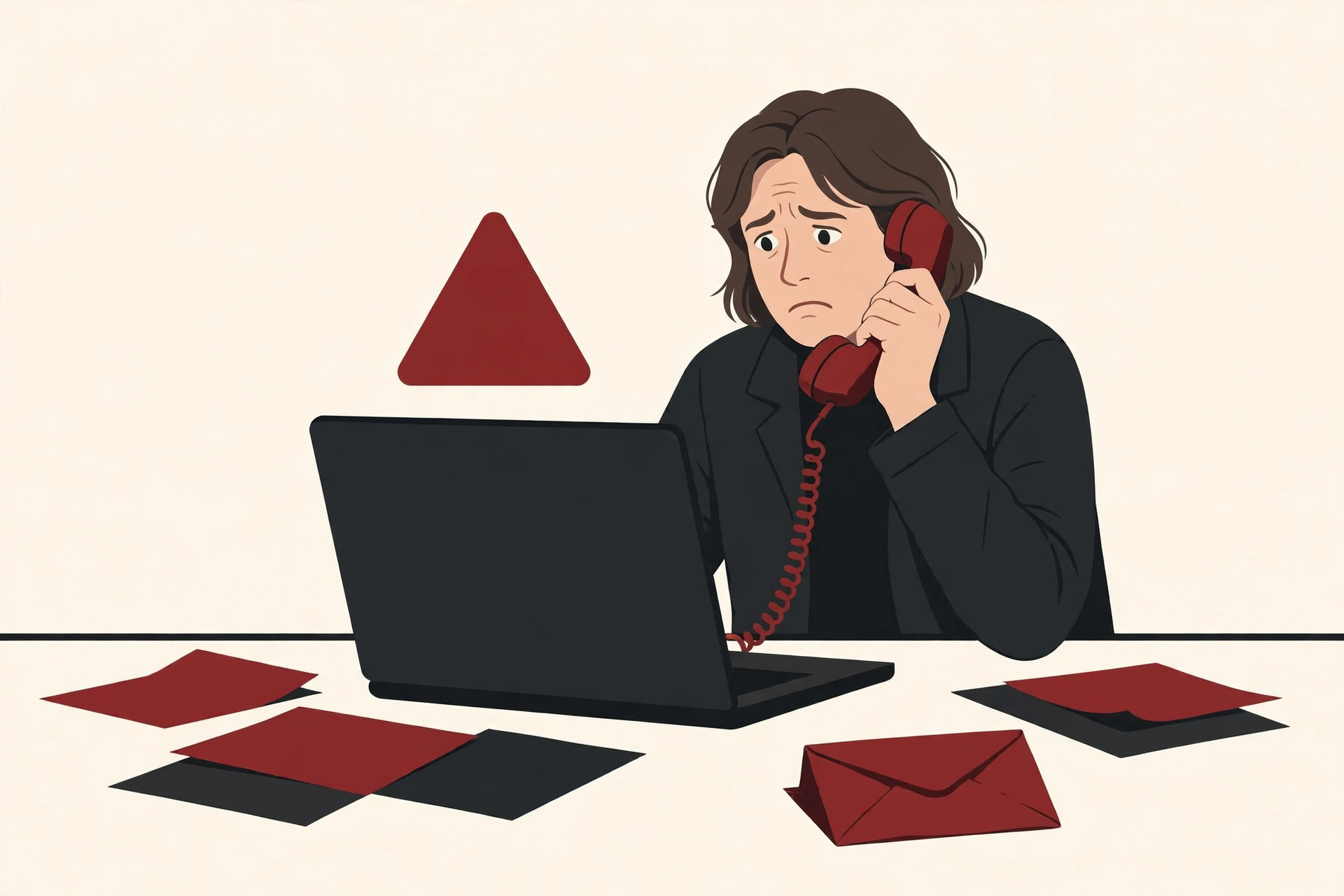
The phone rings. The screen shows a Google number. A calm, professional voice says your Gmail account has been compromised, and that an attacker is downloading your data right now. While you are still taking that in, an email lands in your inbox that looks exactly like a real Google security alert. It all feels genuine. It is not.
This is the scam behind the headlines about Gmail users warned about sophisticated AI-driven phishing attacks. The FBI has been warning about AI-powered fraud since 2024, security researchers have documented the Gmail version of the trick in detail, and Google itself has confirmed the pattern and stated, in the clearest possible terms, that it never calls users about account problems. This guide explains what officials actually said, how the scam works step by step, and how to make sure it never works on you.
What the FBI Actually Warned About
The warnings started early. In May 2024, the FBI’s San Francisco division used the RSA Conference, one of the largest security conferences in the world, to warn the public about criminals using artificial intelligence for phishing and social engineering attacks. Social engineering means tricking a person into handing over access, instead of breaking in with technical tools.
FBI Special Agent in Charge Robert Tripp put it plainly at the time: “Attackers are leveraging AI to craft highly convincing voice or video messages and emails to enable fraud schemes against individuals and businesses alike. These sophisticated tactics can result in devastating financial losses, reputational damage, and compromise of sensitive data.”
The FBI explained that these AI-driven phishing attacks stand out because the messages are tailored to specific recipients and contain proper grammar and spelling, which makes deception and data theft more likely. The bureau also warned that criminals were using AI voice and video cloning to impersonate people a victim trusts, such as family members, co-workers, or business partners.
The warning became more detailed later that year. In the FBI’s December 2024 alert on criminals using generative AI for financial fraud, the bureau’s Internet Crime Complaint Center, known as IC3, explained that AI helps criminals fix the human errors that used to give fraud away, such as spelling mistakes. The alert described AI-generated text being used for spear phishing, which is phishing aimed at one chosen person, and it described vocal cloning, where AI copies a voice to impersonate public figures or even close relatives. The FBI’s advice included a habit that runs through this whole guide: if a call seems suspicious, hang up, look up the organization yourself, and call the real number directly.
The Gmail Scam, Step by Step
The Gmail version of this trick was documented in detail by security company Malwarebytes in February 2025. In its report on the campaign, Malwarebytes explained that the attacks often start with a phone call claiming the target’s Gmail account has been compromised. Around the same time, the target receives legitimate-looking emails from what appears to be an authentic Google domain, which adds credibility to whatever the caller is claiming.
The goal, in Malwarebytes’ words, is to convince the target to provide the criminals with the user’s Gmail recovery code, claiming it is needed to restore the account. That code is the real prize. A recovery code is the proof Google sends you when you are locked out, and whoever holds it can push through an account recovery. As Malwarebytes put it, with the recovery code the criminals not only have access to the target’s Gmail but also to a lot of services, which could even result in identity theft.
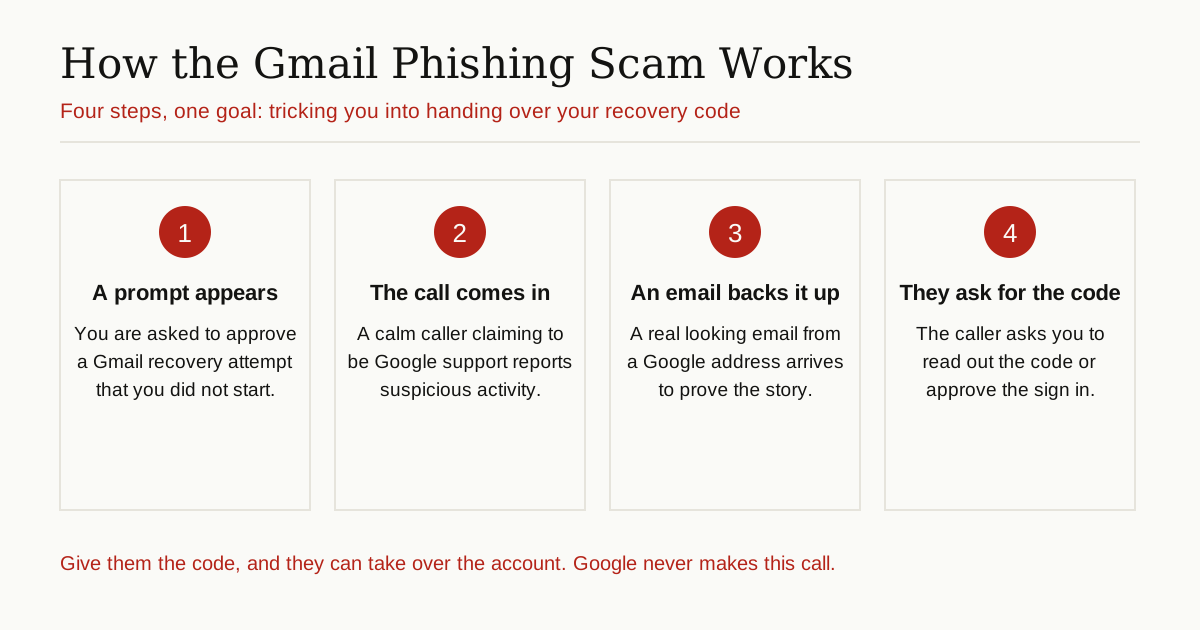
One near miss shows how polished the script is. In October 2024, Sam Mitrovic, a Microsoft solutions consultant, described in a blog post how the scam unfolded for him. First came a notification asking him to approve a Gmail account recovery attempt, which he did not start. Then came a missed call that appeared to come from Google. About a week later the call came again, and this time he answered. The caller claimed there was suspicious activity on his account and said an attacker had downloaded his data. The call felt real enough that Mitrovic checked the number and found it matched a genuine Google listing. What saved him was the voice: it sounded too perfect, and it repeated the word “Hello” at oddly even intervals, which made him suspect it was AI-generated. He hung up.
Mitrovic’s own verdict is worth remembering: “The scams are getting increasingly sophisticated, more convincing and are deployed at ever larger scale. People are busy and this scam sounded and looked legitimate enough that I would give them an A for their effort. Many people are likely to fall for it.”
Google has responded to this campaign directly. In a statement given to Forbes in February 2025, the company said: “This is a known scam targeting a limited number of users. We have no evidence it’s a wide-scale tactic.” Google added that it had hardened its defenses and suspended accounts that misused its services in these scams. Most importantly, the company asked for one message to be passed on to readers: Google will not call you to reset your password or troubleshoot account issues.
Why AI Makes These Attacks So Convincing
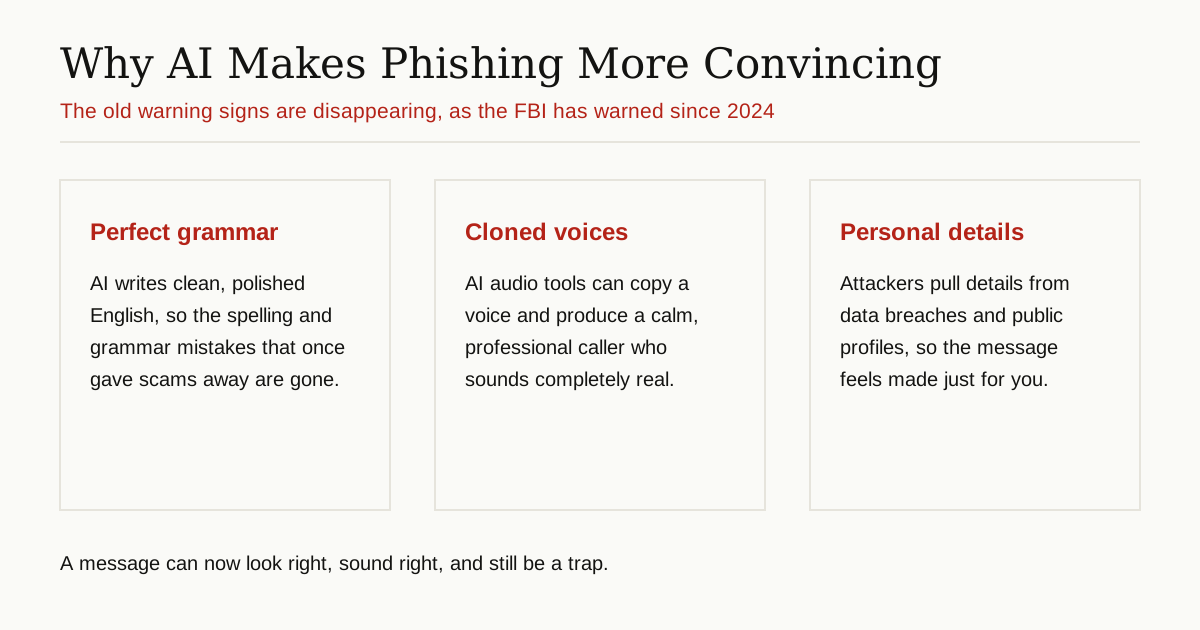
Old phishing emails were often easy to spot. The spelling was bad, the grammar was off, and the story felt generic. AI removed those tells, and that is the heart of every official warning on this topic.
The writing is flawless. The FBI pointed out in both its May 2024 warning and its December 2024 alert that AI corrects the grammar and spelling errors that once served as warning signs. It can also translate a script smoothly, so a criminal working in another language can sound like a native speaker.
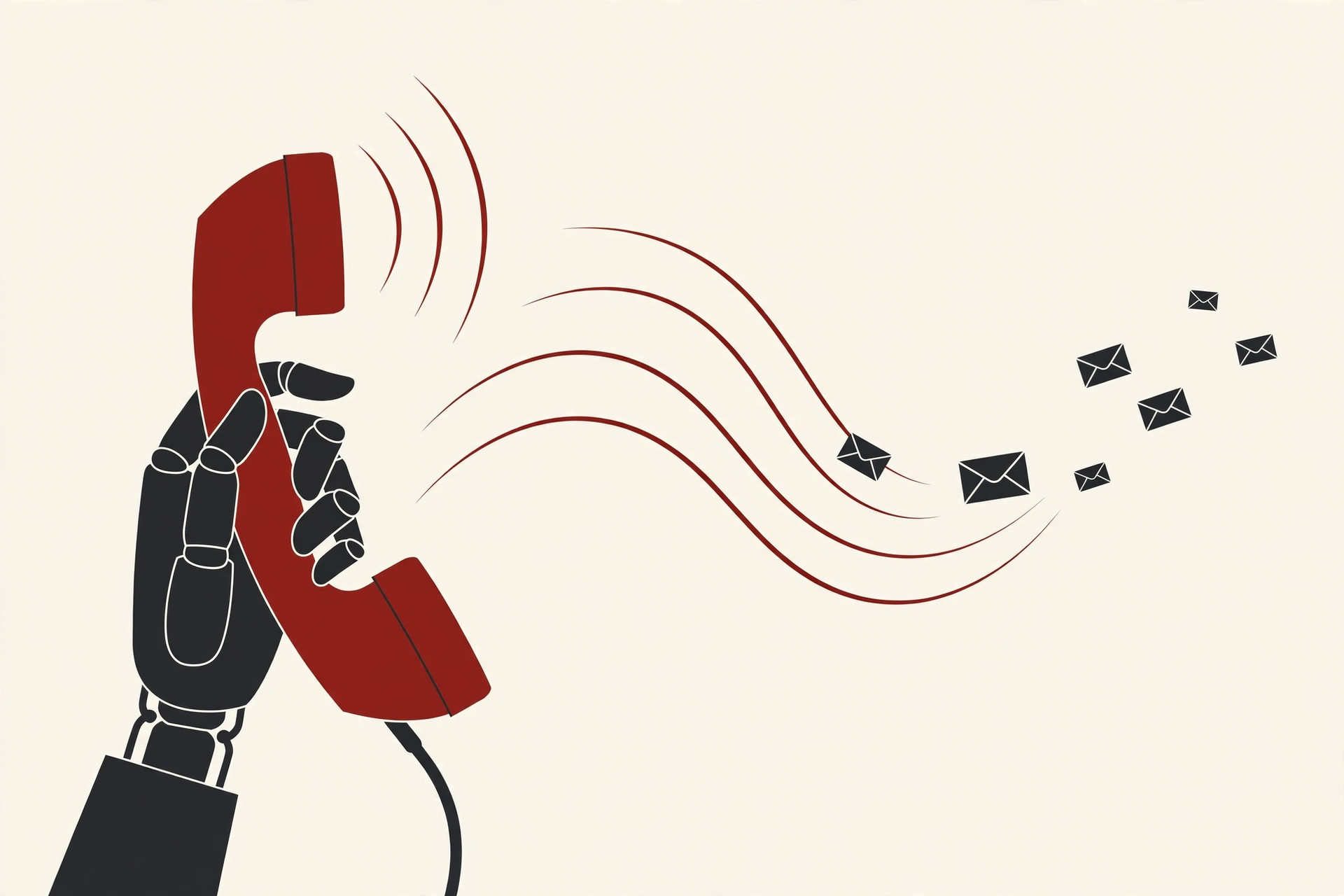
The voice sounds human. Vocal cloning lets a caller sound calm, patient, and professional, with no robotic edges. In cases documented by security researchers, attackers have also held personal details about their targets from earlier data breaches, so the story they tell includes facts that feel private.
The evidence looks real. The email that arrives during the call may be a genuine Google message that the attacker triggered on purpose, for example by starting a real recovery attempt on your account. Caller ID can be spoofed, which means a phone can display a real Google number even when the call comes from a criminal. Google warns on its support site that scammers may even impersonate actual employees using publicly available information, or open real Google support cases linked to your account, to back up their fabricated claims.
Put together, nothing about the call feels fake. That is exactly why the defense has to be a rule, not a feeling.
Red Flags: How to Spot the Scam
The single most important fact comes from Google itself. On Google’s support page about security scam calls, the company states: “Google will never call you about your account security. Any unsolicited phone call, text, or email claiming to be from Google Security stating that your account has been compromised or hacked is always a scam.”
Google adds a second fact that kills the cleverest part of the trick: “Google also never sends emails to verify callers. Any messages, even if sent from legitimate Google domains, that claim to validate a caller’s identity are fraudulent.” So an email arriving during a call proves nothing at all.
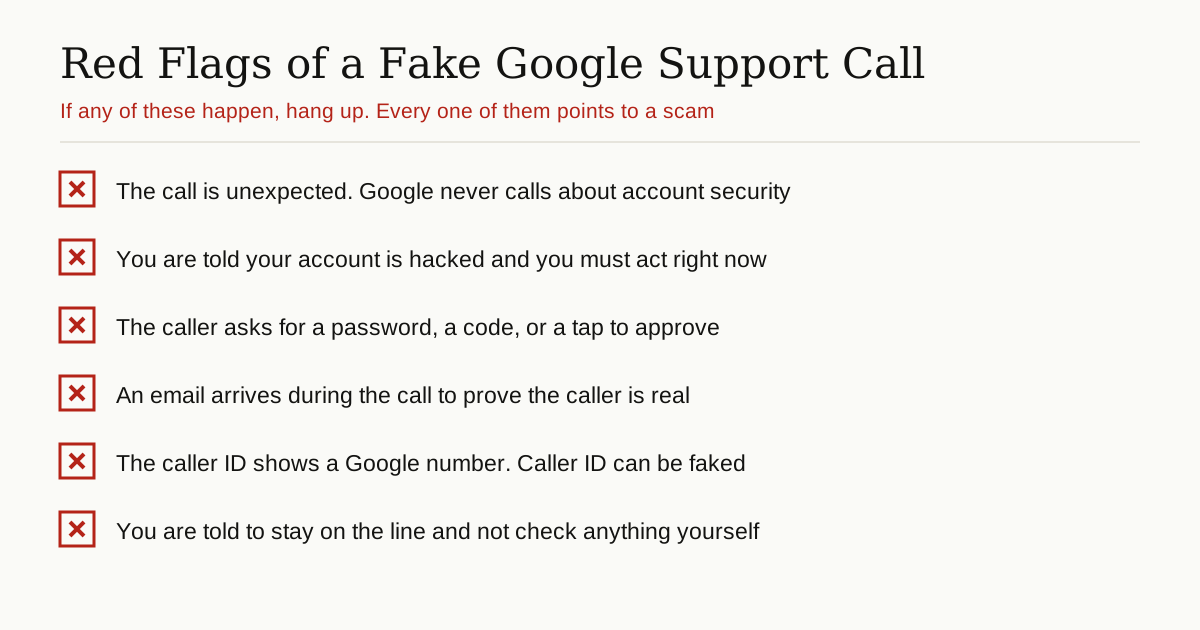
With those two facts in mind, watch for these red flags:
- The contact is unexpected. Real Google does not phone you out of the blue about security. Any such call is fake by definition.
- Everything is urgent. You are told your data is being stolen right now and you must act while staying on the line. Urgency is the tool that stops you thinking.
- You are asked for a code, a password, or an approval. Google says it will never ask you to read a verification code or approve a device prompt over the phone. That request is the scam revealing itself.
- Proof arrives on cue. An email or support case number shows up mid-call to confirm the story. As Google explains, even real messages can be staged by the attacker.
- You are told not to check. If the caller resists the idea of you hanging up and looking at your account yourself, you already have your answer.
How to Protect Your Gmail Account
You do not need special tools to beat this scam. You need a few settings and one firm habit, much like the layered habits behind good computer virus prevention.
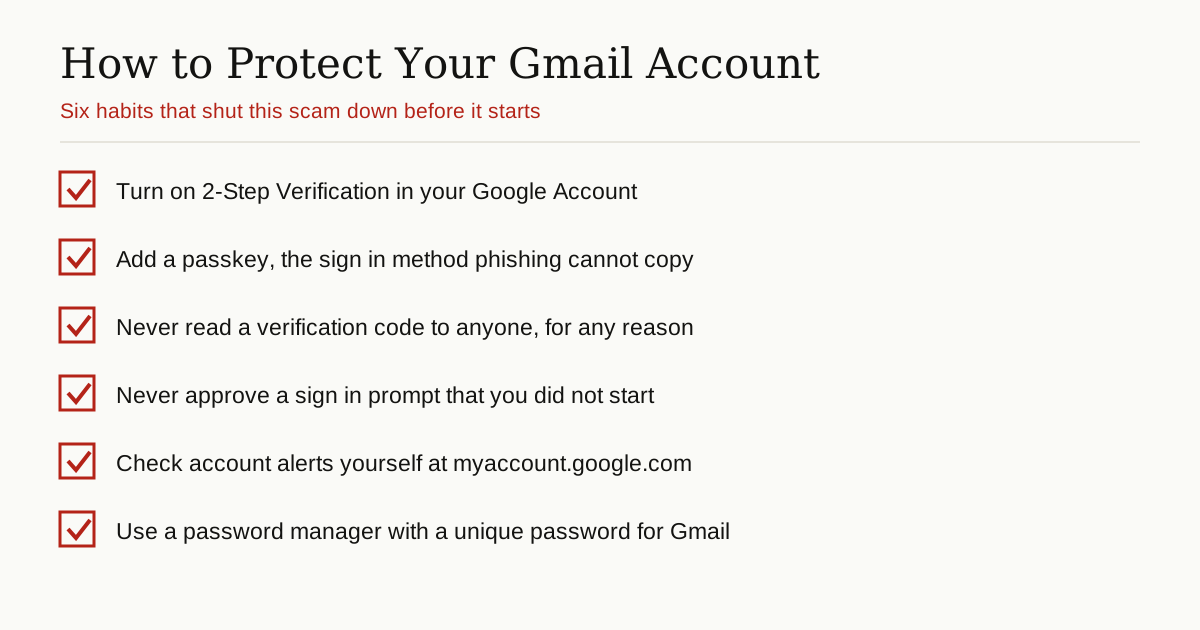
Turn on 2-Step Verification. This adds a second check at sign in, so a stolen password alone is not enough. Go to your Google Account, open Security, and switch on 2-Step Verification.
Use a passkey where you can. A passkey signs you in with your face, fingerprint, or device PIN instead of a password. Passkeys are built on public key infrastructure, which means there is no code to read out and nothing a caller can talk you into sharing. A scammer on the phone simply has nothing to steal.
Never share a code, and never approve a strange prompt. Treat a verification code like the key to your house. If a sign in prompt appears that you did not start, deny it. These two rules alone stop the Gmail recovery scam completely, because the code and the approval are the only things the attacker actually needs from you.
Check alerts yourself, your way. If any message claims your account is in danger, ignore its links and buttons. Open your browser, type myaccount.google.com yourself, and review your recent security activity there. Google recommends exactly this: verify alerts from inside your account, not from the message that scared you.
Use a password manager and a unique Gmail password. Malwarebytes advises using a password manager that only fills your details on the real site. A unique password also means a leak anywhere else does not hand criminals a key to your inbox.
Slow down when AI is involved. AI now sits inside browsers and writing tools too, which brings its own risks, as our guide to browser agent security risk explains. The habit that protects you everywhere is the same: pause, verify through a channel you chose, and never act under pressure.
If You Already Clicked or Shared a Code
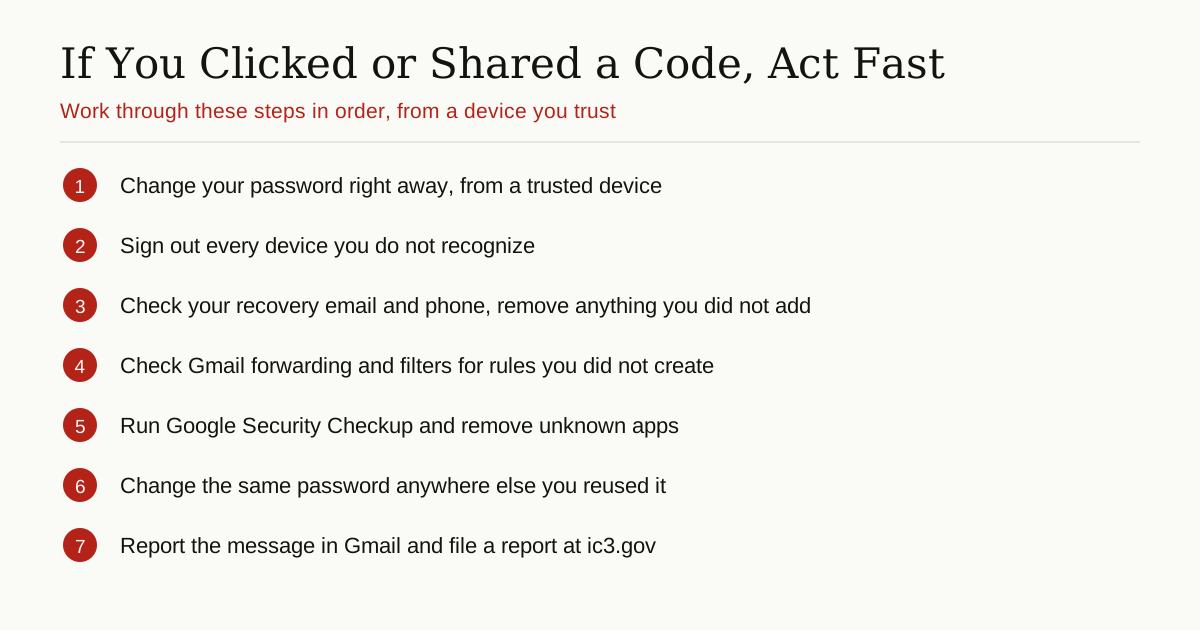
Do not panic, but move quickly. If you read out a recovery code or approved a prompt, assume the account is compromised even if nothing looks wrong yet.
- Change your password now, from a device you trust, by going to myaccount.google.com yourself.
- Sign out devices you do not recognize in the Security section of your account.
- Check your recovery phone number and recovery email, and remove anything you did not add.
- Check Gmail settings for forwarding rules and filters you did not create. Attackers sometimes add a rule that quietly copies your mail to them.
- Run Google Security Checkup and remove any app or connection you do not recognize.
- Change the password anywhere else you reused it, starting with banking and other email accounts.
- Report it. Use the Report phishing option in Gmail, and if money or identity documents were involved, file a report with the FBI at ic3.gov.
The Bottom Line
The reason Gmail users are warned about sophisticated AI-driven phishing attacks is not that the scam is unstoppable. It is that the old ways of spotting a fake, bad spelling, strange voices, and clumsy emails, no longer work. The FBI has said so since 2024. Malwarebytes has shown how the pieces fit together. And Google has given everyone the simplest defense of all: it never calls you about your account, it never asks for codes on the phone, and it never sends an email to prove a caller is real.
So the next time a calm voice claims to be from Google and your inbox seems to agree, hang up. Open your account yourself, on your own terms, and check. Two quiet minutes will tell you the truth that no caller can fake.
For more guides like this one, browse the cybersecurity and networking category.