You type your bank’s web address, the page loads, and it looks exactly right. But how do you know it is really your bank? A criminal can copy a banking site pixel by pixel, logo, colors and all. Your eyes cannot spot the fake, and neither can your browser just by looking at the page.
Something else has to vouch for the site before you type your password. That something is public key infrastructure, the quiet trust system that sits behind the padlock icon in your browser. It is the reason you can shop, bank and sign in on the open internet with reasonable confidence. This guide explains how public key infrastructure works, piece by piece, in plain English.
What Is Public Key Infrastructure?
The word infrastructure means the behind the scenes system that makes something else possible, like roads and power lines for a city. Public key infrastructure, usually shortened to PKI, is the behind the scenes system that makes trust possible online.
Wikipedia describes public key infrastructure as the set of roles, policies, hardware, software and procedures used to create, manage, distribute, use, store and revoke digital certificates. In simpler words, PKI is the people, the rules and the software that issue ID cards for the internet, keep records of them, and cancel them when needed.
The core job is one specific promise: this public key really belongs to the website, company or person named next to it. Everything in PKI exists to make that promise, check it, and withdraw it when it stops being true.
First, the Two Keys
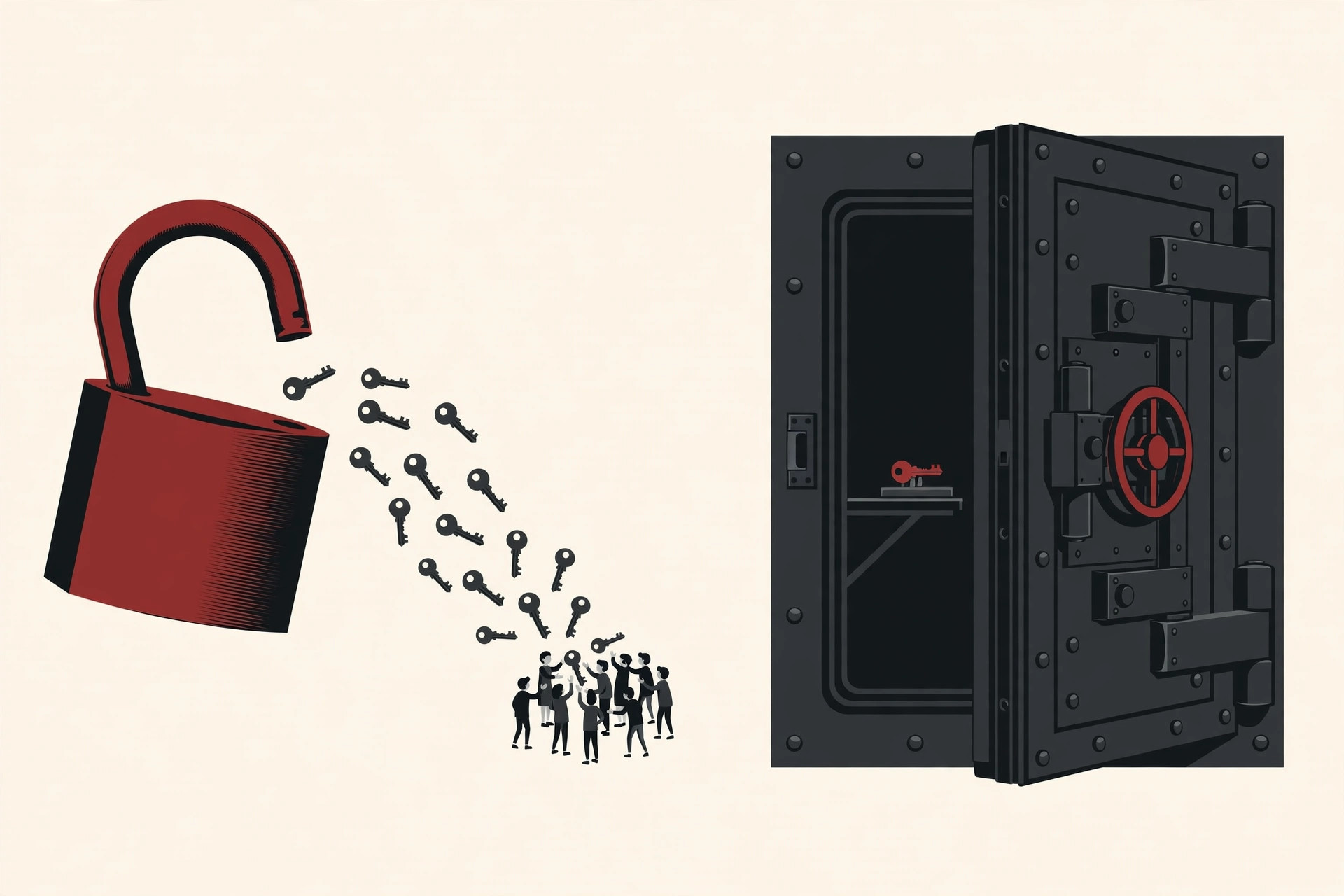
PKI is built on a clever idea called a key pair. Every participant has two matched keys, which are long strings of characters that work together.
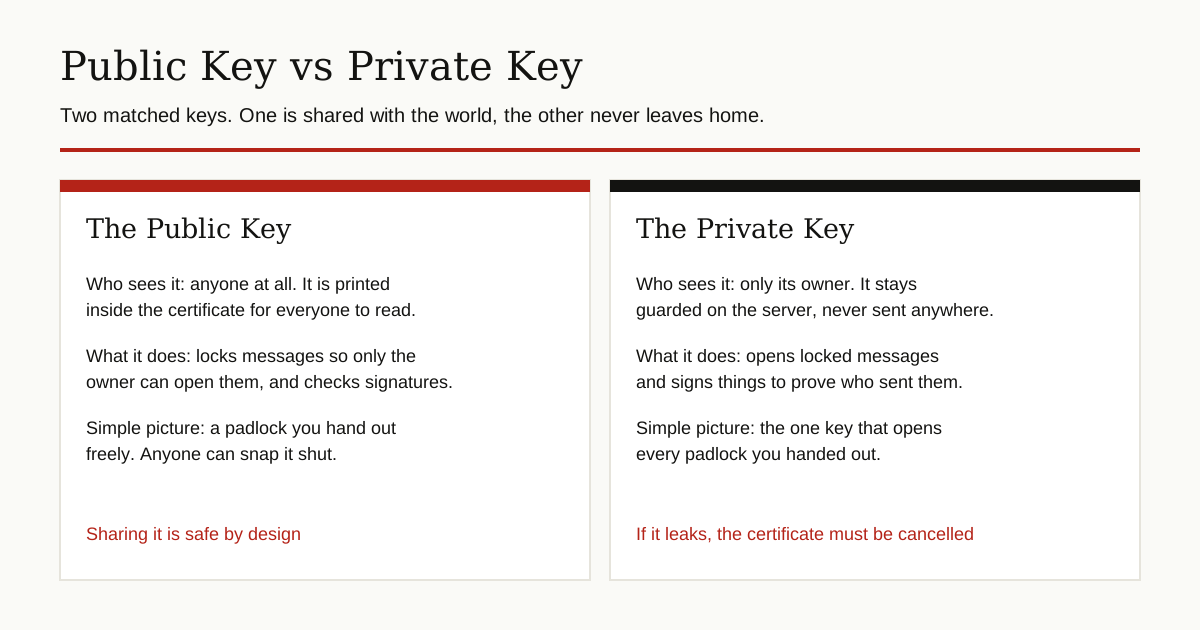
- The public key is shared openly with the whole world. Anyone can have a copy.
- The private key is kept secret by its owner and is never sent anywhere.
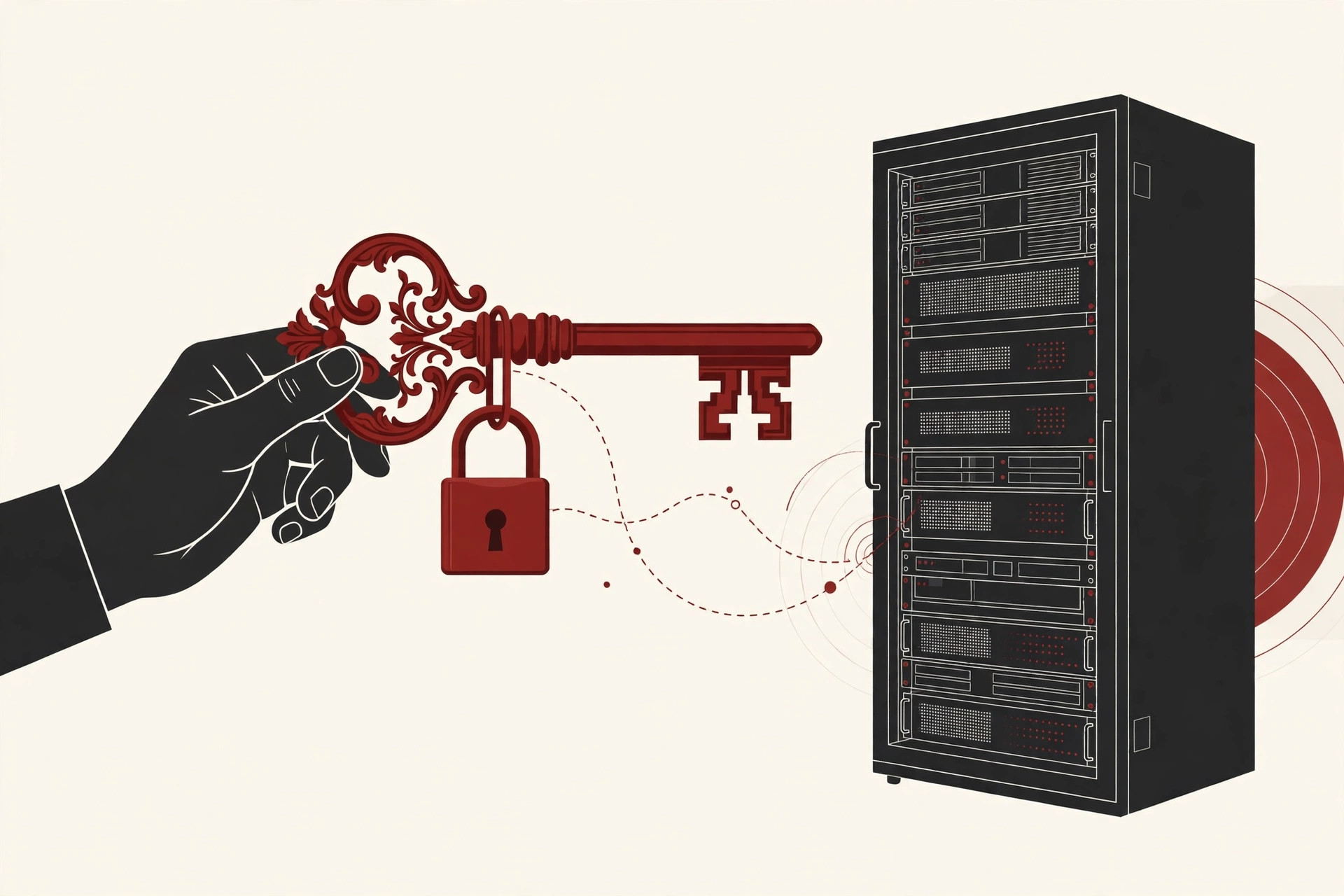
Think of the public key as a padlock you hand out freely. Anyone can snap your padlock shut on a box, but only your private key can open it again. So anyone can lock a message for you, and only you can read it. Data locked with a public key can only be unlocked with the matching private key, and as DigiCert explains, the two keys are mathematically related, yet it is effectively impossible to work out the private key from the public one.
The pair also works in reverse for signatures. The owner signs something with the private key, and anyone with the public key can check that the signature is genuine and that nothing was changed. Keep both directions in mind, because certificates use the second one.
The same key pair idea powers other tools too. Our guide to what an SSH key is shows how system administrators log in to servers with a key pair instead of a password, with no certificate involved at all.
Digital Certificates: ID Cards for Websites
A public key by itself proves nothing. Anyone can generate a key pair in seconds and claim it belongs to a famous bank. The internet needed a way to tie a key to a verified identity, and that tie is the digital certificate.
A certificate is a small data file that works like an ID card. According to Cloudflare’s Learning Center, it contains the domain name it was issued for, who it was issued to, which authority issued it, that authority’s digital signature, any covered subdomains, the issue and expiry dates, and the site’s public key. Most certificates follow a shared format standard called X.509, so every browser reads them the same way.
Two details matter most. First, the expiry date: certificates do not last forever, and since 2020 the agreed rules cap website certificates at a little over a year, about 13 months. Second, the signature: an ID card you print yourself convinces nobody. Anyone can create a self-signed certificate, but browsers do not trust those, because no outside authority checked anything. The signature has to come from an issuer the browser already trusts.
Certificate Authorities: The Issuers Everyone Agrees to Trust
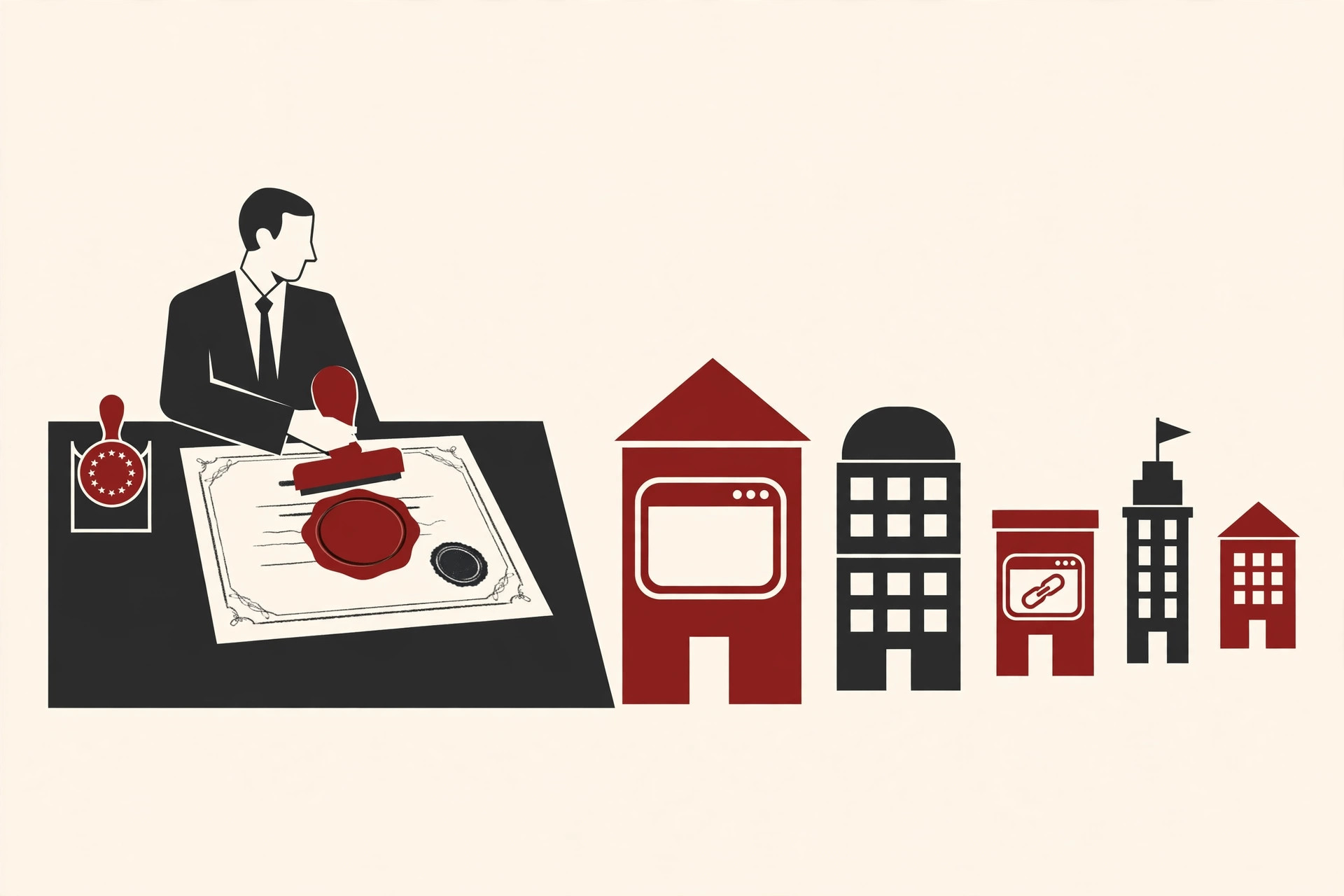
That trusted issuer is called a certificate authority, or CA. A CA is an organization whose whole job is checking identities and signing certificates. Before it signs, the CA takes steps to confirm that the person asking really controls the website named in the request. Only after that check does it stamp the certificate with its own digital signature.
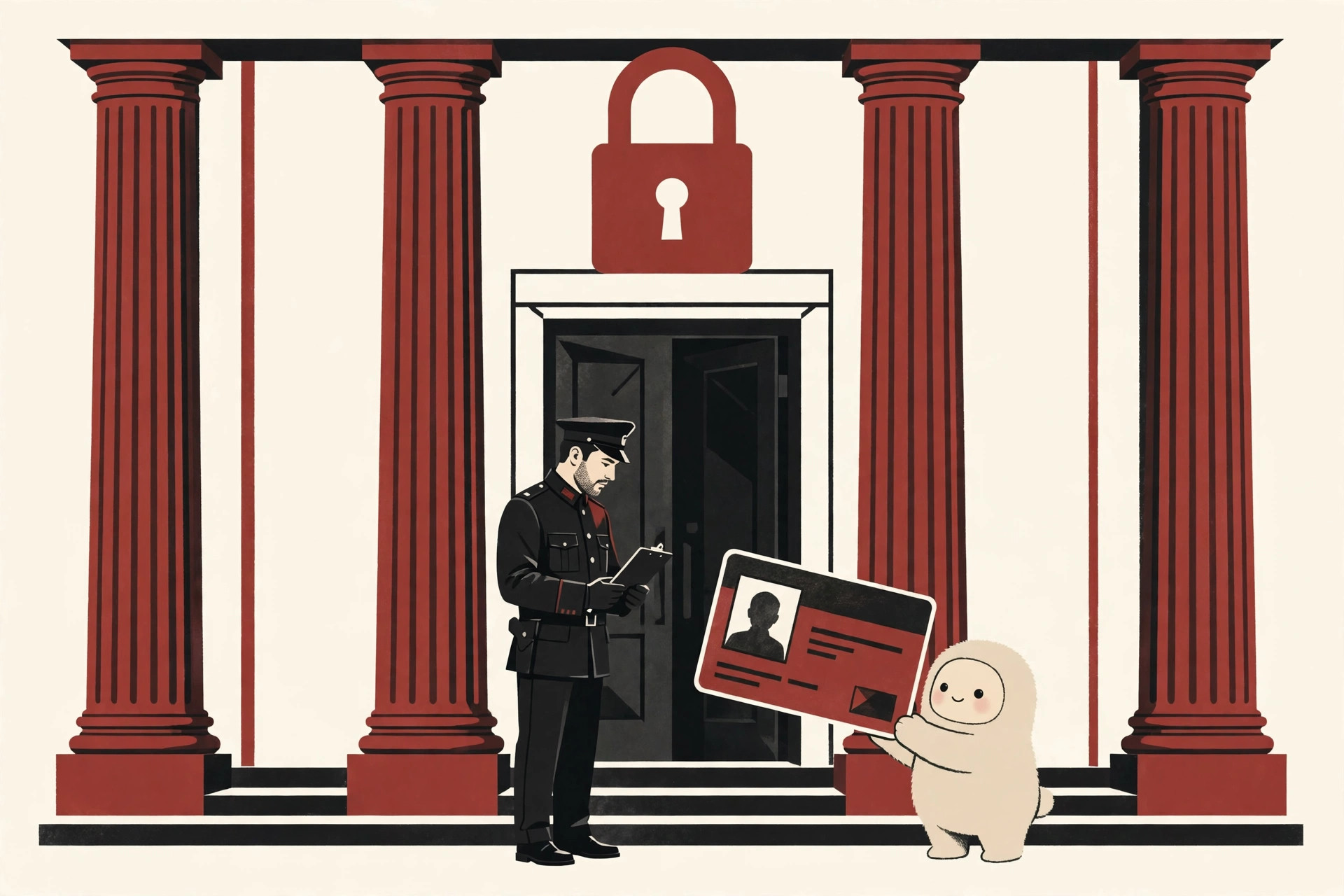
DigiCert, one of the large certificate authorities, compares a certificate to a driver’s license: it is issued by a trusted third party, it cannot be forged, and it carries identifying information. The comparison holds up well. A shop trusts your license not because it trusts you, but because it trusts the office that issued it and checked you first.
Browsers and operating systems ship with a built in list of root authorities they trust, which numbers in the hundreds rather than the billions of websites out there. That short list is what makes the whole system practical: your browser does not need to know every website in advance, only the issuers.
How a Certificate Is Born
Getting one of these ID cards follows a simple routine. First, the website’s server generates a fresh key pair and keeps the private key locked away. Then the owner fills in a request form, technically called a certificate signing request, which contains the site name and the new public key, and sends it to a CA. The authority runs its checks; for an ordinary website certificate, the key proof is showing you control the domain, for example by placing a given file on the site or answering through its registration records. If the checks pass, the CA signs the certificate and sends it back, and the owner installs it on the server. From that moment, every visitor’s browser can verify the site against the chain we describe next, until the certificate expires and the routine repeats, which is why renewals are a normal part of running a website.
The Chain of Trust
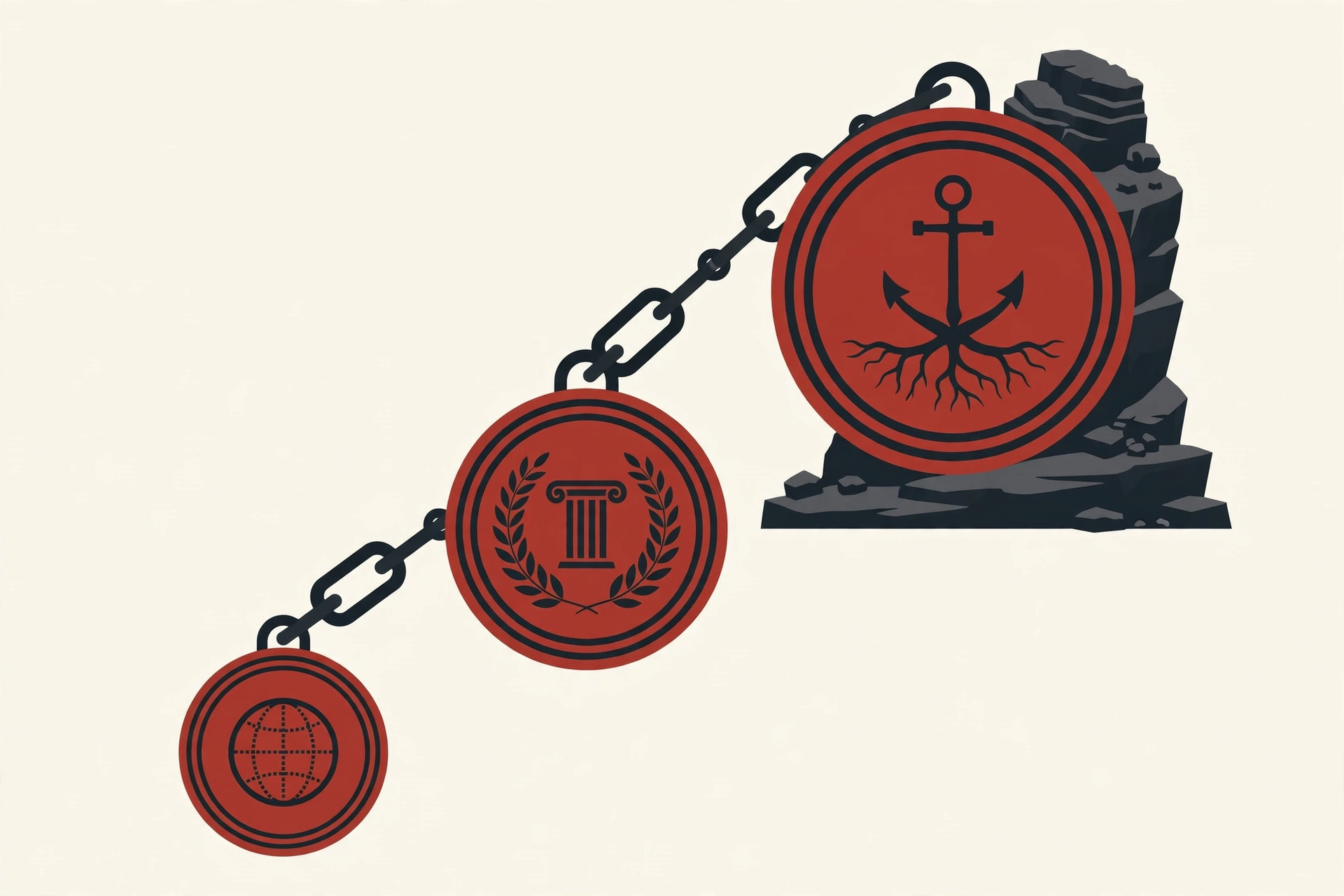
In practice, the root authority rarely signs website certificates directly. Root keys are guarded with extreme care, because everything depends on them, so the root signs certificates for intermediate authorities, and those intermediates sign the certificates of actual websites. This creates a short chain, usually three links:
- The website certificate (often called the leaf), naming the site and holding its public key.
- The intermediate certificate, proving the site’s certificate was signed by a real authority.
- The root certificate, self-signed by the root authority and already stored inside your browser or operating system.
When your browser connects, the website sends its certificate along with the chain above it. The browser follows the links upward, checking each signature, until it reaches a root it already trusts. If every signature checks out, the website’s key is accepted as genuine. If any link is broken, the browser refuses and warns you.
Opening an HTTPS Site: The Padlock Check
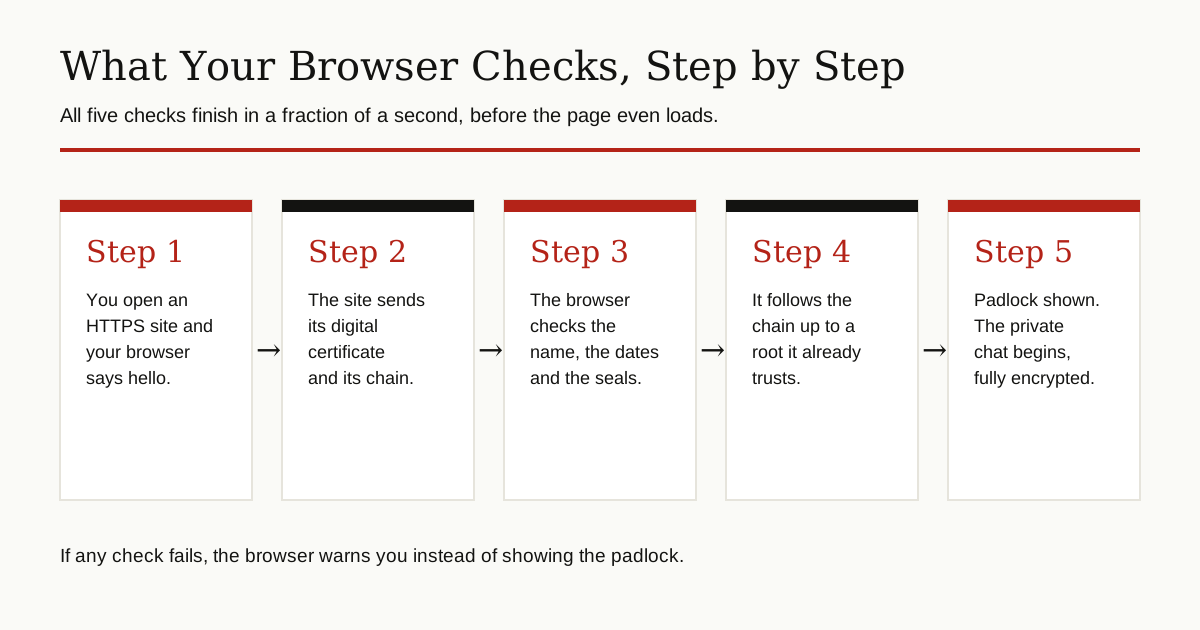
Now you can see what happens in the second before a secure page loads. The security layer behind HTTPS is called TLS, and the padlock in your address bar means the browser ran through these checks and they all passed:
- The browser connects and the site presents its certificate and chain.
- The name on the certificate must match the address you typed.
- The dates must be valid, not expired and not starting in the future.
- Each signature in the chain must verify, ending at a trusted root.
- The certificate must not appear on the cancellation lists, which we explain next.
Pass everything, and the padlock appears. The browser and the site then use the public key from the certificate to set up fresh, temporary encryption keys for this one visit, and your conversation stays private. Fail any check, and you see a warning page instead of the site.
The Parts of a PKI
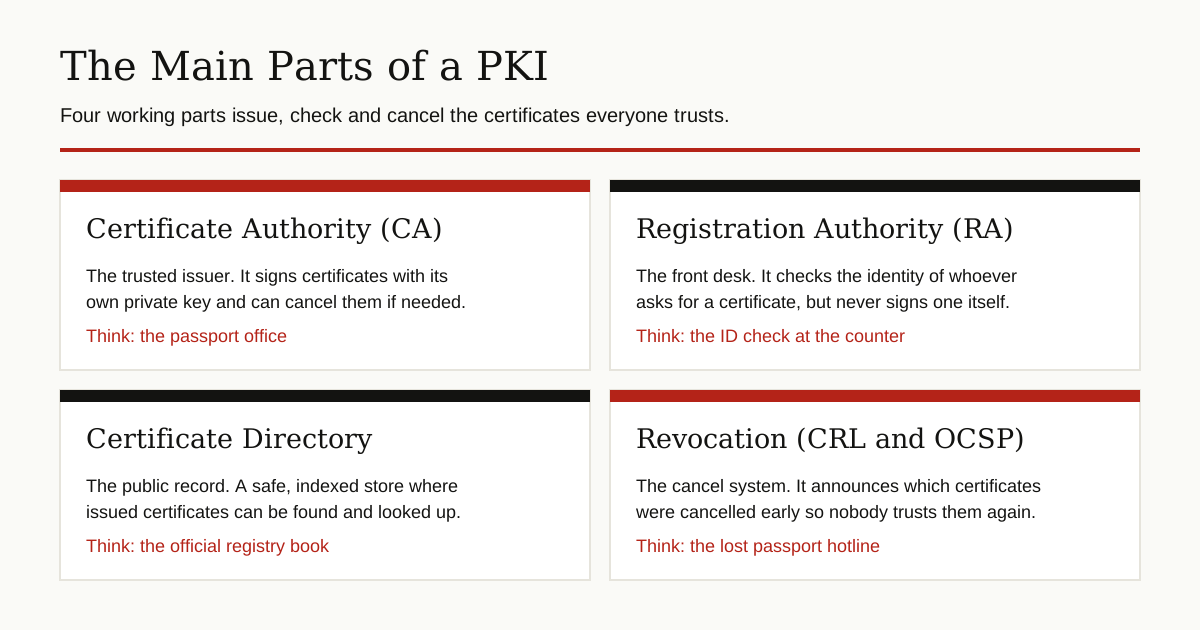
Behind the scenes, four working parts keep public key infrastructure running:
- Certificate authority (CA): the issuer described above. It stores, issues and signs certificates, and cancels them when needed.
- Registration authority (RA): the front desk. It verifies the identity of whoever requests a certificate and approves or rejects the request, but it never signs certificates itself. That signing power stays with the CA.
- Certificate directory: the public record. A secure, indexed store where issued certificates are kept so they can be looked up.
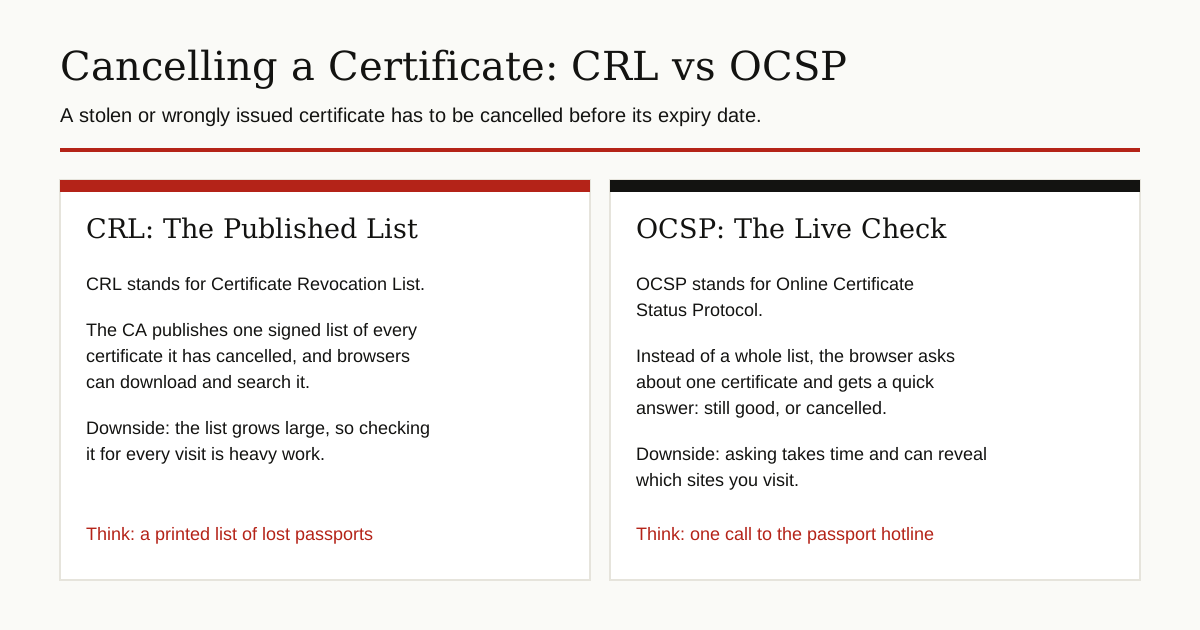
- Revocation, the cancel system: certificates sometimes must die early, for example when a private key is stolen or a certificate was issued by mistake. The CA announces cancellations in two ways. A CRL, short for Certificate Revocation List, is a signed list of cancelled certificates that systems can download and search. OCSP, short for Online Certificate Status Protocol, skips the list: the browser asks about one specific certificate and gets a quick answer, still good or cancelled.
Honesty matters here: revocation is the fiddly part. Lists grow big and heavy to check on every visit, and live OCSP questions cost time and can reveal which sites you visit. Browsers therefore keep these checks lighter than you might expect, a real weakness we return to below.
PKI Beyond Websites
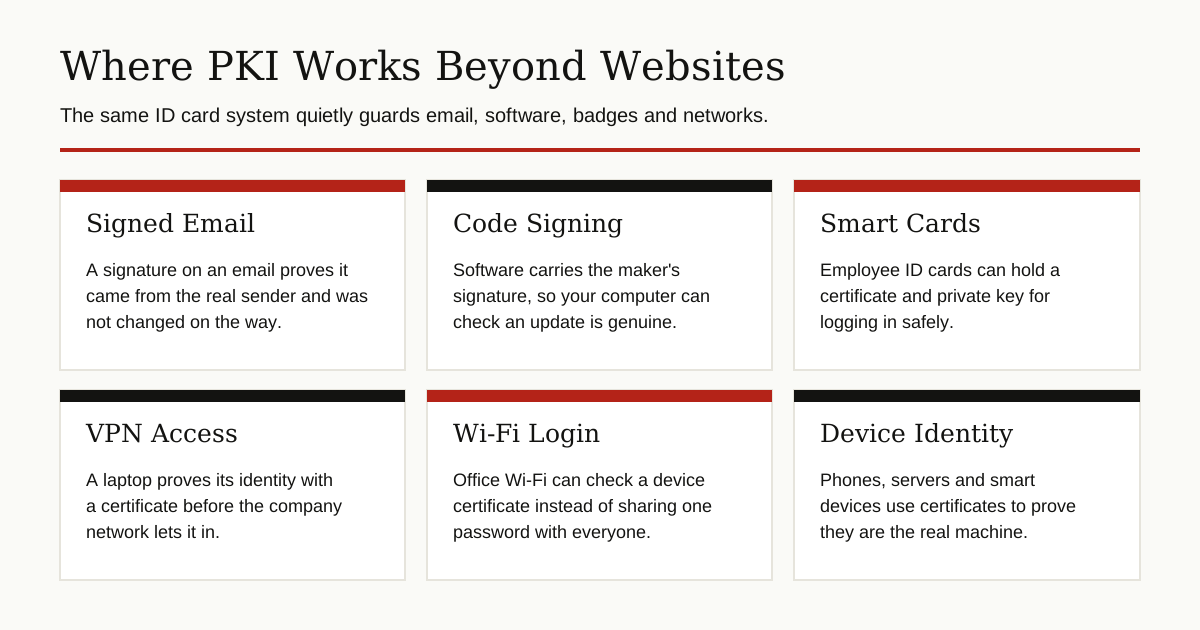
Websites are the most visible use, but the same ID card system works anywhere a machine or person must prove identity:
- Signed and encrypted email: business email systems use certificates (a standard called S/MIME) so a message can prove its sender and stay unreadable to others.
- Code signing: apps and updates carry the maker’s signature. Your computer checks it before installing, so tampered software gets flagged.
- Smart cards: employee ID badges can hold a certificate and private key, turning the card into a login key for office computers.
- VPN access: a work laptop can prove its identity with a certificate before the company network lets it connect, which our guide to virtual private networks explains from the tunnel side.
- Devices and Wi-Fi: office networks can hand each laptop and phone its own certificate instead of sharing one Wi-Fi password with everyone.
The Honest Limits
PKI is strong, but it is a trust system, and trust can be misplaced. Three limits are worth knowing plainly.
First, everything rests on the authorities being careful. In 2011, attackers broke into DigiNotar, a Dutch certificate authority, and created hundreds of fraudulent certificates, including ones for Google sites. A fake Google certificate was used to intercept the Gmail traffic of users in Iran. Once the fraud came out, the major browsers removed DigiNotar from their trusted lists in late August 2011, and the company was bankrupt within weeks. Browsers have done the same more slowly since, phasing out trust in Symantec’s certificates between 2017 and 2021 after problems with how they were issued. The lesson is built into the system: a CA that fails loses the only asset it has, which is trust.
Second, as noted above, cancellation checks are imperfect. A stolen certificate may keep working in some browsers longer than anyone would like, because thorough checking is slow and leaks browsing habits.
Third, and most misunderstood: a padlock proves identity, not honesty or safety. A fraudster can get a perfectly valid certificate for his own lookalike domain, and even a genuine site can be hacked; identity checks do nothing against attacks like ransomware hitting the real server. PKI answers one question very well, “am I really talking to the owner of this name?”, and leaves the other questions to other layers of security.
Conclusion
Public key infrastructure is the internet’s ID office. Key pairs make private conversation and signatures possible, certificates tie those keys to verified names, certificate authorities do the checking and signing, and the chain of trust lets your browser verify it all in a blink. It is not perfect; it leans on authorities staying careful, and the padlock was never a promise that a site is good. But without it, there would be no safe way to bank, shop or sign in on a network where anyone can pretend to be anyone.
Keep learning with our other cybersecurity and networking guides, where we explain the rest of your digital defenses in the same plain English way.