If you have ever opened the settings of a NAS box, read a storage job advert, or followed a tutorial about connecting a server to shared storage, you have met three letters that nobody stops to explain: LUN. The word sounds technical and a little mysterious, but the idea underneath is one of the simplest in all of storage.
This guide explains what a LUN is, how it works, and why it matters, in plain English. No storage certification required.
What Is a LUN?
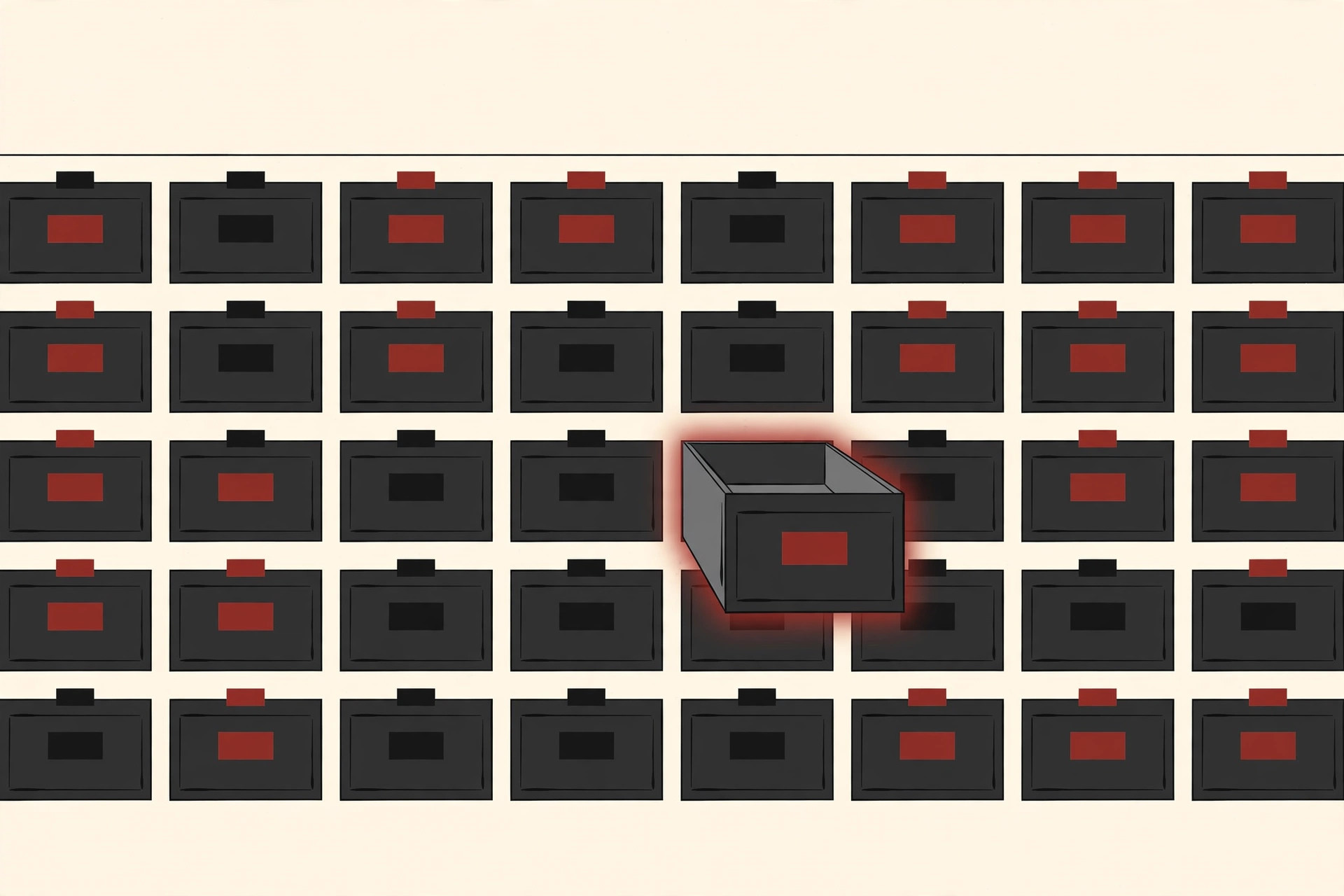
LUN stands for Logical Unit Number. A LUN is the number that identifies a chunk of storage carved out of a storage system and handed to a server, which then treats that chunk as if it were a hard disk plugged directly into it.
NetApp’s documentation puts it in one sentence: a LUN is a number used to identify a logical unit within a storage area network, and those units are typically logical disks accessed through the SCSI protocol or a close relative of it. VMware’s own ESXi documentation says the same thing from the server’s side: every storage device a host can see is listed with its Logical Unit Number, and that number is provided by the storage system.
Two details in that definition are worth slowing down for:
- Logical, not physical. A LUN is not a drive you can hold. It is a slice of space, cut from many real drives working together, and the number is its name tag.
- The number belongs to the pairing. The same chunk of storage can be LUN 2 for one server and LUN 5 for another. The number describes how a particular server addresses the chunk, which is why storage people say “present LUN 3 to that host” rather than pointing at a box.
The term is old. It comes from SCSI, the long running set of standards for talking to storage devices, where a single cable or target could serve several units and each one needed a number. Modern systems kept the word long after the cables changed.
How SAN Block Storage Works, in Simple Terms
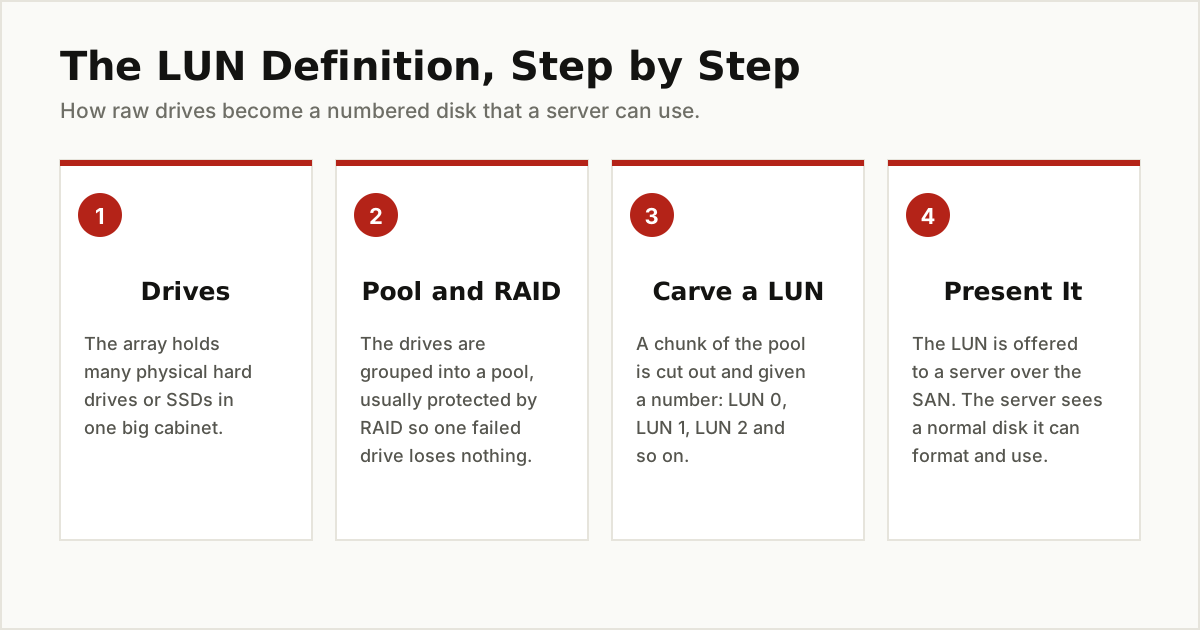
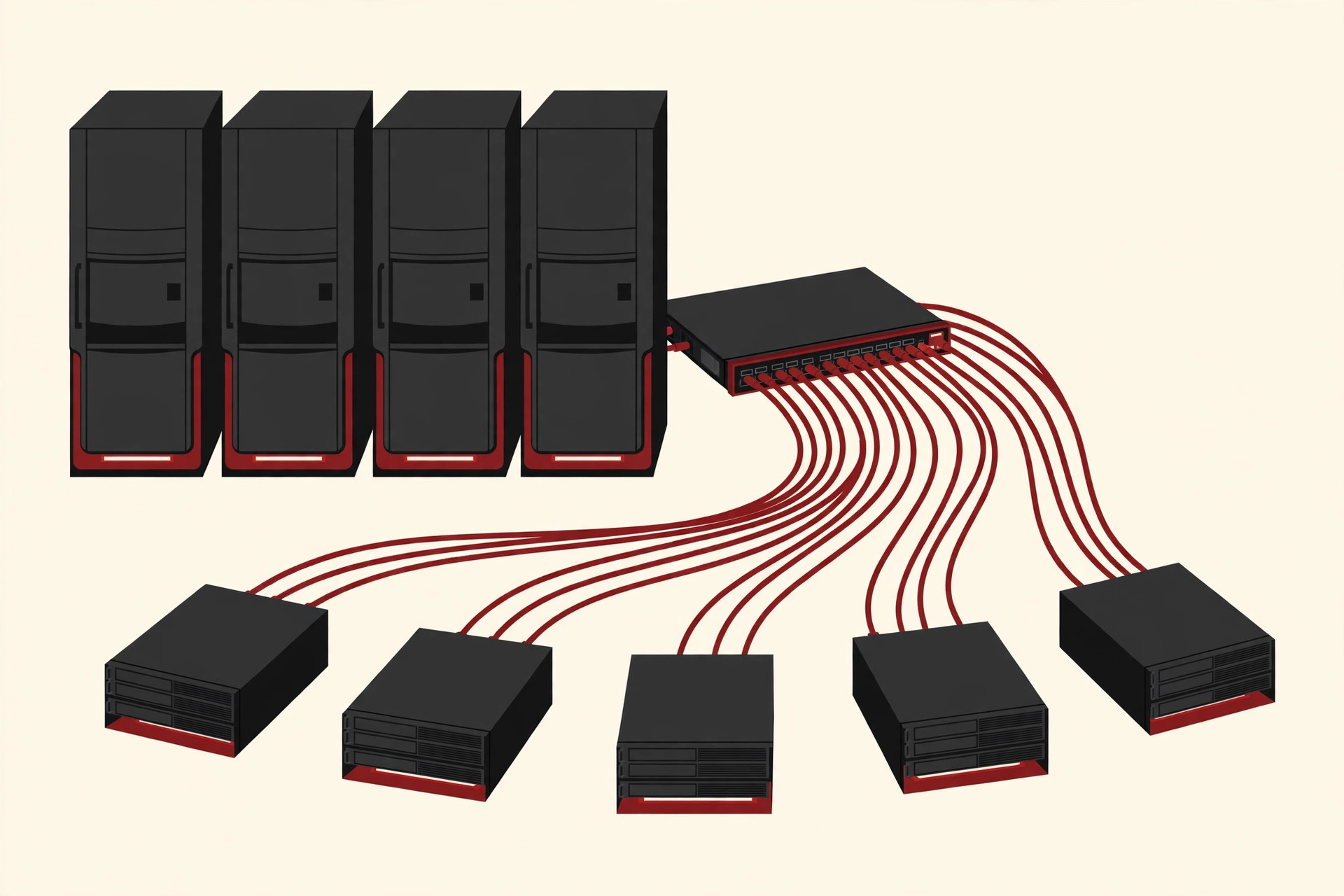
LUNs live in a kind of setup called a SAN, short for Storage Area Network. In a SAN, the storage sits in its own specialised box, the array, full of drives. Servers connect to the array over a fast network that carries only storage traffic. The array serves up its space in blocks, the raw numbered chunks that disks are made of, which is why this is called block storage.
Block storage is the opposite of the shared folders most people know. A shared folder hands over finished files. A block device hands over an empty disk and lets the server format it however it likes. That freedom is exactly why servers and databases prefer it.
Two connection methods carry almost all SAN traffic:
- iSCSI sends SCSI commands over an ordinary Ethernet network, the same kind of network your office computers already use. As Microsoft Learn explains, iSCSI is a TCP/IP based standard that gives block level access to remote storage over a standard network, with no specialised cabling. The server side is called the initiator, and the storage side is called the target.
- Fibre Channel is a separate network built only for storage, with its own switches and adapter cards. It costs more, and it is the traditional choice in big data centers because it is fast, dedicated, and keeps storage traffic away from everything else.
Either way, the last step is the same. The array carves out a chunk, gives it a number, and presents it to a server. From that moment, the server’s operating system lists a brand new disk. The server has no idea the disk is really a slice of a cabinet across the room.
If the idea of many machines sharing one pool of resources sounds familiar, it should. Shared storage like this is one of the quiet building blocks behind what is a distributed system, where work is spread across computers that still need to agree on the same data.
One Array, Several LUNs, Several Servers
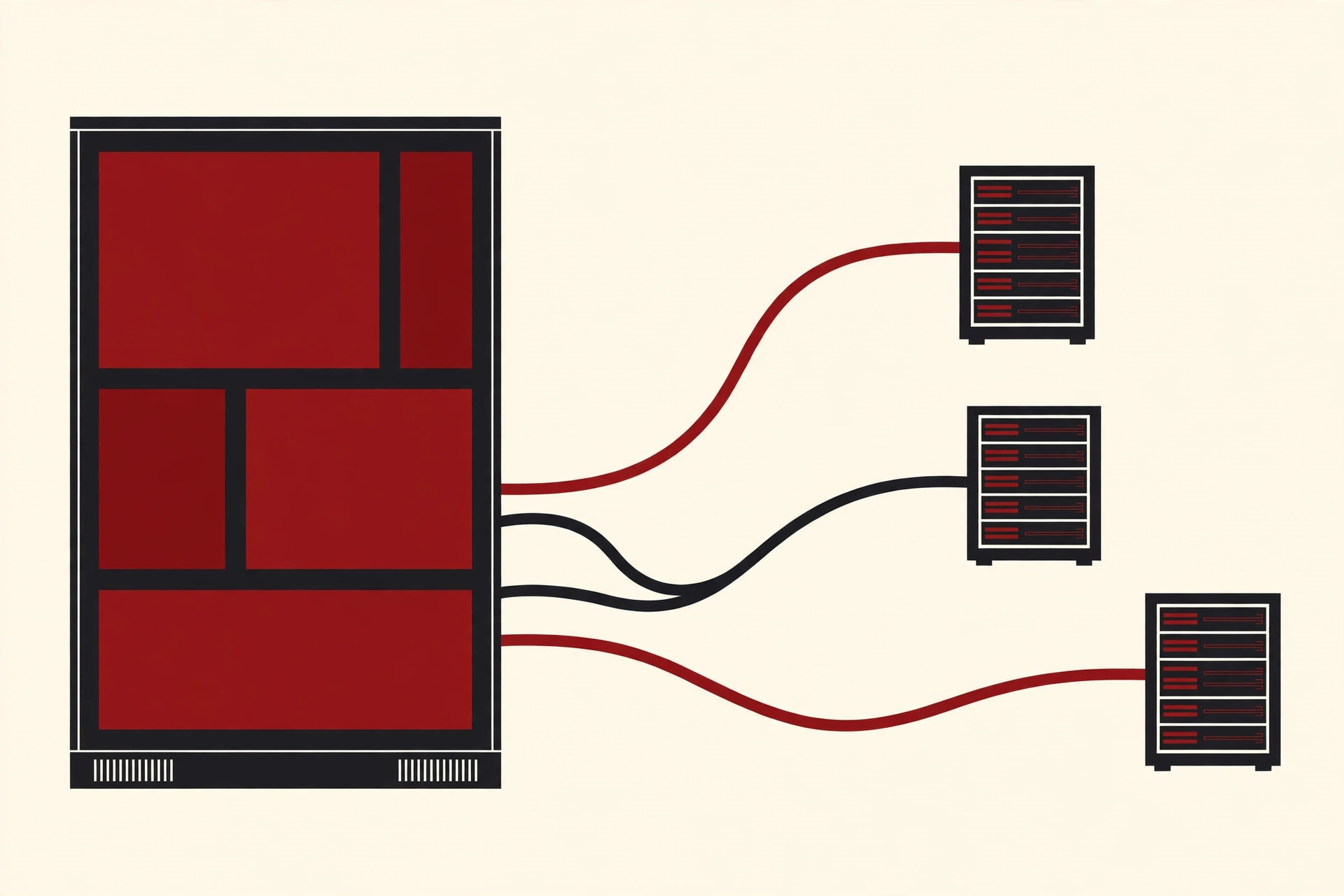
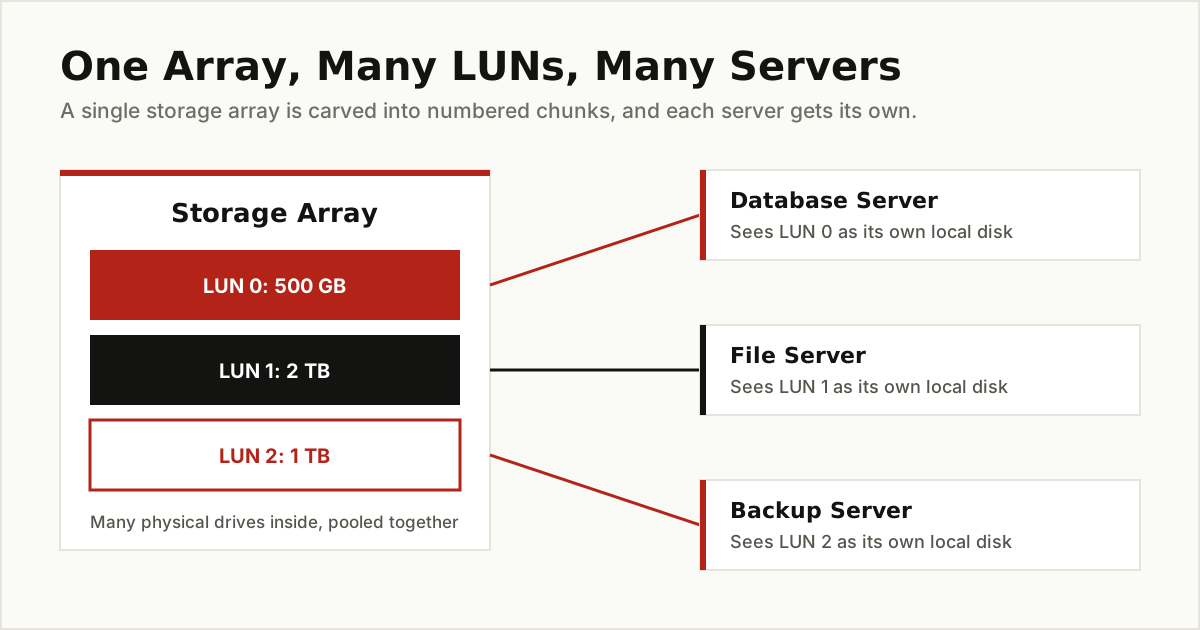
Here is the picture that makes it click. Imagine a company with one storage array holding 24 drives. The administrator pools the drives together, protects them with RAID, and then carves the pool into three LUNs:
- LUN 0, 500 GB, presented to the database server, which formats it and installs its database on it.
- LUN 1, 2 TB, presented to the file server, which holds the company’s shared documents.
- LUN 2, 1 TB, presented to the backup server, which keeps copies of everything else.
Each server sees exactly one ordinary disk and minds its own business. The database server cannot see the file server’s LUN at all. If the company later buys a bigger array, the same trick scales up: one pool, dozens of LUNs, each one matched to a job.
Notice how much of the setup is about matching storage to the job. A database wants its own predictable chunk of space, and once the disk side is sorted, the remaining speed comes from tuning the database itself, which is what our database optimization guide covers.
LUN vs. Volume, Disk, Partition and RAID
These five words get tangled together constantly, so here is the honest separation. Think of them as layers in a stack.
| Term | What it is, in one line |
|---|---|
| Physical disk | A real drive, the hardware inside the array or the server. |
| RAID | A way of combining several physical disks so a failure loses nothing, or so reads and writes go faster. |
| LUN | A numbered chunk carved from the array’s pool and presented to a server as one disk. |
| Partition | A slice a server cuts inside a disk it has received, including a LUN. |
| Volume | The formatted, usable space on a disk or partition, with a file system and usually a drive letter or mount point. |
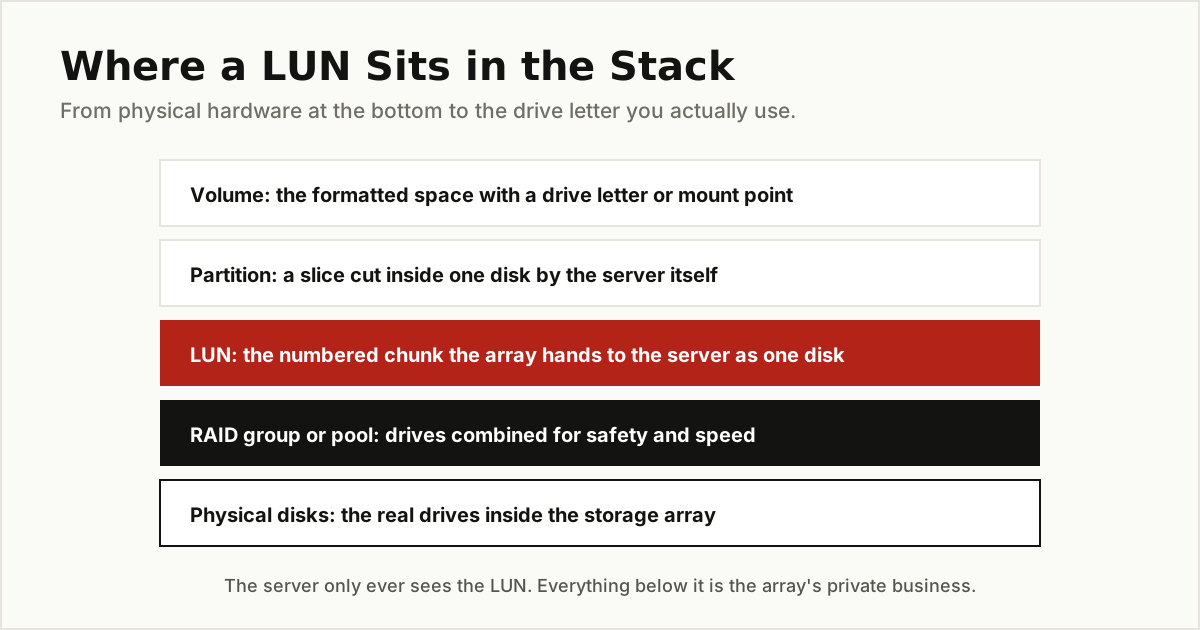
The short way to remember it: the array’s world ends at the LUN. Everything above the LUN, partitions and volumes, is created by the server. Everything below it, RAID and physical disks, is the array’s private business. When someone says “the LUN is full,” they mean the volume the server built on that LUN has run out of room.
LUN Masking and Zoning: Who Is Allowed to See What
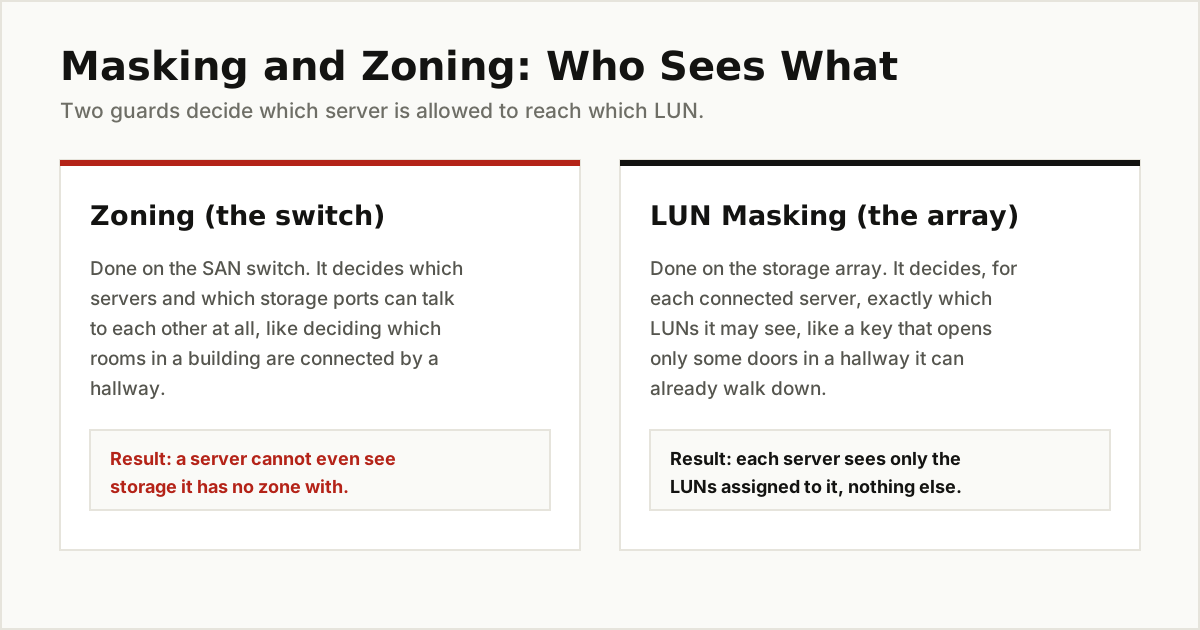
Letting any server see any LUN would be chaos, so SANs have two gatekeepers.
Zoning happens on the SAN switch. It decides which servers and which storage ports are allowed to talk to each other at all, like deciding which rooms in a building get a hallway between them. A server with no zone to the array cannot even knock on the door.
LUN masking happens on the array itself. For each server that is allowed in, masking decides exactly which LUNs that server may see, like a key that opens only some of the doors on a hallway. The database server sees LUN 0. The file server sees LUN 1. Neither sees the other’s disk, even by accident.
Masking is not just tidiness. It protects against the single most dangerous mistake in shared storage: two servers writing to the same LUN at the same time. A normal operating system assumes any disk it can see belongs to it alone. It keeps its own map of where files live and updates that map without asking anyone. If two servers do that to one LUN, each one happily overwrites the other’s map, and the file system falls apart, often within minutes.
Sharing one LUN safely is possible, but only with cluster software that was designed for it, where the servers constantly coordinate who may write what. Without that coordination, the rule is absolute: one LUN, one server.
Where Home and Small Office Users Meet LUNs
You do not need a data center to meet a LUN. If you own a NAS box, the same feature is probably sitting in its settings right now, because most home and small office NAS systems can serve iSCSI storage.
The usual reason is simple. Some software refuses to work properly with a shared folder but is perfectly happy with what looks like a local disk. Backup tools, video editing suites, and virtual machine software often behave this way. An iSCSI LUN from your NAS gives one computer a private, local looking disk that actually lives on the NAS, with RAID protection underneath.
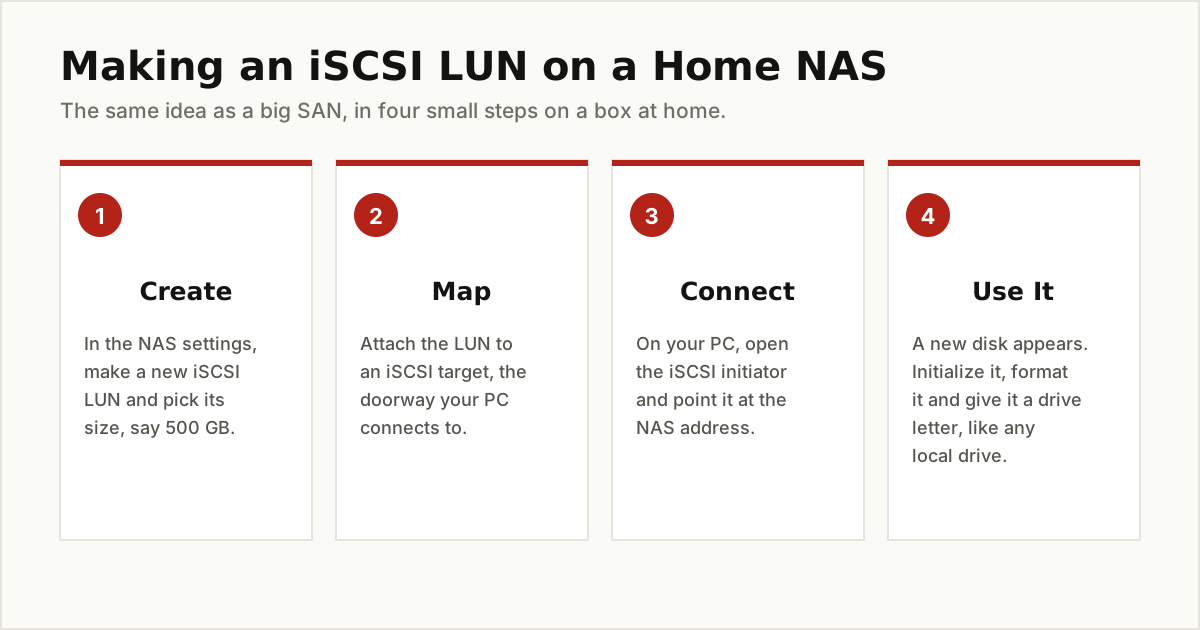
The setup follows the same four moves as a big SAN. Create a LUN on the NAS and choose its size. Map it to an iSCSI target. On your computer, open the built in iSCSI initiator, point it at the NAS, and connect. Then initialize and format the new disk that appears, exactly like a drive you just installed.
Two warnings from the sections above apply at home, too. Connect that LUN to one computer only, because two machines writing to it will corrupt it just as surely at home as in a data center. And if your network is shared with people you do not fully control, set the password option (called CHAP) that most NAS systems offer for iSCSI, so the LUN is not open to anyone who finds the address. If all you really need is shared folders, skip LUNs entirely and compare the simpler options in our guide to cloud storage alternatives.
Picking a Sensible LUN Size
There is no magic number, but there are sensible habits.
- Start from the job. Estimate how much data the job holds today, add the growth you honestly expect over the next year or two, and round up. A LUN that fills in three months was sized for the past, not the future.
- One LUN per job is the common pattern. It keeps backups, snapshots, and failures neatly separated. One giant LUN for everything means one problem can touch everything.
- Avoid dozens of tiny LUNs. Every LUN is another disk to track, back up, and resize. A handful of right sized LUNs beats a drawer full of small ones.
- Know whether your LUN is thin or thick. A thick LUN reserves its full size on the array immediately. A thin LUN reports its full size to the server but only takes real space as data arrives, which lets an array promise more space than it physically has. That is useful, and it is also how pools run dry: if every thin LUN grows at once, the array can run out of real space while every server still believes it has room. If you use thin LUNs, keep an eye on the pool, not just the servers.
- Growing is easier than shrinking. Most arrays can enlarge a LUN in a few clicks, after which the server still needs its partition and file system extended to use the new room. Shrinking is far more limited and often impossible without starting over, which is one more reason to size thoughtfully rather than generously.
The Short Version
A LUN is a number that names a chunk of storage. A SAN array carves its pool of drives into these chunks, and each chunk is presented to one server, which sees a plain, ordinary disk. Zoning decides who can reach the array, masking decides which LUNs each server can see, and the golden rule is one writer per LUN unless cluster software is coordinating. Once you have that picture, the settings page on a NAS, and half the storage talk in IT, suddenly make sense.
For more explainers in this style, browse the tips and tricks category.