Some AI image tools make you create an account, hand over a card, and watch a credit counter before you see a single picture. Vheer AI takes the opposite route. It is a browser based creative platform where you open the site, type a prompt, and generate images and short videos without signing up at all.
On its homepage, Vheer calls itself a free AI image and video generator with unlimited generations, no signup, and watermark free exports. That is a bold promise, so this Vheer AI review checks what the platform really offers, where the free part ends, and who should use it.
One quick note on how we checked. Everything below comes from the official Vheer AI site and its own help answers, reviewed in October 2026. Where a point is general advice about free AI image tools rather than a fact about this platform, we say so clearly.
What Is Vheer AI, in Plain Words
Vheer AI is an all in one creative studio that runs in your web browser. From one dashboard you can create images from text, turn photos into short videos, edit pictures with AI, and combine several reference images into one finished visual. Nothing needs to be installed, and the core tools work without an account.
Under the hood, tools like this rely on the same ideas explained in our guide to machine learning models. The picture editing features lean on computer vision, the field that teaches computers to see and understand images.
The generator also gives you a choice of AI models. The official Vheer blog walks bloggers through picking the free Quality model for everyday images, and the site lists stronger options for people who pay, including names from the Flux, Veo and Sora families. Each model trades quality, speed and style in a different way, so the free one is the natural place to start.
There is also a practical reason the dashboard approach matters. Most people do not need one perfect picture. They need a blog header on Monday, a product shot on Tuesday and a vertical clip on Friday. Jumping between five single purpose sites for those jobs wastes time, and each new site means a new account and a new interface to learn. One studio that covers the common jobs in a single tab is simply easier to live with.
The Vheer AI Tools You Get
The tools list is longer than what most free platforms offer. Here are the main tools the company lists on its own site.
Text to Image Generator
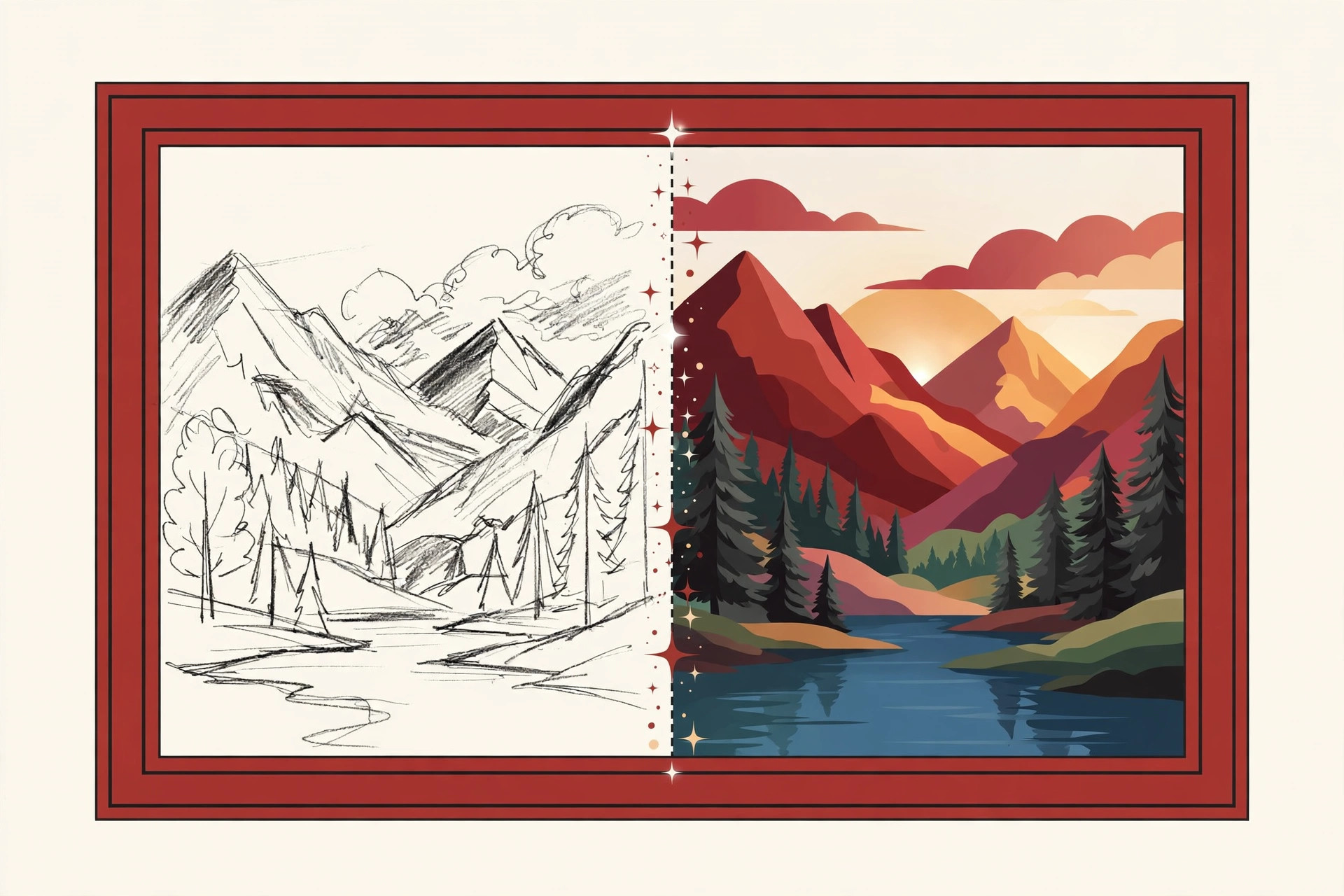
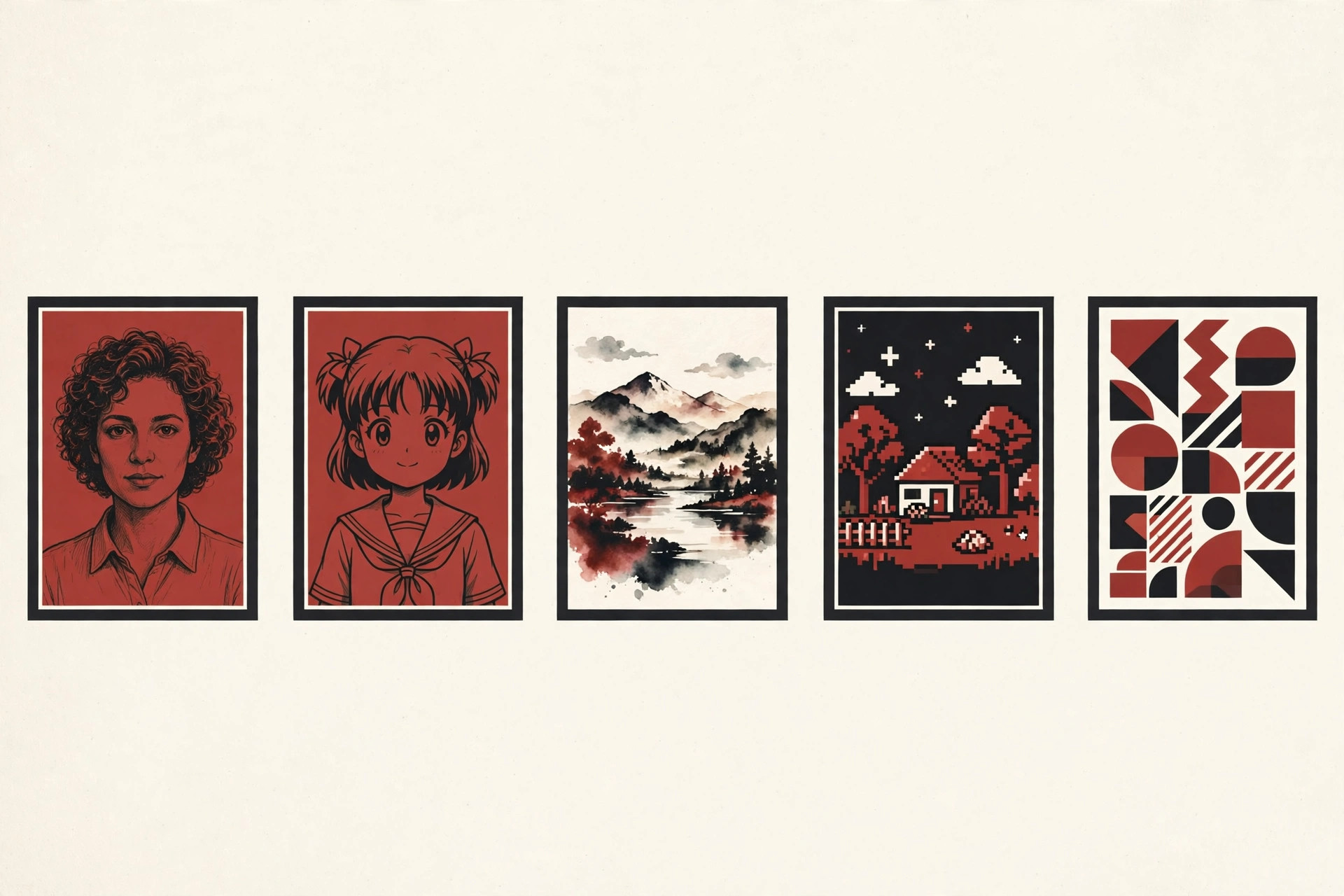
The headline tool turns a written description into a picture. Type what you want to see, pick a style and a size, and the generator builds it in seconds. Vheer AI lists built in styles such as AI avatars, pixel art, landscapes and cartoon designs, so beginners do not need to learn fancy style words on day one.
Image to Video and Text to Video
Vheer AI can also make pictures move. Its image to video tool turns a still photo into a short clip, and its text to video tool builds a clip from a written prompt alone. The site lists common aspect ratios such as 1:1, 4:3, 9:16 and 16:9, which covers square social posts, vertical phone clips and widescreen videos.
Photo Editing Tools
For pictures you already have, the best known tools here are the background remover and the image to image editor. The background remover cuts a subject out of its photo in a few clicks. The editor restyles an existing photo instead of starting from zero, and a multi image tool lets you merge several reference pictures into one combined result.
Prompt Enhancement
Writing good prompts is the hardest part of any free ai image generator. Vheer AI includes a prompt enhancement helper that takes a rough idea and rewrites it into a fuller description before you generate. For a first time user, that small feature removes a lot of trial and error.
Third party tool directories also list extra tools, such as a headshot maker, an anime portrait tool and a tattoo designer. Menus on fast growing platforms change often, so treat the dashboard on the site itself as the final word on what is live today.
How to Use Vheer AI, Step by Step
You do not need a manual, but these are the steps the site itself describes for its image workflow.
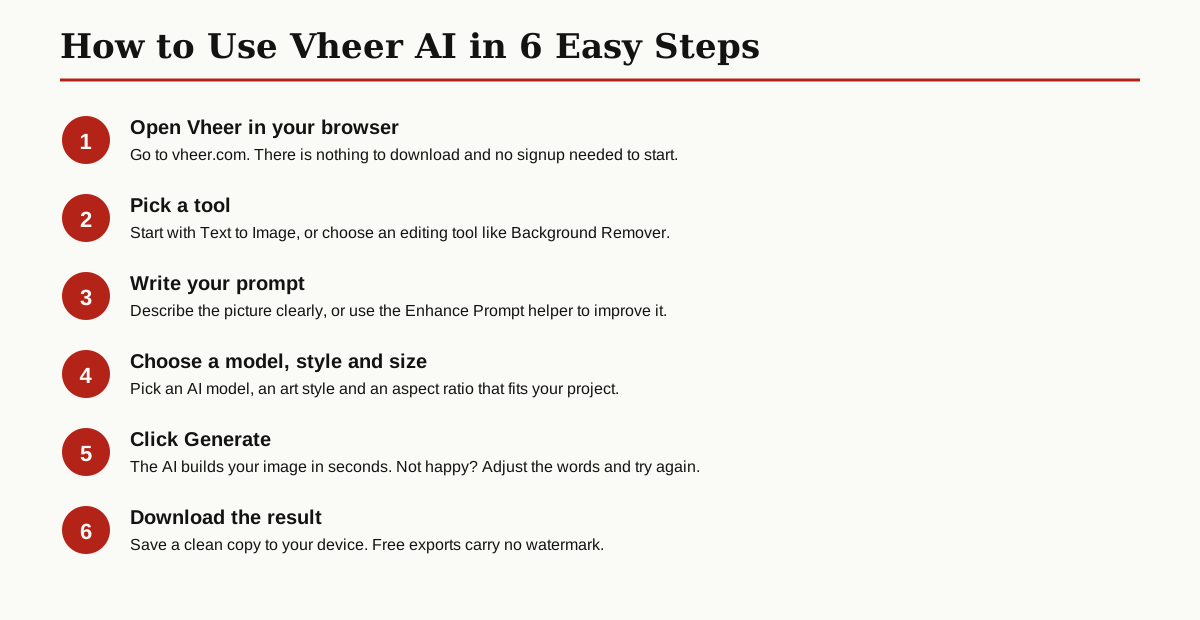
- Open vheer.com in your browser. There is nothing to download and no signup needed to start.
- Pick a tool. Start with Text to Image, or choose an editing tool like the background remover.
- Write your prompt. Describe the picture clearly, or use the Enhance Prompt helper to improve it.
- Choose a model, a style and an aspect ratio that fits your project.
- Click Generate and wait a few seconds while the AI builds your image.
- Download the result. Free exports come out clean, with no watermark.
The whole flow takes under a minute for a first image, and because the free workflow is unlimited, you can retry as often as you like until the picture matches what you had in mind.
A few prompt tips work on almost every generator, and they are general advice rather than Vheer specific facts. Name one clear subject instead of a crowded scene. Add the setting, the light and the mood in plain words. Then change one thing at a time between tries, so you learn what each word does to the result. If the first result is close but not right, keep the same prompt and change only the style or the ratio. Small steps teach you faster than starting over from a blank box each time.
Is Vheer AI Really Free?
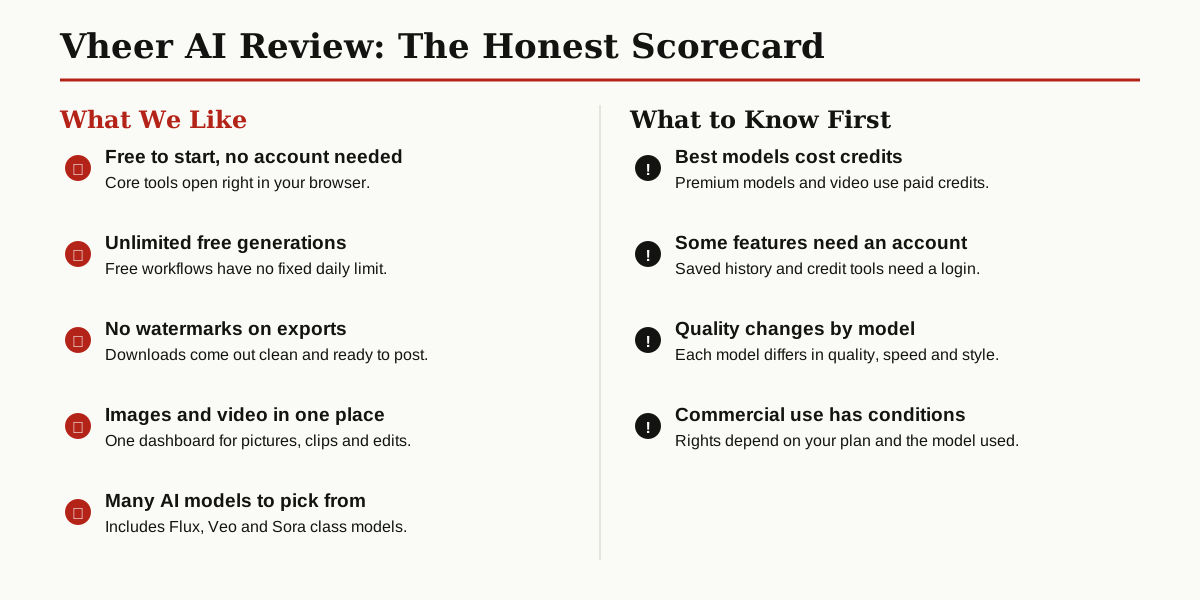
Mostly, yes, and this is where this Vheer AI review gives the platform real credit. The company states that its free AI workflows support unlimited creation with no fixed daily limit, and that free exports carry no watermark. Many rival tools stamp a logo on free downloads or stop you after a handful of images, so this policy is genuinely generous.
To put that in context, the free tier of a typical AI image tool usually works like a sample pack: a small stack of credits, a watermark on downloads, or a queue that slows you down at busy times. Removing all three limits at once is unusual, and it is the main reason this platform gets recommended so often for everyday content work.
The catch is the model menu. Vheer AI runs on a credits system for its model based work. Image tasks usually cost fewer credits, while video generation and advanced models cost more, and the site shows the required credits before a paid task starts. Paid options exist for premium models, more credits, faster generation and advanced account features.
A few account features also sit behind a free login, such as saved history and credit management. So the honest summary is this: the core studio is free and open, and you only meet a paywall when you reach for the premium shelf.
Image Quality and the Honest Limits
Quality depends on two things you control: the model you pick and the prompt you write. The company itself notes that each model varies in quality, speed and style, so a flat result on the free model does not mean the platform is weak. Try a clearer prompt or a different style before you judge the output.
The site aims the tools at real work: product visuals, social posts, ads, concept art, portraits and short videos. For web use, blog headers and social graphics, the free output is the kind of quality most creators actually need day to day.
As general advice for any free ai image generator, expect the usual AI weak spots. Hands, small text inside pictures and busy crowd scenes can come out wrong. Simple scenes with one clear subject almost always look better than crowded ones, on every platform, not just this one.
One more limit matters for business users. Vheer AI says commercial use can depend on the model, your plan and the rights attached to your output. Check the plan details and terms before using generated pictures in paid client work, and keep that check as a habit with every AI tool you use.
Who Vheer AI Is Good For
It fits people who make pictures for the web and want them fast: bloggers who need a featured image today, social media creators filling a weekly calendar, small sellers making product visuals, and students or hobbyists learning how prompts work. The platform itself names creators, marketers, e-commerce sellers, designers and teams as its audience.
Bloggers get the most obvious win. A featured image that matches the exact topic of a post looks better than a generic stock photo, and it takes about a minute to make. Social creators get a steady supply of fresh visuals without booking a photo shoot, and small shops can test product scenes on screen before paying for real photography.
Look elsewhere if you need guaranteed print ready files for billboards, layer by layer editing control, or a legal promise that every output is cleared for big ad campaigns. Those jobs still belong to pro design suites and stock libraries with clear licenses.
And if your daily work is code rather than pictures, a different shelf of tools will serve you better, so see our roundup of the best AI coding assistants.
Vheer AI Alternatives Worth a Look
Vheer AI is not the only free ai image generator in town. These three big names cover the gaps it leaves.
| Tool | Best for | Good to know |
|---|---|---|
| Canva | Social posts, posters and quick designs | Huge template library, with AI image tools inside a full design app |
| Leonardo AI | Game art, characters and detailed scenes | Strong style control, with a free tier that uses daily tokens |
| Adobe Firefly | Brand work in pro projects | Built into Adobe apps, with paid plans for full use |
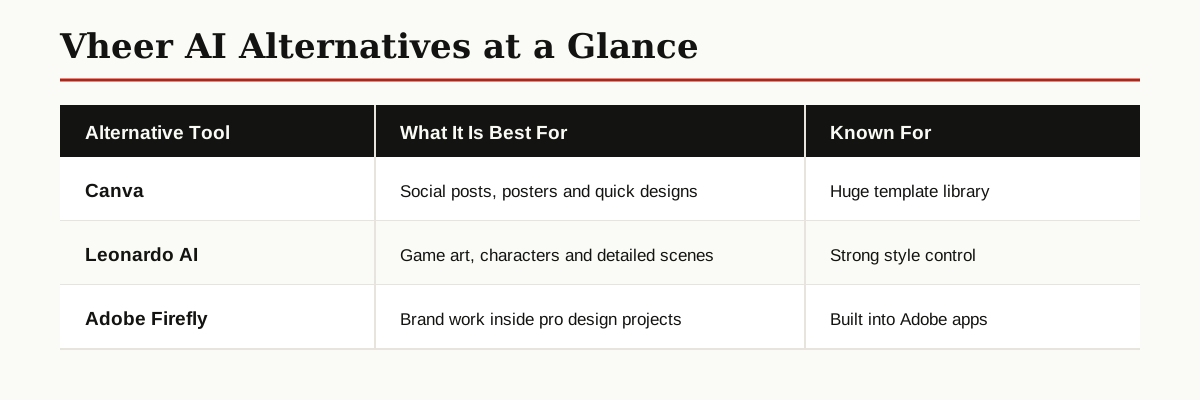
The simple way to choose: pick it when you want zero setup and no watermark, Canva when the picture is only one part of a bigger design, and Leonardo when you want fine control over style.
Conclusion
This Vheer AI review lands in a good place. The platform keeps its main promise: open the site, describe a picture, and download a clean result without an account or a watermark. The premium models and credits exist, but they sit on top of a free core instead of blocking it.
If you create content for the web, Vheer AI deserves a bookmark next to your regular tools. And if you want to understand the technology behind tools like this, browse more guides in our AI, ML and Data Science category.