Search for “rtasks” and you might expect a simple to do list app. That is not what you get. RTasks is something more specific and, for the people who use it, much more important: it is the daily record keeping software inside many assisted living facilities and group homes.
If you work in senior care, you may already know the name from a login screen at work. If you found it while comparing care software, you probably want to know what it does and whether it is any good. This guide answers both questions in plain English: what RTasks is, who makes it, its main features, how getting started works, what it costs, and the honest limits that real users mention.
What Is RTasks?
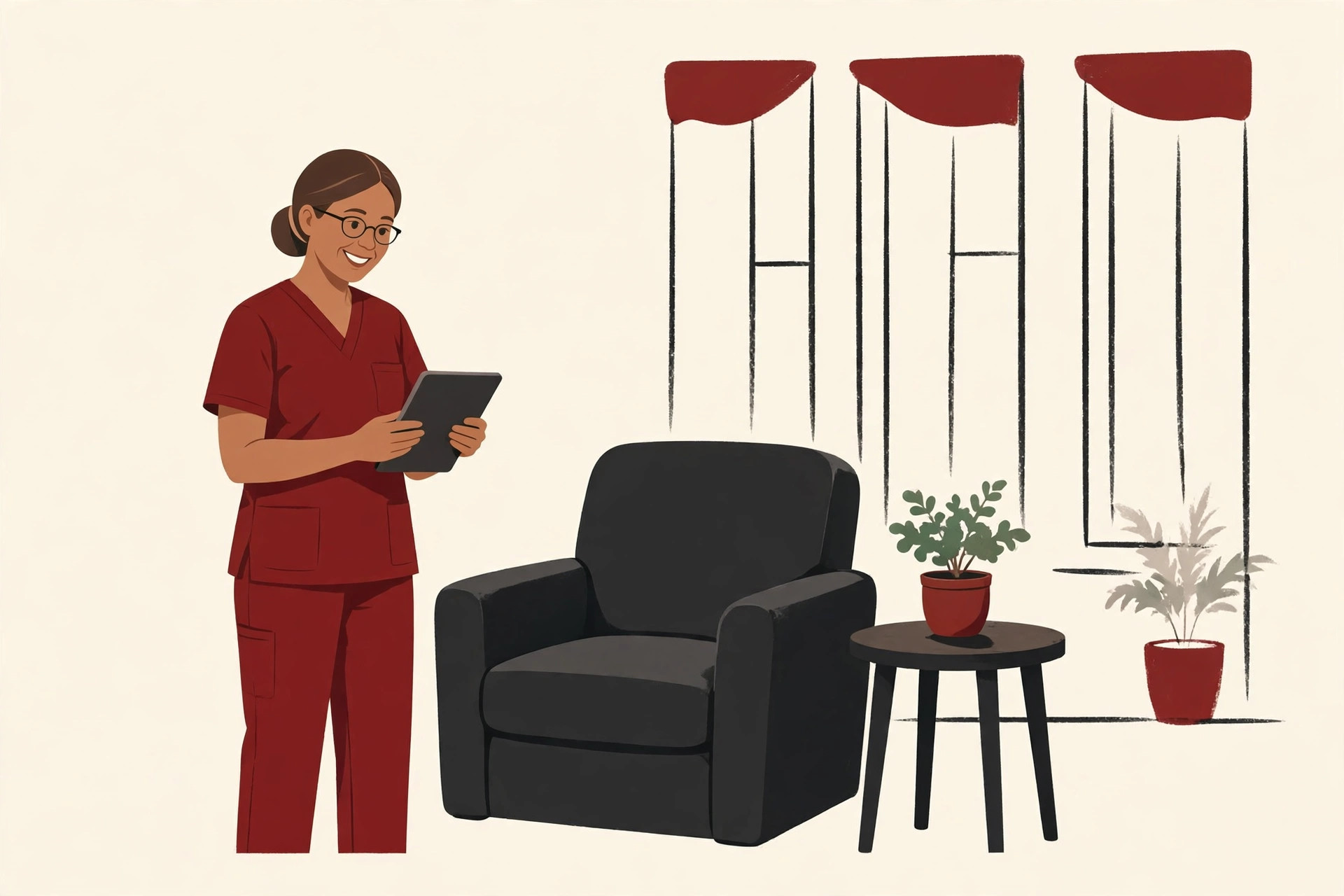
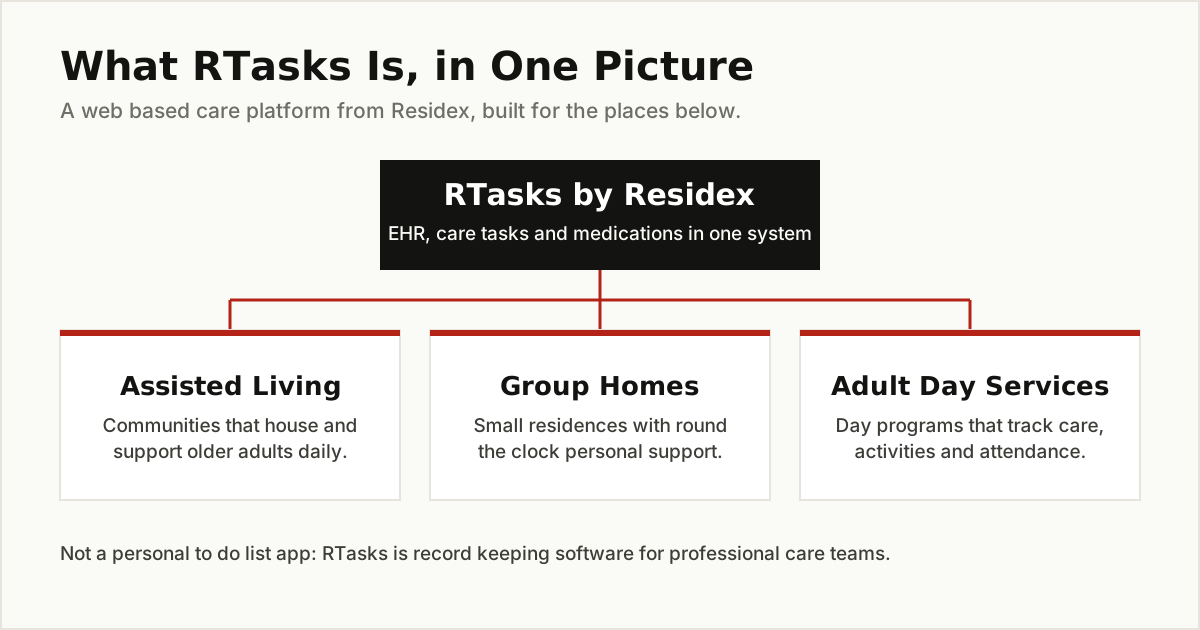
RTasks is a web based electronic health record and care management platform built for assisted living facilities, group homes and adult day services. In plain words, it is the shared digital notebook a care home uses instead of paper binders.
Inside RTasks, staff keep each resident’s profile, care plan and medication list. They record the care tasks they complete during a shift, note incidents such as falls, and produce the reports that state inspectors ask for. The software directory Capterra sums it up neatly: RTasks helps a facility manage its residents and control its service commitments and medication lists.
The key word is “tasks.” In a care home, a task is not “buy milk.” It is “help Mrs. Lee with her morning wash at 7:30” or “give Mr. Patel his blood pressure tablet at noon.” Those tasks repeat every day, they matter for health and safety, and someone must prove they were done. RTasks exists to organize that work and keep the proof.
Two care home phrases are worth knowing before you read any further. A service commitment is the care a resident is promised in their agreement: help with dressing, meals, medication support and so on. A care plan turns those promises into a personal daily routine for that resident. When reviewers say RTasks helps a facility “control its service commitments,” they mean the software checks that the promised care is actually scheduled, delivered and recorded. That promise keeping is the whole point of the product, and it is why families and inspectors care about it too.
Who Makes RTasks? The Residex Story
RTasks is made by Residex, a senior care software company from the United States. The legal name behind the brand is TenX Systems, LLC, doing business as Residex.
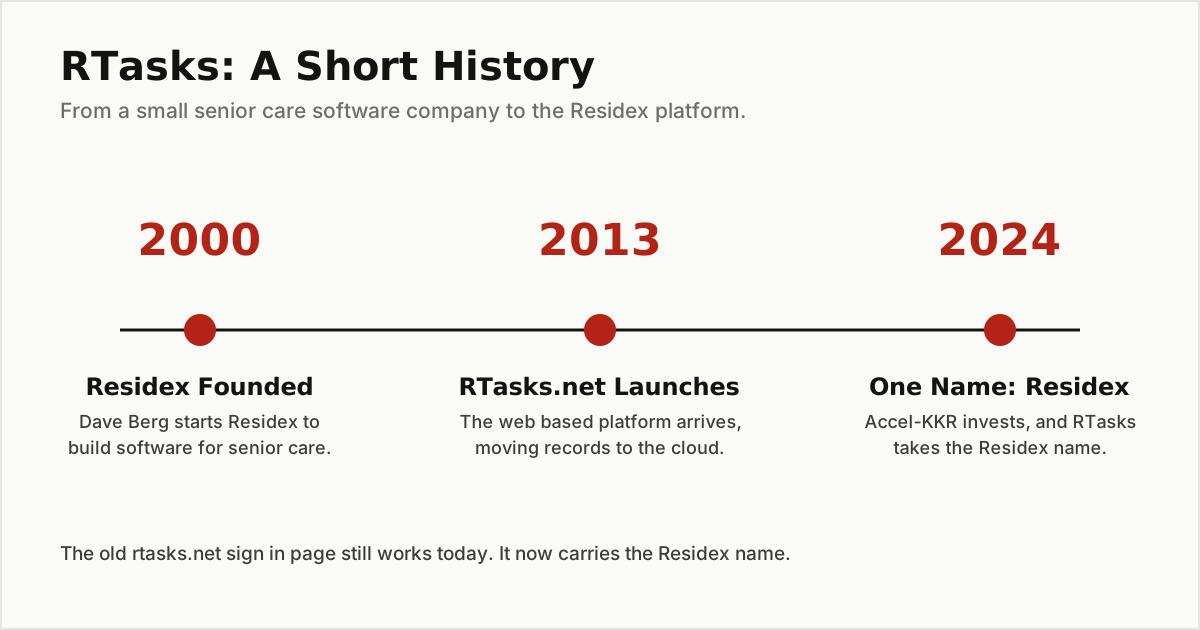
The short history is simple. Founder Dave Berg launched Residex in 2000, after a large Midwest care provider could not find software that fit assisted living. The company built its platform together with working nurses, which explains the practical, paperwork focused design. In 2013, Residex launched RTasks.net, moving the system from locally installed software to the web. In 2024, the investment firm Accel-KKR put money into the company, and RTasks was rebranded under the parent name Residex. The company’s own story page tells this history in its own words.
That rebrand matters if you are a user. The old rtasks.net login page still works, but it now says “Sign in - Residex” at the top. Same software, same accounts, new name on the door.
What RTasks Does: The Main Features
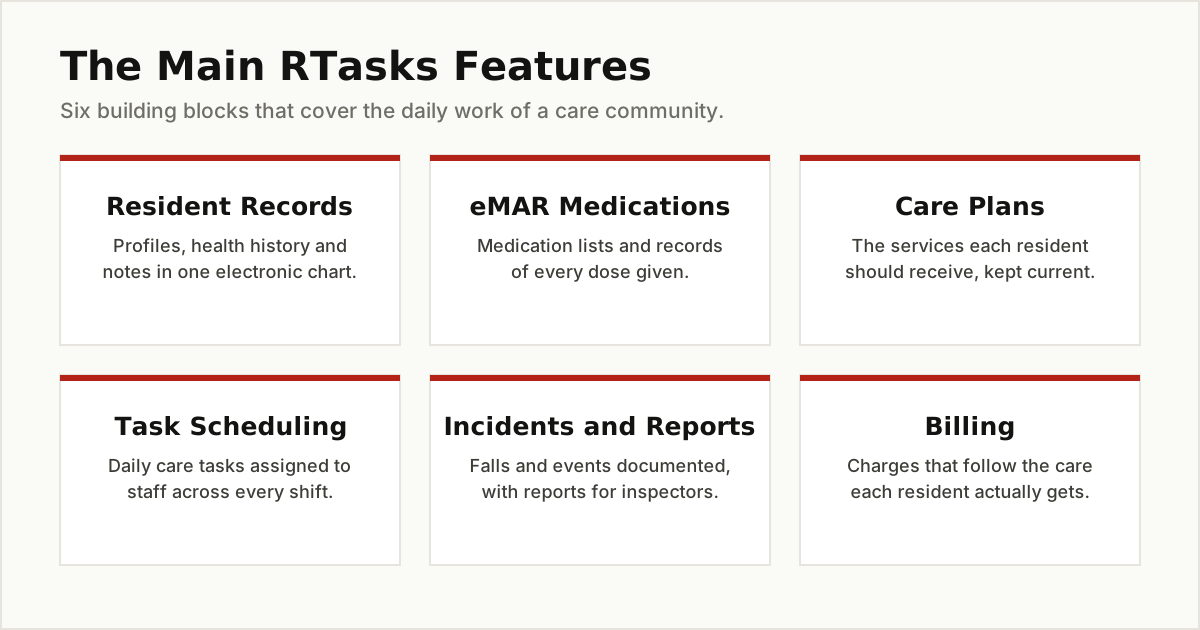
Residex says the platform is built from 16 purpose built modules. You do not need the full list to understand it. These are the parts a care team touches every day:
- Resident records (the EHR). Each resident has one electronic chart with their profile, health history, allergies and notes. Enter information once and the whole team works from the same record.
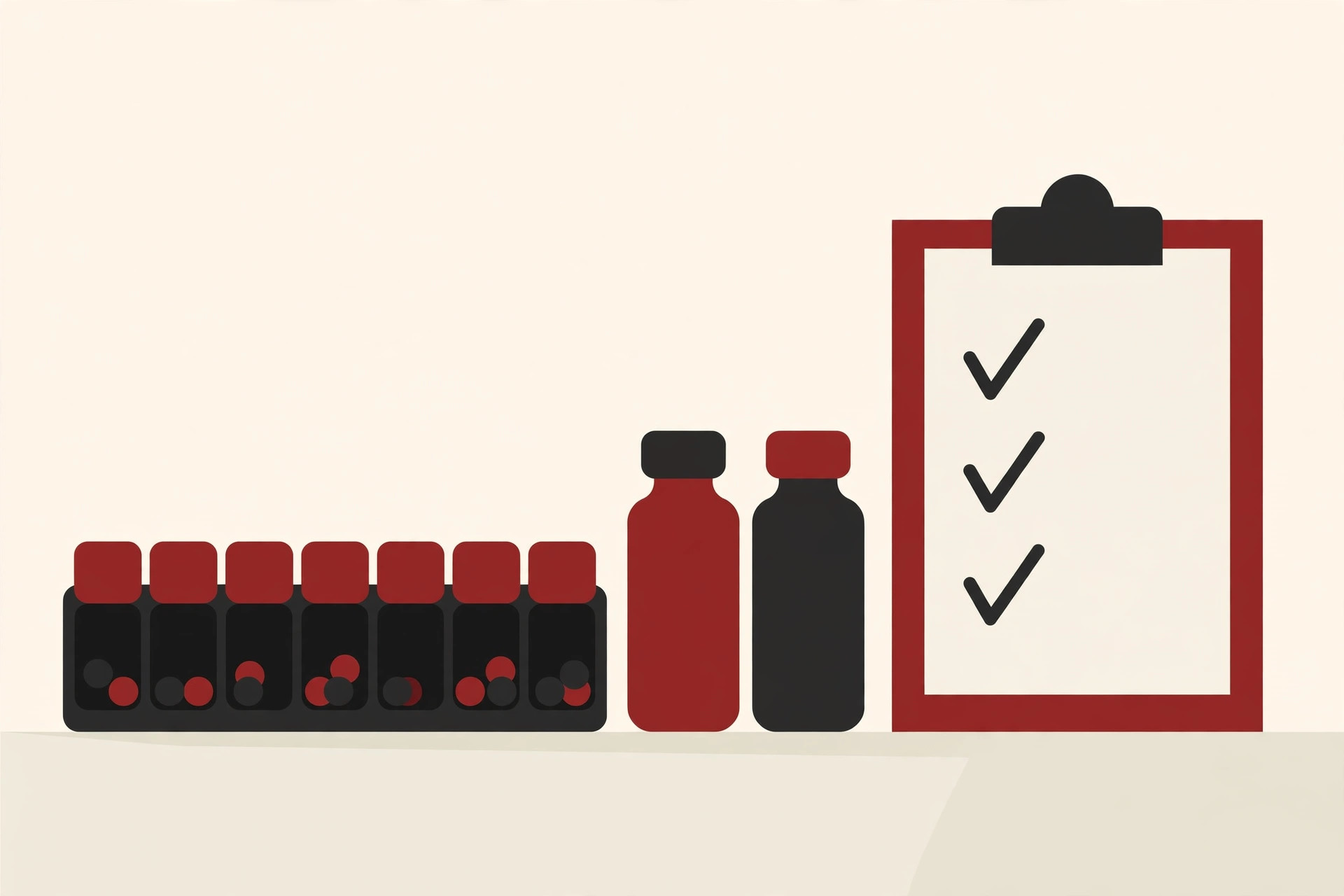
- eMAR medication records. An eMAR is an electronic medication administration record. It lists which resident gets which medicine, at what dose and time, and staff sign off each dose as they give it. This is the heart of the “tasks” in RTasks.
- Care plans. Every resident has a plan that lists the services they should receive, from help with bathing to regular blood pressure checks. The daily task lists are built from these plans.
- Task scheduling. Managers assign care tasks to staff across shifts, so nothing depends on memory or sticky notes. Review sites describe this as organizing staff tasks so daily care runs on a predictable schedule.
- Assessments. Built in forms help staff evaluate a resident’s health and needs, which then feed into the care plan.
- Incident reporting. Falls, injuries and other events get documented in a standard way, with a clear record of what happened and what was done.
- Billing. Charges follow the services a resident actually receives, which connects the care record to the monthly invoice.
- Reports. Managers can pull reports for compliance checks and inspections from the records staff already keep.
On its homepage, Residex groups these under EHR and eMAR, Workforce Management, Revenue Cycle and reporting tools. The platform runs in a web browser, and the company says it is accessible on mobile phones, tablets and desktops. Software directories also list apps for iPhone, iPad and Android.
Works in the Browser, on Phones and Tablets
There is nothing to install on a work computer to get started, because RTasks runs in a web browser. A manager can open it at a desk, a nurse can check a chart on a shared tablet, and a caregiver can work through tasks on a phone as they move around the building. Residex says the platform is accessible on mobile phones, tablets and desktops, and software directories list support for Windows and Mac computers plus apps for iPhone, iPad and Android.
That browser based design is also why the login page matters so much to staff. There is no program to update before a shift. You open the page, sign in, and your task list is simply there. The honest downside is that a web system depends on your connection: a facility with weak Wi-Fi in some wings will feel it, and managers should test coverage in the whole building before rolling any system like this out.
Who Uses RTasks Day to Day?
Three groups of people live in this software:
- Caregivers open their task list at the start of a shift, work through it, and check off care and medication doses as they go.
- Nurses and managers watch the bigger picture: care plans, incidents, staffing and whether tasks were completed on time.
- Administrators use the records for billing, reports and inspection readiness.
This is workplace software, chosen by the facility, not by individual staff. A caregiver cannot download RTasks and start a personal account the way you would with a notes app. Your employer buys it, sets it up, and gives you a login.
The settings go a little wider than assisted living buildings. Residex also aims the platform at group homes for people with disabilities and at in-home and private care, where one caregiver supports a client in the client’s own home. The daily work is similar in all three settings: a list of promised services, medications to track, and notes that prove the visit or the shift happened.
Why Care Homes Move From Paper to RTasks
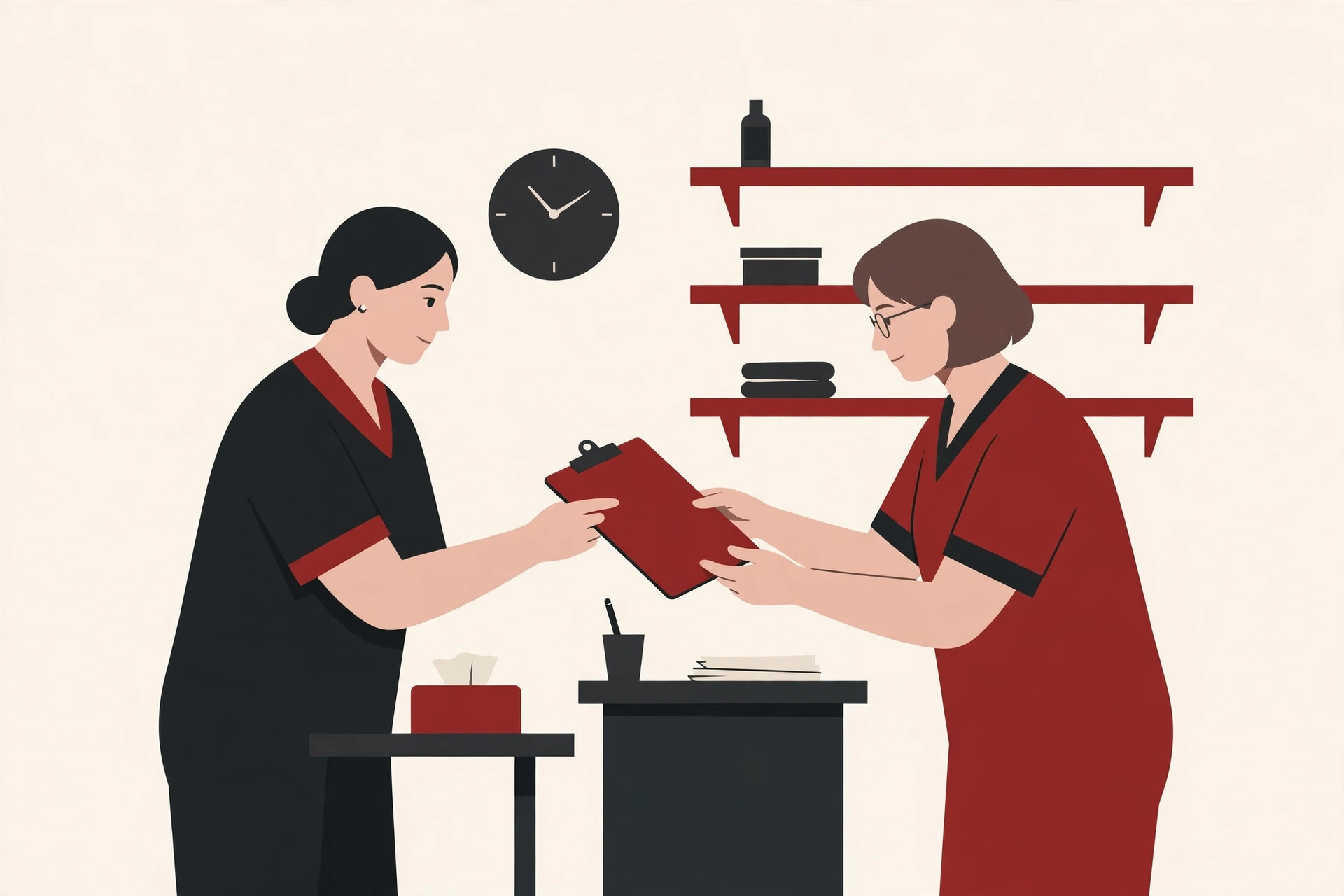
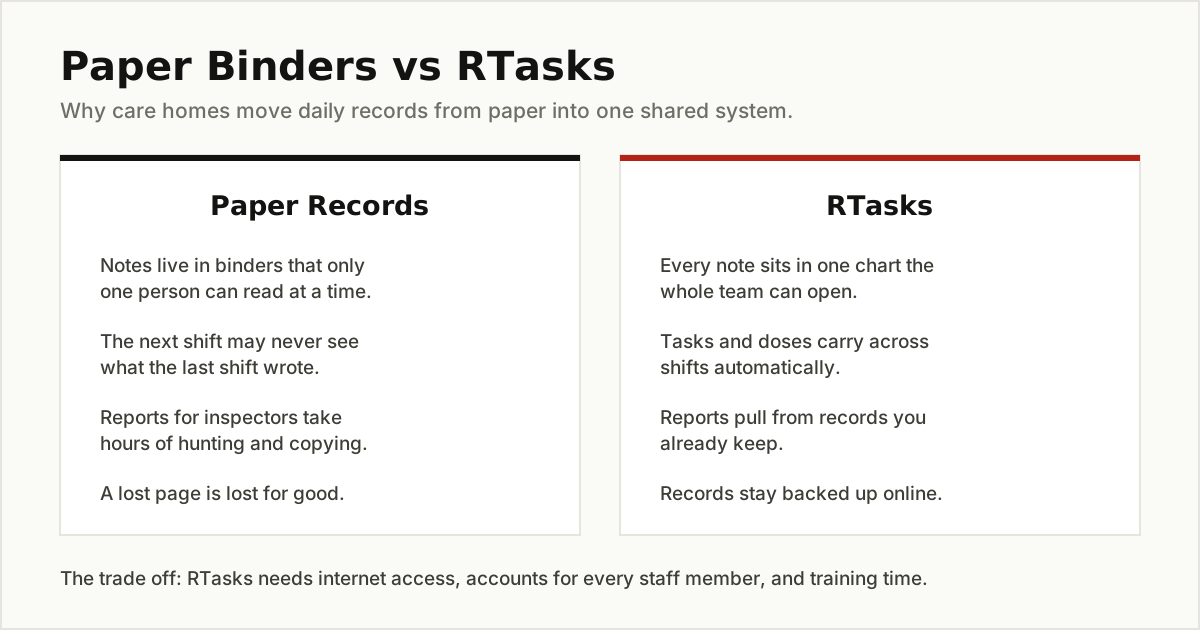
Many small care homes still run on paper: a medication binder, a communication notebook, printed task sheets. Paper works until it does not. Only one person can read a binder at a time, handwriting gets misread, and a note written on the night shift is easy for the morning shift to miss.
A shared system fixes those weak points. Everyone reads the same chart, tasks carry across shifts, and reports come from records that already exist. The trade off is real too: the facility needs reliable internet, an account for every staff member, and time to train people who may not be confident with computers. Good software does not remove that work; it just makes the daily routine steadier once the team is trained.
How to Get Started and Log In
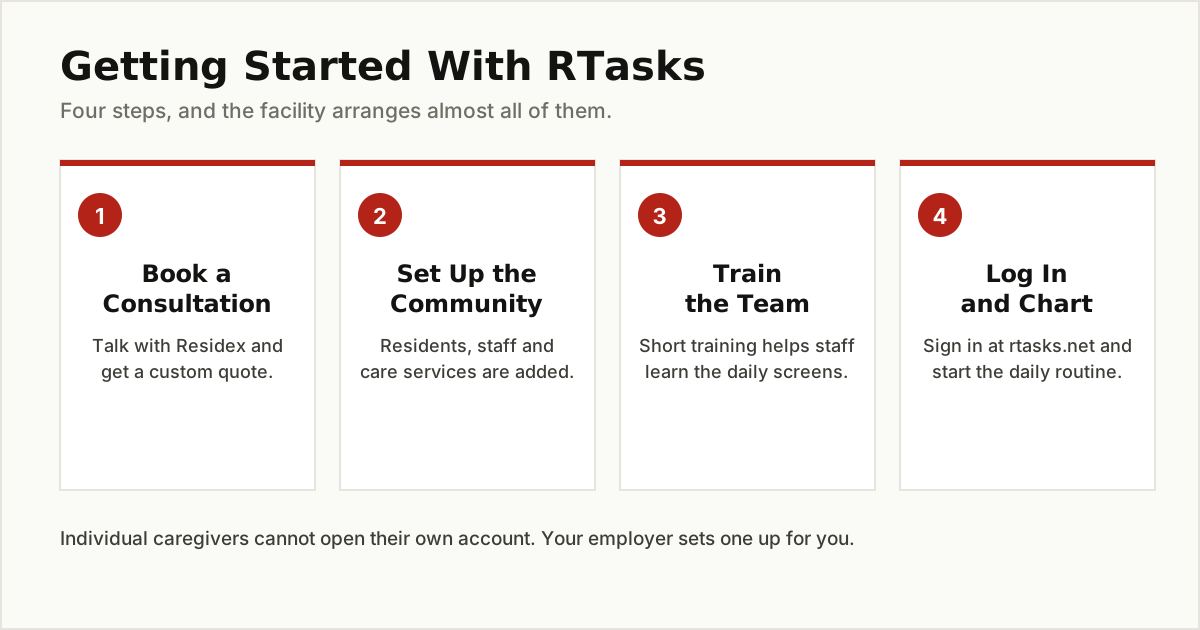
Because RTasks is sold to businesses, getting started looks different from a normal app signup:
- Talk to Residex. The company invites facilities to book a short phone consultation and ask for a quote based on their size and needs.
- Set up your community. Residents, staff accounts, medications and care services are loaded into the system, usually with help from the Residex team.
- Train the team. Residex offers training through documents, live online sessions, webinars and in person help, according to software directories. Reviewers often mention training and support as a strong point.
- Log in and work. Staff sign in through the login page at rtasks.net, which now carries the Residex name, using the username and password their facility issued.
If you are a staff member who is simply trying to sign in, that fourth step is all you need. Open rtasks.net, enter your work username or email and password, and you will land on your task view. Forgotten passwords are handled through the login page or your manager, because accounts belong to your employer, not to you personally.
What Does RTasks Cost?
Here is the honest answer: nobody outside Residex knows the exact price, because the company does not publish one. Review sites list RTasks as custom quote pricing, and they note there is no public free trial. What you pay depends on factors like the size of your facility and the modules you choose.
So treat any exact per user price you see on a random blog with suspicion. Some pages online attach prices to RTasks that actually belong to other products with similar names. The only reliable way to get a number is to ask Residex for a quote for your community.
Honest Limits: What Users Like and Complain About
Software review site SelectHub collects user feedback on RTasks, and the pattern is clear, though it is based on a small pool of reviews.
What users like:
- It is intuitive and easy to set up, even for staff with limited computer skills.
- Reminders and task lists help teams stay on top of appointments and medication doses.
- Support staff are praised for going the extra mile and even building in special requests.
- Reviewers like having scheduling, medication tracking and reminders in one place.
What users complain about:
- Reporting and analytics are light. Facilities that need deep performance dashboards may find them missing.
- Customization has limits, for example adjusting task frequencies or building custom medication reminders.
- Integration with other health record systems and telehealth tools is thin, and public details about integrations are scarce.
- Some reviewers feel the price is high for the feature set, and per user pricing can strain bigger facilities.
- The admission process and parts of the interface can feel clunky.
The fair summary: RTasks suits smaller facilities with everyday needs, where a simple, friendly system matters more than advanced analytics. A large organization that lives on data and custom integrations will probably want to compare bigger platforms before deciding.
One last piece of honesty. If you landed here looking for a personal task app, RTasks is not it, and that is fine. For your own work, our guides to productivity tools and team collaboration tools cover apps you can sign up for today, and our roundup of project management tools helps if your projects are bigger than a to do list.
Questions to Ask Before Your Facility Buys
If you manage a care home and RTasks is on your shortlist, these questions will save you surprises later. They come straight from the strengths and complaints above:
- Can it produce the reports our state inspectors ask for? Ask for a demo using your own reporting needs, not a canned example, because reporting is the feature users rate weakest.
- How does pricing scale as we add staff? Reviewers warn that per user pricing can strain larger facilities, so get the full cost in writing, including setup and training.
- What does training look like for staff who rarely use computers? Ease of use is the product’s best feature, but your team still needs patient, hands on practice.
- Which of our other systems will it connect to? Integration details are thin in public, so name your pharmacy, billing and health record tools and ask for a straight answer on each one.
A vendor that answers these four questions clearly is a vendor you can work with. Vague answers are useful information too: they tell you where the product is still growing.
The Bottom Line
RTasks is care home software from Residex: a web based system that holds resident records, care plans, medication lists and daily care tasks for assisted living facilities, group homes and adult day services. It has been around under the RTasks.net name since 2013, and since 2024 it has carried the Residex brand. It does not publish prices, it is not a personal task app, and its users love its simplicity while wishing for stronger reporting. If your facility runs on paper binders today, it is a sensible name to put on your shortlist and quote against its rivals.
For more plain English explainers about the software people use at work, browse the tips and tricks category.