If you typed “ark” into a search engine looking for augmented reality, you are in the right place, and you are far from alone. There is no Apple product called ARK. The name you are almost certainly looking for is ARKit, Apple’s toolkit for building augmented reality apps, and the two names get mixed up constantly.
So let us answer the question behind the search. What is ARKit, what does it actually do inside your iPhone, and how is it different from Google’s version, ARCore? This guide explains all of it in plain words.
First, What Is Augmented Reality?
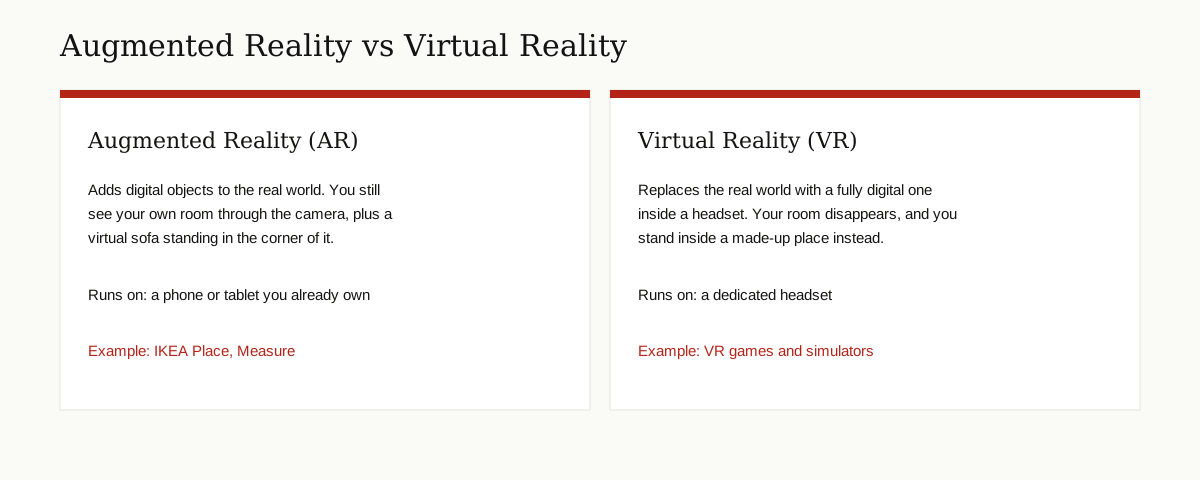
Augmented reality, usually shortened to AR, means placing digital things into the real world and viewing them through a screen.
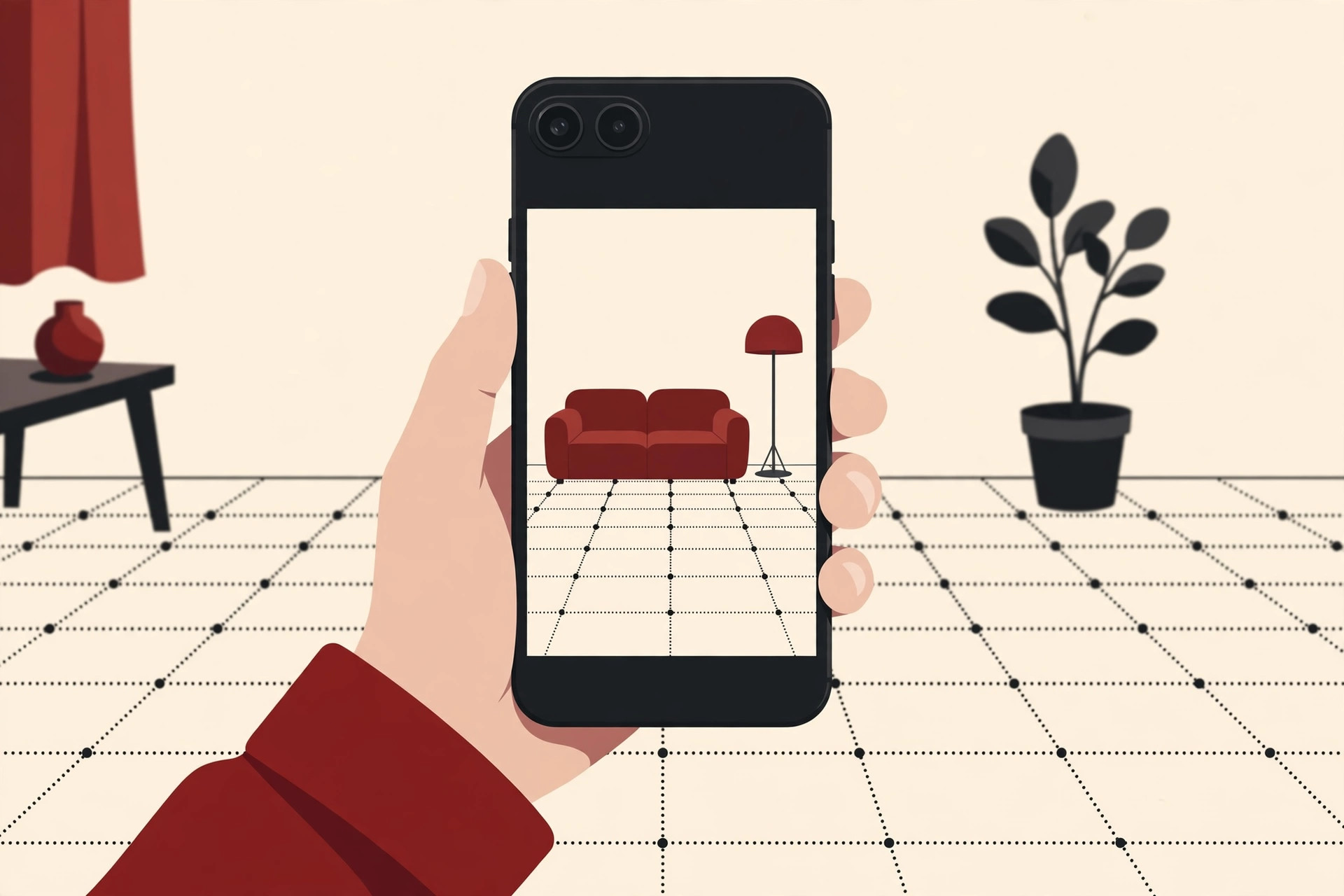
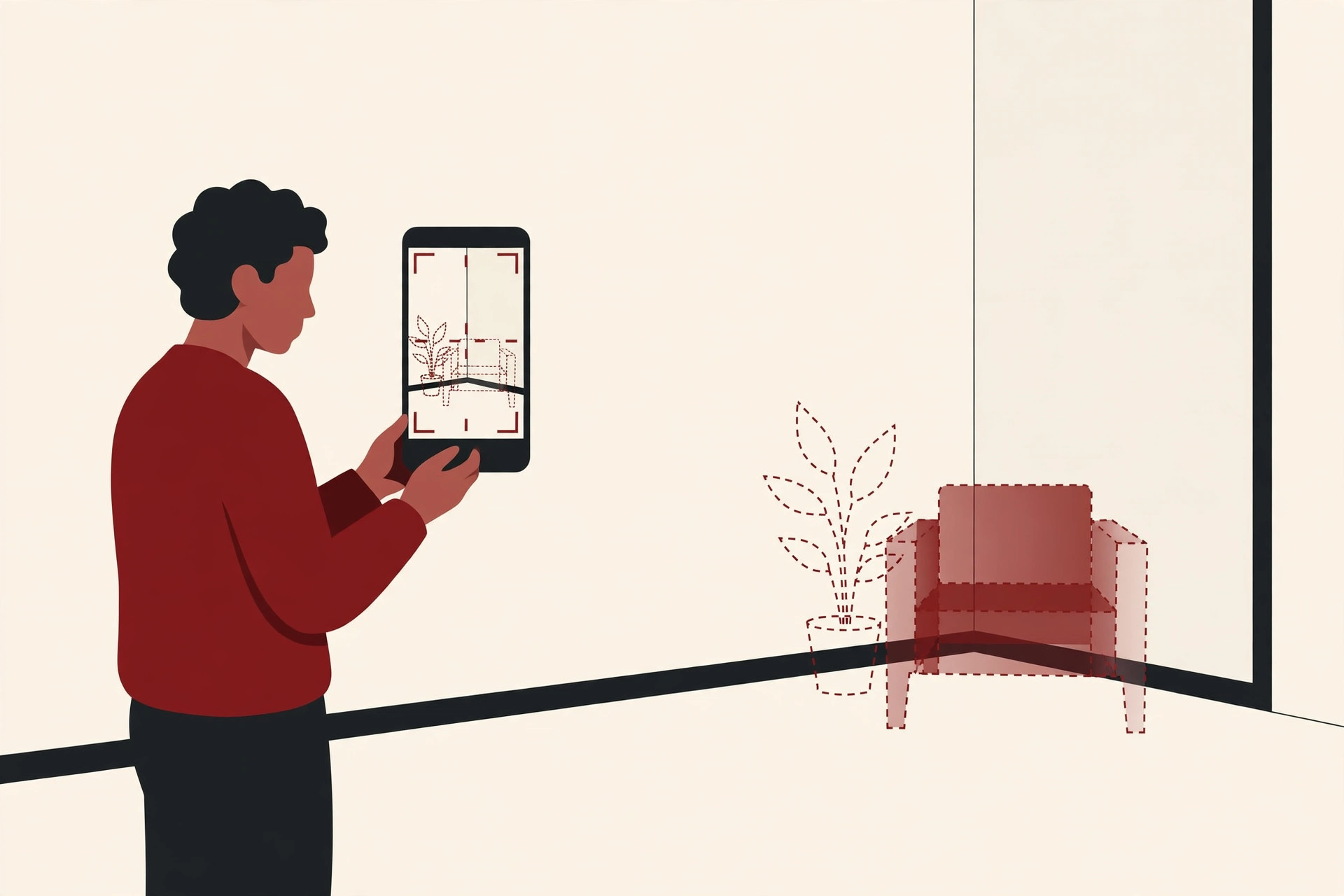
Point your phone camera at your living room, and AR can show a sofa that is not really there, standing on your floor at its true size. Walk around it, and it stays in place, as if it belonged to the room. The real world stays visible the whole time. AR adds to it instead of replacing it.
That is the key difference from virtual reality, or VR. A VR headset hides your room completely and puts you inside a made-up world. AR keeps your world and decorates it.
For AR to feel real, the phone has to solve a hard problem. It must understand where it is, how it is moving, where the floor and tables are, and how the light falls, all in real time. Doing that math from scratch would take every app maker years. That is exactly the problem ARKit exists to solve.
What Is ARKit?
ARKit is a framework, which is a ready-made set of tools that app developers build on. Apple makes it, it is built into iOS and iPadOS, and it handles the hard world-understanding work so that developers can focus on their app’s idea instead.
Apple’s own developer pages present ARKit and its partner framework RealityKit as the tools for building AR experiences on iOS and iPadOS, which Apple calls the biggest AR platforms in the world.
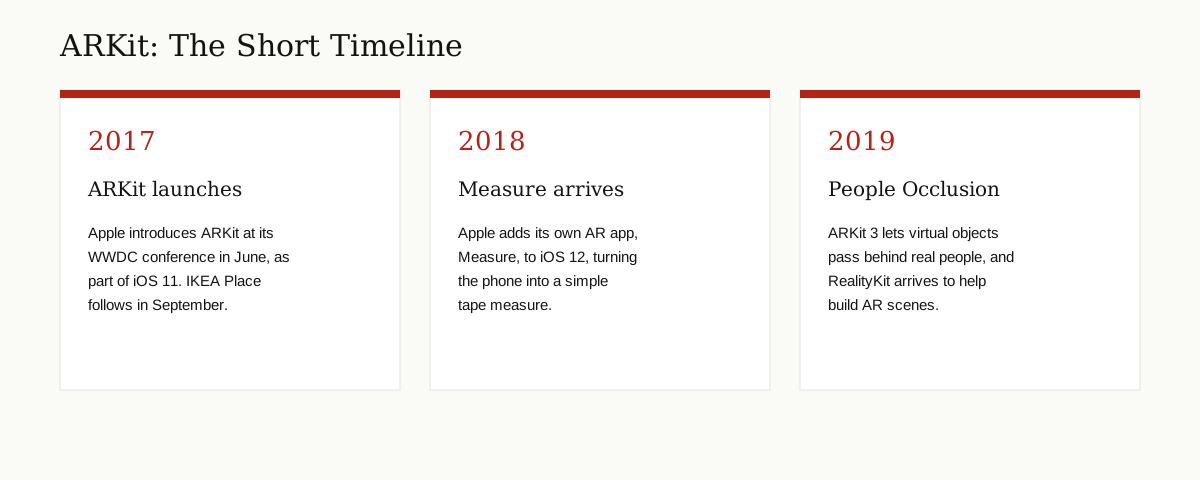
Apple introduced ARKit at its WWDC developer conference in June 2017, as part of iOS 11. The history of ARKit shows it arriving on devices with Apple’s A9 chip and later, which at the time meant the iPhone 6s and newer. No extra hardware, no headset, no markers printed on paper. The phone in your pocket was the whole kit.
That timing mattered. Almost overnight, AR went from a lab trick to something hundreds of ordinary apps could use, because the tools were free for developers and already sitting inside the phones people owned.
What ARKit Actually Does
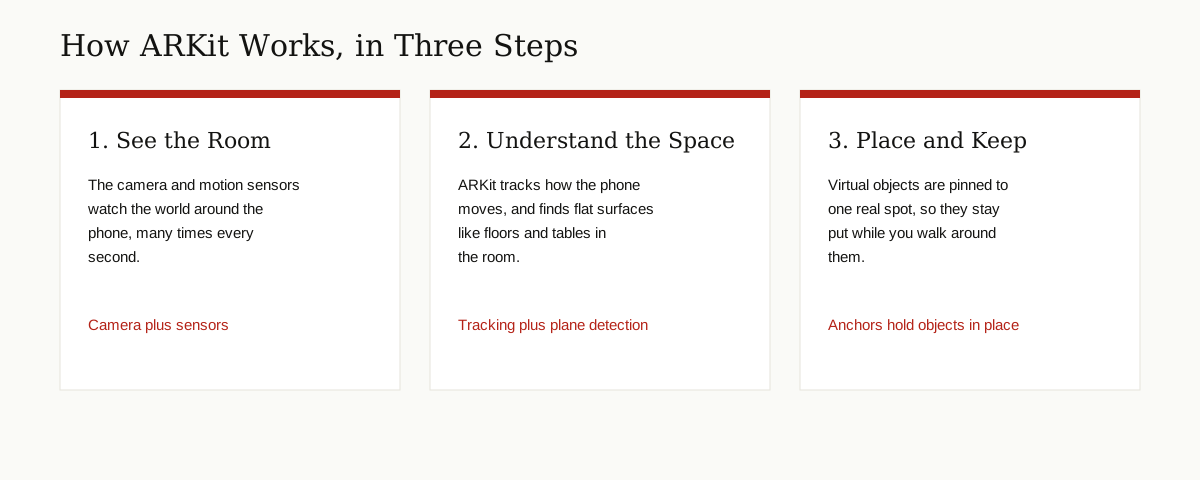
ARKit sounds abstract until you break it into its jobs. Here are the main ones, in plain words.
World Tracking: Always Knowing Where the Phone Is
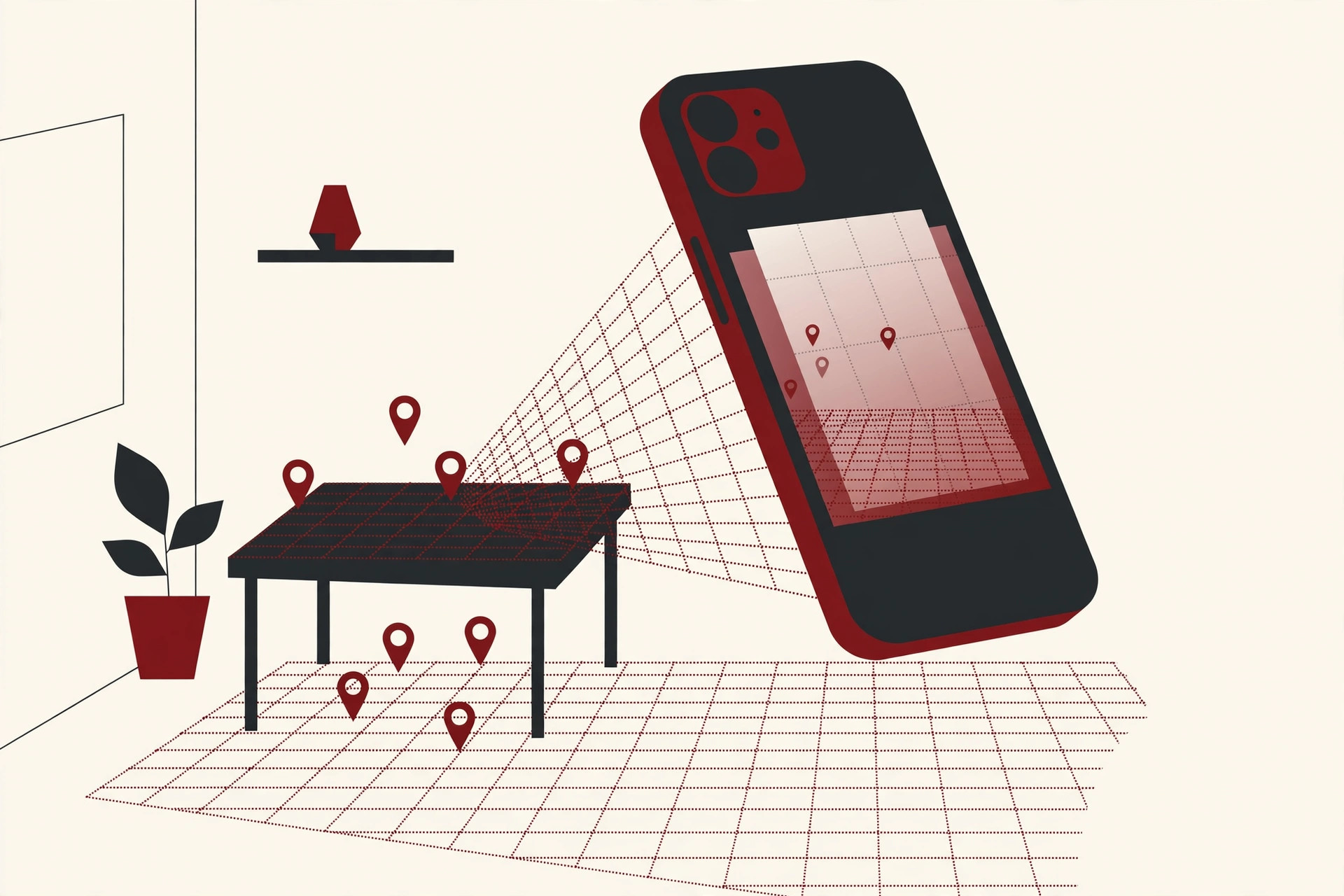
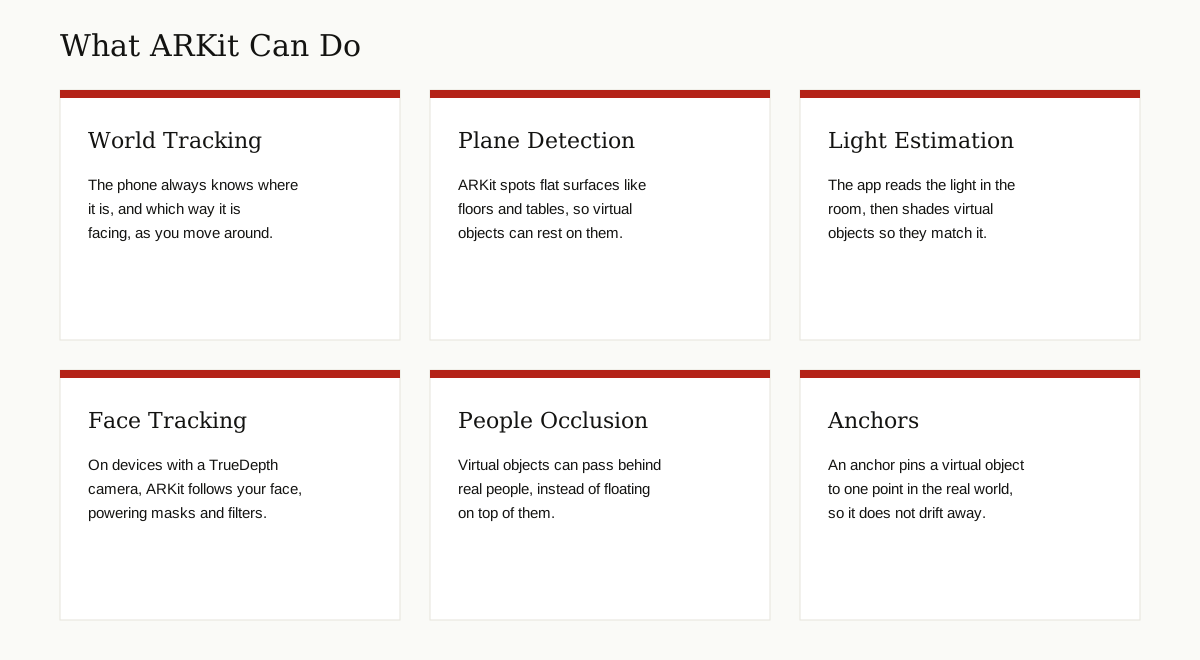
The base job is world tracking. As you move your phone, ARKit constantly works out where the phone is in the room and which way it is facing.
Apple’s method combines two senses. The camera watches the room, picking out corners, edges and patterns, while the phone’s motion sensors feel every tilt, turn and step. Apple calls this pairing visual inertial odometry. Together, the two streams let the phone track its own movement smoothly, without any setup or calibration.
This is the same family of technology, computer vision, that powers face unlock and photo search. If you want the bigger picture, our guide to computer vision applications shows where else it shows up.
Plane Detection: Finding Floors and Tables
A virtual sofa cannot float in mid-air. It needs a floor.
ARKit watches the camera view for flat surfaces, called planes: floors first, then tables, desks and other level surfaces as they come into view. Once it finds one, an app can rest objects on it at the right size and angle. When you scan a room at the start of an AR app, this is what the phone is doing.
Light Estimation: Matching the Room
A bright virtual object in a dark room looks fake instantly. So ARKit estimates the light in the scene, how bright it is and where it seems to come from, and apps use that to shade and shadow their objects to match. It is a small detail that sells the whole illusion.
Anchors: Keeping Objects Pinned Down
When you place an object, ARKit ties it to an anchor, a fixed point in the real world. Walk away, circle the object, come back later in the same session, and it is still exactly where you left it. Anchors are why AR objects feel placed rather than pasted on the screen.
Face Tracking: Following Your Face
On devices with Apple’s TrueDepth front camera, the depth-sensing camera first found in the iPhone X, ARKit can track a face in 3D. Apps use this for animated masks, selfie filters and characters that copy your expressions. ARKit 3, which arrived in 2019, extended this to track up to three faces at once.
People Occlusion: Hiding Behind Real People
Early AR had an obvious flaw: virtual objects always drew on top of everything, even people who walked in front of them. ARKit 3 fixed that in 2019 with people occlusion. ARKit recognizes people in the scene, so a virtual object can now pass behind a real person, or in front of them, whichever is correct. It is one of those features you only notice when it is missing.
Recognizing Images and Objects
ARKit can also be taught to recognize specific things. An app can register reference images, a poster, a book cover, a product box, and ARKit will spot them in the camera view and pin content to them. Museums use this to bring exhibits to life, and manuals use it to attach instructions to the exact machine in front of you.
It works for 3D objects too. An app that knows the shape of an object can detect it in the room and respond, which is how some AR toys and tools react when you point the camera at them.
RealityKit: The Partner That Draws the Picture
ARKit has a close partner called RealityKit, which Apple introduced in 2019. The simplest way to understand the pair is this: ARKit understands the world, and RealityKit draws in it.
RealityKit handles the rendering, the actual drawing of 3D objects, their materials, shadows and how they react when you tap them. Apple says RealityKit gives developers more control over the rendering pipeline, including custom effects, and its Object Capture feature can even build a 3D object from a set of ordinary photos, a technique called photogrammetry.
Many developers use the two together: ARKit for tracking the room, RealityKit for making what appears in it look good.
ARKit Apps You May Already Know
You have probably used ARKit without ever seeing its name. Two famous examples:
Measure. Apple added its own AR app to iOS 12 in 2018. Measure turns the phone into a tape measure: tap two points in the real world and it tells you the distance between them, using ARKit’s tracking and plane detection. It also doubles as a level for hanging pictures straight.
IKEA Place. IKEA was one of the first big brands in, name-checked by Apple at the WWDC 2017 keynote itself. IKEA Place launched in September 2017 and let shoppers drop true-to-scale sofas, tables and shelves into their own rooms before buying. IKEA later folded the same idea into its main app, and the pattern it set, see it in your space first, is now standard in furniture shopping.
Shopping was only the start. Games put characters on your kitchen table, repair guides point at the exact screw to turn, and businesses keep finding new corners for it, including augmented reality in accounting, where records and figures are laid over the real world instead of a spreadsheet.
ARKit vs ARCore: Apple’s Version and Google’s Version
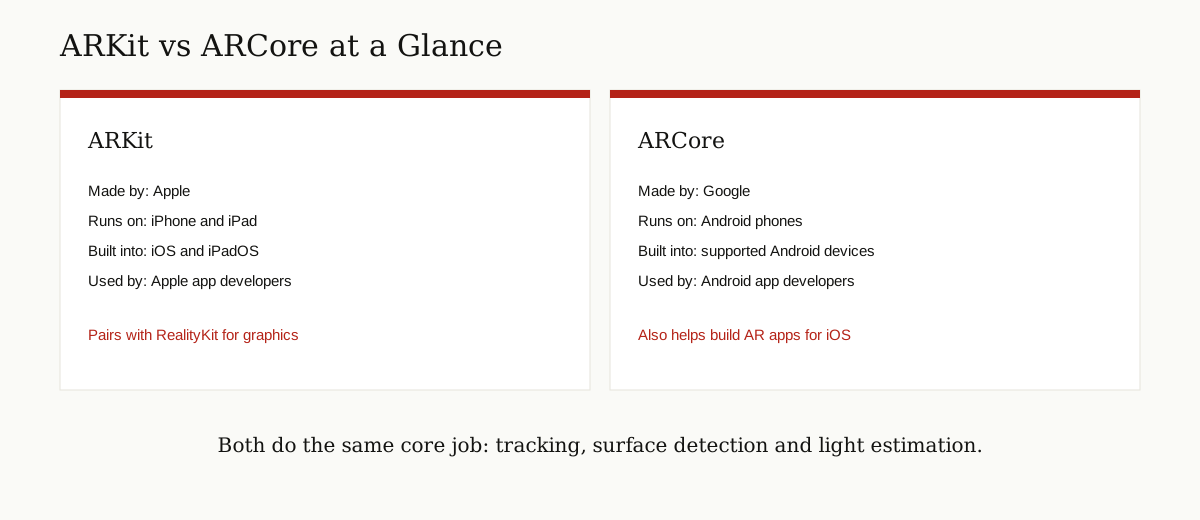
Apple is not the only one with an AR toolkit. Google’s answer is ARCore, and the two do the same core job for different phones.
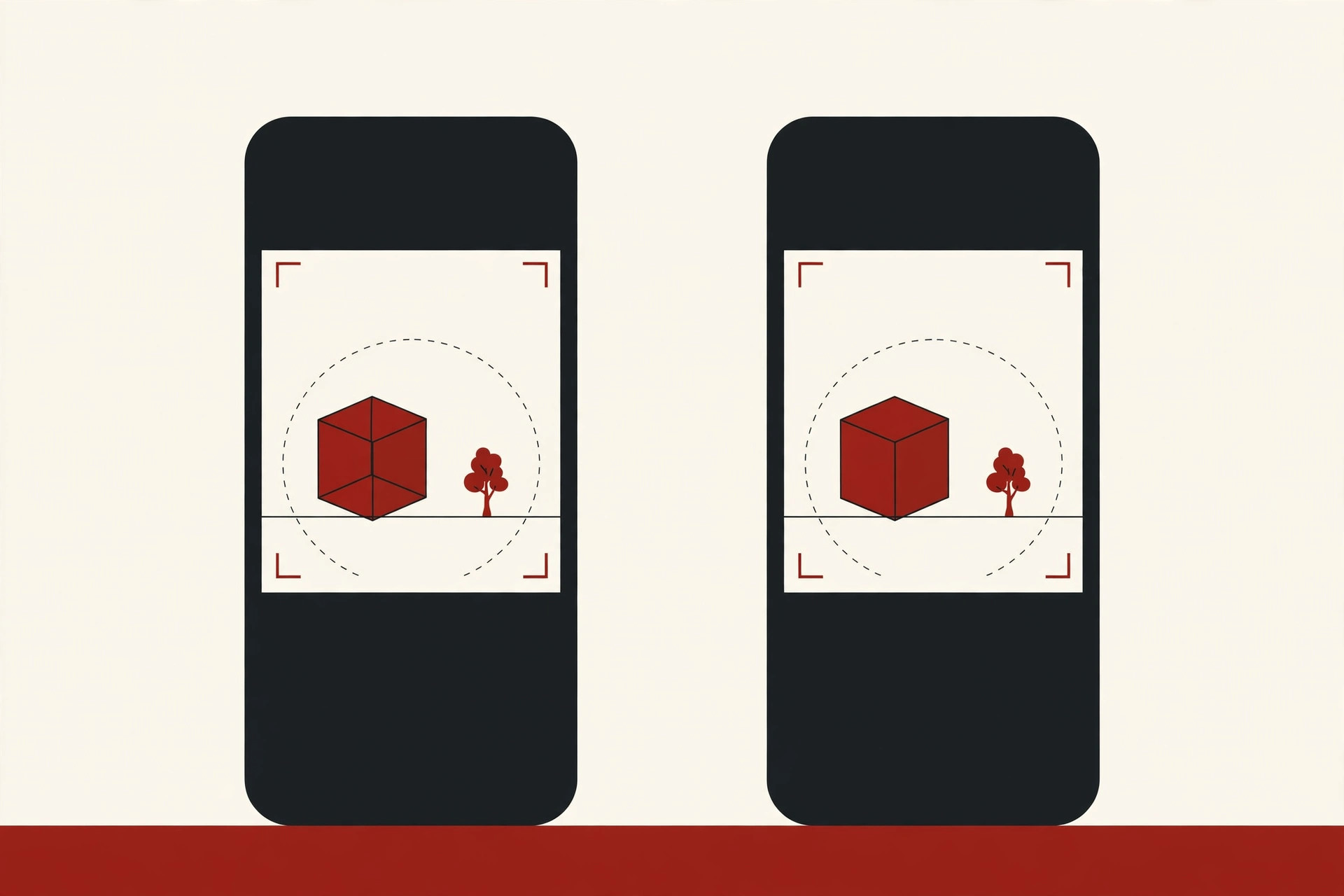
Google’s ARCore pages describe the same basic toolbox: motion tracking, anchors that keep an object’s position over time, environmental understanding that detects surfaces, depth understanding, and light estimation. The ideas match because the problem is the same on every phone.
The real differences are about home ground:
- ARKit is Apple’s, built into iOS and iPadOS, for iPhone and iPad.
- ARCore is Google’s, made mainly for Android phones, though Google also offers it for building iOS apps and for Unity and the web.
- ARKit pairs with Apple’s RealityKit for graphics. ARCore developers typically pair it with game engines like Unity or Unreal.
- Face tracking on ARKit leans on Apple’s TrueDepth camera hardware. On Android, depth features depend on which sensors a given phone carries, and they vary by model.
For everyday users, the honest summary is that neither is “better” in a way you would feel. You simply get whichever one matches your phone, and many popular AR apps exist on both.
What You Need to Use ARKit Apps
The friendly part of ARKit is how little it asks of you. If your iPhone or iPad runs iOS 11 or later and has an Apple A9 chip or newer, which covers the iPhone 6s and everything after it, you already own everything ARKit needs. There is nothing to buy and nothing extra to install. The AR features simply appear inside the apps that use them.
A few habits make any AR app work noticeably better:
- Use decent light. The camera is ARKit’s main sense, and it sees far more detail in a lit room than in a dim one.
- Move slowly at the start. When an app asks you to wave the phone around, it is scanning for surfaces and details to lock onto. Slow, smooth movement gives it more to work with.
- Give it texture. Plain white walls, blank shiny floors and glass give the camera very little to grip. A rug, a wooden table or a patterned floor tracks far better.
- Expect some battery use. The camera, sensors and graphics all run at once, so long AR sessions warm the phone and drain the battery faster than normal apps.
Who Uses ARKit, and Who It Is For
One common confusion is worth clearing up: ARKit is not really for end users. You never open it, install it or update it on its own.
ARKit is for app developers. They build it into their apps, and everyone else just enjoys the result. If you have used an AR feature on an iPhone or iPad, measuring a wall, previewing furniture, catching a creature in a park game, you were using an app built on ARKit.
For developers, the draw is simple. ARKit is free, it ships with Apple’s developer tools, and it removes years of computer vision work from a project. For the rest of us, its job is to be invisible.
AR also sits inside a bigger story about where computing is heading. It is one of the building blocks behind ideas like the metaverse, and Apple has since carried ARKit into its Vision Pro headset line, where the same world-understanding data feeds a much bigger screen worn on the face.
The Short Version
If you came here searching for “ark” augmented reality, the answer is ARKit. It is Apple’s framework, launched with iOS 11 in 2017, that lets iPhone and iPad apps place digital objects into the real world and keep them there. It tracks the phone, finds floors and tables, reads the light, follows faces and lets objects hide behind people. RealityKit draws the objects, Google’s ARCore does the same job for Android, and you have likely used ARKit already through apps like Measure and IKEA’s room preview.
For more guides like this one, browse the emerging tech category.