Ask a room of Java developers to name the parts of Java EE, and most will name servlets, web pages and enterprise beans. Almost nobody mentions the fourth piece: a small runtime that lived on the user desktop and helped ordinary Java programs talk to the company server.
That helper is the application client container. It never became famous, and most new developers will never use it. But it explains a lot about how enterprise Java was designed, and it still sits inside servers that companies run today.
This guide explains it in plain words: what a container is, where this one fits, what it does for a program, how you package and launch a client with it, and why the industry quietly moved on.
What Is a Container in Java EE?
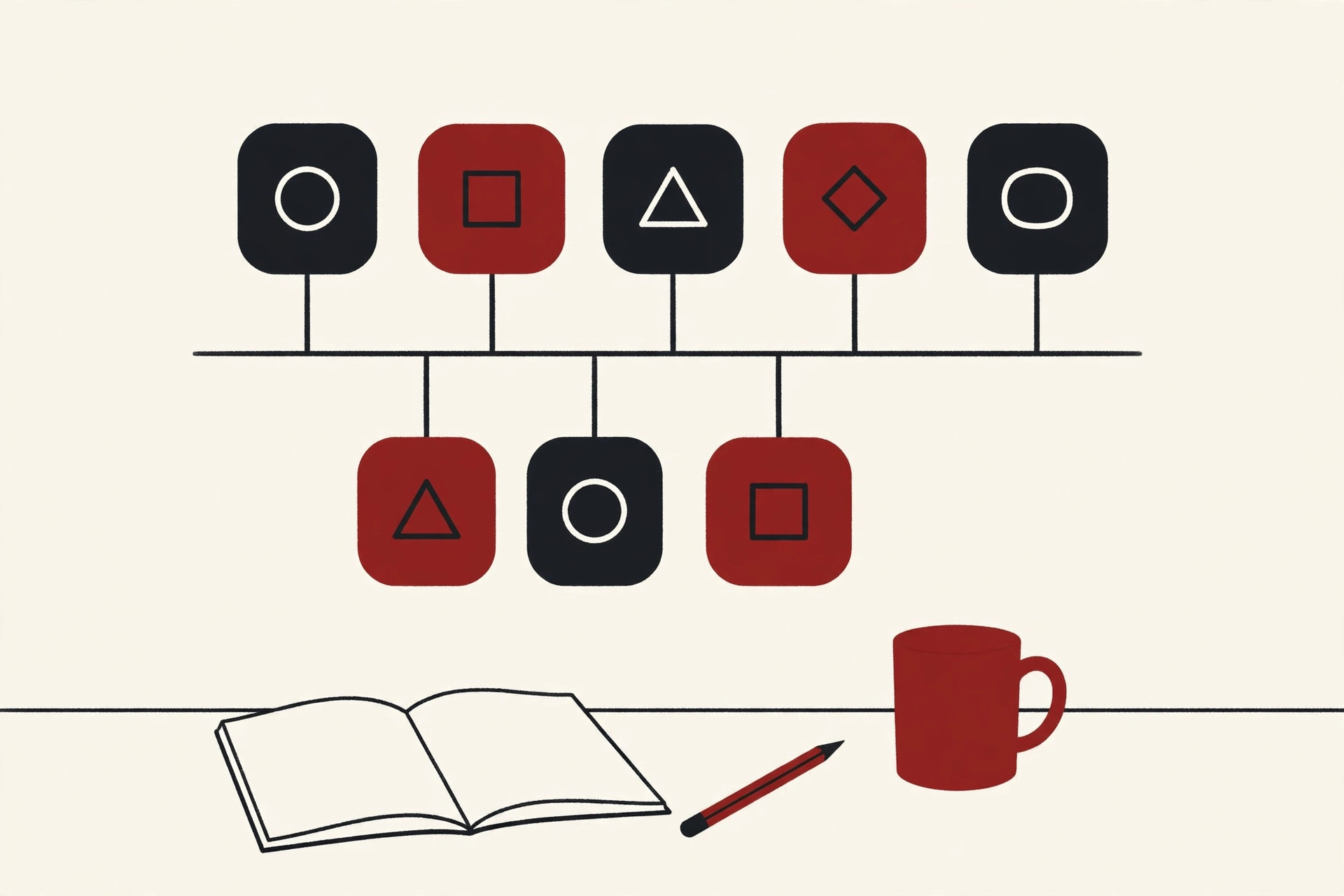
In Java EE, a container is a runtime that hosts a component and serves it behind the scenes. Your code never runs alone. It runs inside a container, and the container hands it ready made services: a security check before work starts, transactions that save or roll back database changes, a naming service for finding other components, and threads to run on.
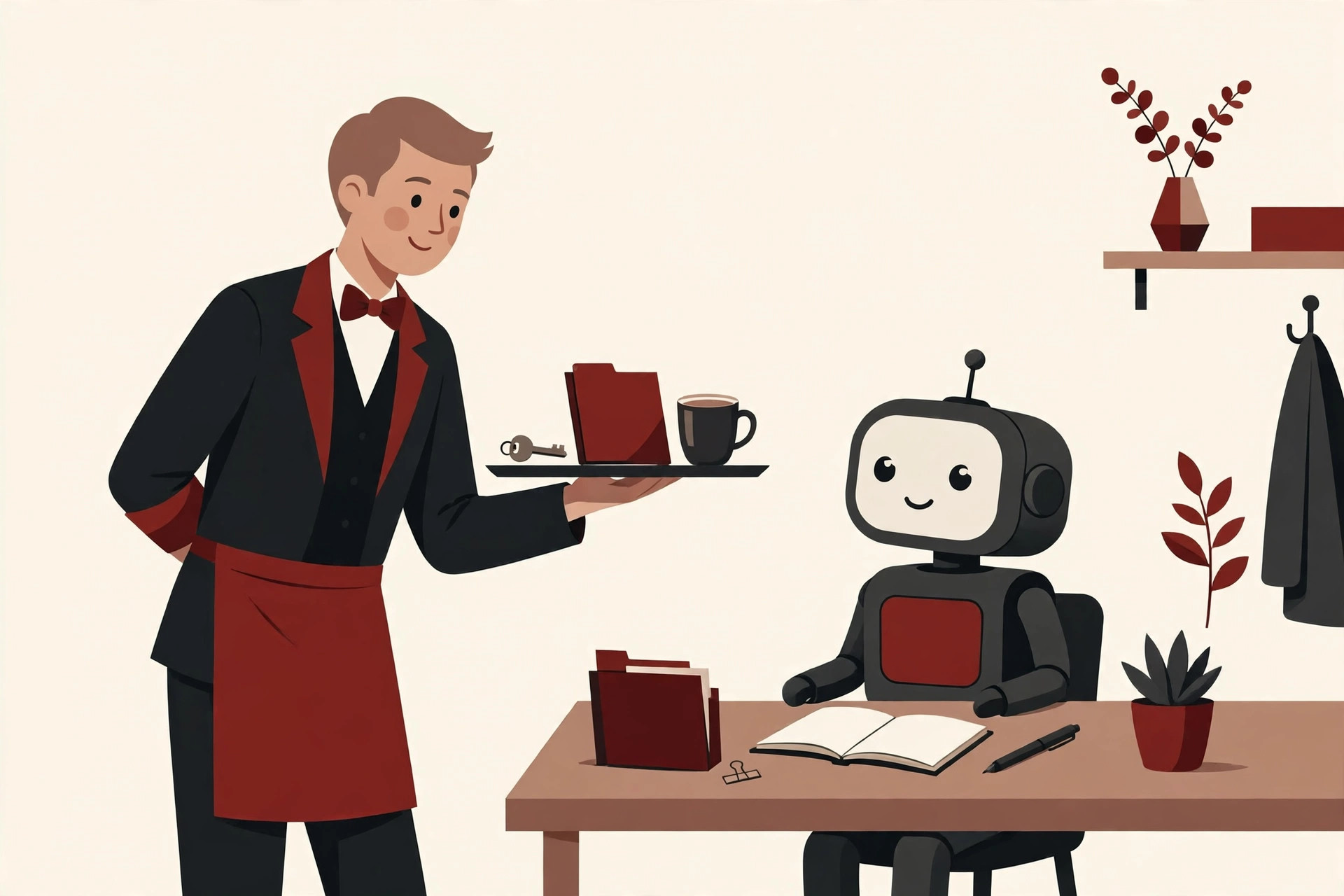
Picture a restaurant. The chef cooks, but the host seats the guests, hangs up the coats and brings out what the kitchen needs. The chef never worries about the front door. A container is that host, working for a software component instead of a cook.
The idea is close to what an operating system does one level down. An operating system relies on a kernel to share memory and hardware between programs fairly. A container does a similar sharing job one level higher, for one family of components at a time.
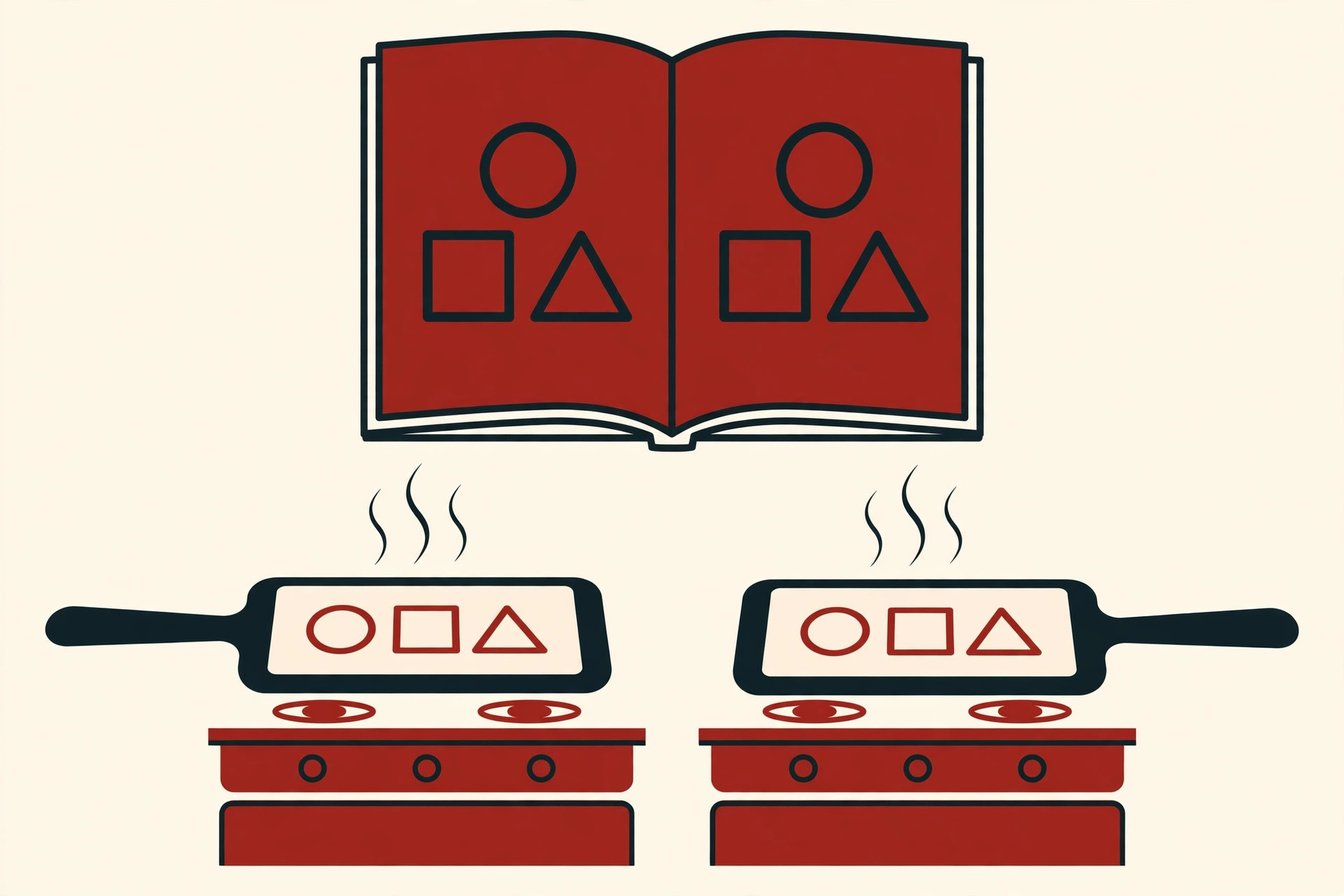
This is also the heart of the Java EE promise: write the business code once, and let the container do the boring platform work the same way on every server. Deciding which components run where, and which containers host them, is a core part of software architecture.
The Four Container Types
Classic Java EE describes four containers. Two live on the server, one lives on the user machine, and one lived in the browser.
| Container | Where it runs | What it hosts | In one line |
|---|---|---|---|
| EJB container | Application server | Enterprise beans | Runs the business logic, with transactions and security handled for it |
| Web container | Application server | Servlets and web pages | Answers browser requests with pages and web APIs |
| Application client container | The user computer | Application clients | Runs a desktop Java program and connects it to the server |
| Applet container | Web browser | Java applets | Ran small Java programs inside web pages, and is now history |
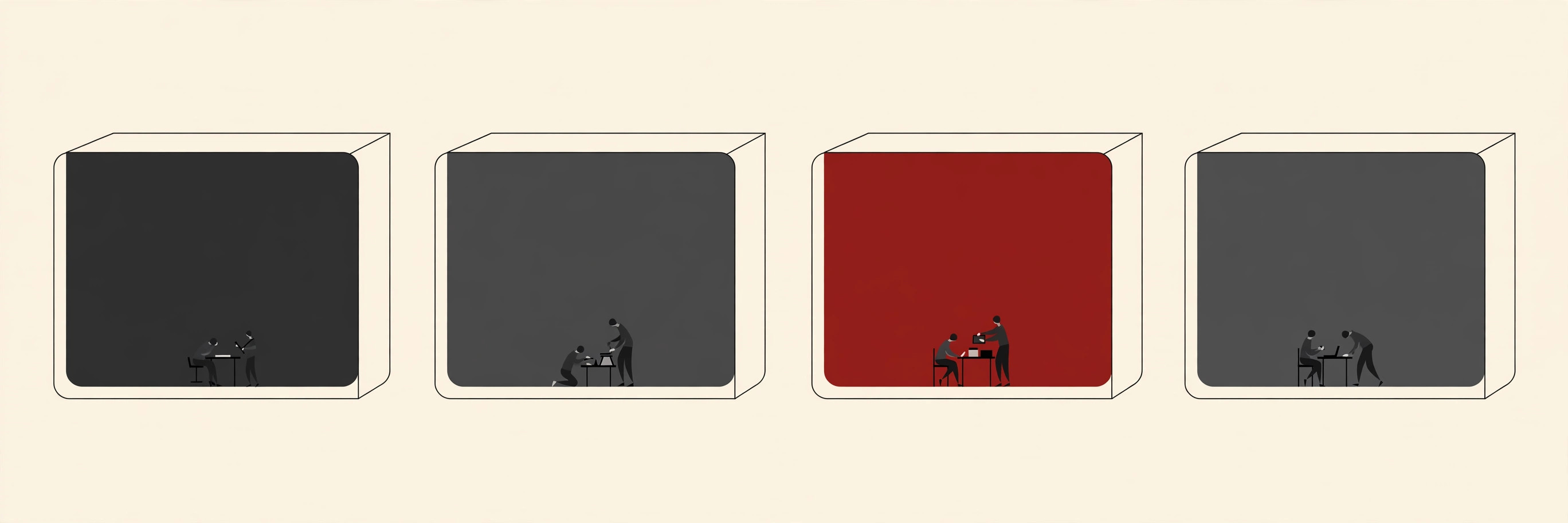
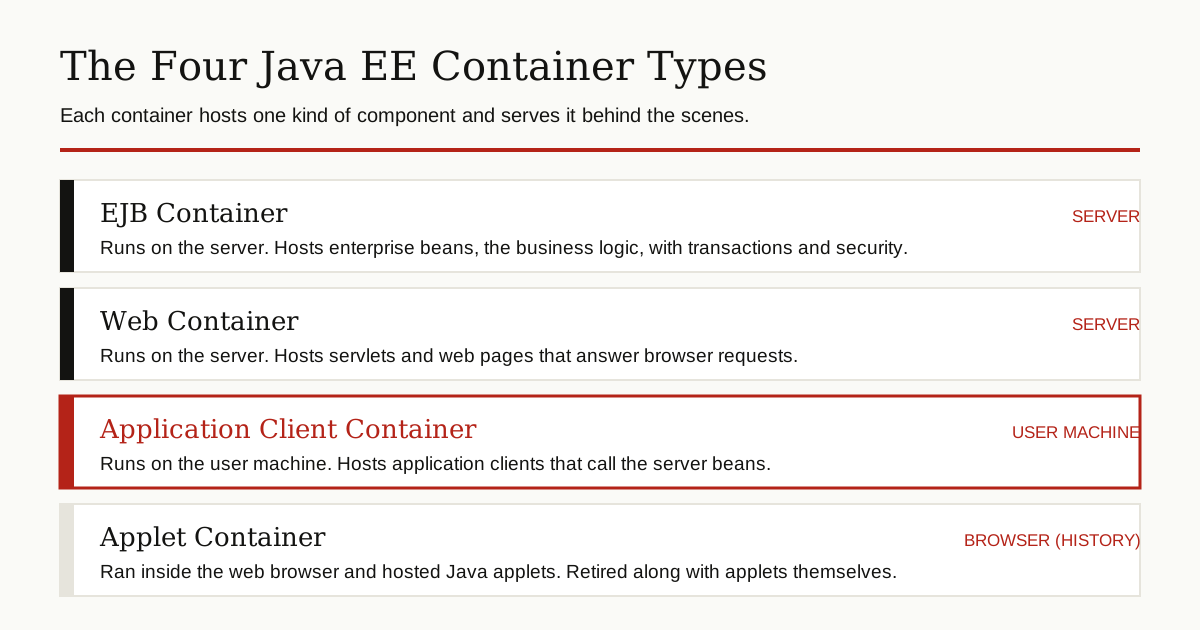
The applet container is the odd one out. Applets are long gone, because browsers dropped the Java plugin and the Java platform itself retired the Applet API. So in practice, three containers matter, and the one on the user machine is by far the least known.
What Is an Application Client?
An application client is a normal Java program with a main method, much like the first program every Java student writes. The difference is its job. It runs on the user machine, sometimes as a desktop window and sometimes as a plain command line tool, and it does its real work by calling enterprise beans on the server.
A servlet lives its whole life on the server. An application client is the mirror image: it has its own Java virtual machine on the user computer, and the server is just the place it calls for shared data and heavy logic.

The classic teaching example is a tiny currency converter. The client asks a bean on the server to turn dollars into yen and prints the answer. Oracle walks through exactly that client in its old Java EE tutorial chapter on creating an application client, and the example still shows the whole shape in a few lines of code: a program over here, business logic over there, and a call between them.
What the Application Client Container Does
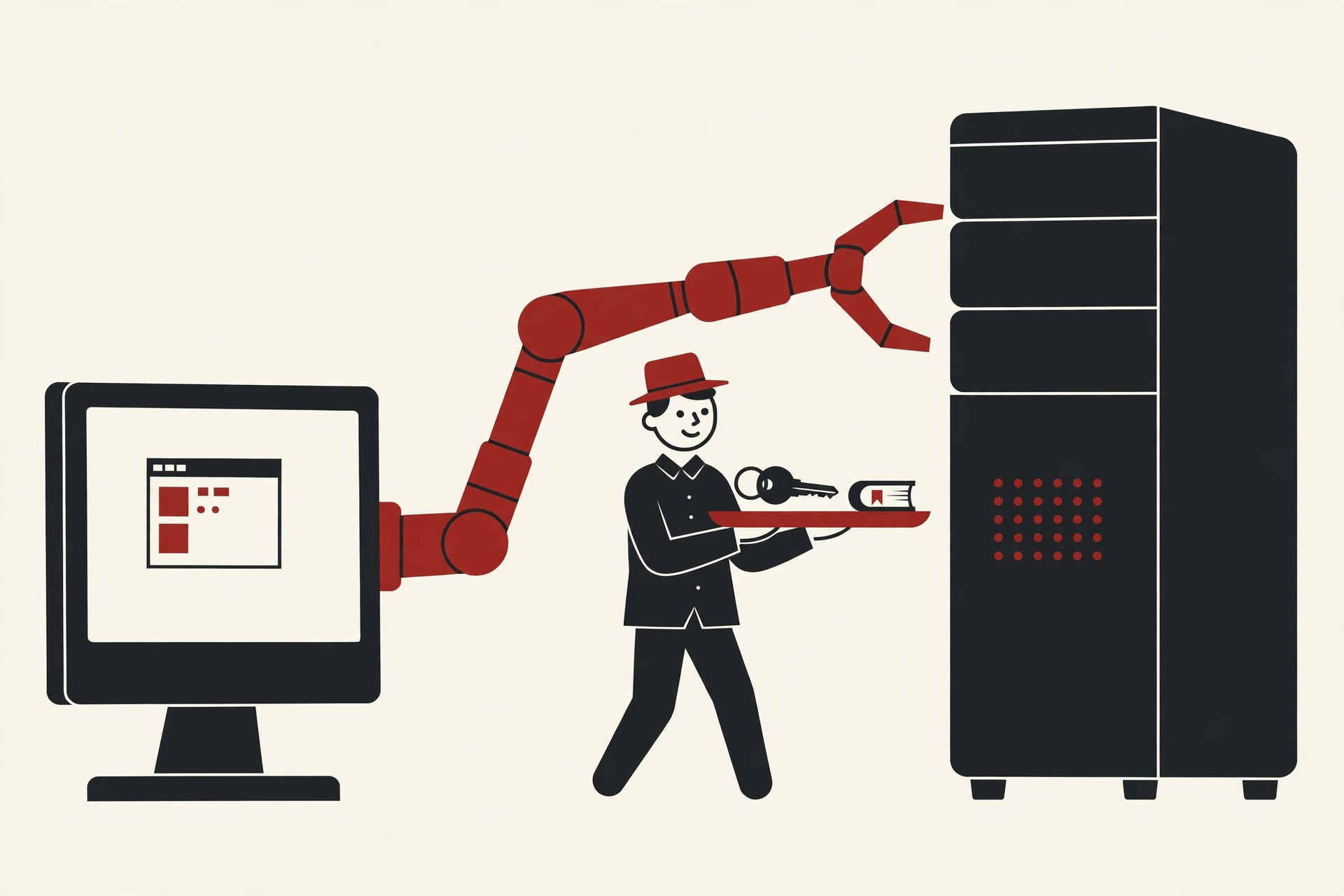
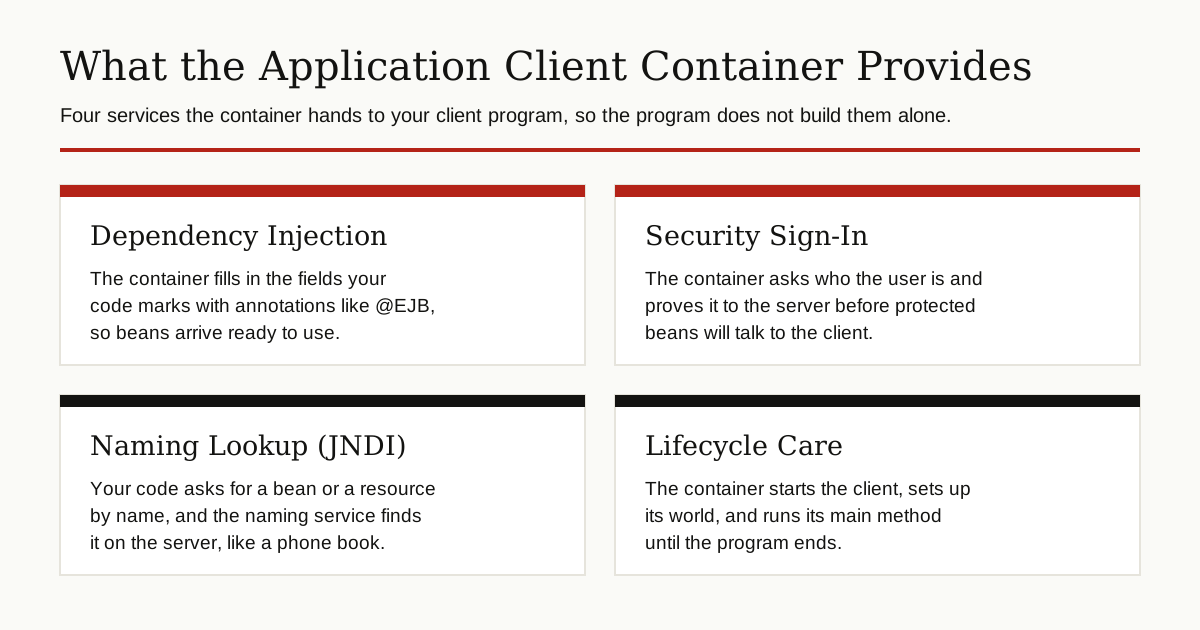
Left alone, that little client would have to find the server, prove who the user is, and build every connection by hand. The application client container exists to take those jobs away. It provides four services that matter.
Dependency Injection
Dependency injection means the container hands your code the objects it needs, instead of your code hunting for them. In an application client, you mark a field in your main class with an annotation such as @EJB. Before the main method starts, the container fills that field with a live connection to the bean on the server. The marked fields are static, because the container fills them before any object of the class exists. Your code simply calls methods on the bean, as if it were sitting in the same machine.
Security Sign-In
When the client calls a protected bean, someone has to prove who the user is. The container runs that sign-in. It can collect a name and password when the client starts, or wait until the client first touches something protected. It can also plug into the sign-in system of the machine it runs on, so the user may not see a separate login at all. Every client gets the same careful treatment, instead of each team inventing its own login screen.
Naming Lookup With JNDI
JNDI, short for Java Naming and Directory Interface, is the platform phone book. Components and resources are listed under names, and programs look them up by name instead of by hard coded address. The container sets up this phone book for the client and makes sure the questions reach the right server. If the server moves to a new machine, the names stay the same and the client code does not change.
Lifecycle Care
The container starts the client, prepares its naming world, performs the injections, handles any sign-in, and only then calls your main method. The program runs until it finishes, and the virtual machine closes. That whole routine is the lifecycle, and it is the reason the client can be so small: the startup ceremony belongs to the container, not to you.
How Deployment and Launching Work
Getting from source code to a running client takes a few plain steps.
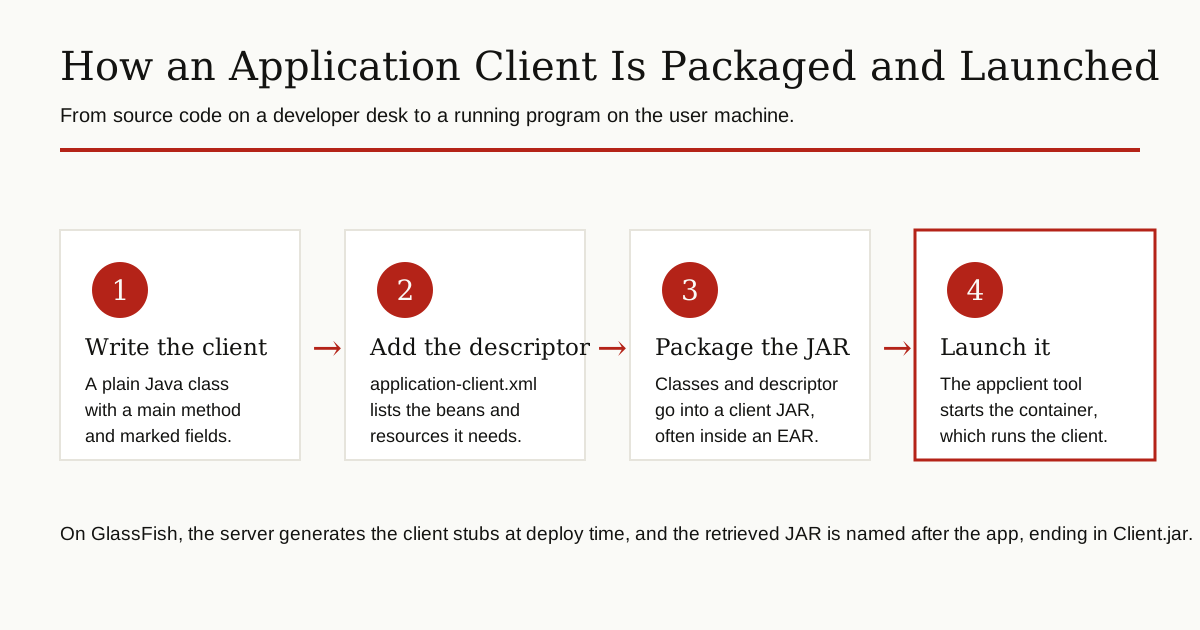
- Write the client. A Java class with a main method, plus annotations that mark the beans and resources it needs.
- Describe it, if needed. A small XML file named application-client.xml, stored in the META-INF folder, can list those needs explicitly. Annotations cover most cases, but the descriptor can add or override settings, and a line in the JAR manifest names the main class.
- Package it. The classes and the descriptor go into a JAR file, the client module. It can travel alone, or inside an EAR file, the large archive that holds a whole enterprise application.
- Deploy the server side and fetch the client. The application is deployed to the server. On GlassFish, deploying with the retrieve option, or running the get-client-stubs command, produces the finished client JAR, named after the application and ending in Client.jar.
- Launch it. The user runs the appclient command with that JAR. The container starts, signs the user in if needed, injects the references, and calls main. Under the hood, the client talks to the server with RMI-IIOP, the remote call protocol of the CORBA world that Java EE grew up in.
One detail surprises many readers: the client JAR is not the whole application. It carries the client classes, the bean interfaces the client calls, and the stubs the server generated for it. The real business logic never leaves the server, which is exactly what companies wanted from this design: thin copies on a thousand desks, one guarded brain in the middle.
The GlassFish reference page for the appclient command documents this launch in detail, including how the container package can also be copied to machines that have no server installed, using the package-appclient tool.
ACC vs a Plain Java Program
Both are Java programs on the same machine, so what really changes when a program runs in the container instead of on its own?
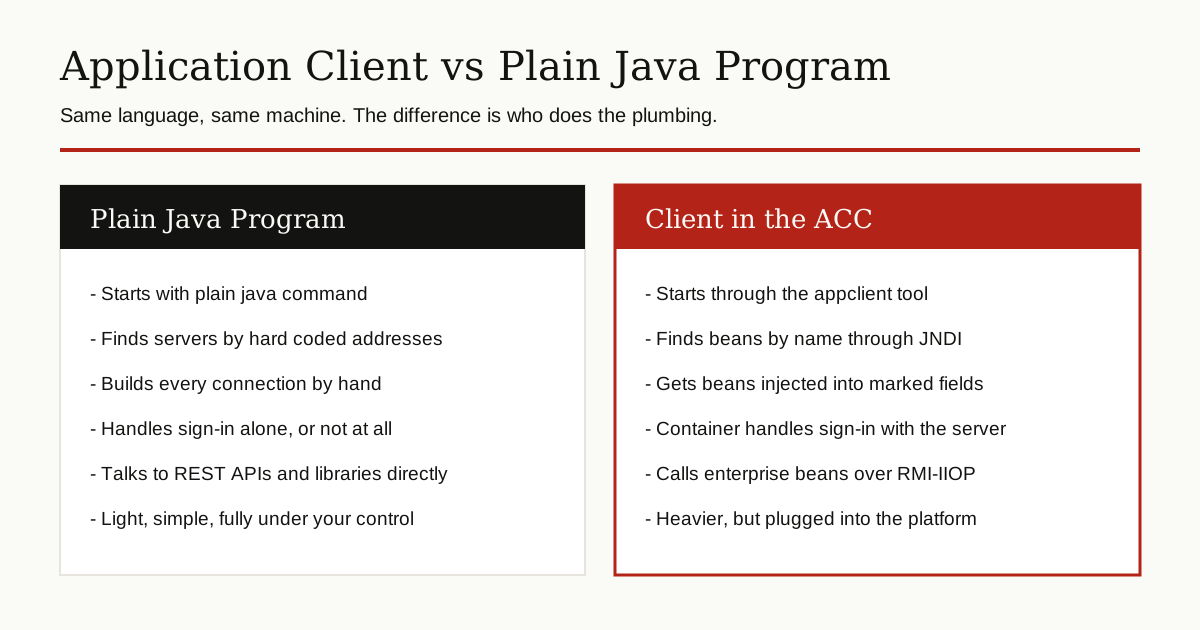
A plain program starts with the java command and fends for itself. If it wants a server, it opens network connections on its own, usually to a web API. A client in the container starts through appclient, gets its beans injected, finds things by name, and lets the container worry about sign-in. The price of that help is weight: container libraries on the machine, tooling tied to one server family, and ceremony that only pays off inside a Java EE shop. Outside that world, the plain program wins on simplicity almost every time.
Where You Still Meet It Today
You will not meet the application client container in a fresh startup project. You will meet it in the long tail of enterprise software: internal tools at banks, insurers and government offices, written in the 2000s and 2010s and still doing quiet daily work. It also shows up in admin and testing tools that poke at enterprise beans directly, and in courses and certification material, where the classic four containers are still taught as the map of the platform.
On the tooling side, it never actually left. GlassFish and its close relative Payara still ship the appclient launcher, and GlassFish even offers an embeddable form of the container that a tool can start from inside its own process.
An Honest Status Report
Time to say it plainly: the application client container is a legacy technology. Almost nobody starts a new project with it, and there are good reasons.
The browser won. A web app needs no installation on user machines, updates itself the moment the server changes, and works on any device. Desktop Java faded at the same time, and simple web APIs made server calls easy from any language, not just Java. The fat client gave way to thin web front ends calling shared services, first in the style of service oriented architecture, and later as plain REST APIs that any program can use.
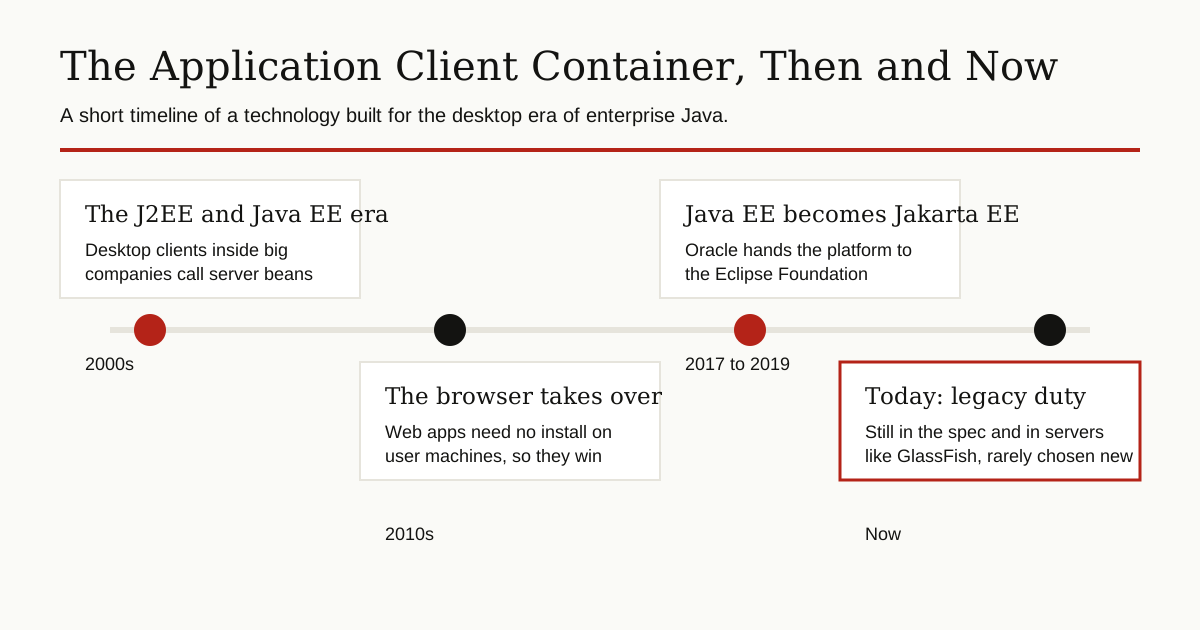
And yet it is not deleted. The current Jakarta EE Platform Specification still gives application clients their own chapter and still requires every full platform server to support the container. It survives because old systems survive, and because removing a promised feature would break them. Think of it less as a tool to reach for, and more as a piece of working history you should be able to recognize when a legacy system hands it to you.
Conclusion
The application client container was a thoughtful answer to a real problem of its time: how to give a desktop Java program the same platform services that server code enjoyed. The problem faded as the browser took over, but the container remains documented, shipped and quietly at work in old systems.
If you maintain enterprise Java, you will meet it sooner or later. When you do, the picture from this guide should make it feel familiar fast: a small host on the user machine, serving a small client, in the pattern shared by the whole platform. It is also a tidy reminder that platforms age in layers, and each layer tells you what the industry worried about at the time. For more guides like this one, browse the rest of our software development section.